Dev Diary: The Synapse Journey
August 2026
#DevDiary#Architecture#Vulkan
Starting from the complete rewrite in February 2026, I consistently shared my progress with my university consultant, András Fridvalszky. These MS Teams updates weren’t just status reports; they included technical breakdowns of new features, architectural decisions, and visual milestones.
This log presents the evolution of the Synapse Engine through that raw, chronological communication.
Fridvalszky András • Feb 12, 2026 - 12:09
Hi! How did you plan the spring semester? Would you like to continue with the thesis now?
Tamás Péter • Feb 12, 2026 - 12:48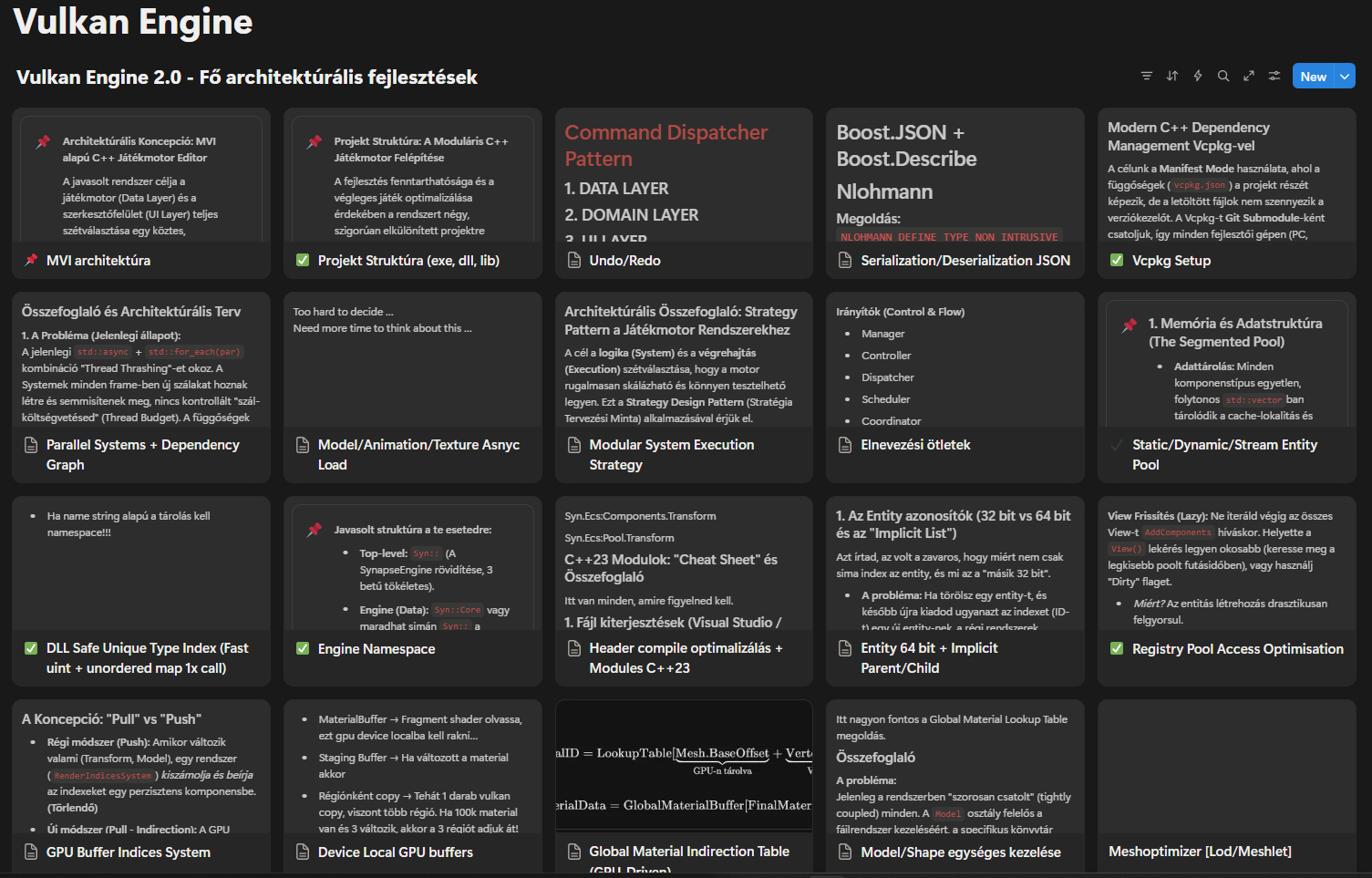
Hi!
Yes, I ended up activating the current spring semester. Even in January, I often thought it might be smarter to skip a semester and go passive for certain reasons, but I ultimately decided to continue with my studies. So my semester is active, and I have registered for Thesis 1 in Neptun. I assume I also need to register the topic again on the IIT portal.
Between the holidays in December, I thought a lot about the game engine since I had some time to rest. I managed to rethink it quite well in many aspects: how to do it better, modernize it, use more modern Vulkan solutions, and build a more modular, optimized, beautifully structured, and future-proof architecture.
(An actual full template metaprogramming-based modular ECS which turned out quite cool, static/dynamic entity handling, vcpkg manifest setup, CI/CD, MVI architecture, an ImGui Compose-like abstraction, modern Vulkan extensions like shader objects and descriptor buffers, VMA, volk, shader reflection, a custom internal system threadpool, a very nice fully parallel processing setup, flag-based optimization mechanisms, dirty list handling, a ton of stuff on the shader side, and much more...)
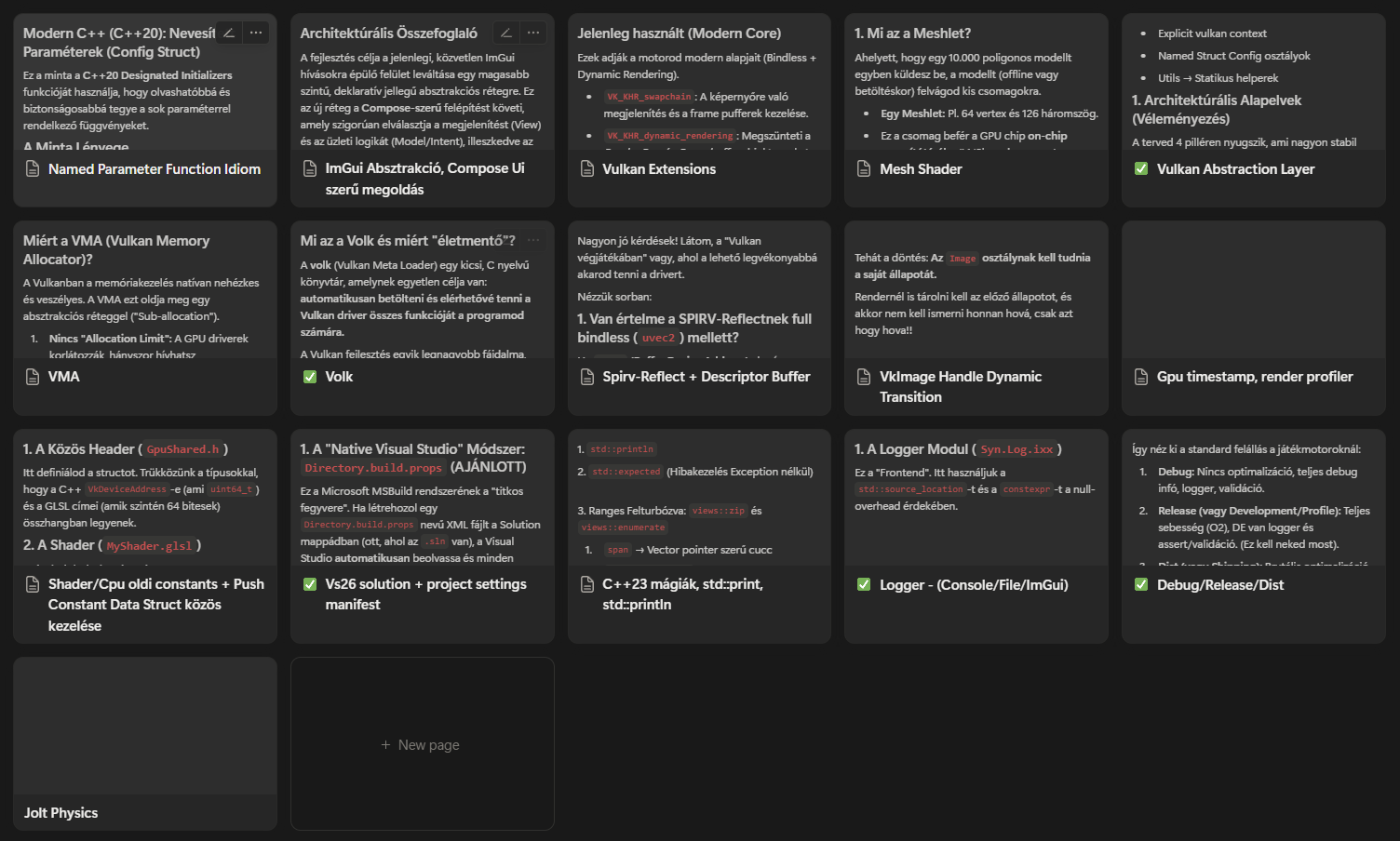
I gathered these ideas into Notion, and I have extensive plans for most parts of it.
And once again, I fall into the same trap where I am my own worst enemy; I burn myself out completely because of my own foolishness... The old version isn't bad either, in fact, it's easily 3x better than average, but it feels very inflexible to me now. It works fine, but it's hard to expand and develop. I started writing the project in the 1st semester when Vulkan was absolutely new to me. I had no idea what problems, solutions, and unforeseen issues I would have to solve during development, and because of this, I couldn't get a clean start with the project. Since then, I feel like I've managed to expand my perspective in programming.
After realizing how much I could improve, I completely lost my motivation and desire to work on the Project Laboratory 2 version. (Many ideas can be carried over, of course; I wouldn't scrap everything, but a lot of things would change at a very fundamental level...) The new version, which I have thoroughly thought out and features a truly beautiful architecture, would be put together very correctly, but it would take way too much time to build, which makes me reluctant to move forward with it...
So currently, I'm in this quantum state where I want to progress with the project because I genuinely love working on this topic, but at the same time, I have absolutely no desire to start... I am completely burned out from the university, the project lab, the constant joyless maximizing of performance, myself, and pretty much life right now...
Despite all this, I am continuing with Thesis 1. If possible, I'll stick to the topic, I'm just waiting for inspiration to strike one day so I can start again. I don't know how Thesis 1 differs from the Project Lab? Is it pretty much the same, just requiring a topic declaration? Where we summarize roughly what the project needs to know and what it will do?
Are researches and measurements needed? I don't know if the MSc level strictly requires them. Because if so, I really like this GPU-driven branch, so I could do "measurements" there, but currently, a few things would need to change there as well (the old ECS wasn't well prepared for it, for example) for it to be truly useful.
Here are two images from Notion.
Yes, I ended up activating the current spring semester. Even in January, I often thought it might be smarter to skip a semester and go passive for certain reasons, but I ultimately decided to continue with my studies. So my semester is active, and I have registered for Thesis 1 in Neptun. I assume I also need to register the topic again on the IIT portal.
Between the holidays in December, I thought a lot about the game engine since I had some time to rest. I managed to rethink it quite well in many aspects: how to do it better, modernize it, use more modern Vulkan solutions, and build a more modular, optimized, beautifully structured, and future-proof architecture.
(An actual full template metaprogramming-based modular ECS which turned out quite cool, static/dynamic entity handling, vcpkg manifest setup, CI/CD, MVI architecture, an ImGui Compose-like abstraction, modern Vulkan extensions like shader objects and descriptor buffers, VMA, volk, shader reflection, a custom internal system threadpool, a very nice fully parallel processing setup, flag-based optimization mechanisms, dirty list handling, a ton of stuff on the shader side, and much more...)
I gathered these ideas into Notion, and I have extensive plans for most parts of it.
And once again, I fall into the same trap where I am my own worst enemy; I burn myself out completely because of my own foolishness... The old version isn't bad either, in fact, it's easily 3x better than average, but it feels very inflexible to me now. It works fine, but it's hard to expand and develop. I started writing the project in the 1st semester when Vulkan was absolutely new to me. I had no idea what problems, solutions, and unforeseen issues I would have to solve during development, and because of this, I couldn't get a clean start with the project. Since then, I feel like I've managed to expand my perspective in programming.
After realizing how much I could improve, I completely lost my motivation and desire to work on the Project Laboratory 2 version. (Many ideas can be carried over, of course; I wouldn't scrap everything, but a lot of things would change at a very fundamental level...) The new version, which I have thoroughly thought out and features a truly beautiful architecture, would be put together very correctly, but it would take way too much time to build, which makes me reluctant to move forward with it...
So currently, I'm in this quantum state where I want to progress with the project because I genuinely love working on this topic, but at the same time, I have absolutely no desire to start... I am completely burned out from the university, the project lab, the constant joyless maximizing of performance, myself, and pretty much life right now...
Despite all this, I am continuing with Thesis 1. If possible, I'll stick to the topic, I'm just waiting for inspiration to strike one day so I can start again. I don't know how Thesis 1 differs from the Project Lab? Is it pretty much the same, just requiring a topic declaration? Where we summarize roughly what the project needs to know and what it will do?
Are researches and measurements needed? I don't know if the MSc level strictly requires them. Because if so, I really like this GPU-driven branch, so I could do "measurements" there, but currently, a few things would need to change there as well (the old ECS wasn't well prepared for it, for example) for it to be truly useful.
Here are two images from Notion.
Fridvalszky András • Feb 12, 2026 - 13:19
Oh, I'm sorry to hear that things turned out this way and that you're not enjoying university right now.
The thesis is a bit different from the project lab. The topic and the task description must be officially announced, which will concretize what needs to be fulfilled within the subject. However, what you have created so far during the project lab already exceeds what would be required for a thesis, in my opinion!
Regarding the rewriting of the architecture: I strongly advise against students starting such a thing during thesis preparation, because rewriting and refactoring usually consume all the time. There is no time left to create new features (after all, the thesis document must be written at some point), and refactoring is not something that can be easily formulated in the text as a completed task; it generally doesn't look good.
However! Since your current state is already exceptionally good, if that's what you want, I think starting a rewrite is acceptable, but I would still phrase the topic in a way that avoids specifics between the old or new plan. I would suggest writing the topic description so that a large percentage covers or draws from the areas that are already completed. During an MSc, it is indeed appropriate to support claims with measurements.
The thesis is a bit different from the project lab. The topic and the task description must be officially announced, which will concretize what needs to be fulfilled within the subject. However, what you have created so far during the project lab already exceeds what would be required for a thesis, in my opinion!
Regarding the rewriting of the architecture: I strongly advise against students starting such a thing during thesis preparation, because rewriting and refactoring usually consume all the time. There is no time left to create new features (after all, the thesis document must be written at some point), and refactoring is not something that can be easily formulated in the text as a completed task; it generally doesn't look good.
However! Since your current state is already exceptionally good, if that's what you want, I think starting a rewrite is acceptable, but I would still phrase the topic in a way that avoids specifics between the old or new plan. I would suggest writing the topic description so that a large percentage covers or draws from the areas that are already completed. During an MSc, it is indeed appropriate to support claims with measurements.
Tamás Péter • Feb 25, 2026 - 08:08
Hi!
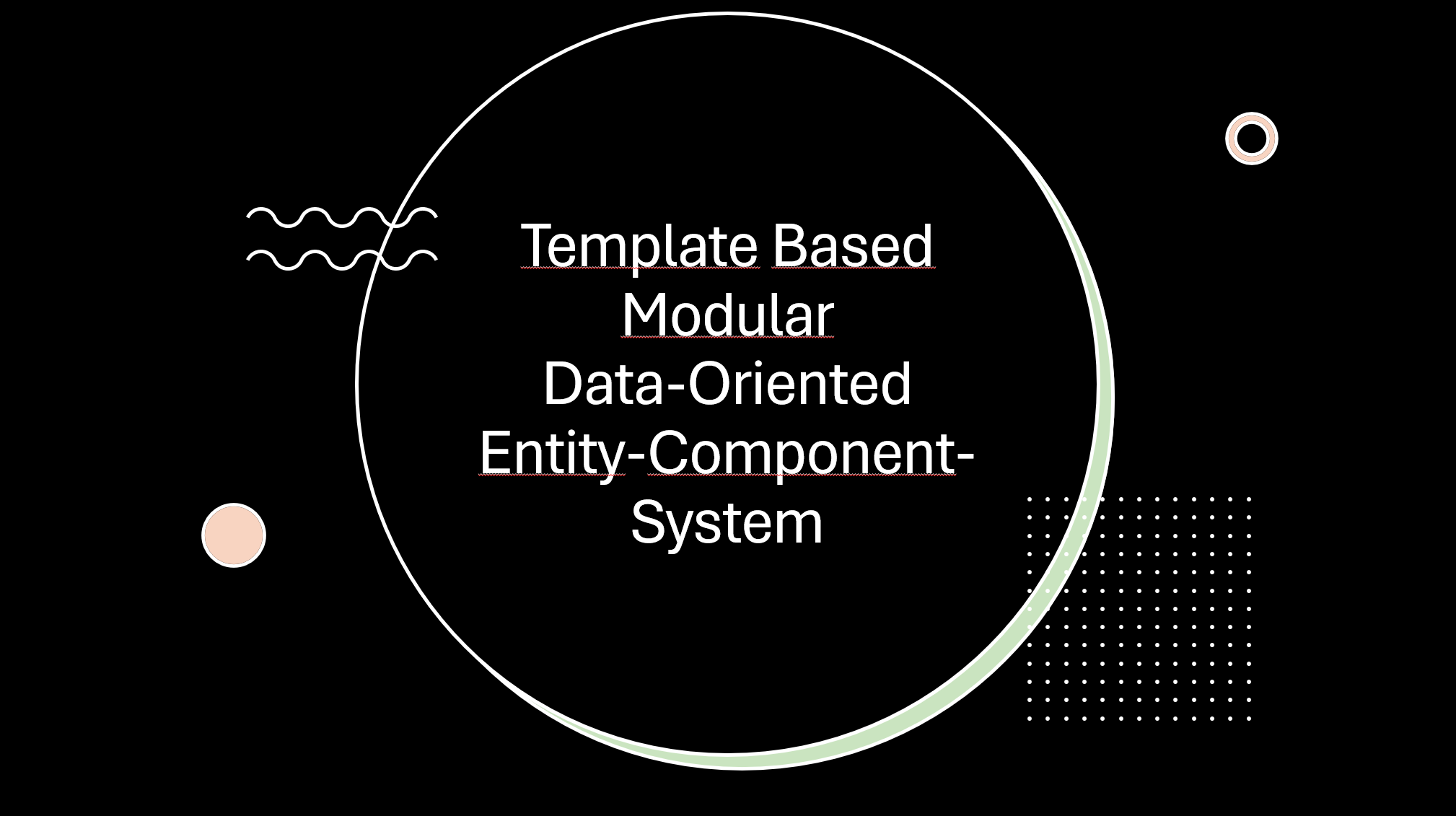
Here are the little presentations from yesterday. I thought I'd send them over since I pretty much finished them anyway, you never know who might find them useful in the future.
Here are the little presentations from yesterday. I thought I'd send them over since I pretty much finished them anyway, you never know who might find them useful in the future.
Fridvalszky András • Feb 25, 2026 - 13:40
Thank you!
Tamás Péter • Feb 25, 2026 - 08:08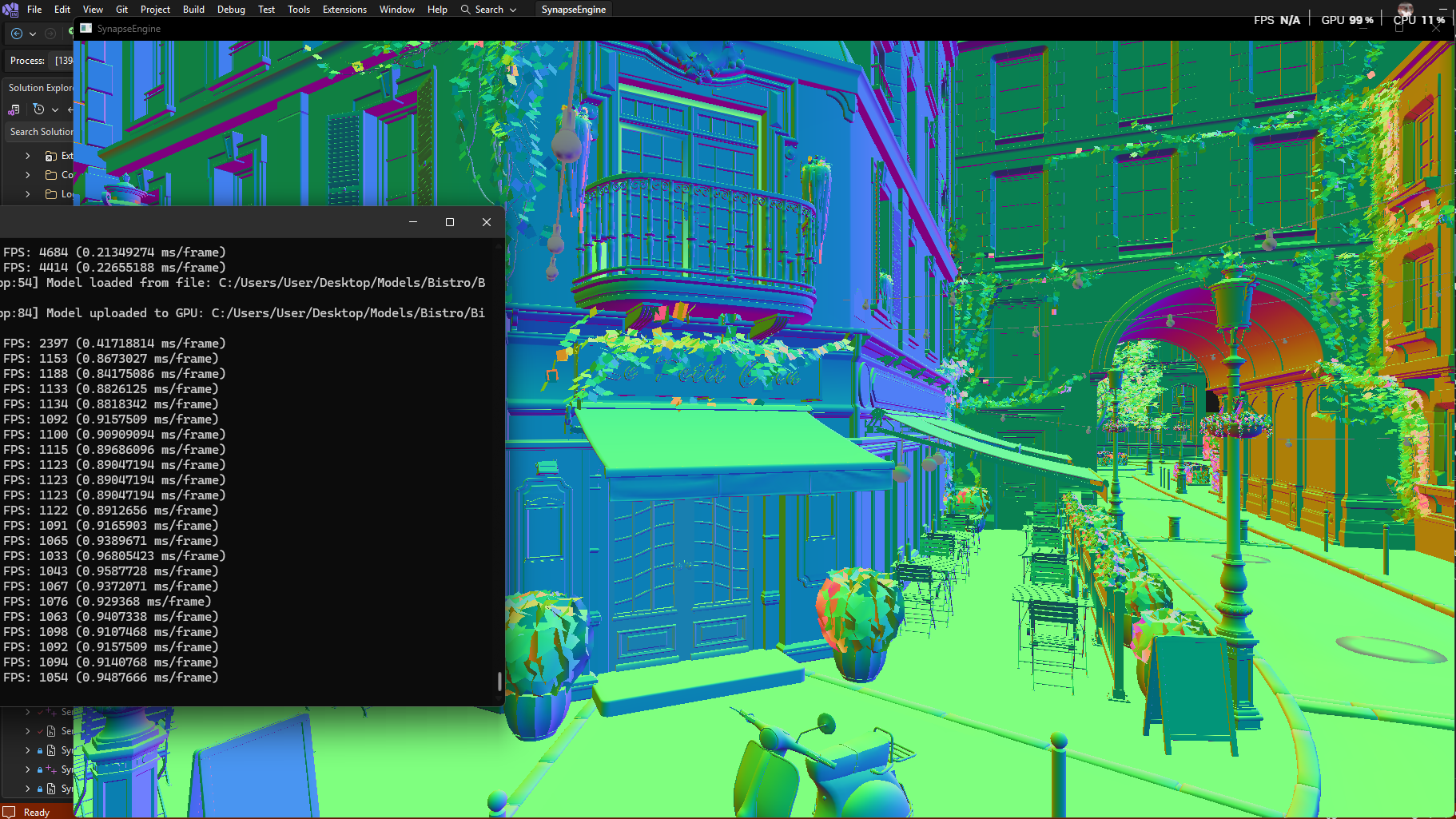
Hi!
A quick status update: Wow, I managed to make a ton of progress with the engine rewrite.
I finalized the model/mesh handling. I think it turned out really beautiful architecturally, and I was even able to apply the entire architectural approach to Image textures.
(ImageBuilder, ImageSource (File/Procedural), ImageProcessor, ImagePipeline, ImageLoader, Raw/Cooked/GPU image, ImageManager. You can load textures from files, stb_image, multiple formats with gli, generate mipmaps on the CPU/GPU level, or even procedural height maps, and everything can be handled uniformly with this architecture.)
When loading models, I also generate LOD levels for the normal pipeline using meshoptimizer, and I generate meshlets separately for the LOD levels, so the mesh shader will also be LOD compatible.
The entire model handling is data-oriented (basically "Batched", meaning there is 1 vertex buffer, 1 mixed flat index buffer, 1 meshlet vertex index buffer, and 1 meshlet triangle index buffer), and it is solved with offset descriptors so that the model can still be rendered and handled at the Mesh level.
The old version renderer was a completely Batched renderer, meaning it packed the 392 separate meshes of the Sponza model into the buffer in a similarly data-oriented way and drew everything with 1 render call, but this would not be LOD compatible (or rather, only model-level LOD, which is not good), and you can't cull at the mesh level this way either.
The new renderer is completely Multi-Draw Indirect based in both CPU-driven and GPU-driven implementations. This was also necessary because LOD data needs to be generated per mesh. There are 4 LOD levels in the engine right now, but it's not certain that 4 levels can be generated for every mesh. For a cube, there is only LOD0, multiple LOD levels are meaningless, and meshoptimizer recognizes and handles this. The old batched rendering at the model level would have been bad because in such cases it would have required a lot of duplication, literally copying the given mesh index data 4 times, and this would have only provided full model-level LOD... However, if I use Multi-Draw Indirect rendering, meaning every mesh has its own IndirectDrawCommand, then on one hand, I can cull and render at the mesh level, and on the other hand, I can achieve completely dynamic mesh-level LOD rendering this way. Meaning, I render Sponza, and LODs can be swapped even within the model, so the curtains further away appear with LOD1 instead of LOD0 in the case of Sponza!! Well, it wasn't easy to write all this, but the Multi-Draw Indirect solution seems very promising, and if you think back to the cube case, index data doesn't need to be duplicated for non-existent LOD levels this way, because the LOD is also handled with offset descriptors like the meshes. LOD1, LOD2, and LOD3 will essentially be descriptors for LOD0, with the compromise that there will be a fixed 4 IndirectDrawCommands for the same cube. So we handle LOD at a high level, and we will write the appropriate LOD indirect command based on distance, but at a low level, they will point to the same index and vertex range in cases where there are not actually 4 LOD levels.
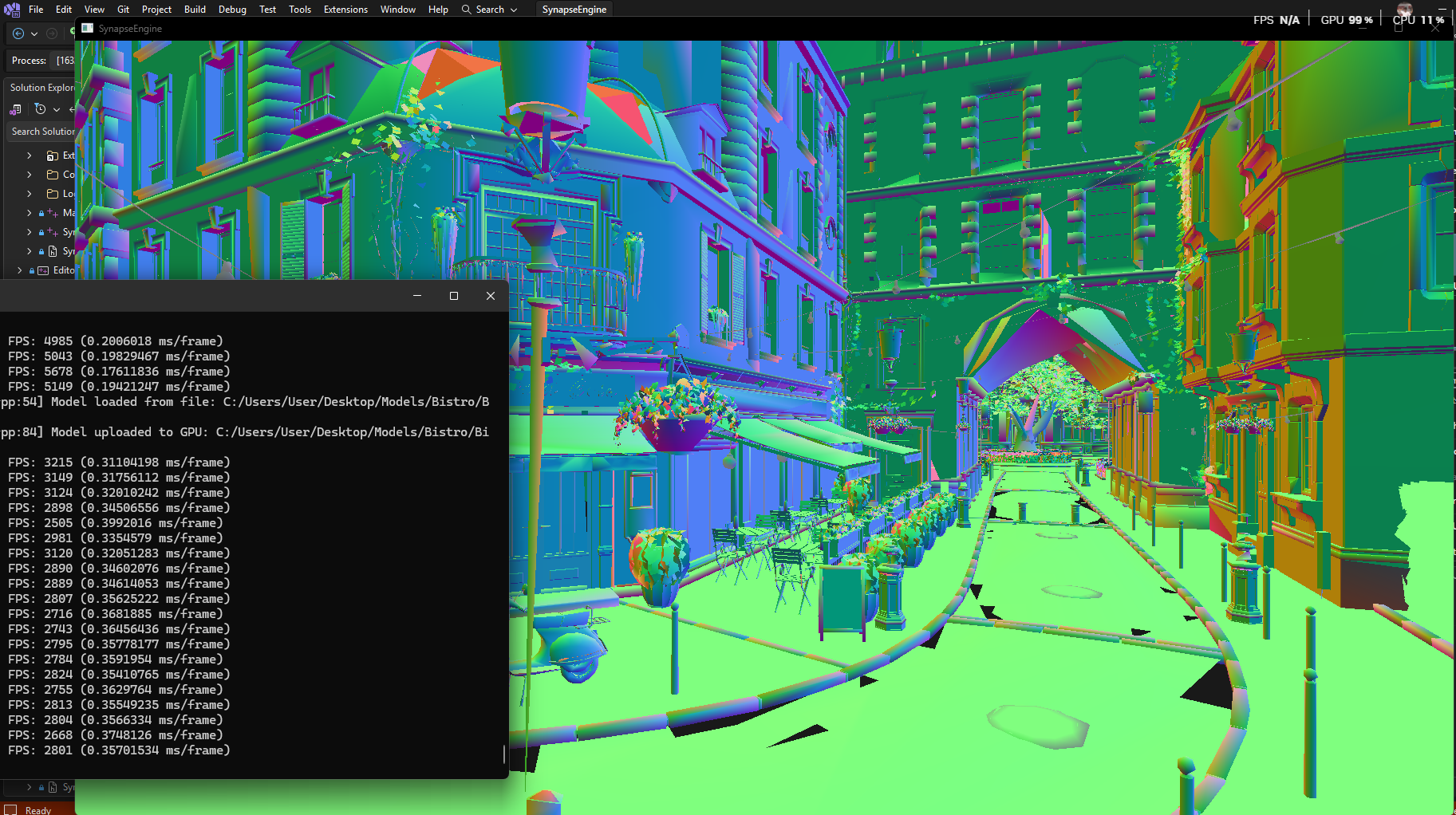
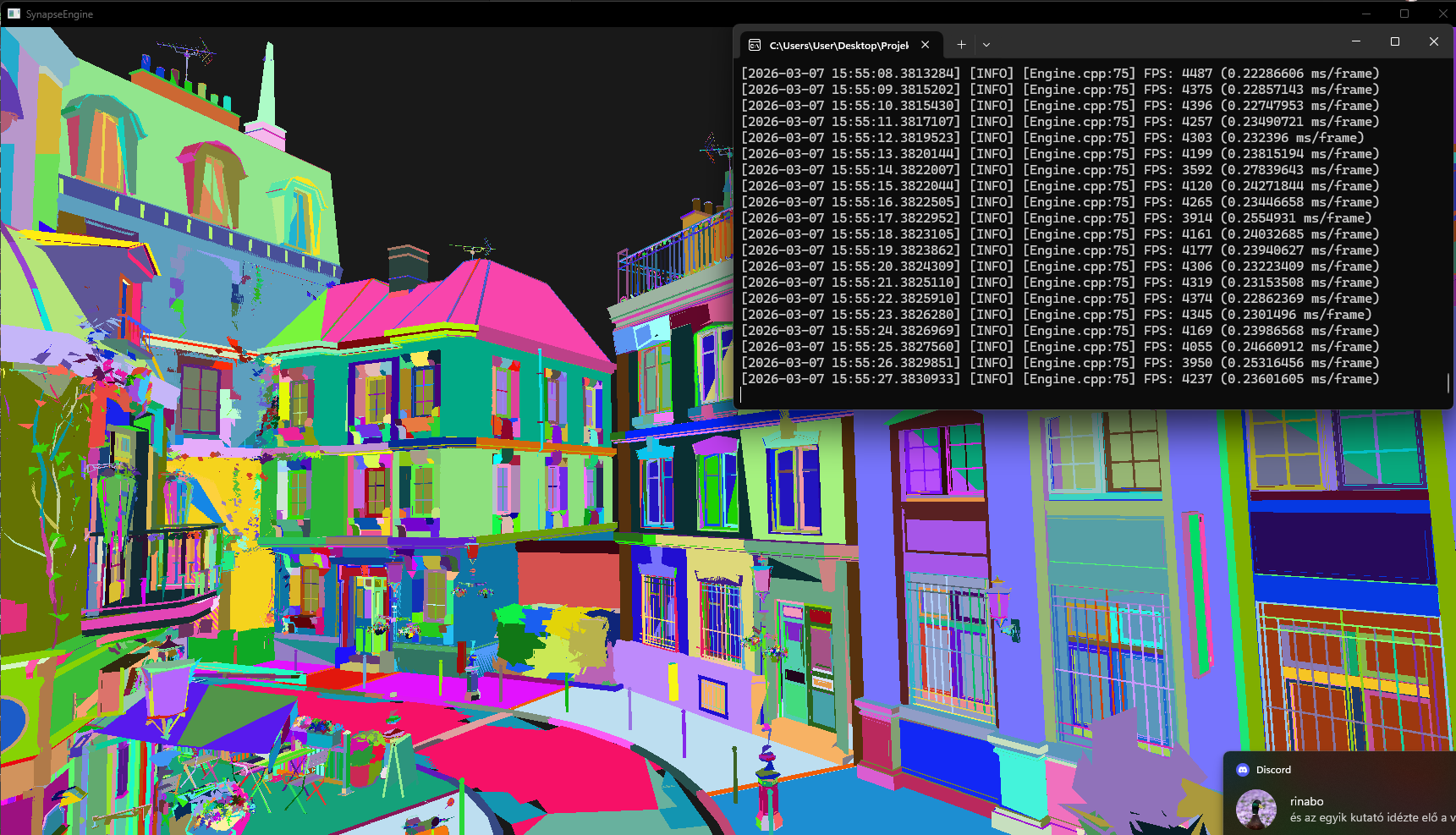
Here are a few pictures with the Nvidia Bistro.
* Normal Rendering LOD0: 1200fps
* Normal Rendering LOD3: 2800fps (Full LOD3)
* Mesh shader LOD0: 2000 fps
* Mesh shader LOD3: 4400 fps
So there will be full mesh-level culling for both CPU and GPU culling. It will probably be slower for the CPU since a lot of collision testing is needed, but for the GPU-driven culling, I think this will be criminally hardcore!!!
By the way, the mesh shader solution also works with MultiDrawIndirect now. It will be possible to cull meshes in the compute shader, so there will be fewer instances in the Draw Commands, less work, since I exclude a ton of meshlets by default that won't even start. For the ones that do start, I can cull again in the task shader, potentially with occlusion culling, which will be brutal.
Oh, and the GPU-driven solution will also be much better, it will be fully offset-based too.
1 Global Instance Index buffer. (It will be issued with offsets for the meshes and models, this will probably be huge in size).
1 Global Indirect Draw Command buffer. (It will be issued with offsets for the models).
The ECS ModelComponent contains references to loaded models, so I know at CPU time how many Models there are and the maximum number of occurrences for each. This way, if it changed (only needed on change!), the ModelComponentSystem will regenerate the offsets into the Global Instance Index buffer and the Indirect Draw Command Buffer. (In Project Lab 2, models had dedicated instance index buffers, now there will be 1 global). With this, it will be fully GPU-Driven, and I think all models can be realized with 1 render call using a massive Indirect Draw Buffer for all meshes of all models, WITH COMPLETELY DYNAMIC LOD HANDLING!!!
A quick status update: Wow, I managed to make a ton of progress with the engine rewrite.
I finalized the model/mesh handling. I think it turned out really beautiful architecturally, and I was even able to apply the entire architectural approach to Image textures.
(ImageBuilder, ImageSource (File/Procedural), ImageProcessor, ImagePipeline, ImageLoader, Raw/Cooked/GPU image, ImageManager. You can load textures from files, stb_image, multiple formats with gli, generate mipmaps on the CPU/GPU level, or even procedural height maps, and everything can be handled uniformly with this architecture.)
When loading models, I also generate LOD levels for the normal pipeline using meshoptimizer, and I generate meshlets separately for the LOD levels, so the mesh shader will also be LOD compatible.
The entire model handling is data-oriented (basically "Batched", meaning there is 1 vertex buffer, 1 mixed flat index buffer, 1 meshlet vertex index buffer, and 1 meshlet triangle index buffer), and it is solved with offset descriptors so that the model can still be rendered and handled at the Mesh level.
The old version renderer was a completely Batched renderer, meaning it packed the 392 separate meshes of the Sponza model into the buffer in a similarly data-oriented way and drew everything with 1 render call, but this would not be LOD compatible (or rather, only model-level LOD, which is not good), and you can't cull at the mesh level this way either.
The new renderer is completely Multi-Draw Indirect based in both CPU-driven and GPU-driven implementations. This was also necessary because LOD data needs to be generated per mesh. There are 4 LOD levels in the engine right now, but it's not certain that 4 levels can be generated for every mesh. For a cube, there is only LOD0, multiple LOD levels are meaningless, and meshoptimizer recognizes and handles this. The old batched rendering at the model level would have been bad because in such cases it would have required a lot of duplication, literally copying the given mesh index data 4 times, and this would have only provided full model-level LOD... However, if I use Multi-Draw Indirect rendering, meaning every mesh has its own IndirectDrawCommand, then on one hand, I can cull and render at the mesh level, and on the other hand, I can achieve completely dynamic mesh-level LOD rendering this way. Meaning, I render Sponza, and LODs can be swapped even within the model, so the curtains further away appear with LOD1 instead of LOD0 in the case of Sponza!! Well, it wasn't easy to write all this, but the Multi-Draw Indirect solution seems very promising, and if you think back to the cube case, index data doesn't need to be duplicated for non-existent LOD levels this way, because the LOD is also handled with offset descriptors like the meshes. LOD1, LOD2, and LOD3 will essentially be descriptors for LOD0, with the compromise that there will be a fixed 4 IndirectDrawCommands for the same cube. So we handle LOD at a high level, and we will write the appropriate LOD indirect command based on distance, but at a low level, they will point to the same index and vertex range in cases where there are not actually 4 LOD levels.
Here are a few pictures with the Nvidia Bistro.
* Normal Rendering LOD0: 1200fps
* Normal Rendering LOD3: 2800fps (Full LOD3)
* Mesh shader LOD0: 2000 fps
* Mesh shader LOD3: 4400 fps
So there will be full mesh-level culling for both CPU and GPU culling. It will probably be slower for the CPU since a lot of collision testing is needed, but for the GPU-driven culling, I think this will be criminally hardcore!!!
By the way, the mesh shader solution also works with MultiDrawIndirect now. It will be possible to cull meshes in the compute shader, so there will be fewer instances in the Draw Commands, less work, since I exclude a ton of meshlets by default that won't even start. For the ones that do start, I can cull again in the task shader, potentially with occlusion culling, which will be brutal.
Oh, and the GPU-driven solution will also be much better, it will be fully offset-based too.
1 Global Instance Index buffer. (It will be issued with offsets for the meshes and models, this will probably be huge in size).
1 Global Indirect Draw Command buffer. (It will be issued with offsets for the models).
The ECS ModelComponent contains references to loaded models, so I know at CPU time how many Models there are and the maximum number of occurrences for each. This way, if it changed (only needed on change!), the ModelComponentSystem will regenerate the offsets into the Global Instance Index buffer and the Indirect Draw Command Buffer. (In Project Lab 2, models had dedicated instance index buffers, now there will be 1 global). With this, it will be fully GPU-Driven, and I think all models can be realized with 1 render call using a massive Indirect Draw Buffer for all meshes of all models, WITH COMPLETELY DYNAMIC LOD HANDLING!!!
Fridvalszky András • Mar 09, 2026 - 10:50
Wow, this really looks very promising, especially with the performance difference! How do you see the update part, how slow will that be (when the two buffers need to be regenerated, if a new model is loaded or if a new instance is added)?
Oh, and by the way, could the mesh shader and the normal workload run simultaneously (drawing some things one way, and some the other way)?
Oh, and by the way, could the mesh shader and the normal workload run simultaneously (drawing some things one way, and some the other way)?
Tamás Péter • Mar 10, 2026 - 09:17
I don't think it will be slow at all.
When I divide the global instance index buffer between the models and meshes, it is very fast because the contents of the buffer don't matter, only the offsets and ranges need to be allocated correctly. And to avoid constantly regenerating the entire buffer upon changes, this can be solved using a "windowed" approach, where the buffer capacity is always slightly larger than the actual required index ranges. This means if 1 entity is deleted or added (depending on the window size, I could even set it to 256), the entire buffer doesn't need to be regenerated. So, in theory, it's just about correctly allocating offsets, and from then on, the culling will update the buffer with the appropriate entity indices. The entire buffer will only need to be regenerated if a large number of entities are deleted/added.
For the global indirect draw buffer, it's basically the same story. The buffer size will be generated using the same windowed method, and offsets and ranges will be allocated among models and meshes. Here, the only addition is that I cache the indirect draw commands themselves in a `std::vector` on the CPU side within the model for all meshes, so that the `vertexCount` and `firstVertex` parameters belonging to the meshes don't have to be constantly adjusted. When the model receives the offset and the range, I literally just copy the contents of the indirect draw command vector to that range using a single `std::memcpy`. The only thing is that the `instanceCount` will be 0, and this will be set by either the CPU culling or the GPU culling later.
So, thinking it through like this, I believe it will be super fast and very efficient.
I think the mesh and normal workloads can run simultaneously. Actually, it can be toggled at the mesh level whether it uses the normal or the mesh shader. So, even within a single model, there can be parts drawn by the mesh shader and parts by the normal pipeline. However, this might require me to split the global indirect draw buffer into two parts, so there is a normal workload and a mesh shader workload. (Although this might even be solvable within the global buffer using a [normal | mesh shader] layout partition). In reality, if every mesh has a flag indicating which one to use, from that point on, it all depends purely on the offset allocation. And there's no need for all of a model's meshes to be compactly next to each other, since the renderer and the architecture don't think in terms of models, but in terms of meshes. I think it will be easily achievable with the current architecture, by the way.
(It could even be adjustable at the mesh LOD level, so that LODs 2-3 are rendered by the normal pipeline, and LODs 0-1 by the mesh shader. I'm not sure if this has any practical use, but at least thinking it through, even this will be possible.)
When I divide the global instance index buffer between the models and meshes, it is very fast because the contents of the buffer don't matter, only the offsets and ranges need to be allocated correctly. And to avoid constantly regenerating the entire buffer upon changes, this can be solved using a "windowed" approach, where the buffer capacity is always slightly larger than the actual required index ranges. This means if 1 entity is deleted or added (depending on the window size, I could even set it to 256), the entire buffer doesn't need to be regenerated. So, in theory, it's just about correctly allocating offsets, and from then on, the culling will update the buffer with the appropriate entity indices. The entire buffer will only need to be regenerated if a large number of entities are deleted/added.
For the global indirect draw buffer, it's basically the same story. The buffer size will be generated using the same windowed method, and offsets and ranges will be allocated among models and meshes. Here, the only addition is that I cache the indirect draw commands themselves in a `std::vector` on the CPU side within the model for all meshes, so that the `vertexCount` and `firstVertex` parameters belonging to the meshes don't have to be constantly adjusted. When the model receives the offset and the range, I literally just copy the contents of the indirect draw command vector to that range using a single `std::memcpy`. The only thing is that the `instanceCount` will be 0, and this will be set by either the CPU culling or the GPU culling later.
So, thinking it through like this, I believe it will be super fast and very efficient.
I think the mesh and normal workloads can run simultaneously. Actually, it can be toggled at the mesh level whether it uses the normal or the mesh shader. So, even within a single model, there can be parts drawn by the mesh shader and parts by the normal pipeline. However, this might require me to split the global indirect draw buffer into two parts, so there is a normal workload and a mesh shader workload. (Although this might even be solvable within the global buffer using a [normal | mesh shader] layout partition). In reality, if every mesh has a flag indicating which one to use, from that point on, it all depends purely on the offset allocation. And there's no need for all of a model's meshes to be compactly next to each other, since the renderer and the architecture don't think in terms of models, but in terms of meshes. I think it will be easily achievable with the current architecture, by the way.
(It could even be adjustable at the mesh LOD level, so that LODs 2-3 are rendered by the normal pipeline, and LODs 0-1 by the mesh shader. I'm not sure if this has any practical use, but at least thinking it through, even this will be possible.)
Fridvalszky András • Mar 10, 2026 - 11:42
Ah, I see! Then this really does seem very efficient even in the event of changes!
Tamás Péter • Mar 12, 2026 - 22:00
Hi!
Sorry for bombarding you with messages again, but I just have to write this down xd
THE RENDERER IS WORKING!!!!
I still can't believe it, but everything came together. I was able to perfectly build the renderer I described in the previous message on top of the new model/mesh-based representation I came up with. I am able to handle all entities, all the separate meshes of all their models at all their LOD levels individually, yet render them all together. What's more, yes, I am even able to toggle between the traditional and mesh shader versions one by one!!! Specifically, what you see in the video is a single `vkCmdDrawIndirectCount` API call. Currently, it's still fully on the traditional pipeline, but the code is already completely prepared on the GPU side for mesh shader handling as well!!!
Yes, meanwhile the new entity-component-system also turned out insanely good, the static/dynamic/streamed distribution is very nice. Imagine this, it can be adjusted at the component level, so it is entirely possible that all `ModelComponent`s which change relatively rarely are static (meaning the System finishes instantly since it almost always iterates on a 0-length vector), while the transform, for example, is dynamic. But even here, it is handled with a dynamic flag, and the entire Pool status is tracked as well, so if not a single dynamic one has changed, we skip the entire dynamic range too. This is very important because this way it will match the speed of the GPU-Driven approach on the CPU side, since the old ECS wasn't thoroughly optimized!!
Oh, and finally, I am using the taskflow library because it fits perfectly into the whole engine. Iterating and updating static/dynamic/streamed entities is fully parallel with taskflow this way. Data uploading to the GPU also goes through taskflow, that is fully parallel too. I can handle the dependencies between systems very well with taskflow, and I always achieve maximum parallelism between systems. (And within the systems, as I mentioned, I can skip very well because of the static/flag setup).
Moreover, I load the models asynchronously on background threads using taskflow, and hold on tight!! The model/mesh representation I came up with, the raw/cooked/gpu representation, and the separate processors can all be parallelized concurrently by meshes!!! The collider processor iterates on the vertices of all the meshes of the entire model, calculates AABB and OBB, and then for the entire model as well! This is also fully parallelizable at the mesh level! Furthermore, even in the ASSIMP loader, the loading of vertex and index data is parallelized per mesh using taskflow, and even the meshlet and LOD generators are processors that again operate at the mesh level, so that is parallelized with taskflow too!!!
And everything is perfectly data-oriented: the renderer, instance management, model/mesh handling, and the entity-component-system. Perfectly data-oriented, which means it perfectly matches how the GPU operates!
The point in the videos is that there are tons of shapes, multiple types, and very complex Sponza/Bistro models too.
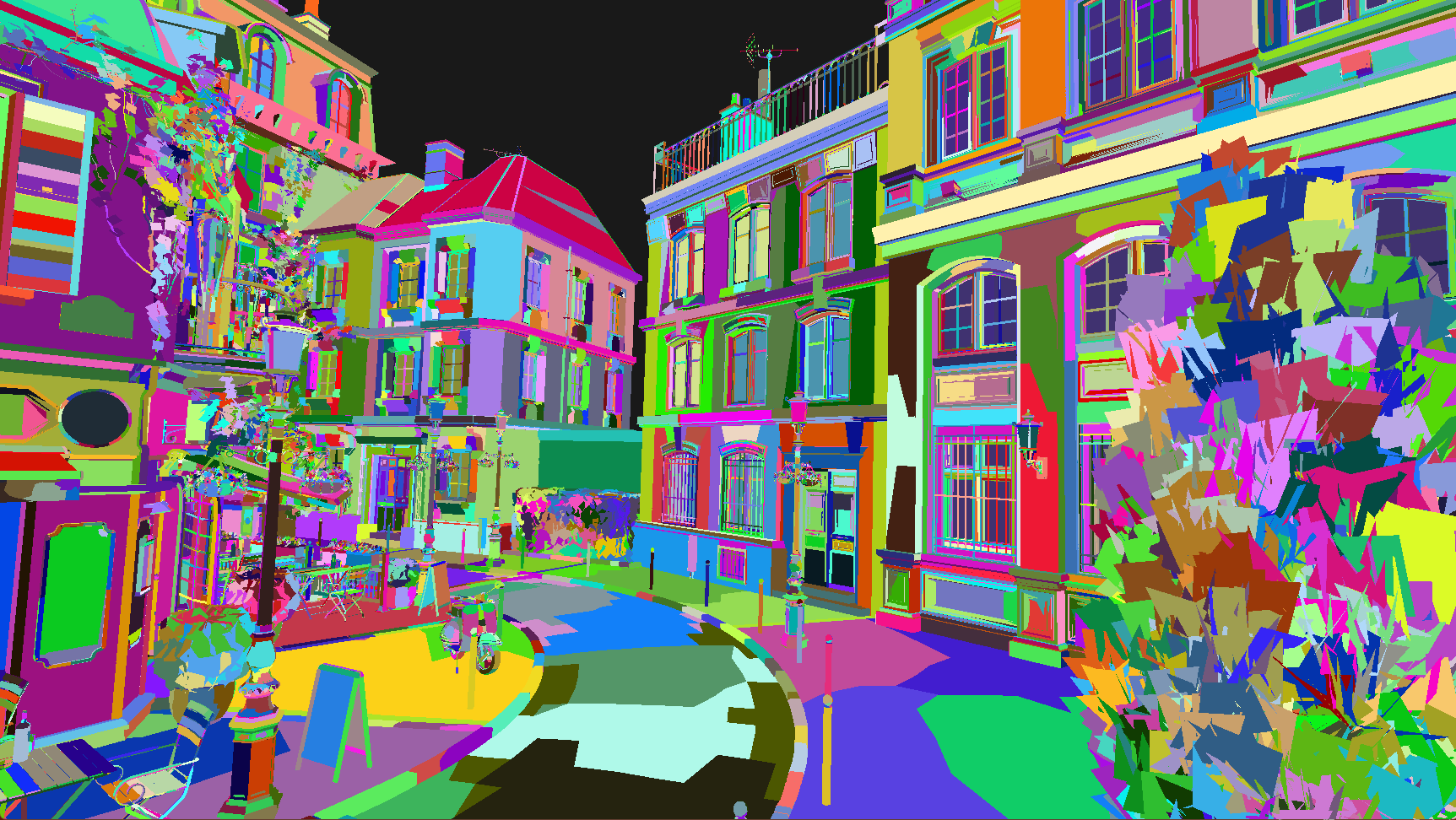
Regarding the coloring: red/green/blue/yellow = LOD0, LOD1, LOD2, LOD3.
The reason it flickers a lot is because right now I am telling it randomly every frame which LOD to render with. In the case of Sponza, you can even see the lower-level LOD representation at the arch of the walls! AND YES!!! It also works with multi-buffering, even with 2-3 frames in flight (or however many we want).
Sorry for bombarding you with messages again, but I just have to write this down xd
THE RENDERER IS WORKING!!!!
I still can't believe it, but everything came together. I was able to perfectly build the renderer I described in the previous message on top of the new model/mesh-based representation I came up with. I am able to handle all entities, all the separate meshes of all their models at all their LOD levels individually, yet render them all together. What's more, yes, I am even able to toggle between the traditional and mesh shader versions one by one!!! Specifically, what you see in the video is a single `vkCmdDrawIndirectCount` API call. Currently, it's still fully on the traditional pipeline, but the code is already completely prepared on the GPU side for mesh shader handling as well!!!
Yes, meanwhile the new entity-component-system also turned out insanely good, the static/dynamic/streamed distribution is very nice. Imagine this, it can be adjusted at the component level, so it is entirely possible that all `ModelComponent`s which change relatively rarely are static (meaning the System finishes instantly since it almost always iterates on a 0-length vector), while the transform, for example, is dynamic. But even here, it is handled with a dynamic flag, and the entire Pool status is tracked as well, so if not a single dynamic one has changed, we skip the entire dynamic range too. This is very important because this way it will match the speed of the GPU-Driven approach on the CPU side, since the old ECS wasn't thoroughly optimized!!
Oh, and finally, I am using the taskflow library because it fits perfectly into the whole engine. Iterating and updating static/dynamic/streamed entities is fully parallel with taskflow this way. Data uploading to the GPU also goes through taskflow, that is fully parallel too. I can handle the dependencies between systems very well with taskflow, and I always achieve maximum parallelism between systems. (And within the systems, as I mentioned, I can skip very well because of the static/flag setup).
Moreover, I load the models asynchronously on background threads using taskflow, and hold on tight!! The model/mesh representation I came up with, the raw/cooked/gpu representation, and the separate processors can all be parallelized concurrently by meshes!!! The collider processor iterates on the vertices of all the meshes of the entire model, calculates AABB and OBB, and then for the entire model as well! This is also fully parallelizable at the mesh level! Furthermore, even in the ASSIMP loader, the loading of vertex and index data is parallelized per mesh using taskflow, and even the meshlet and LOD generators are processors that again operate at the mesh level, so that is parallelized with taskflow too!!!
And everything is perfectly data-oriented: the renderer, instance management, model/mesh handling, and the entity-component-system. Perfectly data-oriented, which means it perfectly matches how the GPU operates!
The point in the videos is that there are tons of shapes, multiple types, and very complex Sponza/Bistro models too.
Regarding the coloring: red/green/blue/yellow = LOD0, LOD1, LOD2, LOD3.
The reason it flickers a lot is because right now I am telling it randomly every frame which LOD to render with. In the case of Sponza, you can even see the lower-level LOD representation at the arch of the walls! AND YES!!! It also works with multi-buffering, even with 2-3 frames in flight (or however many we want).
Tamás Péter • Mar 13, 2026 - 06:33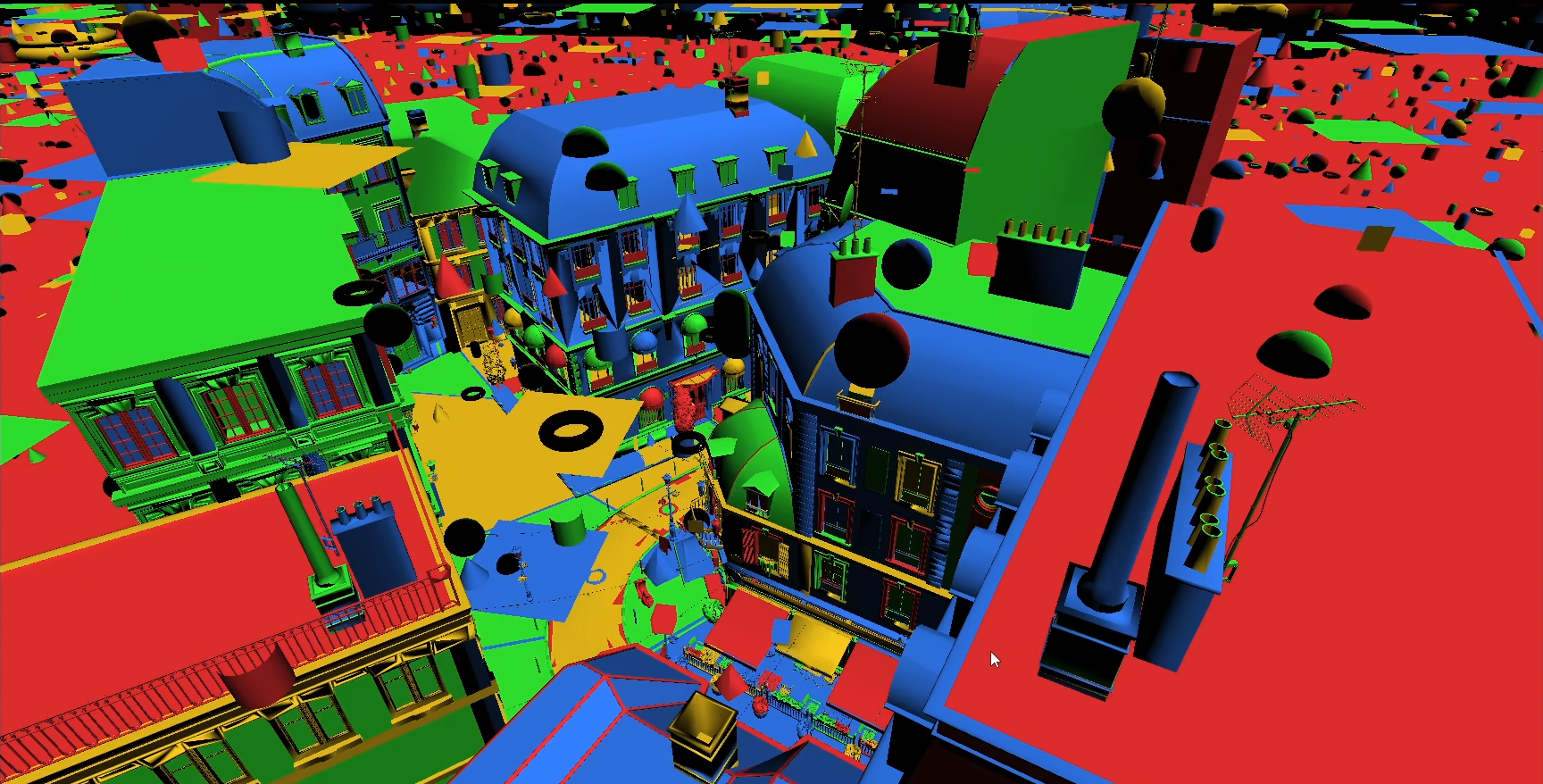
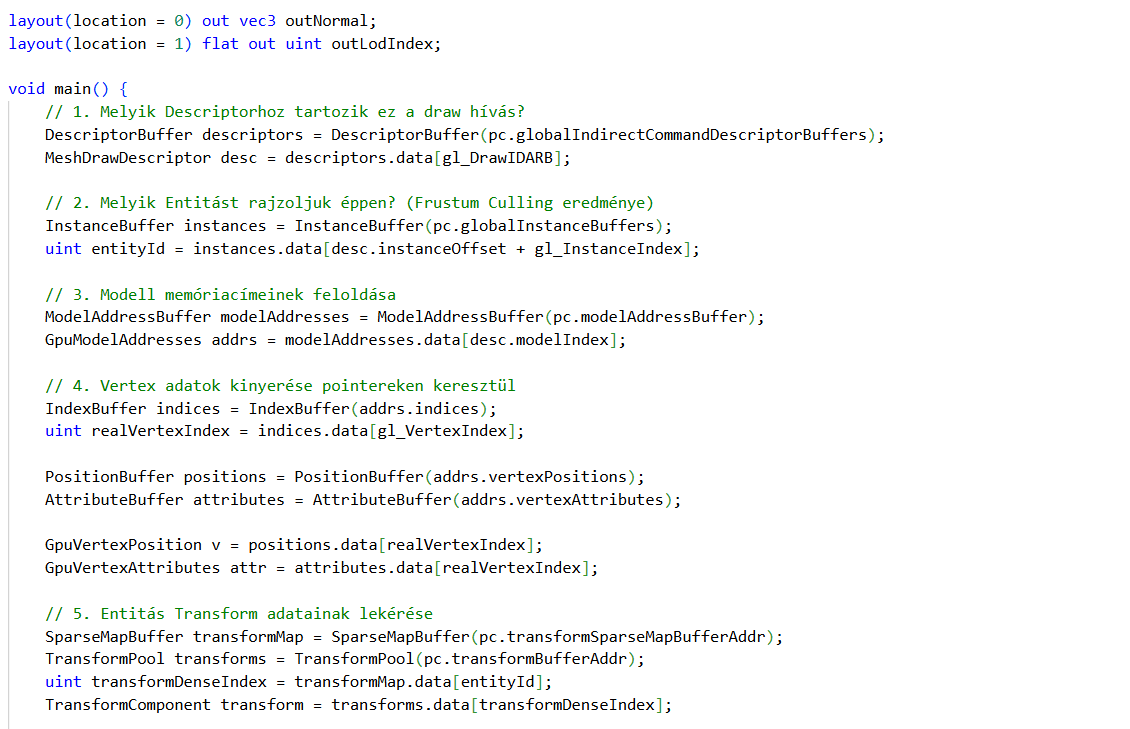
Here is the shader and the render call, just so you can see it. It is worth checking out the vertex shader, it is a miracle xd
Plus, here is an image where you can really see that LOD levels can be swapped per mesh even within a model.
Plus, here is an image where you can really see that LOD levels can be swapped per mesh even within a model.
Tamás Péter • Mar 13, 2026 - 06:57
Oh, and one more thing, this is really the last message xd
This architecture is also capable of handling animation. (The previous engine was similar in this regard).
Since all shaders use vertex pulling, the per-vertex animation weights and bone indices don't need to be baked into the vertex structure. This way, it is enough to load the static vertex positions and attributes once, and swapping the animation per entity can be implemented in a bindless, data-oriented manner, which will be rendered by the exact same vertex shader as the ones without animation!! And animation will even work with different LOD levels per mesh!!! So animation can also be perfectly integrated into the GPU-driven culling parts!!
This architecture is also capable of handling animation. (The previous engine was similar in this regard).
Since all shaders use vertex pulling, the per-vertex animation weights and bone indices don't need to be baked into the vertex structure. This way, it is enough to load the static vertex positions and attributes once, and swapping the animation per entity can be implemented in a bindless, data-oriented manner, which will be rendered by the exact same vertex shader as the ones without animation!! And animation will even work with different LOD levels per mesh!!! So animation can also be perfectly integrated into the GPU-driven culling parts!!
Fridvalszky András • Mar 13, 2026 - 18:50
I've looked through it! The results are very good, especially how well the systems you designed fit together! I've also been looking into taskflow these past few days, and it really does fit perfectly into a system designed this way.
If I see correctly, multiple cameras can also be uploaded at once, from which you select dynamically?
What you wrote at the end about the animation is the part that is still partially unclear to me, but I remember we talked about this at the beginning of the semester too. It's clear that the animation data can come from a separate buffer so it doesn't need to be next to the vertex data. However, when you write that the exact same vertex shader will do it, does that mean there will be a runtime 'if'? Based on whether the model is animated or not. And if it is animated, then based on the skinning data, it retrieves the matrices corresponding to the appropriate bones, which I assume will also be in an array indexable by an entityId. This is not a problem, of course, I'm just asking to see if I understand it correctly?
Also, right now this is a single render pass if I saw correctly. Before you move forward, you might want to check if any problems arise if you create and use, say, a simple shadow map with this structure, even for just a single directional light source. To me, it seems like practically nothing would need to change for it, and pretty much the exact same thing would run smoothly just without a fragment shader.
If I see correctly, multiple cameras can also be uploaded at once, from which you select dynamically?
What you wrote at the end about the animation is the part that is still partially unclear to me, but I remember we talked about this at the beginning of the semester too. It's clear that the animation data can come from a separate buffer so it doesn't need to be next to the vertex data. However, when you write that the exact same vertex shader will do it, does that mean there will be a runtime 'if'? Based on whether the model is animated or not. And if it is animated, then based on the skinning data, it retrieves the matrices corresponding to the appropriate bones, which I assume will also be in an array indexable by an entityId. This is not a problem, of course, I'm just asking to see if I understand it correctly?
Also, right now this is a single render pass if I saw correctly. Before you move forward, you might want to check if any problems arise if you create and use, say, a simple shadow map with this structure, even for just a single directional light source. To me, it seems like practically nothing would need to change for it, and pretty much the exact same thing would run smoothly just without a fragment shader.
Tamás Péter • Mar 13, 2026 - 19:07
Yeah, you understand the animation part perfectly well.
Indexing into the AnimationMap with the entity ID, if it's UINT_MAX, then there is no animation component. If it's a valid number, then this is the corresponding animation component in the compact array, and from here on it's just bones and matrix multiplications.
The animation buffer addresses (the ones containing the vertex bone IDs and weights) would also be stored compactly in one buffer, similarly to the buffer addresses of the currently loaded models (vertex, node, index, etc.). Based on the animation component, knowing this index, I can pull the animation data. The animation component would also contain the matrices belonging to the bone hierarchy calculated per frame. I will probably be able to solve this by using 1 large buffer and dividing it among the animation components with offsets. (In the previous engine, there was a dedicated buffer in the component. For 1000 animations, there were 1000 buffers containing the matrices to be calculated per frame, but thinking about it, this could also be a 1 buffer offset-based approach!)
Regarding the shadow map, I think everything will work. The directional light source is indeed very simple. Moreover, since the vertex positions are in a separate buffer, the shader won't even read the normals, tangents, and so on. (+ This is why it's great to have a mesh/node index next to the vec3 position, because this way I can also access the node transform, and the model will actually appear correctly.)
The point light and spot light sources are more complex, because there you can cull based on volume again. But even there, I can apply the current flat data-oriented architecture 1:1. 1 large instance index buffer, which is divided per shadow point light source, and within that, again by models and meshes.
So I think it will be very efficient here too.
By the way, what I just did for the CPU-driven culling is also great. Because I iterate based on the model components completely in parallel. First, I check if it's visible based on the model's global Sphere collider. If not, all of its mesh tests are skipped!!!
If it is visible, then an AABB test follows, and if that is also visible, then I go through all the meshes with another Sphere + AABB collider test, though this part is no longer done in parallel.
And even with CPU-driven, I could build a 2-3 depth tree out of AABB / Sphere colliders, and for something like the Nvidia Bistro, which is 4k meshes, I could cull it in smaller batches of 256. Things like this are possible because it's data-oriented, so hierarchical CPU culling could work really beautifully.
Indexing into the AnimationMap with the entity ID, if it's UINT_MAX, then there is no animation component. If it's a valid number, then this is the corresponding animation component in the compact array, and from here on it's just bones and matrix multiplications.
The animation buffer addresses (the ones containing the vertex bone IDs and weights) would also be stored compactly in one buffer, similarly to the buffer addresses of the currently loaded models (vertex, node, index, etc.). Based on the animation component, knowing this index, I can pull the animation data. The animation component would also contain the matrices belonging to the bone hierarchy calculated per frame. I will probably be able to solve this by using 1 large buffer and dividing it among the animation components with offsets. (In the previous engine, there was a dedicated buffer in the component. For 1000 animations, there were 1000 buffers containing the matrices to be calculated per frame, but thinking about it, this could also be a 1 buffer offset-based approach!)
Regarding the shadow map, I think everything will work. The directional light source is indeed very simple. Moreover, since the vertex positions are in a separate buffer, the shader won't even read the normals, tangents, and so on. (+ This is why it's great to have a mesh/node index next to the vec3 position, because this way I can also access the node transform, and the model will actually appear correctly.)
The point light and spot light sources are more complex, because there you can cull based on volume again. But even there, I can apply the current flat data-oriented architecture 1:1. 1 large instance index buffer, which is divided per shadow point light source, and within that, again by models and meshes.
So I think it will be very efficient here too.
By the way, what I just did for the CPU-driven culling is also great. Because I iterate based on the model components completely in parallel. First, I check if it's visible based on the model's global Sphere collider. If not, all of its mesh tests are skipped!!!
If it is visible, then an AABB test follows, and if that is also visible, then I go through all the meshes with another Sphere + AABB collider test, though this part is no longer done in parallel.
And even with CPU-driven, I could build a 2-3 depth tree out of AABB / Sphere colliders, and for something like the Nvidia Bistro, which is 4k meshes, I could cull it in smaller batches of 256. Things like this are possible because it's data-oriented, so hierarchical CPU culling could work really beautifully.
Fridvalszky András • Mar 13, 2026 - 19:06
Awesome, this part sounds great!
One more question: https://docs.vulkan.org/refpages/latest/refpages/source/vkCmdDrawIndexedIndirectCount.html
You are currently using vkCmdDrawIndirectCount, but is it possible to use the Indexed call?
I haven't thought it through completely how it would fit into the whole thing, or what exactly this means and how it's different. However, you have index buffers, and if this really does what I think it does, then in theory it tells the GPU where to look for the index buffer. This can be useful because then "vertex caching" can work, and the vertex shader won't run multiple times for duplicated vertices (if the mesh is well-optimized, but since you use meshoptimizer, it supposedly optimizes for this).
One more question: https://docs.vulkan.org/refpages/latest/refpages/source/vkCmdDrawIndexedIndirectCount.html
You are currently using vkCmdDrawIndirectCount, but is it possible to use the Indexed call?
I haven't thought it through completely how it would fit into the whole thing, or what exactly this means and how it's different. However, you have index buffers, and if this really does what I think it does, then in theory it tells the GPU where to look for the index buffer. This can be useful because then "vertex caching" can work, and the vertex shader won't run multiple times for duplicated vertices (if the mesh is well-optimized, but since you use meshoptimizer, it supposedly optimizes for this).
Tamás Péter • Mar 13, 2026 - 19:07
Basically, it's because I had issues with this last semester when I was still using normal rendering. If I recall correctly, I had to bind an index buffer if I rendered it as indexed. And I removed it there because with GPU-driven rendering, we shouldn't bind any index buffers, since we are handling multiple different index buffers under one umbrella.
Because of this, I wrote the code so that it calls a normal Draw, and the `vertexCount` is actually the `indexCount` of the mesh. Then, based on `gl_VertexIndex`, I read the index buffer in the shader, which I then use to read the vertex buffer. But I'll look into it, because it's possible that `vkCmdDrawIndexedIndirectCount` doesn't require an index buffer, and in that case, it would be more optimal.
Because of this, I wrote the code so that it calls a normal Draw, and the `vertexCount` is actually the `indexCount` of the mesh. Then, based on `gl_VertexIndex`, I read the index buffer in the shader, which I then use to read the vertex buffer. But I'll look into it, because it's possible that `vkCmdDrawIndexedIndirectCount` doesn't require an index buffer, and in that case, it would be more optimal.
Tamás Péter • Mar 13, 2026 - 19:35
For example, this scene: Nvidia Bistro + Sponza + 100k shapes (12 different types).
4 LOD levels. As you can see, the CPU culling is working now, and it dynamically swaps the LOD based on distance, which is visible from the coloring.
600 fps alongside CPU culling. I'm curious how brutal it will be with GPU culling, especially since there the buffers can originate from device local memory, because the CPU side won't need to touch them! (Oh, and yes, this is still the traditional pipeline; it will be even faster with the mesh shader.)
And here is a video!
4 LOD levels. As you can see, the CPU culling is working now, and it dynamically swaps the LOD based on distance, which is visible from the coloring.
600 fps alongside CPU culling. I'm curious how brutal it will be with GPU culling, especially since there the buffers can originate from device local memory, because the CPU side won't need to touch them! (Oh, and yes, this is still the traditional pipeline; it will be even faster with the mesh shader.)
And here is a video!
Tamás Péter • Mar 14, 2026 - 16:44
The mesh shader solution is also working! There was a minor indexing issue, but I managed to fix it, and now it works completely with the mesh shader too. I made a visualization for it, you can see the dynamic LOD swapping per meshlet, and in the red/greenish video I randomly use either the traditional or the mesh shader pass per mesh, so you can see that the two can be mixed and used together.
Questions:
1. Thinking about it, shouldn't LOD be calculated from the size of the screen-space projection of the Sphere/AABB collider rather than distance? Just because right now it's based on distance, but distance isn't what really matters, it's how big it is on screen. If it's small, it should be less detailed, right? (The projection calculation isn't an issue, I'll need it for occlusion culling anyway.)
2. Do you think I should only use Sphere colliders for the GPU-driven compute shader culling? Because there is AABB as well, but the collider is in model space, so it has to be converted to World space, which requires a matrix multiplication. Thinking about it, I don't think it would be worth it. On the CPU side maybe yes, but on the GPU I don't know, maybe the Sphere is enough. (For CPU, sphere first, then AABB if visible.)
3. In the case of GPU-driven culling, do you think this approach is the most optimal? A 2-pass culling will be needed: first pass per model, then a second pass for all meshes belonging to the visible models.
The first compute shader iterates through the Models (ModelComponent holds a reference to a model, this is accessible in an indexed format on the GPU). Based on its collider, Sphere vs Frustum test:
I. If the model is not visible -> return (In this case, all of its meshes are skipped. If the entire Bistro is not visible, we don't need to check X thousand meshes).
II. If it is visible, and the model consists of 1 mesh, then model = mesh, so we immediately and atomically increment the instance counter in the corresponding Indirect Command.
III. If it consists of multiple meshes, then we put the mesh index (probably a [model, mesh] index pair) into a global flattened index buffer, also atomically, but this has to be a shared counter across all threads!
The size of the 2nd culling comes from the 1st culling, so an Indirect Compute Dispatch is needed, meaning the 1st compute shader also calculates the group size for the 2nd. Currently, we have all the meshes in 1 large buffer, do the same Sphere vs Frustum collision test, and if it's visible, we increment the corresponding Indirect Command instance counter.
And then this is the end of the culling. Of course, we still have to pay attention to whether it's a mesh or traditional pipeline, so there will be one more branch in it. At first glance, I don't see a better solution than this. Do you also think this seems the most optimal? Or do you have any additional insights on it?
Questions:
1. Thinking about it, shouldn't LOD be calculated from the size of the screen-space projection of the Sphere/AABB collider rather than distance? Just because right now it's based on distance, but distance isn't what really matters, it's how big it is on screen. If it's small, it should be less detailed, right? (The projection calculation isn't an issue, I'll need it for occlusion culling anyway.)
2. Do you think I should only use Sphere colliders for the GPU-driven compute shader culling? Because there is AABB as well, but the collider is in model space, so it has to be converted to World space, which requires a matrix multiplication. Thinking about it, I don't think it would be worth it. On the CPU side maybe yes, but on the GPU I don't know, maybe the Sphere is enough. (For CPU, sphere first, then AABB if visible.)
3. In the case of GPU-driven culling, do you think this approach is the most optimal? A 2-pass culling will be needed: first pass per model, then a second pass for all meshes belonging to the visible models.
The first compute shader iterates through the Models (ModelComponent holds a reference to a model, this is accessible in an indexed format on the GPU). Based on its collider, Sphere vs Frustum test:
I. If the model is not visible -> return (In this case, all of its meshes are skipped. If the entire Bistro is not visible, we don't need to check X thousand meshes).
II. If it is visible, and the model consists of 1 mesh, then model = mesh, so we immediately and atomically increment the instance counter in the corresponding Indirect Command.
III. If it consists of multiple meshes, then we put the mesh index (probably a [model, mesh] index pair) into a global flattened index buffer, also atomically, but this has to be a shared counter across all threads!
The size of the 2nd culling comes from the 1st culling, so an Indirect Compute Dispatch is needed, meaning the 1st compute shader also calculates the group size for the 2nd. Currently, we have all the meshes in 1 large buffer, do the same Sphere vs Frustum collision test, and if it's visible, we increment the corresponding Indirect Command instance counter.
And then this is the end of the culling. Of course, we still have to pay attention to whether it's a mesh or traditional pipeline, so there will be one more branch in it. At first glance, I don't see a better solution than this. Do you also think this seems the most optimal? Or do you have any additional insights on it?
Tamás Péter • Mar 14, 2026 - 18:51
Furthermore, for the GPU-driven approach, it occurred to me that if the model's global collider volume in the 1st pass is completely inside the frustum, then all of its corresponding meshes are too. So the 2nd compute culling at the mesh level is only needed if a plane of the camera frustum intersects the collider.
But even here, I know how many meshes the model consists of. So if it has only a few meshes (say < than a threshold of 8), and few vertices (the vertex count is also saved in the model), then I just assume all of them are visible, because it's not worth culling them one by one.
The question is, won't it be problematic that at the model level in the 1st culling, the threads are iterating randomly over their meshes? For example, the Bistro has X thousand mesh iterations, while another model only has a few X iterations... Or would this still be faster than doing a 2nd culling... Even if it's redundant?? Hmm.
(This applies to CPU culling as well, so I just added it because it's a huge optimization for CPU culling too!!! :DD)
But even here, I know how many meshes the model consists of. So if it has only a few meshes (say < than a threshold of 8), and few vertices (the vertex count is also saved in the model), then I just assume all of them are visible, because it's not worth culling them one by one.
The question is, won't it be problematic that at the model level in the 1st culling, the threads are iterating randomly over their meshes? For example, the Bistro has X thousand mesh iterations, while another model only has a few X iterations... Or would this still be faster than doing a 2nd culling... Even if it's redundant?? Hmm.
(This applies to CPU culling as well, so I just added it because it's a huge optimization for CPU culling too!!! :DD)
Tamás Péter • Mar 14, 2026 - 23:02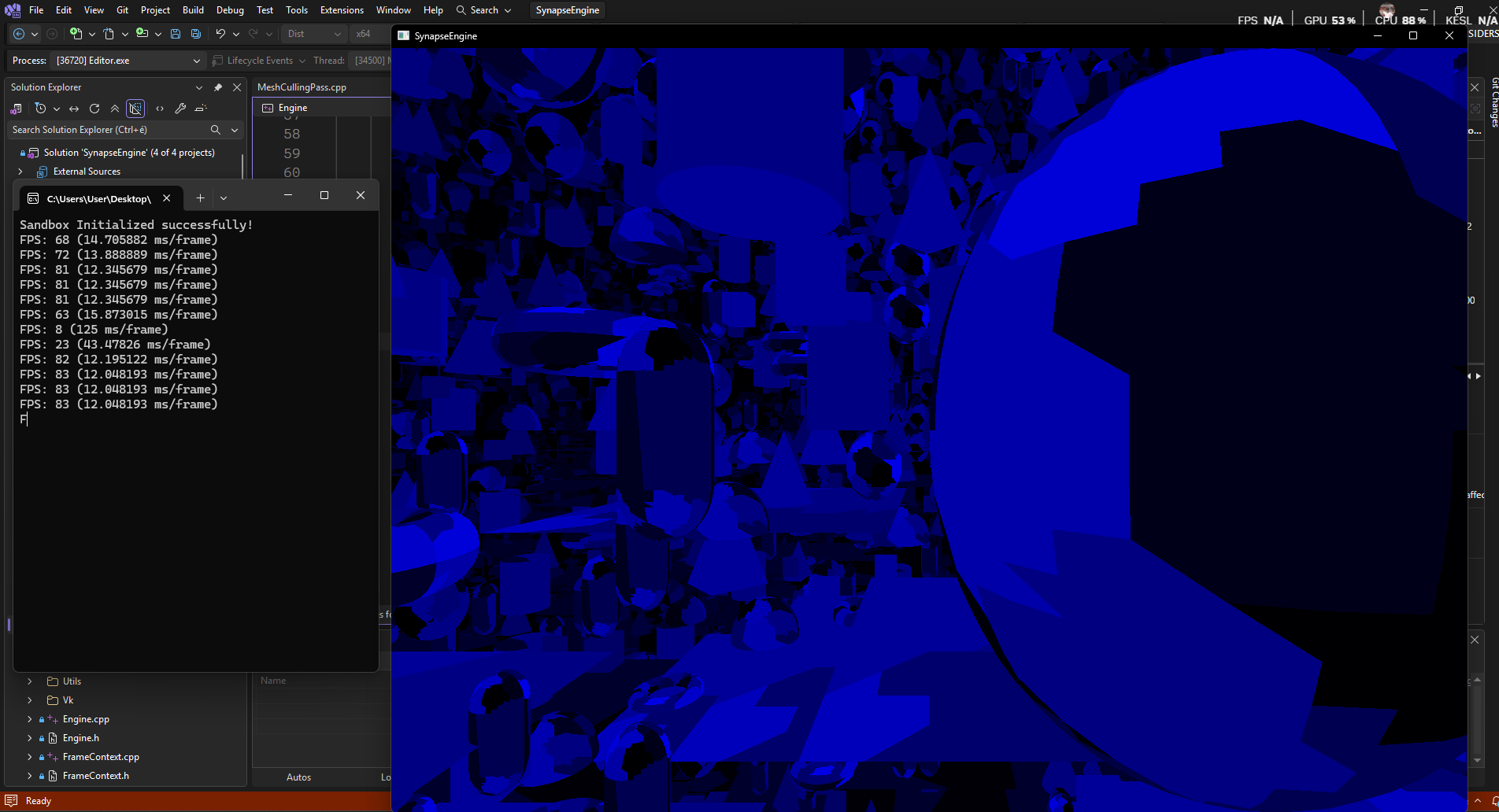
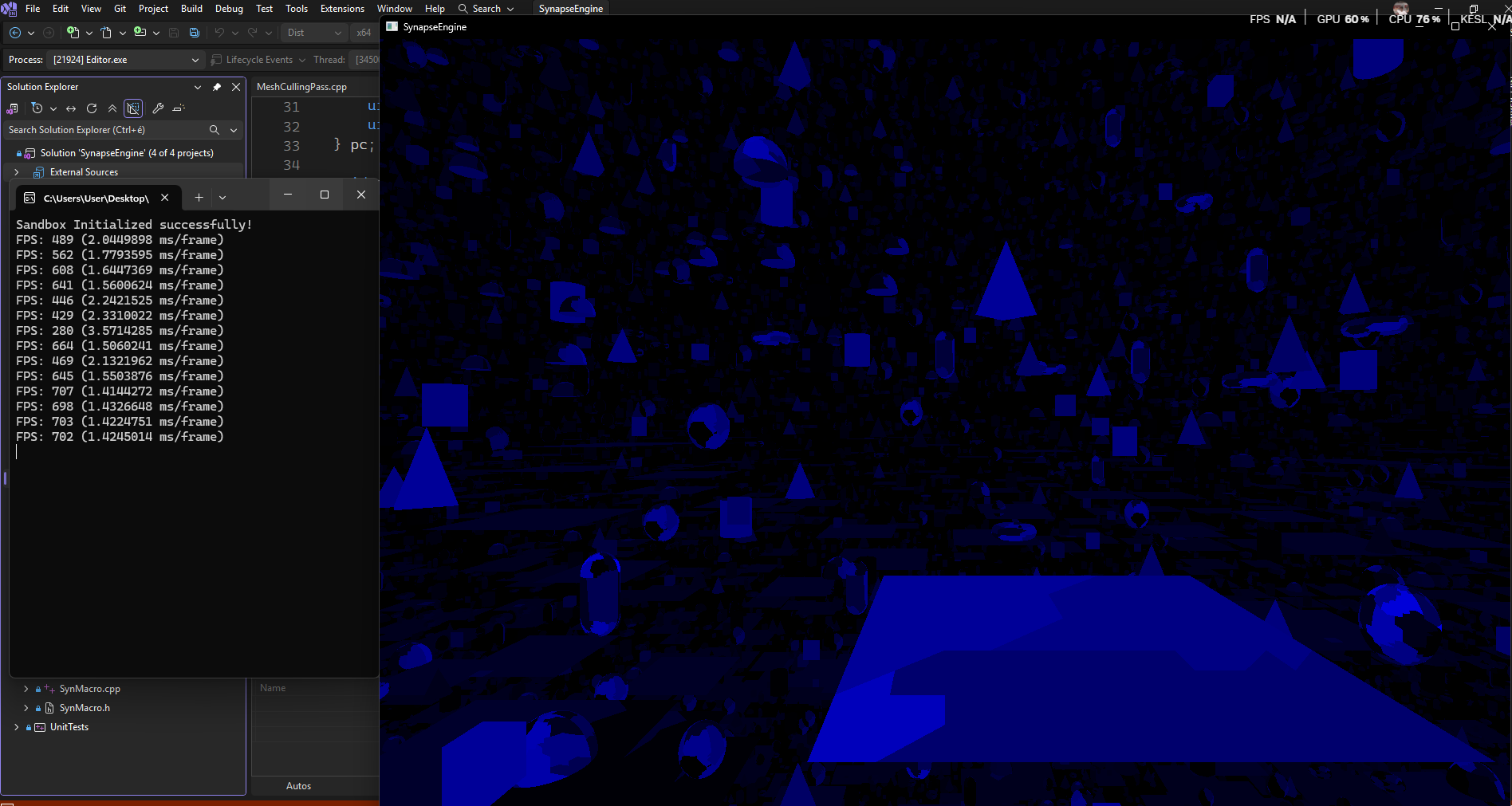
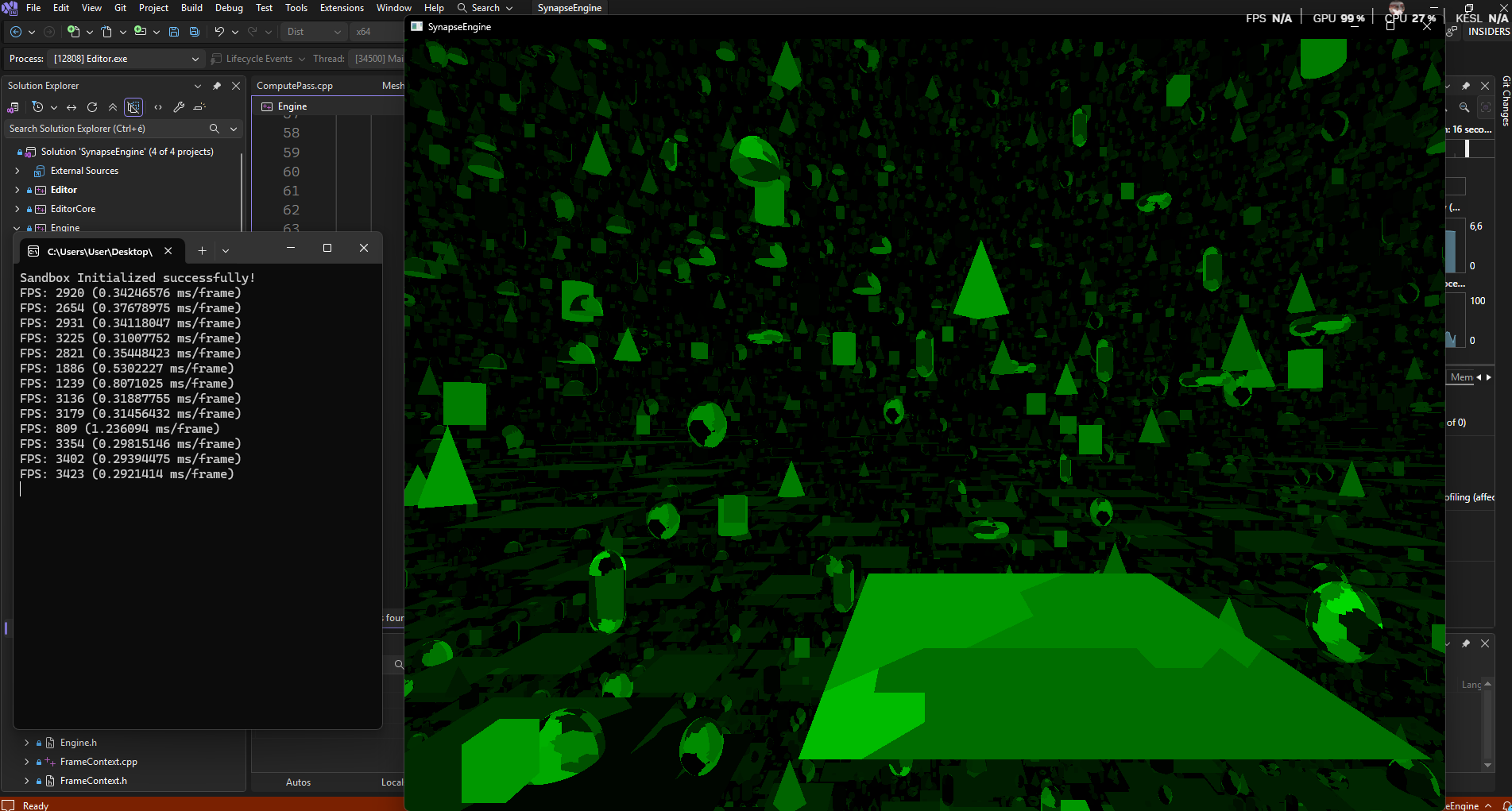
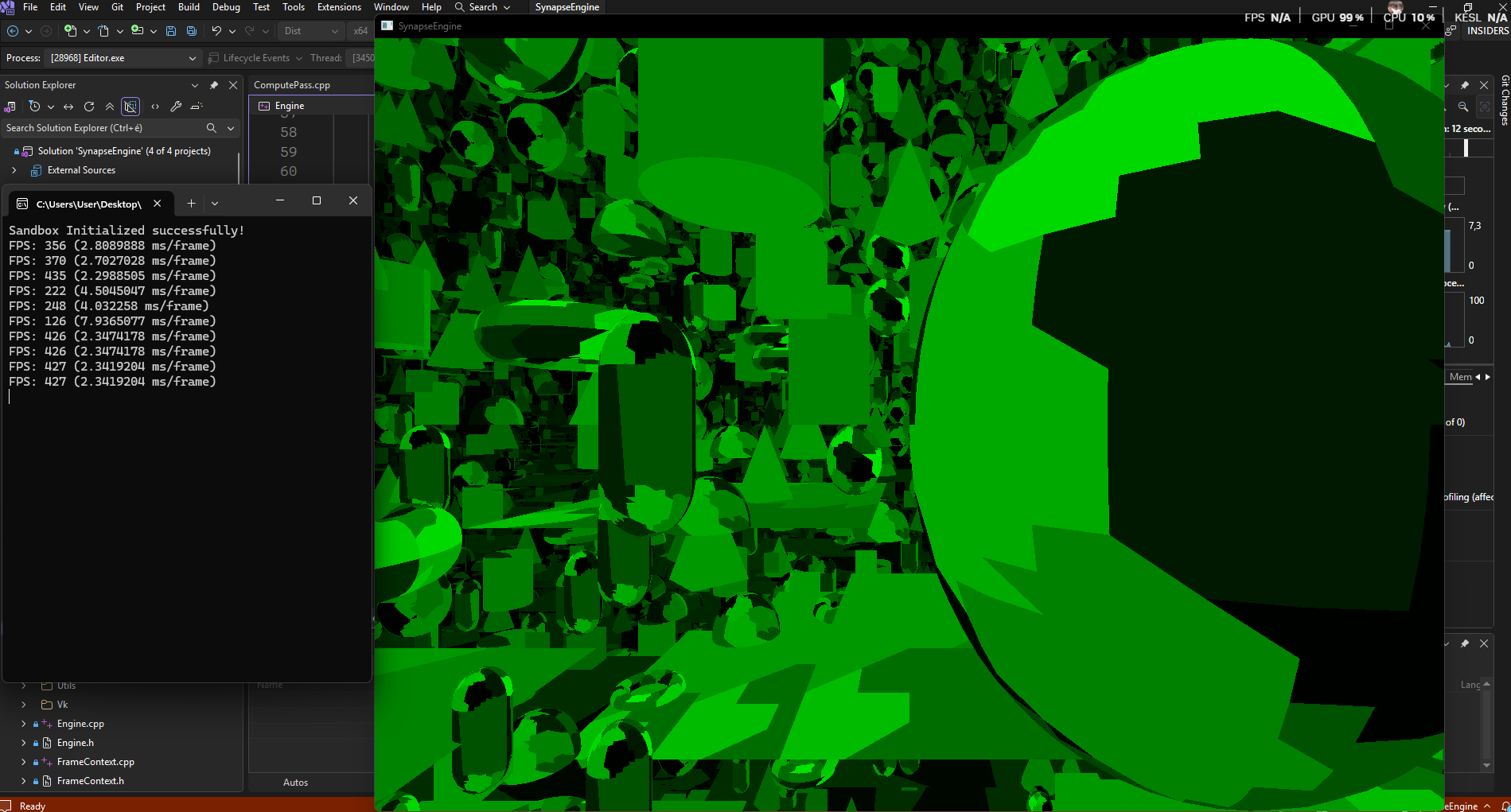
Sorry again for writing so much, I'm just in such a state of excitement that I can't even describe it xD
I wrote the GPU-driven renderer. Specifically, I had to rewrite the CPU version, but I managed to come up with a lot of clever tricks. I didn't implement exactly the version I described above, but rather a 2-pass model/mesh culling compute shader similar to the logic of a mesh shader.
• CPU culling, 100k shapes: 700 fps
• CPU culling, 1 million shapes: 80 fps
• GPU culling, 100k shapes: 3400 fps
• GPU culling, 1 million shapes: 400 fps
I still can't believe it works. It was so incredibly difficult and complex to think this through blindly that it's unbelievable, but IT WORKS!!! And there isn't even occlusion culling in it yet! There isn't even meshlet culling either; it will be even faster with that!
I wrote the GPU-driven renderer. Specifically, I had to rewrite the CPU version, but I managed to come up with a lot of clever tricks. I didn't implement exactly the version I described above, but rather a 2-pass model/mesh culling compute shader similar to the logic of a mesh shader.
• CPU culling, 100k shapes: 700 fps
• CPU culling, 1 million shapes: 80 fps
• GPU culling, 100k shapes: 3400 fps
• GPU culling, 1 million shapes: 400 fps
I still can't believe it works. It was so incredibly difficult and complex to think this through blindly that it's unbelievable, but IT WORKS!!! And there isn't even occlusion culling in it yet! There isn't even meshlet culling either; it will be even faster with that!
Tamás Péter • Mar 14, 2026 - 23:10
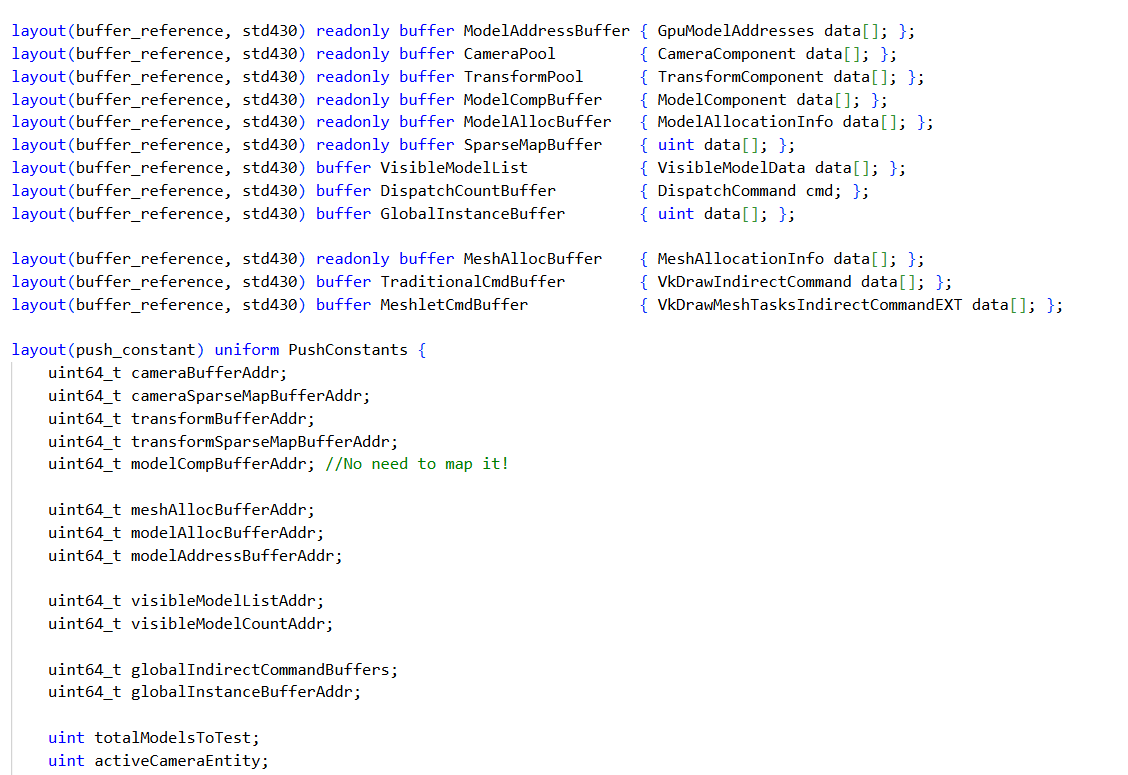
I still can't believe it works. It was so incredibly difficult and complex to think this through blindly that it's unbelievable, but IT WORKS!!! And there isn't even occlusion culling in it yet! There isn't even meshlet culling either; it will be even faster with that! (Oh, and it's still using persistent coherent mapping, the buffers aren't device local yet! So it will be even faster later)
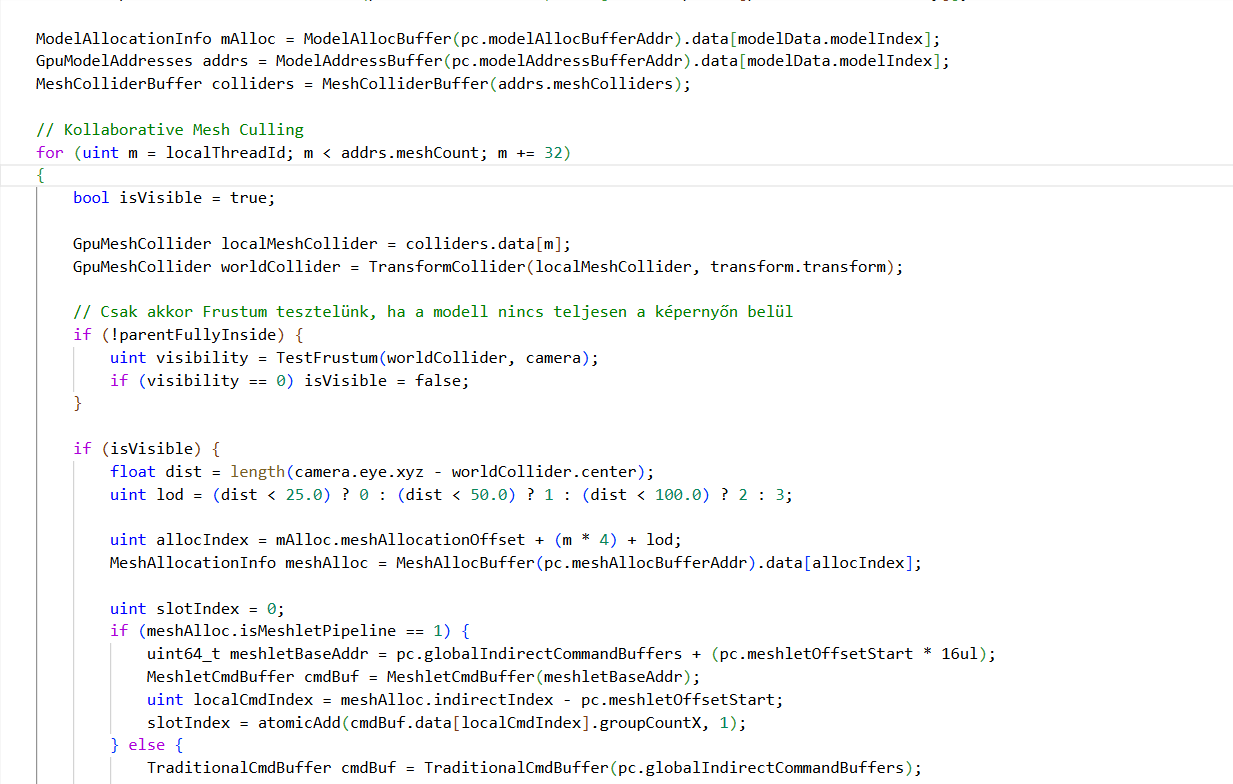
Fridvalszky András • Mar 16, 2026 - 10:03
Wow, that's a lot of info! And as I see, the questions above might not even be relevant anymore. I'll still try to gather my thoughts on them below, but feel free to ignore them where they no longer apply. I also looked at the codes and have a few thoughts on them.
In ModelCulling.comp, the shaders currently increment the atomic counter one by one. I see there is a commented-out code snippet for this, but couldn't it be done per workgroup (which is currently the only subgroup here) with a single call? Did the commented-out code not work, or did it yield worse performance?
Right now, a hierarchical shader dispatch happens through indirect compute, but mesh shaders actually enable exactly this kind of hierarchical call: the task shader is the first level and the mesh shader is the second level. They can be used for arbitrary hierarchical compute work. Again, I haven't thought through whether it could actually work; what might be a problem is the limited data transfer capability between task and mesh shaders, but if that can be bypassed/solved, it could be an interesting direction.
The other thing is that what you are using now is practically a two-level, fairly simple spatial partitioning scheme: there are the models that provide a large AABB, and the meshes within them with smaller AABBs. The question is whether other, more complex spatial partitioning schemes could be applied, like k-d tree, octree, R-tree, BVH, etc. And how efficient their construction and usage on the GPU would be. I mention this because, fundamentally, in a game engine, spatial partitioning appears in multiple places: the physics engine needs one for collision detection, game logic often wants to know about surrounding objects, and rendering also wants to use such a data structure for culling.
For example, in the case of the Bistro, you wrote that if the whole thing is not visible, you don't have to look through the tons of objects in it. But this is not a realistic situation; it's more likely that only a part of it is visible, so you still have to look through the whole thing after all. However, if the models were actually in a hierarchical spatial partitioning structure, it would be enough to just intersect that with the camera frustum. Of course, this is a completely different approach, especially since it doesn't take into account your current data hierarchy, to which what you've just implemented probably fits best.
I can't give a definitive answer to the AABB vs Sphere question; I think a matrix multiplication shouldn't add that much weight, but this is exactly what can only be decided through benchmarking.
Most of the time, distance is a good and simple approximation for LOD, but indeed, the screen space projection could also be a good LOD selection factor. It's just a bit harder to calculate, so the situation is similar to the previous point: it can only be decided based on measurements (and both this and the previous one are probably scene-specific optimizations).
In ModelCulling.comp, the shaders currently increment the atomic counter one by one. I see there is a commented-out code snippet for this, but couldn't it be done per workgroup (which is currently the only subgroup here) with a single call? Did the commented-out code not work, or did it yield worse performance?
Right now, a hierarchical shader dispatch happens through indirect compute, but mesh shaders actually enable exactly this kind of hierarchical call: the task shader is the first level and the mesh shader is the second level. They can be used for arbitrary hierarchical compute work. Again, I haven't thought through whether it could actually work; what might be a problem is the limited data transfer capability between task and mesh shaders, but if that can be bypassed/solved, it could be an interesting direction.
The other thing is that what you are using now is practically a two-level, fairly simple spatial partitioning scheme: there are the models that provide a large AABB, and the meshes within them with smaller AABBs. The question is whether other, more complex spatial partitioning schemes could be applied, like k-d tree, octree, R-tree, BVH, etc. And how efficient their construction and usage on the GPU would be. I mention this because, fundamentally, in a game engine, spatial partitioning appears in multiple places: the physics engine needs one for collision detection, game logic often wants to know about surrounding objects, and rendering also wants to use such a data structure for culling.
For example, in the case of the Bistro, you wrote that if the whole thing is not visible, you don't have to look through the tons of objects in it. But this is not a realistic situation; it's more likely that only a part of it is visible, so you still have to look through the whole thing after all. However, if the models were actually in a hierarchical spatial partitioning structure, it would be enough to just intersect that with the camera frustum. Of course, this is a completely different approach, especially since it doesn't take into account your current data hierarchy, to which what you've just implemented probably fits best.
I can't give a definitive answer to the AABB vs Sphere question; I think a matrix multiplication shouldn't add that much weight, but this is exactly what can only be decided through benchmarking.
Most of the time, distance is a good and simple approximation for LOD, but indeed, the screen space projection could also be a good LOD selection factor. It's just a bit harder to calculate, so the situation is similar to the previous point: it can only be decided based on measurements (and both this and the previous one are probably scene-specific optimizations).
Tamás Péter • Mar 16, 2026 - 12:16
1. The subgroup atomic increment works, I am currently using the commented-out code in the shader. I didn't notice a huge performance difference, but it is certainly faster just for theoretical reasons. (It was commented out because the shader didn't work at first, a 64-bit identifier was swapped in the push constant... I was looking for a bug and commented it out because of that and it stayed that way, but the subgroup one works!)
2. The task shader idea is actually very good and interesting. The truth is that I don't know how the task shader works yet, I haven't looked into it, but it will be necessary anyway because of the meshlet culling. I will look into this idea. The question is, does the task shader think in terms of meshes or meshlets? Because if it's meshlets, then I think it would be worth keeping the current model/mesh culling. Because if a mesh consists of 250 meshlets, and if the mesh is not visible, then those 250 meshlets won't even start in the task shader. (But as I said, I have to look into the task shader because I don't know exactly how it works yet).
(+ The reason it is like this now is that the traditional and mesh shader pipelines can be used together, and this way I can cull them together in the shader. With the task shader, I would only be able to cull mesh shader meshes, which isn't a problem, but things would need to be reorganized here.)
3. Yes, BVH and other spatial partitioning divisions could actually be applied within the model for the meshes, or even for the models themselves, but then a 3-level culling would be needed. Now this is also something I haven't looked into. I haven't dealt with such spatial partitioning data structures on the GPU yet, so I don't know, but since it would work 100% in a CPU-driven case, it would definitely work on the GPU too, I just don't know how the threads and workgroups should be synchronized with the spatial partitioning data structure in the shader.
4. Regarding the model culling, yes, it's more realistic that the Bistro is divided in space, and then culled like that, but regardless of that, it's a nice little optimization that if the model is not visible, we throw away all of its meshes. But yes, I actually think that spatial partitioning at the model level, and at the mesh level within models, can also be done later. I'm just not experienced in this either, but this is a good idea too!
2. The task shader idea is actually very good and interesting. The truth is that I don't know how the task shader works yet, I haven't looked into it, but it will be necessary anyway because of the meshlet culling. I will look into this idea. The question is, does the task shader think in terms of meshes or meshlets? Because if it's meshlets, then I think it would be worth keeping the current model/mesh culling. Because if a mesh consists of 250 meshlets, and if the mesh is not visible, then those 250 meshlets won't even start in the task shader. (But as I said, I have to look into the task shader because I don't know exactly how it works yet).
(+ The reason it is like this now is that the traditional and mesh shader pipelines can be used together, and this way I can cull them together in the shader. With the task shader, I would only be able to cull mesh shader meshes, which isn't a problem, but things would need to be reorganized here.)
3. Yes, BVH and other spatial partitioning divisions could actually be applied within the model for the meshes, or even for the models themselves, but then a 3-level culling would be needed. Now this is also something I haven't looked into. I haven't dealt with such spatial partitioning data structures on the GPU yet, so I don't know, but since it would work 100% in a CPU-driven case, it would definitely work on the GPU too, I just don't know how the threads and workgroups should be synchronized with the spatial partitioning data structure in the shader.
4. Regarding the model culling, yes, it's more realistic that the Bistro is divided in space, and then culled like that, but regardless of that, it's a nice little optimization that if the model is not visible, we throw away all of its meshes. But yes, I actually think that spatial partitioning at the model level, and at the mesh level within models, can also be done later. I'm just not experienced in this either, but this is a good idea too!
Fridvalszky András • Mar 16, 2026 - 12:29
It's actually worth thinking about the task and mesh shaders as a simple two-level hierarchical compute work. The task shader runs first and tells how many mesh shaders to start. But we can talk about what I meant tomorrow at the GPU lab if you have any questions.
Spatial partitioning can also make sense if it's independent of the model-mesh hierarchy, meaning it partitions all the meshes together. At least as long as you are loading scenes similar to the Bistro, but that's not a realistic use case either.
In reality, the Bistro wouldn't be loaded from a single file, but it would be a scene with many smaller local models. In this case, we can assume that the meshes within a model are close to each other, and then it's enough to do the spatial partitioning at the model level. But yes, there are quite a lot of things to think about and possibilities in this.
Spatial partitioning can also make sense if it's independent of the model-mesh hierarchy, meaning it partitions all the meshes together. At least as long as you are loading scenes similar to the Bistro, but that's not a realistic use case either.
In reality, the Bistro wouldn't be loaded from a single file, but it would be a scene with many smaller local models. In this case, we can assume that the meshes within a model are close to each other, and then it's enough to do the spatial partitioning at the model level. But yes, there are quite a lot of things to think about and possibilities in this.
Tamás Péter • Mar 16, 2026 - 12:35
Oh yeah, I think I understand and this could be implemented too. The model hierarchy, or thinking in terms of models, would have to be kept at least on the CPU side for the entity-component-system, handling entities, models, and for the editor. However, not on the GPU side, so it could easily be that every model, for example the Bistro, is cut into such submodels. And it actually thinks in terms of submodels. And there is 1 global array, based on the model we have the offset -> and from the offset, the Bistro is divided into X number of submodels. And then this kind of renderer would be absolutely feasible to implement.
(+ Moreover, the current model loading splits it into ASSIMP meshes per material, right! However, meshes could be batched here too, because exactly for this reason, next to every vertex `vec3` pos there is a packed index, and the local model mesh index is stored on 16 bits, from which I will decode the material data later, here again through a lookup table from the global material array!! So this kind of optimization is actually fully doable!)
(+ Moreover, the current model loading splits it into ASSIMP meshes per material, right! However, meshes could be batched here too, because exactly for this reason, next to every vertex `vec3` pos there is a packed index, and the local model mesh index is stored on 16 bits, from which I will decode the material data later, here again through a lookup table from the global material array!! So this kind of optimization is actually fully doable!)
Tamás Péter • Mar 18, 2026 - 10:44
Hi!
I've written the thesis proposal!
Title: Adatorientált játékmotor tervezése és fejlesztése modern Vulkan környezetben
English title: Developing a Data-Oriented Game Engine using Modern Vulkan
Description of the task:
The focal point of contemporary real-time computer graphics and game engine development has undergone a paradigm shift in recent years. Traditional, object-oriented approaches and processor-driven (CPU-driven) rendering techniques are increasingly becoming bottlenecks in the era of modern, multi-core processors and massively parallel GPUs. To achieve maximum performance, the industry is increasingly shifting towards Data-Oriented Design and GPU-driven architectures, which are made possible by low-level, modern graphics APIs like Vulkan.
The goal of the thesis is to design and implement a modern, high-performance, data-oriented game engine in a C++ environment. The core of the engine is formed by an efficient Entity-Component-System architecture, while the graphics subsystem is entirely built on the modern Vulkan toolset (bindless architecture, mesh shaders, Multi-Draw Indirect). A prominent part of the task is not only the implementation of the technologies, but also the in-depth performance comparison of various modern rendering techniques and culling methods.
The student's tasks must cover the following:
• Architecture and framework design: Design a clean, modular C++ codebase that supports asynchronous and multi-threaded execution!
• Implementation of a data-oriented core: Implement a cache-friendly Entity-Component-System architecture ensuring compact data representation, which enables efficient data processing on both the CPU and GPU sides!
• Development of a modern Vulkan renderer: Design a fully bindless, GPU-driven rendering engine using modern Vulkan features!
• Research and measurement of culling techniques: Implement CPU and GPU-based culling solutions! Conduct a detailed performance comparison between CPU-driven and GPU-driven approaches!
• Comparison of graphics pipelines: Implement and compare the performance of traditional and Mesh Shader-based rendering pipelines, as well as Deferred and Forward+ rendering techniques!
• Prototype and evaluation: Create a game prototype demonstrating the engine's capabilities!
This pretty much perfectly summarizes the direction; everything specific besides Forward+ is roughly completely done already :DD
But I included it anyway, because I know 100% that I will be able to do it, because I understand it, I have already thought it through deeply, it's just a matter of time until it's done!
I've written the thesis proposal!
Title: Adatorientált játékmotor tervezése és fejlesztése modern Vulkan környezetben
English title: Developing a Data-Oriented Game Engine using Modern Vulkan
Description of the task:
The focal point of contemporary real-time computer graphics and game engine development has undergone a paradigm shift in recent years. Traditional, object-oriented approaches and processor-driven (CPU-driven) rendering techniques are increasingly becoming bottlenecks in the era of modern, multi-core processors and massively parallel GPUs. To achieve maximum performance, the industry is increasingly shifting towards Data-Oriented Design and GPU-driven architectures, which are made possible by low-level, modern graphics APIs like Vulkan.
The goal of the thesis is to design and implement a modern, high-performance, data-oriented game engine in a C++ environment. The core of the engine is formed by an efficient Entity-Component-System architecture, while the graphics subsystem is entirely built on the modern Vulkan toolset (bindless architecture, mesh shaders, Multi-Draw Indirect). A prominent part of the task is not only the implementation of the technologies, but also the in-depth performance comparison of various modern rendering techniques and culling methods.
The student's tasks must cover the following:
• Architecture and framework design: Design a clean, modular C++ codebase that supports asynchronous and multi-threaded execution!
• Implementation of a data-oriented core: Implement a cache-friendly Entity-Component-System architecture ensuring compact data representation, which enables efficient data processing on both the CPU and GPU sides!
• Development of a modern Vulkan renderer: Design a fully bindless, GPU-driven rendering engine using modern Vulkan features!
• Research and measurement of culling techniques: Implement CPU and GPU-based culling solutions! Conduct a detailed performance comparison between CPU-driven and GPU-driven approaches!
• Comparison of graphics pipelines: Implement and compare the performance of traditional and Mesh Shader-based rendering pipelines, as well as Deferred and Forward+ rendering techniques!
• Prototype and evaluation: Create a game prototype demonstrating the engine's capabilities!
This pretty much perfectly summarizes the direction; everything specific besides Forward+ is roughly completely done already :DD
But I included it anyway, because I know 100% that I will be able to do it, because I understand it, I have already thought it through deeply, it's just a matter of time until it's done!
Tamás Péter • Mar 18, 2026 - 10:50
Very important main guidelines:
• Beautiful, modular, extensible code structure with modern C++ elements, MVI editor architecture (clean codebase, dependency inversion, interchangeability, avoiding god-classes and singletons).
• Data-oriented design and data-oriented data structures on both CPU and GPU sides. (Maximum cache locality, compact data representation, efficient data access).
• Efficient fully multi-threaded, parallel processing, support for asynchronous operation.
• Efficient data-oriented entity-component-system as the main architecture.
• Efficient CPU-driven and especially GPU-driven culling, and rendering (Frustum, Occlusion, Meshlet, Light sources).
• Modern Vulkan tools, extensions, fully bindless architectural solutions. (Shader objects, bindless, descriptor buffers, dynamic rendering).
• Physics simulation.
Main graphics solutions:
• Fully multi-draw indirect rendering, GPU-driven architecture.
• GPU compute shader model, mesh, point, spot, and shadow culling.
• Full support for traditional and Mesh shader pipelines, performance comparison.
• Full support for efficient deferred rendering or forward+ rendering techniques, and performance comparison.
• Comprehensive support for CPU-driven and GPU-driven culling, and performance comparison.
• Direction/Point/Spot light shadow simulation.
• Hierarchical bloom simulation.
• Occlusion culling with depth Hi-Z map generation.
• PBR shading materials.
• Animation simulation, efficient rendering.
• Multi-level LOD support with dynamic swapping.
Further development possibilities for upcoming semesters:
• C++ DLL scripting (Or Mono C#?).
• DirectX 12 support.
Also, here are the main directions roughly summarized and collected. If there's something you don't like in the proposal, or if you'd put more emphasis on something else, you can even rephrase it based on this!
• Beautiful, modular, extensible code structure with modern C++ elements, MVI editor architecture (clean codebase, dependency inversion, interchangeability, avoiding god-classes and singletons).
• Data-oriented design and data-oriented data structures on both CPU and GPU sides. (Maximum cache locality, compact data representation, efficient data access).
• Efficient fully multi-threaded, parallel processing, support for asynchronous operation.
• Efficient data-oriented entity-component-system as the main architecture.
• Efficient CPU-driven and especially GPU-driven culling, and rendering (Frustum, Occlusion, Meshlet, Light sources).
• Modern Vulkan tools, extensions, fully bindless architectural solutions. (Shader objects, bindless, descriptor buffers, dynamic rendering).
• Physics simulation.
Main graphics solutions:
• Fully multi-draw indirect rendering, GPU-driven architecture.
• GPU compute shader model, mesh, point, spot, and shadow culling.
• Full support for traditional and Mesh shader pipelines, performance comparison.
• Full support for efficient deferred rendering or forward+ rendering techniques, and performance comparison.
• Comprehensive support for CPU-driven and GPU-driven culling, and performance comparison.
• Direction/Point/Spot light shadow simulation.
• Hierarchical bloom simulation.
• Occlusion culling with depth Hi-Z map generation.
• PBR shading materials.
• Animation simulation, efficient rendering.
• Multi-level LOD support with dynamic swapping.
Further development possibilities for upcoming semesters:
• C++ DLL scripting (Or Mono C#?).
• DirectX 12 support.
Also, here are the main directions roughly summarized and collected. If there's something you don't like in the proposal, or if you'd put more emphasis on something else, you can even rephrase it based on this!
Fridvalszky András • Mar 18, 2026 - 11:13
Thanks! It turned out great, I practically barely changed it. I mostly compressed it to fit on one page (removed the title words in the bulleted list, and changed it in a few places) + I added to the first task to review the capabilities of the Vulkan API. There always needs to be some kind of literature research task in it.
I uploaded it to the thesis portal, check if you think it's good too.
I uploaded it to the thesis portal, check if you think it's good too.
Tamás Péter • Mar 19, 2026 - 15:37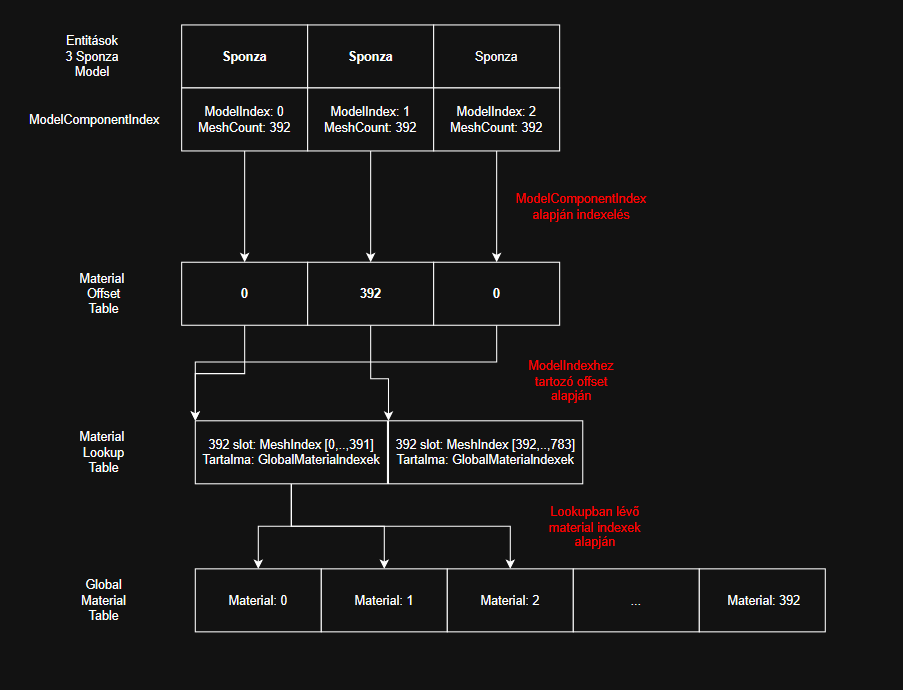
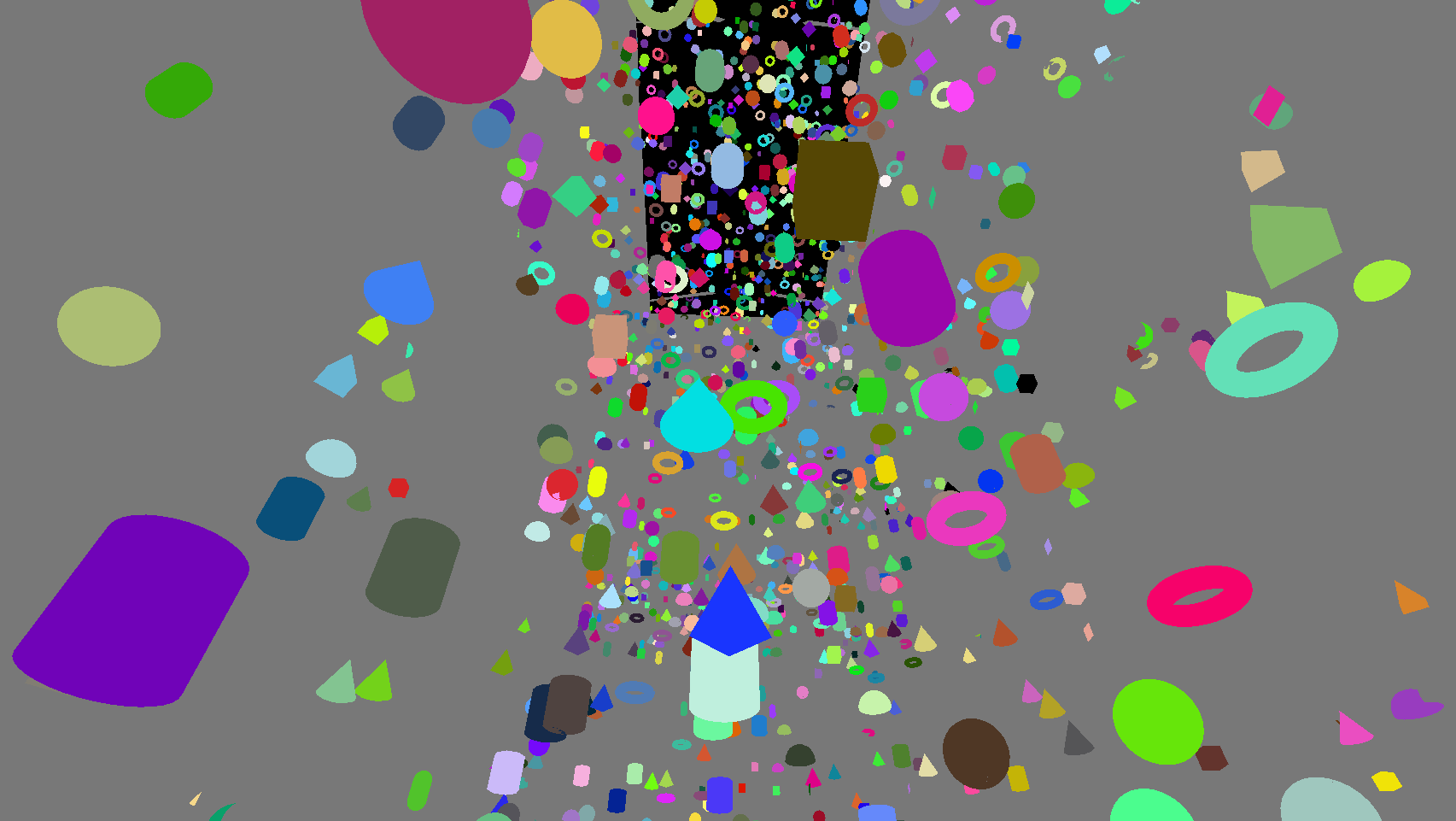
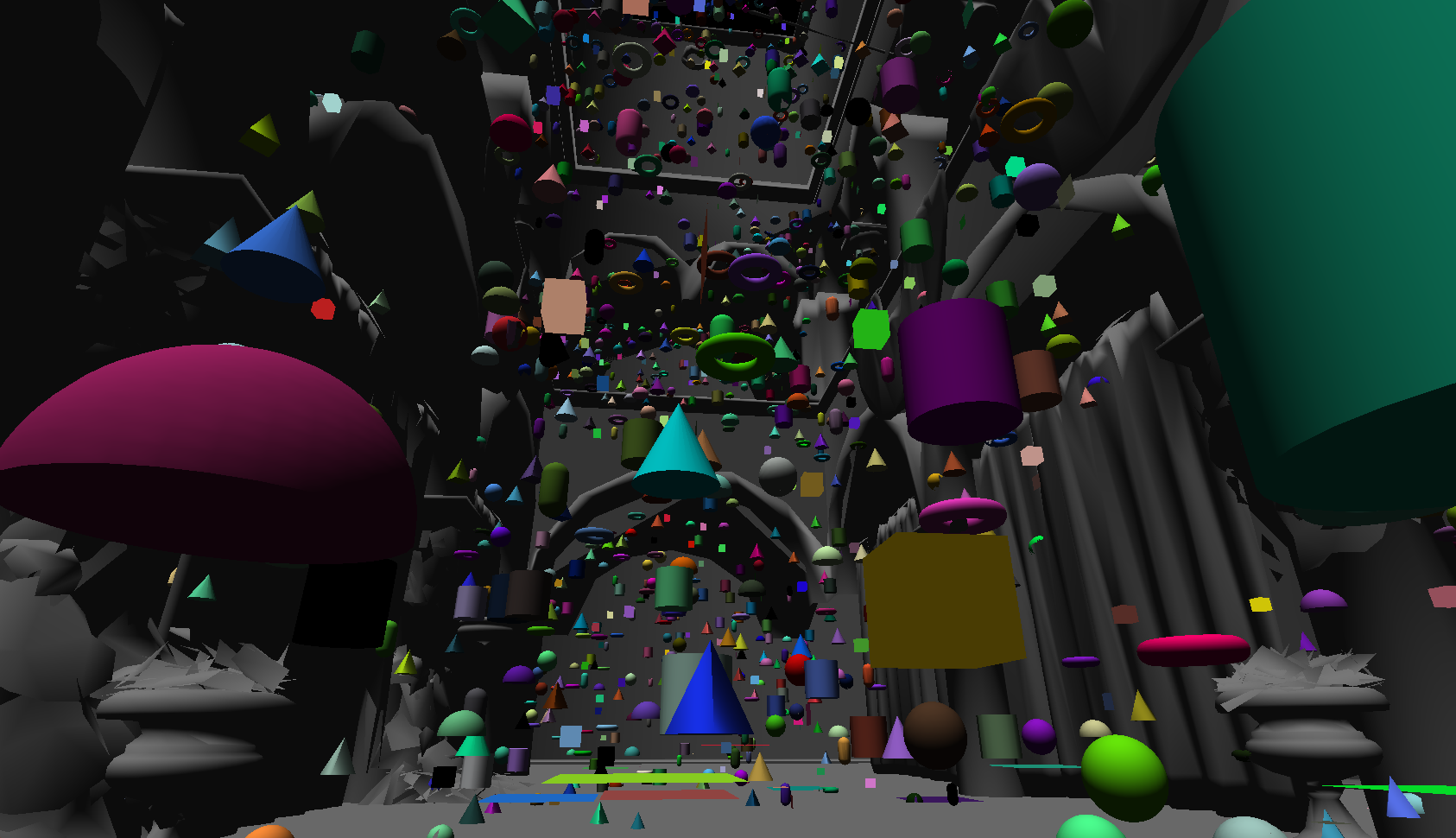
Hi!
I'm just writing down the progress because there's no point keeping it to myself, maybe it will give you some ideas, thoughts, or new insights. But you don't have to reply, I don't want to constantly bombard you with messages, it's just that I think these turned out to be good solutions, and maybe you'll really find them useful at some point.
I've made a lot of progress again, now I have task shader culling before the mesh shader. By the way, I think the model + mesh compute culling pass is mandatory, and then the meshlet culling for the meshes builds on top of this in the task shader. (Or at least the architecture I came up with in the engine fits this best, since I dispatch the task shader with `vkCmdDrawMeshTasksIndirectCountEXT`, and 1 such command belongs to 1 mesh, which contains the meshlet count, and for this, mesh culling is mandatory to reduce the number of meshes in advance within this structure as well).
I re-implemented the Hi-Z generation. Here, too, I realized along the way that I didn't handle every edge case last semester, because in the case of a texture with an odd size, the size of the next smaller mipmap is even, meaning the values on the last edge of the XY row/column were not read from the larger texture in the compute shader. This needs to be handled additionally, which is why a Max Reduction sampler cannot be used for Hi-Z generation, but it works excellently in the shaders during culling.
Meanwhile, I started working on materials. The new material lookup table-based material management can also be incredibly well integrated into the current GPU-driven "batched" architecture!
Furthermore, the planned material indexing even allows me to separately change or override the materials of any mesh belonging to the model for 2 entities that share the same model (e.g., Sponza), without messing with the other one. And it even supports having a shared material index range, meaning if one overrides it, it changes immediately for the other as well.
I made a diagram for this as well.
Oh, and what's even better! The currently designed GPU-driven architecture and instance management will be very, very nicely breakable into 4 material types:
Actually, I just need to follow the same logic as when I did the Traditional/Mesh shader separation, just per material now!
• Opaque 1 sided material meshes
• Opaque 2 sided material meshes
• Transparent 1 sided material meshes
• Transparent 2 sided material meshes
I can perfectly fit this into the renderer written so far without needing any major changes. The point is, I will cull every mesh of every model exactly once, and alongside this, I'll be able to perfectly build the indirect render commands and the instance indices according to the 4 material types!
Indirect commands buffer layout: [Traditional: Opaque1, Opaque2, Transparent1, Transparent2 | Mesh shader: Opaque1, Opaque2, Transparent1, Transparent2] -> Managed with offsets in 1 buffer, indicating where the render call should start and how long it lasts.
Instance index for 1 mesh: [Opaque1, Opaque2, Transparent1, Transparent2] -> Its size is max instances, and on the CPU side, I will pre-allocate the index range per material. (All occurrences of 1 mesh can have different materials, but they must be handled together during culling!!)
I can already see that everything can be solved perfectly by managing offsets, and then the entire scene will be 8 render calls:
• Traditional pipeline: 2x opaque, 2x transparent
• Mesh shader pipeline: 2x opaque, 2x transparent
And it's still `vkCmdDrawIndirectCount`, completely GPU-driven.
+ The material indices can already be pre-calculated in the vertex/mesh shader, everything is available for it so it doesn't burden the fragment shader!
And here is an image of 100k objects, each has separate random materials, but you see I'm still rendering everything together.
I'm just writing down the progress because there's no point keeping it to myself, maybe it will give you some ideas, thoughts, or new insights. But you don't have to reply, I don't want to constantly bombard you with messages, it's just that I think these turned out to be good solutions, and maybe you'll really find them useful at some point.
I've made a lot of progress again, now I have task shader culling before the mesh shader. By the way, I think the model + mesh compute culling pass is mandatory, and then the meshlet culling for the meshes builds on top of this in the task shader. (Or at least the architecture I came up with in the engine fits this best, since I dispatch the task shader with `vkCmdDrawMeshTasksIndirectCountEXT`, and 1 such command belongs to 1 mesh, which contains the meshlet count, and for this, mesh culling is mandatory to reduce the number of meshes in advance within this structure as well).
I re-implemented the Hi-Z generation. Here, too, I realized along the way that I didn't handle every edge case last semester, because in the case of a texture with an odd size, the size of the next smaller mipmap is even, meaning the values on the last edge of the XY row/column were not read from the larger texture in the compute shader. This needs to be handled additionally, which is why a Max Reduction sampler cannot be used for Hi-Z generation, but it works excellently in the shaders during culling.
Meanwhile, I started working on materials. The new material lookup table-based material management can also be incredibly well integrated into the current GPU-driven "batched" architecture!
Furthermore, the planned material indexing even allows me to separately change or override the materials of any mesh belonging to the model for 2 entities that share the same model (e.g., Sponza), without messing with the other one. And it even supports having a shared material index range, meaning if one overrides it, it changes immediately for the other as well.
I made a diagram for this as well.
Oh, and what's even better! The currently designed GPU-driven architecture and instance management will be very, very nicely breakable into 4 material types:
Actually, I just need to follow the same logic as when I did the Traditional/Mesh shader separation, just per material now!
• Opaque 1 sided material meshes
• Opaque 2 sided material meshes
• Transparent 1 sided material meshes
• Transparent 2 sided material meshes
I can perfectly fit this into the renderer written so far without needing any major changes. The point is, I will cull every mesh of every model exactly once, and alongside this, I'll be able to perfectly build the indirect render commands and the instance indices according to the 4 material types!
Indirect commands buffer layout: [Traditional: Opaque1, Opaque2, Transparent1, Transparent2 | Mesh shader: Opaque1, Opaque2, Transparent1, Transparent2] -> Managed with offsets in 1 buffer, indicating where the render call should start and how long it lasts.
Instance index for 1 mesh: [Opaque1, Opaque2, Transparent1, Transparent2] -> Its size is max instances, and on the CPU side, I will pre-allocate the index range per material. (All occurrences of 1 mesh can have different materials, but they must be handled together during culling!!)
I can already see that everything can be solved perfectly by managing offsets, and then the entire scene will be 8 render calls:
• Traditional pipeline: 2x opaque, 2x transparent
• Mesh shader pipeline: 2x opaque, 2x transparent
And it's still `vkCmdDrawIndirectCount`, completely GPU-driven.
+ The material indices can already be pre-calculated in the vertex/mesh shader, everything is available for it so it doesn't burden the fragment shader!
And here is an image of 100k objects, each has separate random materials, but you see I'm still rendering everything together.
Fridvalszky András • Mar 20, 2026 - 09:31
Awesome! I think I understand the gist of it, though I definitely needed the picture for it
Tamás Péter • Mar 22, 2026 - 09:58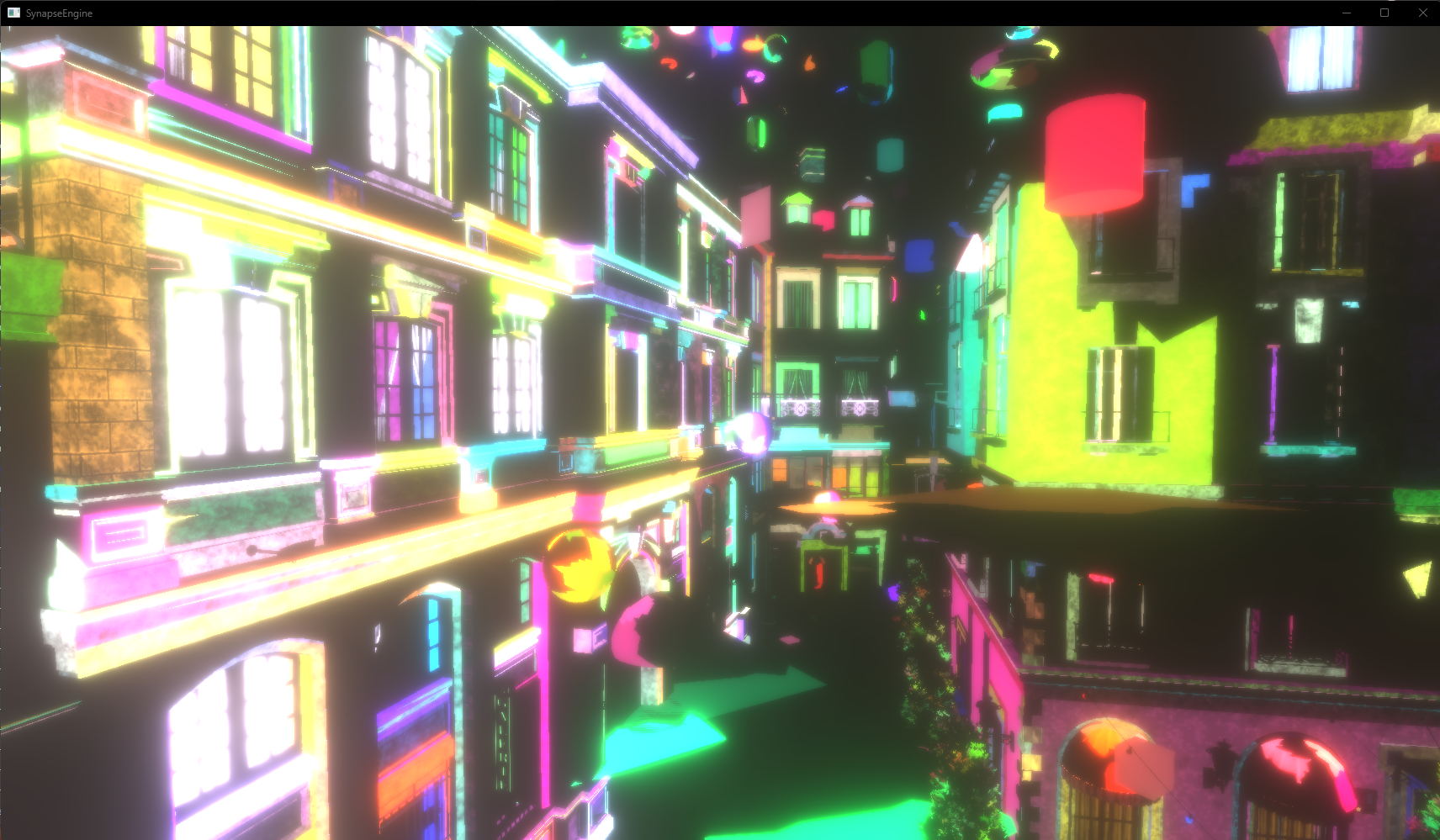
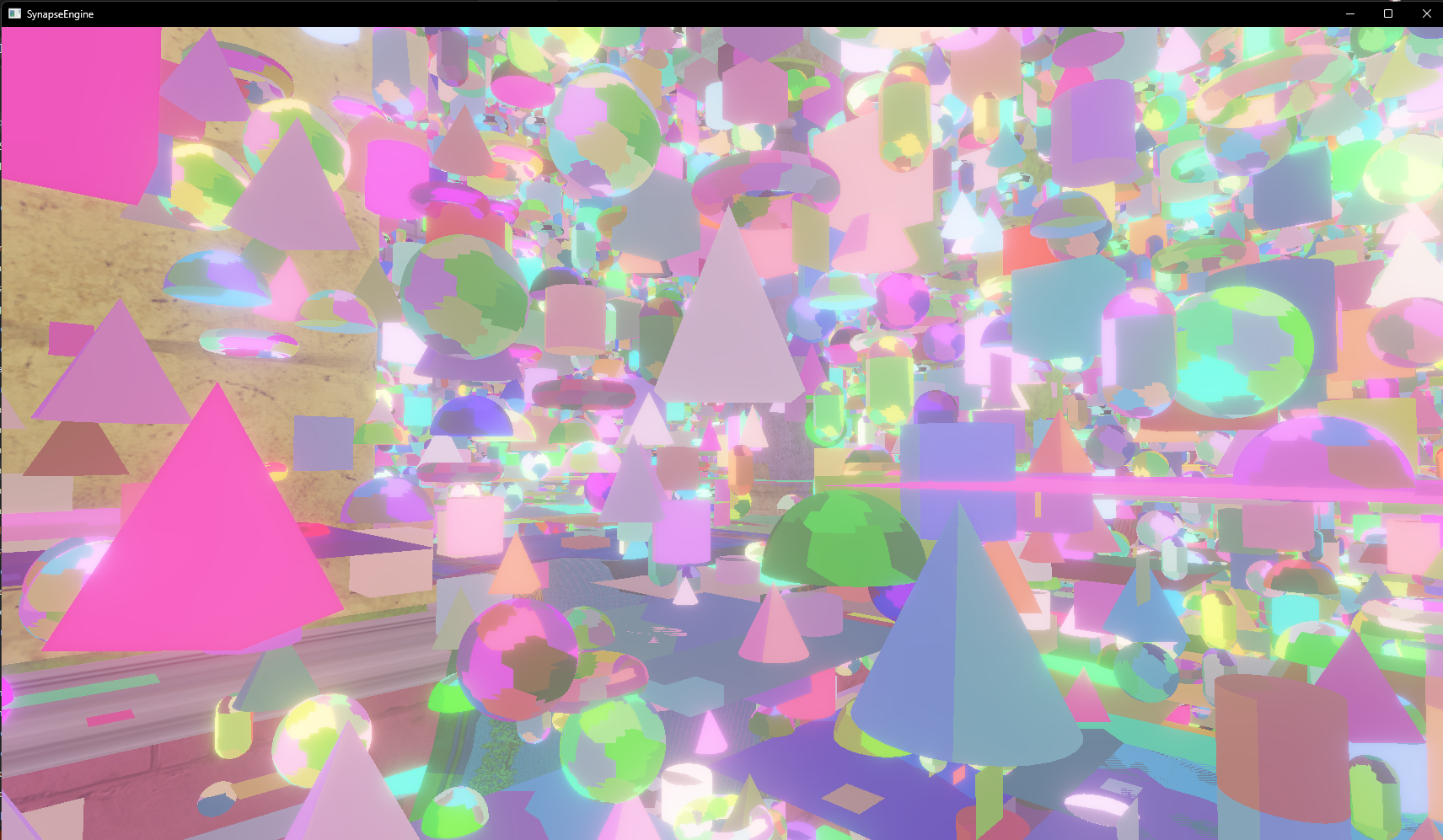
Hi!
Just so you don't go without reading material for the weekend :DDD
It's somewhat amazing how well I managed to think everything through. The entire framework is incredibly beautiful, and every single one of the ideas I came up with seems to perfectly integrate and interconnect, working together seamlessly within the GPU-driven data-oriented pipeline.
I also ported over the bloom compute shaders from last semester, so now bloom can also be simulated as a post-process effect in the new engine too!
Just so you don't go without reading material for the weekend :DDD
It's somewhat amazing how well I managed to think everything through. The entire framework is incredibly beautiful, and every single one of the ideas I came up with seems to perfectly integrate and interconnect, working together seamlessly within the GPU-driven data-oriented pipeline.
I also ported over the bloom compute shaders from last semester, so now bloom can also be simulated as a post-process effect in the new engine too!
Tamás Péter • Mar 22, 2026 - 09:59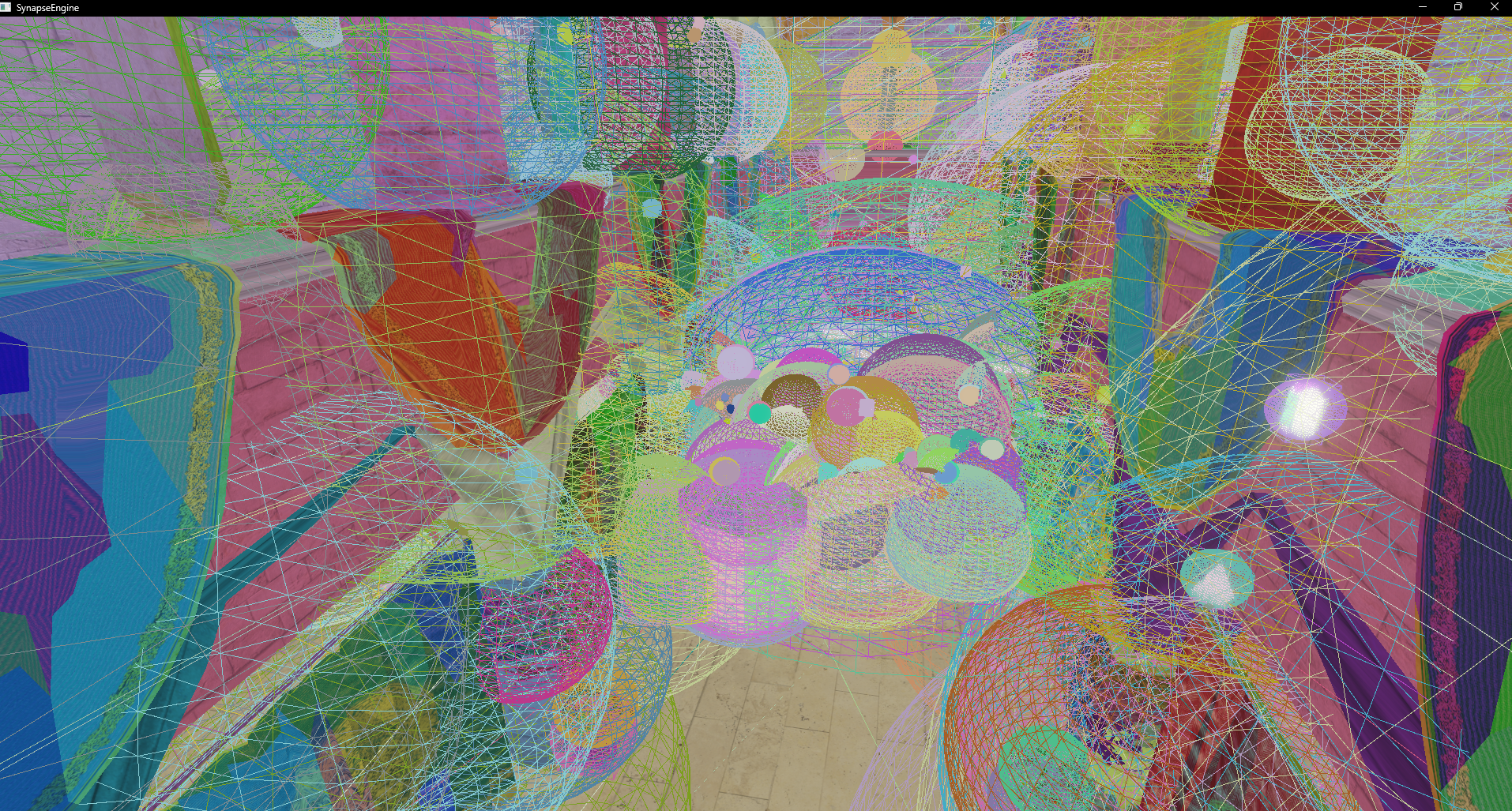
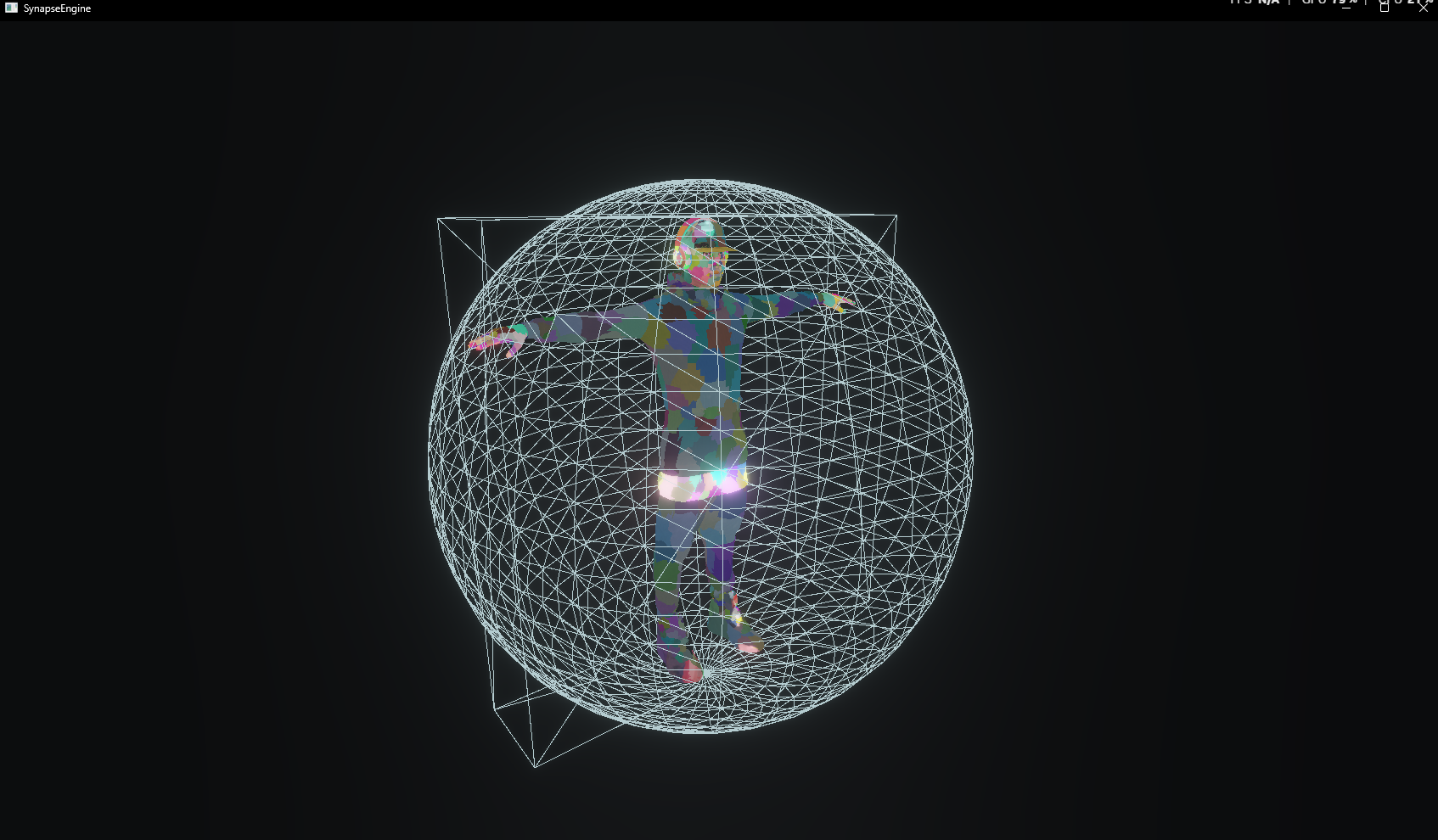

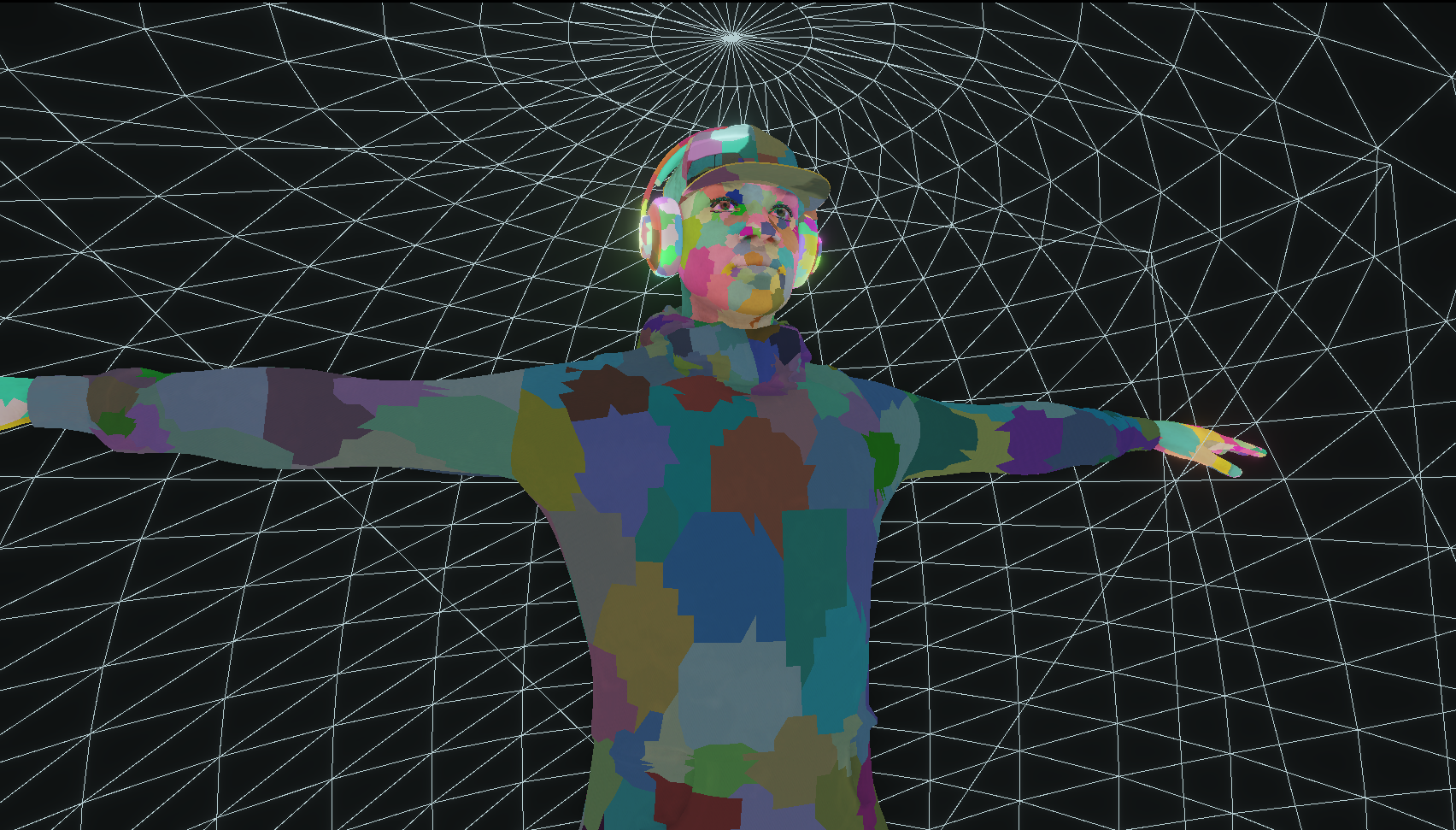
I made it possible to visualize the AABB and Sphere colliders at the Model/Mesh/Meshlet level.
This was also dead simple because of the GPU-driven architecture. The indirect command buffer is mapped 1:1 to a Cube and Sphere indirect command buffer, and a compute shader literally copies over the `instanceCount`s.
Yes, rendering all the colliders is just 1 render call too.
This was also dead simple because of the GPU-driven architecture. The indirect command buffer is mapped 1:1 to a Cube and Sphere indirect command buffer, and a compute shader literally copies over the `instanceCount`s.
Yes, rendering all the colliders is just 1 render call too.
Tamás Péter • Mar 22, 2026 - 10:05
I also implemented animation handling, it can be managed very nicely and dynamically. It's enough to load the static model once, and just save the animation bone/weight + colliders in a data-oriented way.
And in the shader, during Model/Mesh/Meshlet culling, it is very, very easy to query whether the model has an animation. If it does, I use the colliders belonging to the frame instead of the static collider, at the Model/Mesh/Meshlet level as well.
I haven't noticed any performance issues, everything is very efficient, including animation rendering.
Specifically, the multi-layered pipeline-like model/mesh architecture I showed at the last consultation could be applied 1:1 to animation handling as well.
(Raw/Cooked/GPU animation structures | IAnimationSource -> FileAnimationSource, ProceduralAnimationSource | AnimationLoader -> AssimpAnimationLoader | AnimationProcessor -> BakeProcessor, ColliderProcessor | Converters and co.)
This designed architecture could be applied 1:1 to Model/Image/Animation handling and loading. Oh, and yes, the whole thing can be fully parallelized, so everything loads asynchronously, completely in parallel.
There was an idea from last semester to pre-calculate the colliders for the animation frames and cache them, so that pin-point accurate culling can be achieved -> the ColliderProcessor calculates this very fast, fully in parallel.
And in the shader, during Model/Mesh/Meshlet culling, it is very, very easy to query whether the model has an animation. If it does, I use the colliders belonging to the frame instead of the static collider, at the Model/Mesh/Meshlet level as well.
I haven't noticed any performance issues, everything is very efficient, including animation rendering.
Specifically, the multi-layered pipeline-like model/mesh architecture I showed at the last consultation could be applied 1:1 to animation handling as well.
(Raw/Cooked/GPU animation structures | IAnimationSource -> FileAnimationSource, ProceduralAnimationSource | AnimationLoader -> AssimpAnimationLoader | AnimationProcessor -> BakeProcessor, ColliderProcessor | Converters and co.)
This designed architecture could be applied 1:1 to Model/Image/Animation handling and loading. Oh, and yes, the whole thing can be fully parallelized, so everything loads asynchronously, completely in parallel.
There was an idea from last semester to pre-calculate the colliders for the animation frames and cache them, so that pin-point accurate culling can be achieved -> the ColliderProcessor calculates this very fast, fully in parallel.
Tamás Péter • Mar 22, 2026 - 10:08
Oh, and yes! Rendering the entire scene is still just 1 single `vkCmdDrawMeshTasksIndirectCountEXT` or `vkCmdDrawIndirectCount` call.
Culling and rendering are completely independent of the animation during the call; I will decode in the shader whether it needs to be animated.
Furthermore, the animation is perfectly LOD compatible, and even within the animation, it can be changed completely per mesh whether to use the traditional or mesh shader pipeline!! Also, I handle both the static and animated versions of a model together in the shaders.
I haven't noticed any performance issues because of this, everything interconnects wonderfully, and it all came together :DD
Scene:
Sponza + 500k shapes (with 500k unique materials) + 50k animated characters (5 different animations randomly assigned, with random movement speeds)
The entire scene is 1 render call!!!
(The occlusion culling is still a bit buggy, that's why meshlets disappear sometimes)
And this scene is 50k animations purely on their own, just so the movement is more visible here.
Culling and rendering are completely independent of the animation during the call; I will decode in the shader whether it needs to be animated.
Furthermore, the animation is perfectly LOD compatible, and even within the animation, it can be changed completely per mesh whether to use the traditional or mesh shader pipeline!! Also, I handle both the static and animated versions of a model together in the shaders.
I haven't noticed any performance issues because of this, everything interconnects wonderfully, and it all came together :DD
Scene:
Sponza + 500k shapes (with 500k unique materials) + 50k animated characters (5 different animations randomly assigned, with random movement speeds)
The entire scene is 1 render call!!!
(The occlusion culling is still a bit buggy, that's why meshlets disappear sometimes)
And this scene is 50k animations purely on their own, just so the movement is more visible here.
Tamás Péter • Mar 22, 2026 - 10:10
Also, here are the essential shaders, in case you are interested in anything from them. The animation handling is clearly visible from this.
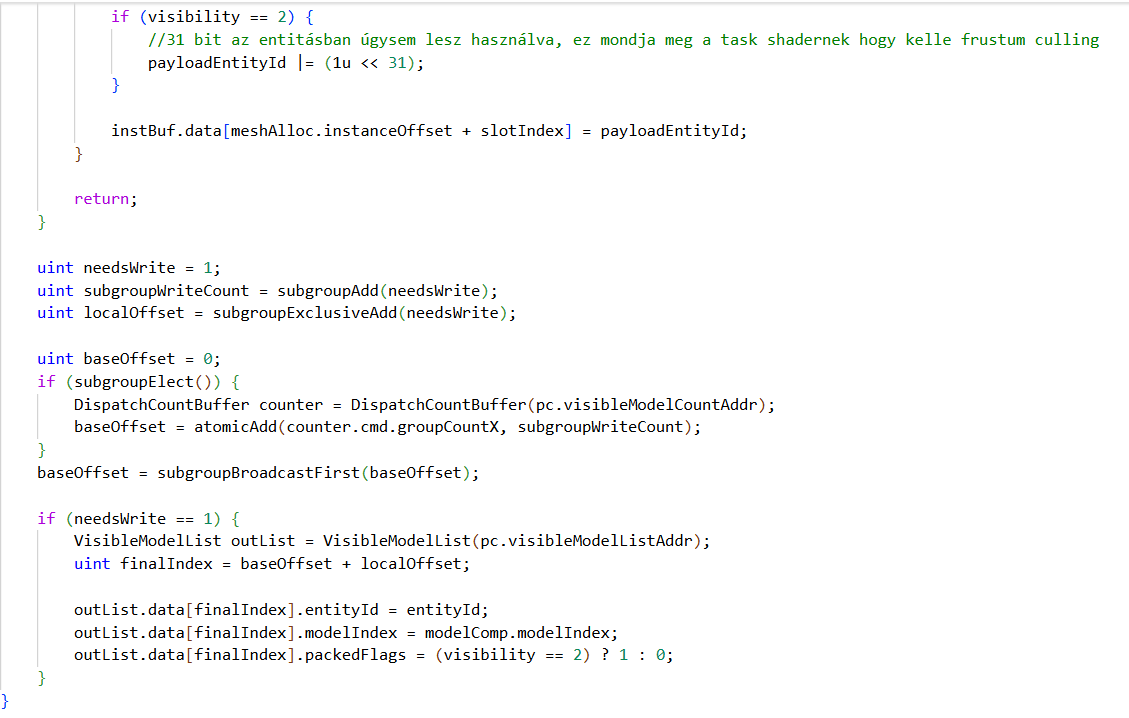
Fridvalszky András • Mar 23, 2026 - 12:45
Awesome!
The project compiled without any issues! The currently uploaded version without modifications (without the Sponza and monster meshes): FPS: 130 (7.6923075 ms/frame)
The project compiled without any issues! The currently uploaded version without modifications (without the Sponza and monster meshes): FPS: 130 (7.6923075 ms/frame)
Tamás Péter • Mar 23, 2026 - 13:04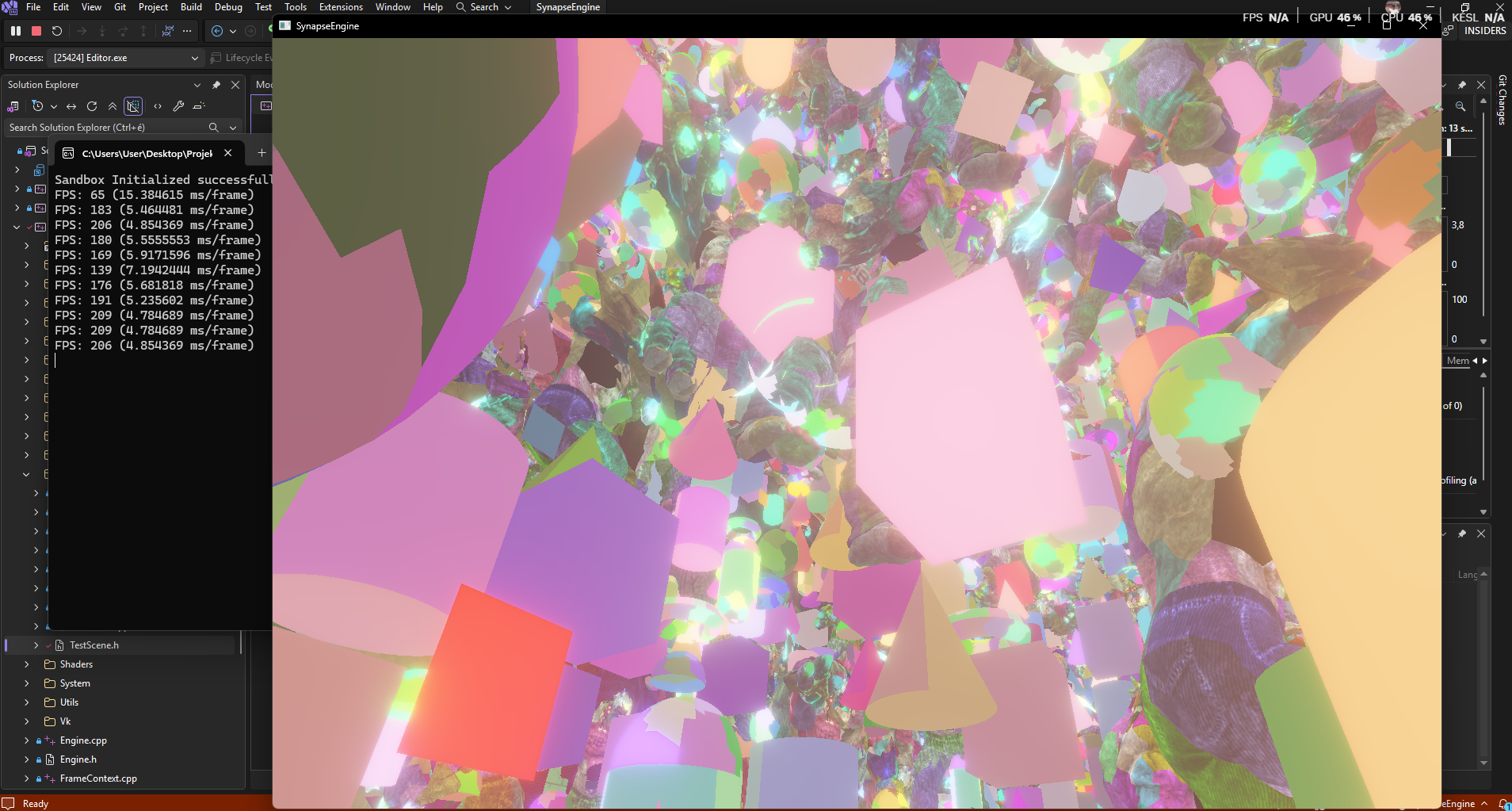
Awesome!
I guess you noticed then that the new version of the codebase is on the "remake" branch.
I think the main branch wouldn't have even started, that's still the old önlab2 version, so I assume you tested it with the current engine then.
You can adjust things in TestScene, the mesh count, materials (you have to bump up the max material in the material manager if you want to test something like 2M+!), but I guess you already noticed this too :DD
And in RendererFactory you can toggle the rendering pipeline, turn bloom, wireframe, and others on or off.
For the meshlet wireframe visualization, you have to change `pc.visualizeMeshlet = 1`. But don't test this if the scene is large, only with 1-2 animations because with many objects I think the buffer size will overflow (although I haven't tested this, but for sure).
By the way, 130 fps feels very low, especially if you tested it on the 4090. On the laptop inside, 10k animations and 100k objects ran at 550 fps, but there are only 250k objects in the github code anyway. Looking at the code, GPU culling is enabled. Did you build and test it in the Dist version?
At home: RTX 4060, i5-13600K:
Scene: Sponza + 50k animations + 1 million shapes: 200 fps
Or maybe your monitor is 4K, and the Hi-Z generation takes a lot of time? Or the bloom pass if it's turned on?
I guess you noticed then that the new version of the codebase is on the "remake" branch.
I think the main branch wouldn't have even started, that's still the old önlab2 version, so I assume you tested it with the current engine then.
You can adjust things in TestScene, the mesh count, materials (you have to bump up the max material in the material manager if you want to test something like 2M+!), but I guess you already noticed this too :DD
And in RendererFactory you can toggle the rendering pipeline, turn bloom, wireframe, and others on or off.
For the meshlet wireframe visualization, you have to change `pc.visualizeMeshlet = 1`. But don't test this if the scene is large, only with 1-2 animations because with many objects I think the buffer size will overflow (although I haven't tested this, but for sure).
By the way, 130 fps feels very low, especially if you tested it on the 4090. On the laptop inside, 10k animations and 100k objects ran at 550 fps, but there are only 250k objects in the github code anyway. Looking at the code, GPU culling is enabled. Did you build and test it in the Dist version?
At home: RTX 4060, i5-13600K:
Scene: Sponza + 50k animations + 1 million shapes: 200 fps
Or maybe your monitor is 4K, and the Hi-Z generation takes a lot of time? Or the bloom pass if it's turned on?
Tamás Péter • Mar 23, 2026 - 14:02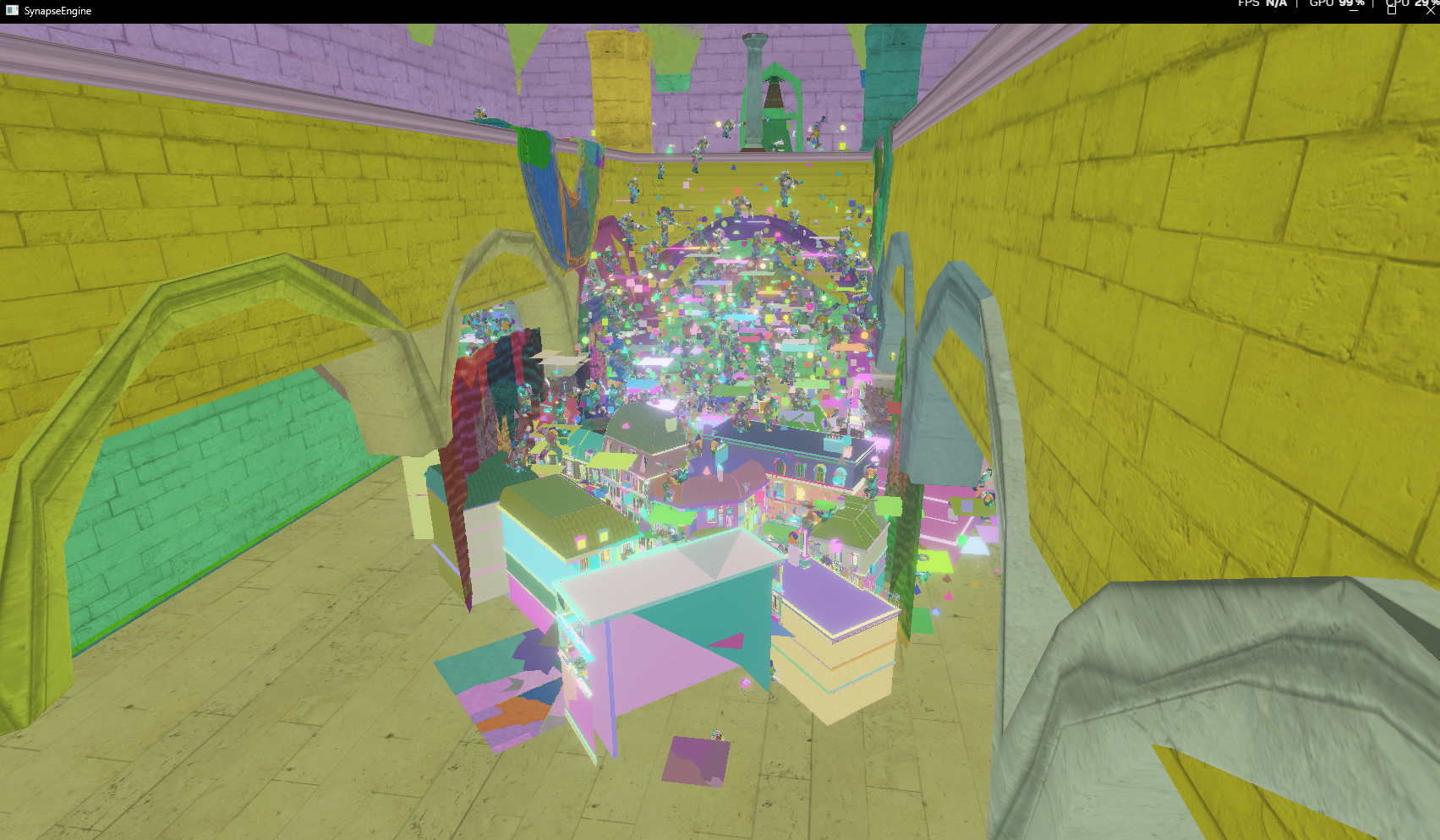
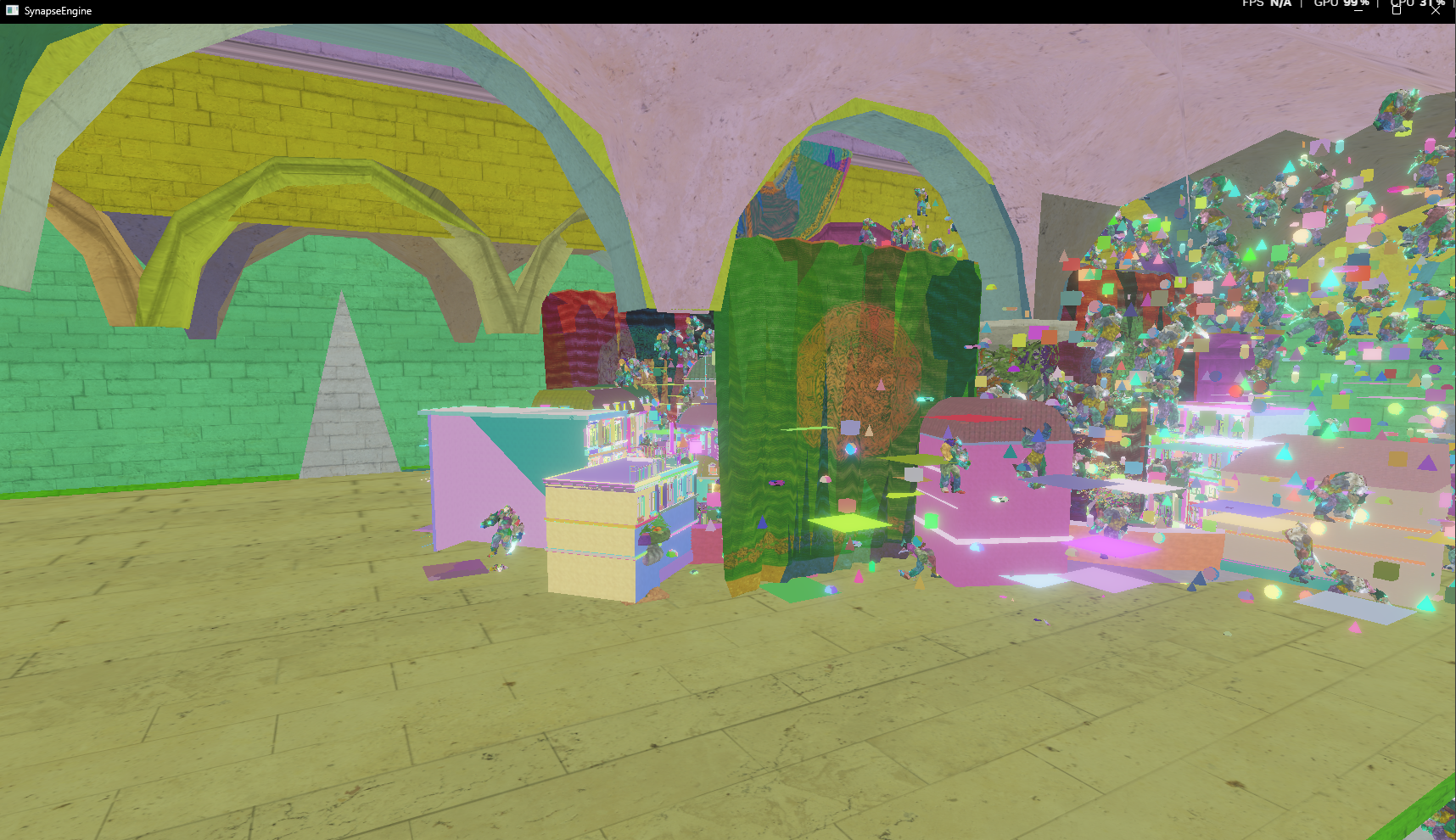
Oh, and I quickly tested it from a different camera angle; you can clearly see the frustum culling from the main camera, and correctly, nothing is rendered outside the frustum!!
Tamás Péter • Mar 28, 2026 - 13:25


Hi!
I'm roughly done with the rendering architecture based on material types. As I said, it was perfectly integratable into the system I came up with. The culling runs uniformly at once, but in both CPU and GPU-driven cases, the data is organized depending on whether the mesh has an opaque/transparent, 1/2 sided, or traditional/mesh shader material. The entire scene is 8 render calls; the Indirect Commands are also batched in a single buffer, divided within it by traditional/mesh shader and material type. So during rendering, the difference is basically just changing the command count and offset in all 8 cases!
I implemented the WBOIT (Weighted Blended Order-Independent Transparency) technique for objects with transparent materials. It works absolutely great, and so now it's really completely visible that the whole architecture is viable in practice!
I also started working on the editor part. I've set up the MVI viewmodel ImGui concept really well, which perfectly supports undo/redo operations too! Now the Gizmo appears again, and transformations can be changed either with it or on the right side!
The small hitch was that in the transparent WBOIT passes, there is no depth testing, so I can't write the entity ID belonging to the given object into the EntityID texture here, because it would always write the one rendered last, not the one that is closest... (Based on the Entity ID texture, I know what we selected on the GUI upon clicking, and the Gizmo will be drawn on that!!)
So unfortunately, in editor mode, it's necessary to create a separate secondary depth texture, copy the original contents into it, and use this to re-render all traditional/mesh shader transparent 1/2 sided objects, but with depth testing and treating them as if they were Opaque. The fragment shader here only writes the entity ID into the texture, but this is necessary for accurate entity/object picking and Gizmo handling...
Here you can see a ton of transparent objects (there's no light simulation yet), as well as the contents of the accumulation and reveal textures.
I'm roughly done with the rendering architecture based on material types. As I said, it was perfectly integratable into the system I came up with. The culling runs uniformly at once, but in both CPU and GPU-driven cases, the data is organized depending on whether the mesh has an opaque/transparent, 1/2 sided, or traditional/mesh shader material. The entire scene is 8 render calls; the Indirect Commands are also batched in a single buffer, divided within it by traditional/mesh shader and material type. So during rendering, the difference is basically just changing the command count and offset in all 8 cases!
I implemented the WBOIT (Weighted Blended Order-Independent Transparency) technique for objects with transparent materials. It works absolutely great, and so now it's really completely visible that the whole architecture is viable in practice!
I also started working on the editor part. I've set up the MVI viewmodel ImGui concept really well, which perfectly supports undo/redo operations too! Now the Gizmo appears again, and transformations can be changed either with it or on the right side!
The small hitch was that in the transparent WBOIT passes, there is no depth testing, so I can't write the entity ID belonging to the given object into the EntityID texture here, because it would always write the one rendered last, not the one that is closest... (Based on the Entity ID texture, I know what we selected on the GUI upon clicking, and the Gizmo will be drawn on that!!)
So unfortunately, in editor mode, it's necessary to create a separate secondary depth texture, copy the original contents into it, and use this to re-render all traditional/mesh shader transparent 1/2 sided objects, but with depth testing and treating them as if they were Opaque. The fragment shader here only writes the entity ID into the texture, but this is necessary for accurate entity/object picking and Gizmo handling...
Here you can see a ton of transparent objects (there's no light simulation yet), as well as the contents of the accumulation and reveal textures.
Tamás Péter • Mar 28, 2026 - 13:30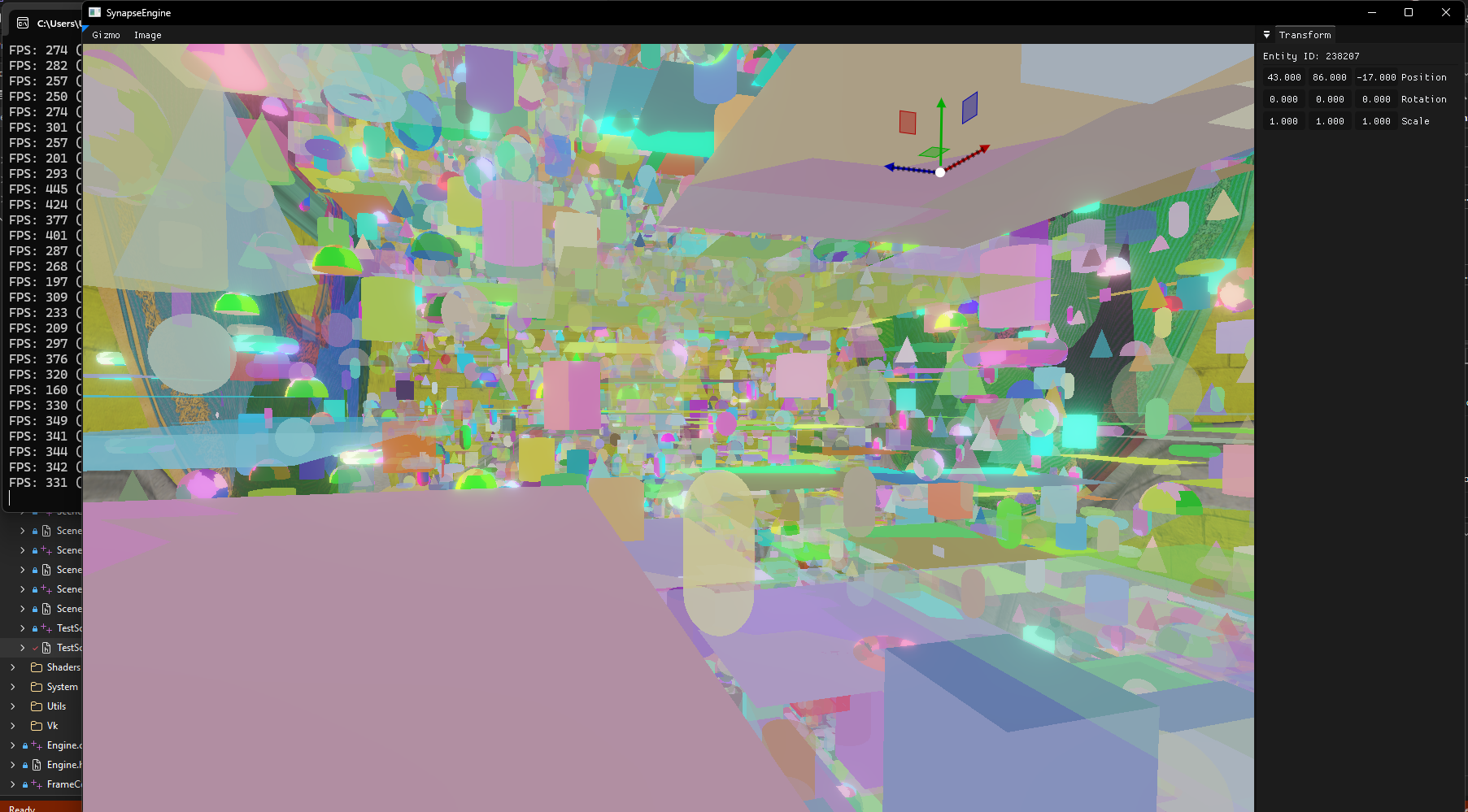
Here the editor and the gizmo are also visible.
This scene is 500k objects + 10k animations + Sponza:
Completely random with a 50% chance for traditional/mesh shader pipeline, 50% chance for 1/2 sided, and 50% chance for opaque/transparent.
This is basically a full material stress test, and it looks like everything works!!
Oh yes, and I was also thinking about handling transparent objects: Deferred rendering only works for opaque objects, not for transparent ones, right? For transparent ones, Forward rendering is needed.
However, I will support the Forward+ technique by default alongside Deferred anyway, so I can use this perfectly for Transparent objects.
For Opaque objects, it will be adjustable at the engine level whether to use Deferred or Forward+.
For Transparent objects, it's fixed to Forward+, and if Opaque is set to Deferred and there isn't a single transparent object, then the entire Forward+ culling and initialization part will be inactive until then.
This scene is 500k objects + 10k animations + Sponza:
Completely random with a 50% chance for traditional/mesh shader pipeline, 50% chance for 1/2 sided, and 50% chance for opaque/transparent.
This is basically a full material stress test, and it looks like everything works!!
Oh yes, and I was also thinking about handling transparent objects: Deferred rendering only works for opaque objects, not for transparent ones, right? For transparent ones, Forward rendering is needed.
However, I will support the Forward+ technique by default alongside Deferred anyway, so I can use this perfectly for Transparent objects.
For Opaque objects, it will be adjustable at the engine level whether to use Deferred or Forward+.
For Transparent objects, it's fixed to Forward+, and if Opaque is set to Deferred and there isn't a single transparent object, then the entire Forward+ culling and initialization part will be inactive until then.
Fridvalszky András • Mar 30, 2026 - 15:35
Awesome! I was thinking a bit about whether the double rendering of the transparent objects could be bypassed, but I couldn't find a solution. With Multiview rendering, they could be split into two render targets, but the depth test setting cannot be changed.
It would help if depth write is enabled for transparents as well, just without testing, because then the final result will already be in the depth buffer. And then the transparents can come again, but without depth write and with depth test set to equals. And then only those fragments will survive that are the very first ones anyway. This way, perhaps the depth buffer wouldn't need to be copied.
It would help if depth write is enabled for transparents as well, just without testing, because then the final result will already be in the depth buffer. And then the transparents can come again, but without depth write and with depth test set to equals. And then only those fragments will survive that are the very first ones anyway. This way, perhaps the depth buffer wouldn't need to be copied.
Tamás Péter • Apr 04, 2026 - 10:09
Hi!
Oh boy, well I've made a ton of progress again, and now I think I've reached the end of the entire refactor. Basically, everything needed for writing the article is in the engine, and 99% of the functionality from the önlab2 version is also there, just now built really beautifully and efficiently. Now I'm going to take a little break from coding and start focusing on writing the article.
In the past 1.5-2 months, I think I've been working on the engine for 12 hours a day xdd. I finally counted it up, and the entire engine in its current state is 31.5k lines of C++ and GLSL code.
In the last few days, I also implemented the complete deferred rendering. Directional, point, and spot lights can be simulated, even with tens of thousands of lights; point and spot lights are also culled, and it works with both CPU and GPU culling versions.
What's still missing is Forward+ and Shadow, as well as directional/point/spot light shadow object culling, and the Doom-style texture handling. I've already thought these through, and I think there will be very good solutions here too, but these are bigger tasks and I won't start on them now because they aren't that relevant for the article anyway.
The entire codebase, the shaders, and the ideas really turned out beautiful. Actually, the whole engine was written from line 0 with the aim of choosing the best possible solution everywhere, and it's really efficient to develop in the framework. By the way, if you're interested later, take a look at the code Vulkan abstractions, renderer, managers, and the like I think you'll find some good ideas and solutions in it that might be useful to you too.
I also created a Performance startup option where every unnecessary render pass has been trashed. It's a completely minimal rendering mode focusing on culling, where you can best measure the performance of the traditional/mesh shader renderer according to the 4 material types. (No GUI, no bloom, nothing is in it, just what's needed for culling and rendering!!)
And now there's also a GPU profiler with time queries, so you can see how much time each pass took!
The other versions have a GUI, and I created a Settings panel where you can adjust all sorts of things.
You can change at runtime whether the engine uses CPU or GPU-driven culling, and all render passes can be toggled on and off.
Occlusion culling, Hi-Z generation, bloom simulation, deferred light simulation, wireframe AABB and Sphere shapes all sorts of things can be toggled on and off!
AND THE BEST PART: I made a debug camera mode, where if you turn it on, you can use a debug camera from an external viewpoint to see exactly what remains in the scene from the main camera's perspective.
I also made Billboards, so if you click on the main camera, you can even move and rotate it at runtime in debug camera mode and watch from the outside how the culling changes.
Oh yes: I merged the refactor branch, the latest engine version is on the DEV branch from now on!
Oh boy, well I've made a ton of progress again, and now I think I've reached the end of the entire refactor. Basically, everything needed for writing the article is in the engine, and 99% of the functionality from the önlab2 version is also there, just now built really beautifully and efficiently. Now I'm going to take a little break from coding and start focusing on writing the article.
In the past 1.5-2 months, I think I've been working on the engine for 12 hours a day xdd. I finally counted it up, and the entire engine in its current state is 31.5k lines of C++ and GLSL code.
In the last few days, I also implemented the complete deferred rendering. Directional, point, and spot lights can be simulated, even with tens of thousands of lights; point and spot lights are also culled, and it works with both CPU and GPU culling versions.
What's still missing is Forward+ and Shadow, as well as directional/point/spot light shadow object culling, and the Doom-style texture handling. I've already thought these through, and I think there will be very good solutions here too, but these are bigger tasks and I won't start on them now because they aren't that relevant for the article anyway.
The entire codebase, the shaders, and the ideas really turned out beautiful. Actually, the whole engine was written from line 0 with the aim of choosing the best possible solution everywhere, and it's really efficient to develop in the framework. By the way, if you're interested later, take a look at the code Vulkan abstractions, renderer, managers, and the like I think you'll find some good ideas and solutions in it that might be useful to you too.
I also created a Performance startup option where every unnecessary render pass has been trashed. It's a completely minimal rendering mode focusing on culling, where you can best measure the performance of the traditional/mesh shader renderer according to the 4 material types. (No GUI, no bloom, nothing is in it, just what's needed for culling and rendering!!)
And now there's also a GPU profiler with time queries, so you can see how much time each pass took!
The other versions have a GUI, and I created a Settings panel where you can adjust all sorts of things.
You can change at runtime whether the engine uses CPU or GPU-driven culling, and all render passes can be toggled on and off.
Occlusion culling, Hi-Z generation, bloom simulation, deferred light simulation, wireframe AABB and Sphere shapes all sorts of things can be toggled on and off!
AND THE BEST PART: I made a debug camera mode, where if you turn it on, you can use a debug camera from an external viewpoint to see exactly what remains in the scene from the main camera's perspective.
I also made Billboards, so if you click on the main camera, you can even move and rotate it at runtime in debug camera mode and watch from the outside how the culling changes.
Oh yes: I merged the refactor branch, the latest engine version is on the DEV branch from now on!
Tamás Péter • Apr 04, 2026 - 10:12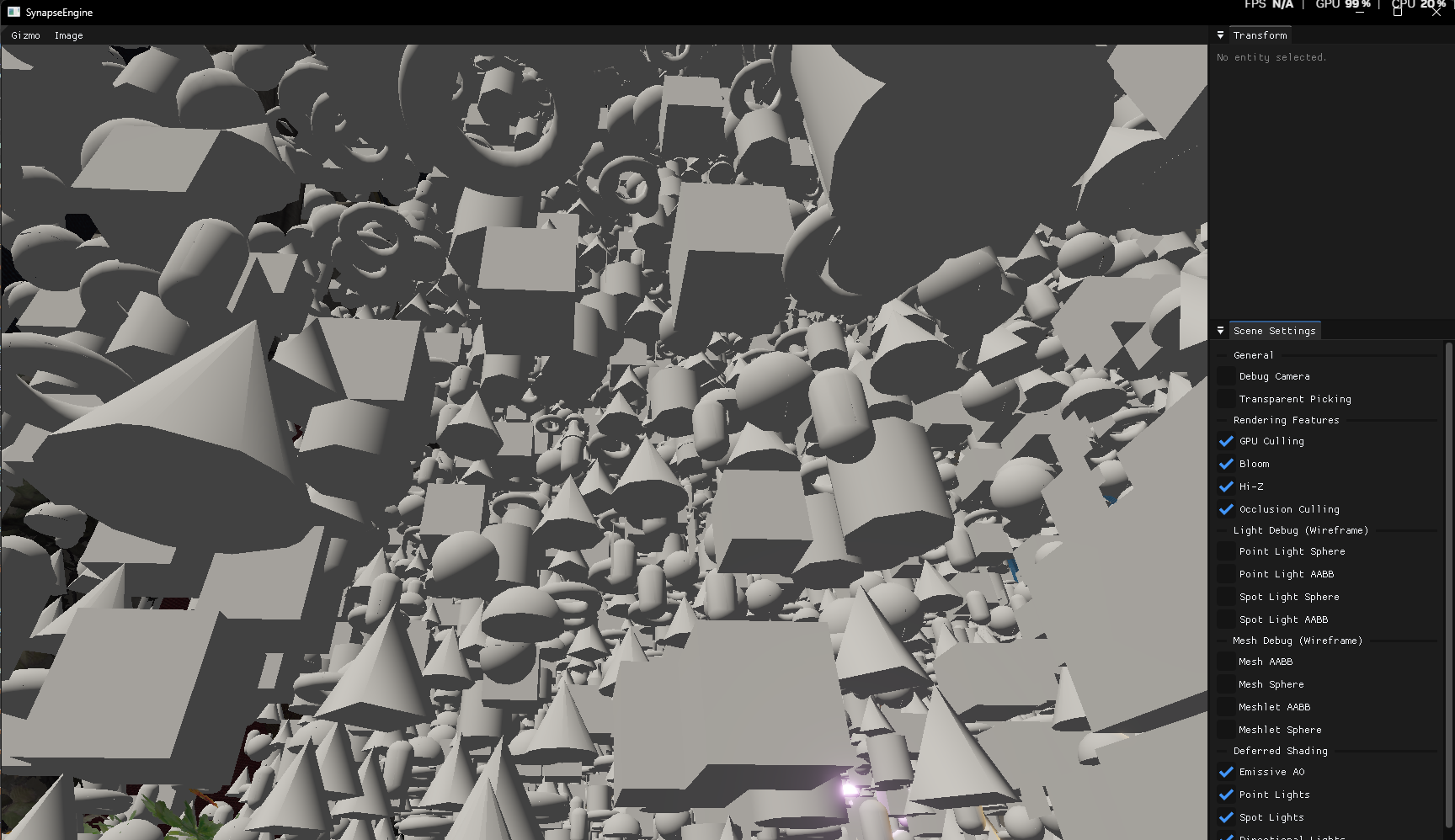
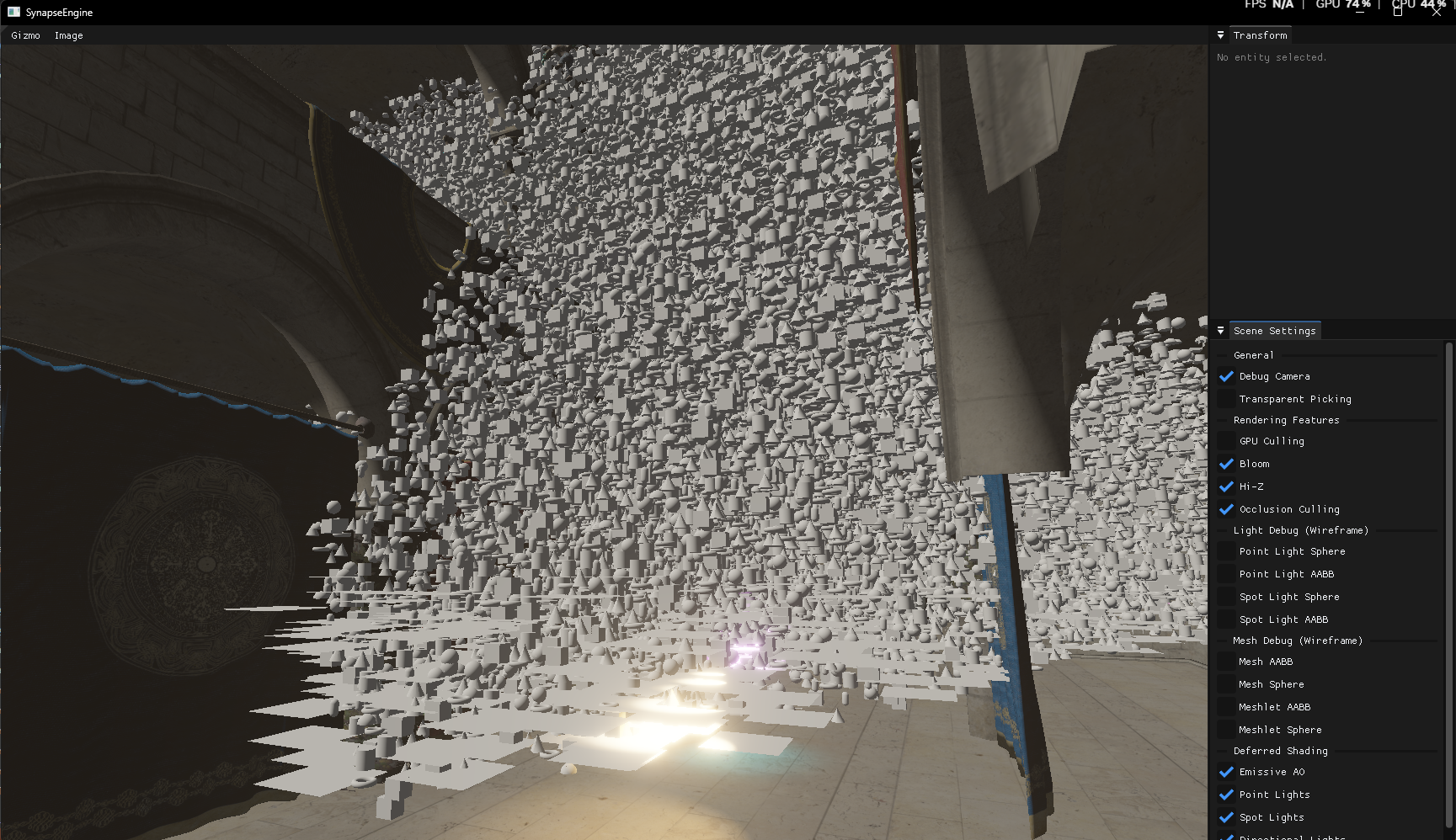
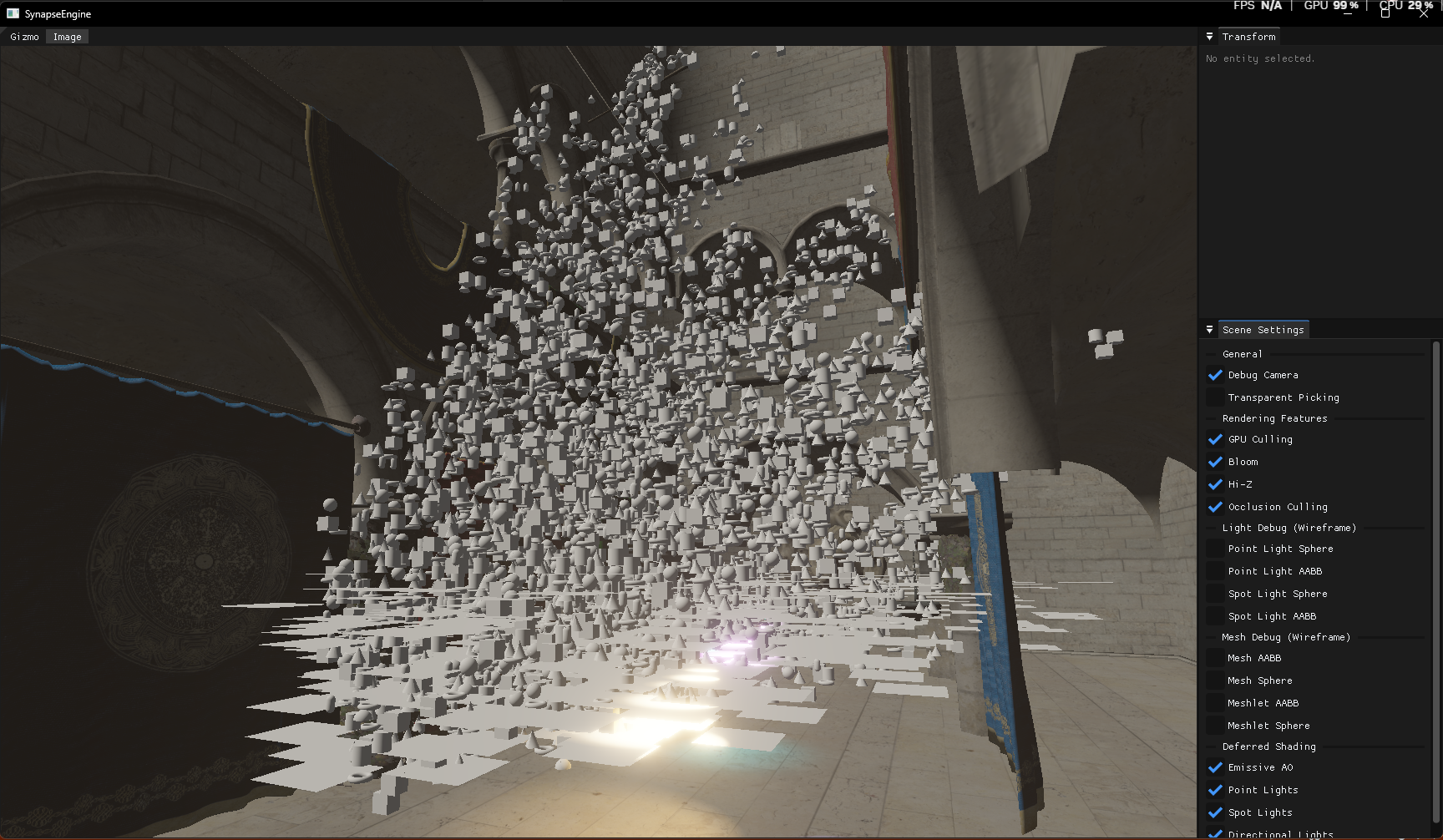
Here is the GUI version where you can adjust the settings; this is the main camera's view, what it sees.
1.5 million objects all around the entire Sponza.
This is the debug camera's perspective, where I disabled occlusion culling.
This is viewed from the debug camera, and here occlusion culling is enabled.
(Every parameter can be changed in real-time, the main camera can be moved, you can play around with it.)
1.5 million objects all around the entire Sponza.
This is the debug camera's perspective, where I disabled occlusion culling.
This is viewed from the debug camera, and here occlusion culling is enabled.
(Every parameter can be changed in real-time, the main camera can be moved, you can play around with it.)
Tamás Péter • Apr 04, 2026 - 10:14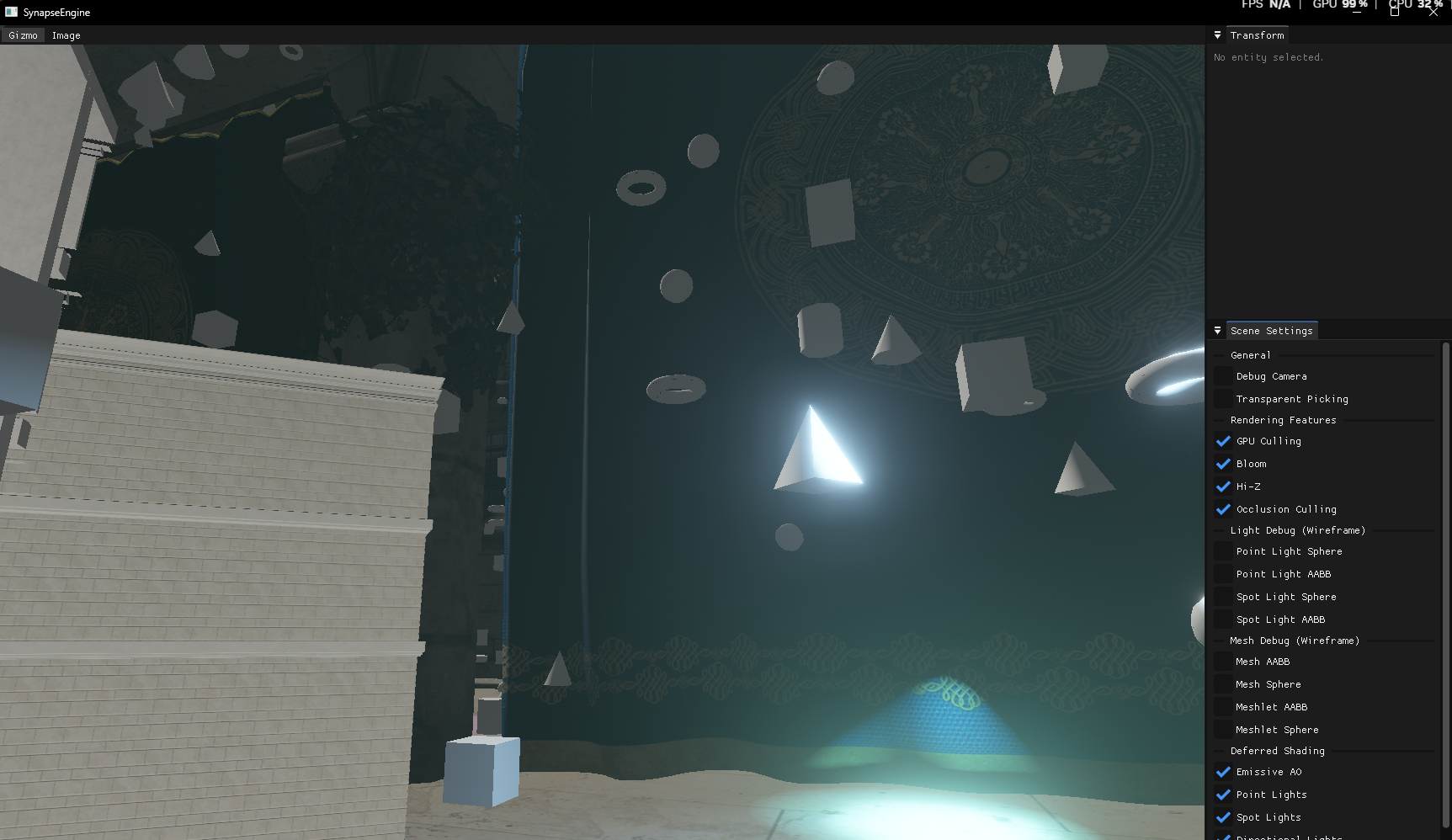
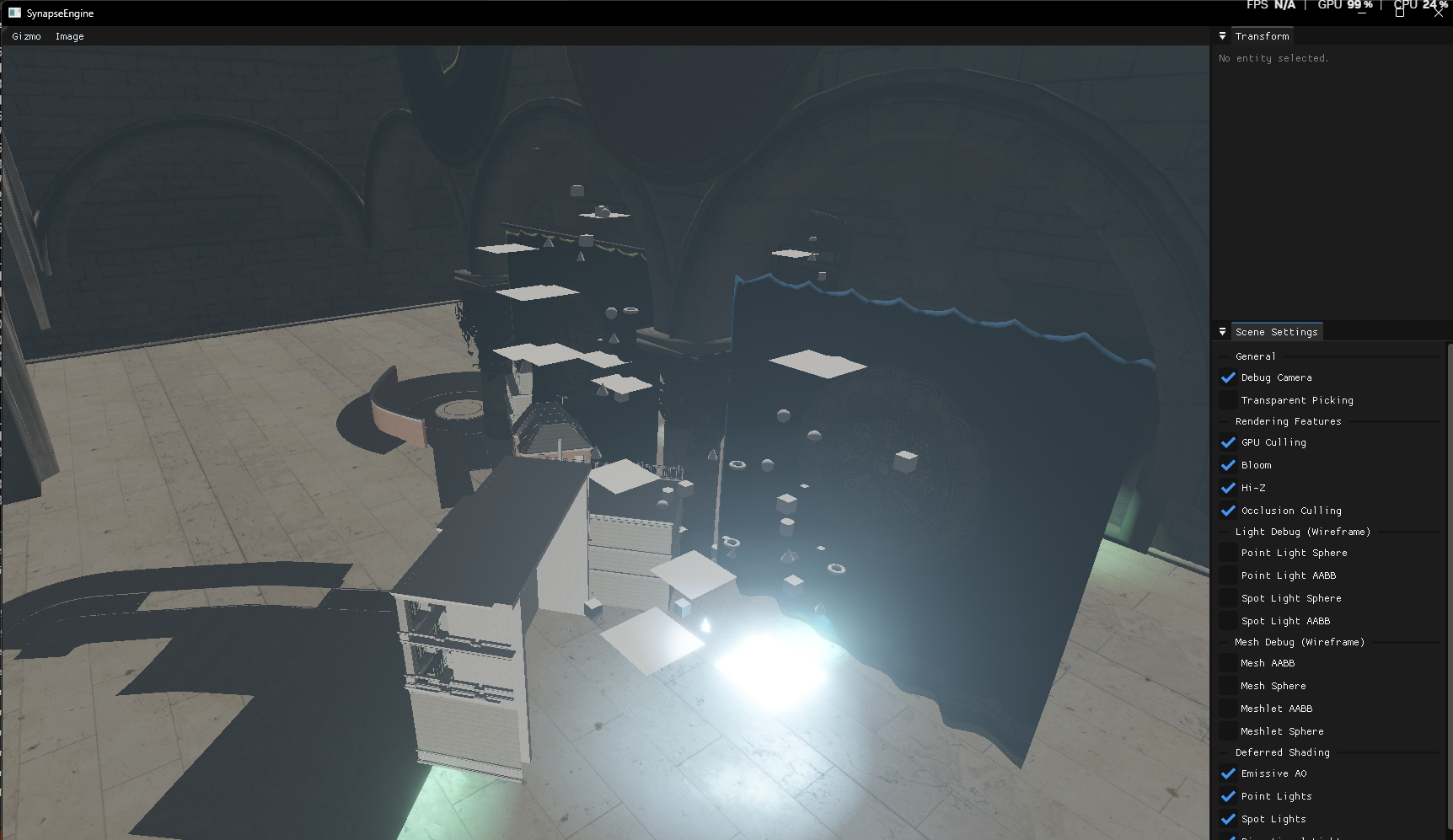
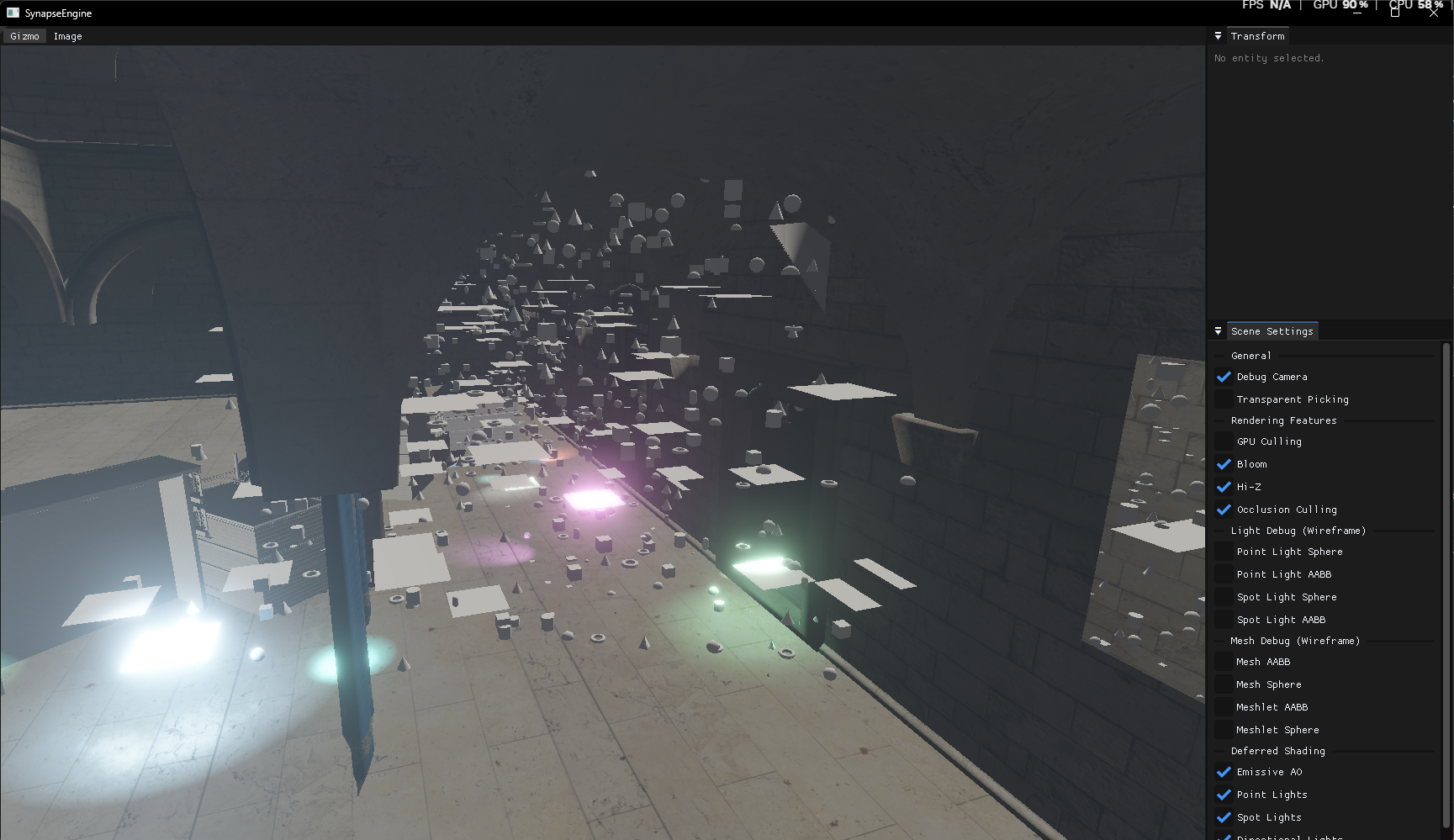
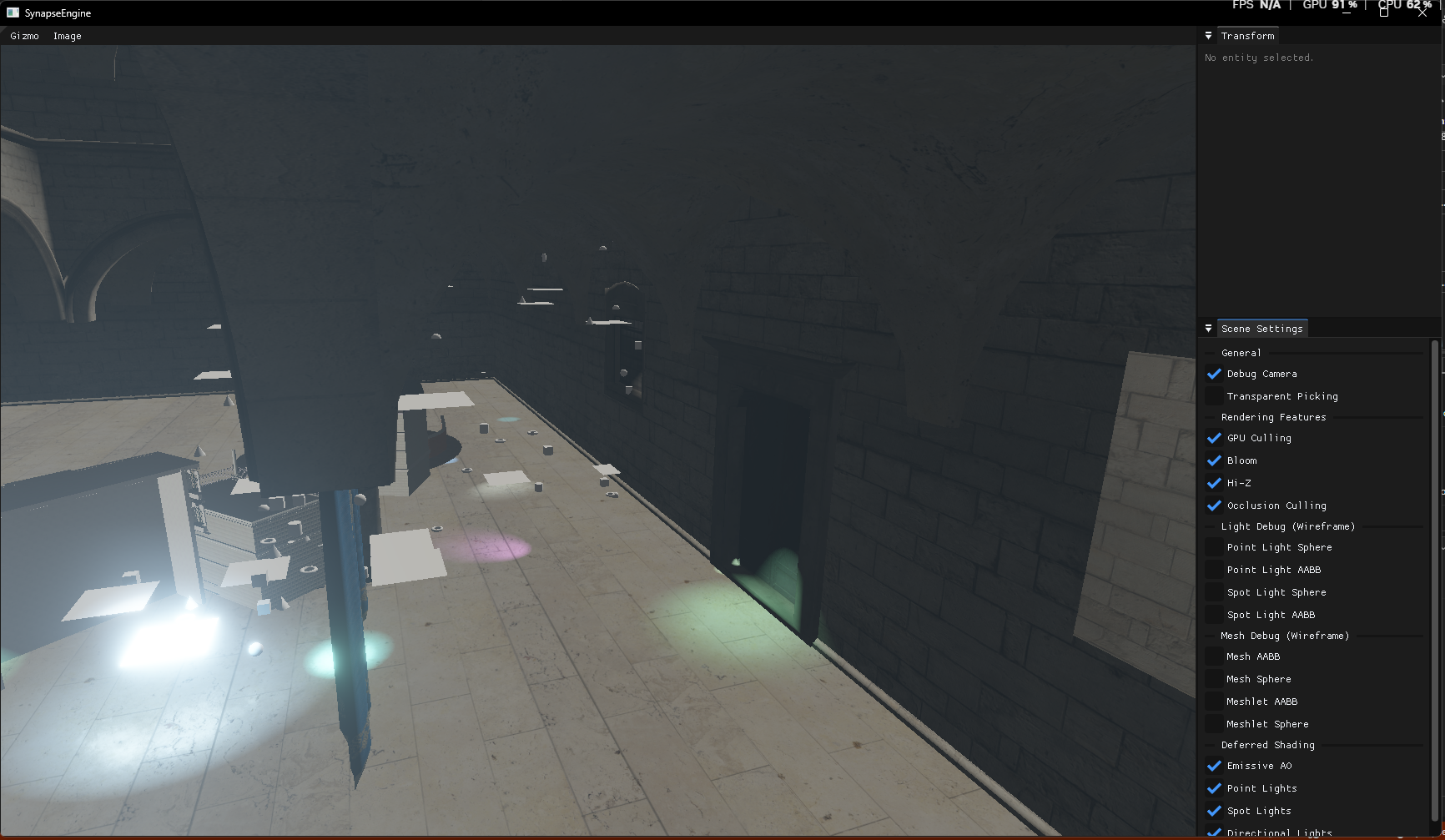
This is also the perspective from the debug camera, where you can see that the object behind the curtain disappears very nicely, and only a small part of the bistro appears.
Tamás Péter • Apr 04, 2026 - 10:16
And here is the GPU benchmark too.
Scene: 1 Sponza + 100 animations + 500k geometry (12 different shapes, 25 different materials) + (1+250+250 lights, but not simulated)
Home PC: Nvidia RTX 4060 | i5-13600K:
Performance Mode:
FPS: 1289 | GPU Timings:
- HizLinearPreparePass : 0.050 ms
- Perf_Meshlet_Opaque_2Sided : 0.063 ms
- HizDownsamplePass : 0.033 ms
- ModelCullingPass : 0.220 ms
- Transparent_Composite : 0.012 ms
- MeshCullingPass : 0.033 ms
- PerformanceInitPass : 0.006 ms
- WboitInitPass : 0.007 ms
- Perf_Traditional_Opaque_1Sided : 0.000 ms
- Perf_Traditional_Opaque_2Sided : 0.001 ms
- Perf_Meshlet_Opaque_1Sided : 0.181 ms
- Perf_Traditional_Transparent_1Sided : 0.000 ms
- Perf_Traditional_Transparent_2Sided : 0.000 ms
- Perf_Meshlet_Transparent_1Sided : 0.038 ms
- Perf_Meshlet_Transparent_2Sided : 0.029 ms
- CompositePass : 0.025 ms
------------------------------------------------
= TOTAL GPU TIME : 0.698 ms
Dist Mode:
FPS: 520 | GPU Timings:
- HizLinearPreparePass : 0.048 ms
- HizDownsamplePass : 0.030 ms
- ModelCullingPass : 0.216 ms
- Transparent_Composite : 0.008 ms
- MeshCullingPass : 0.033 ms
- PointLightCullingPass : 0.006 ms
- SpotLightCullingPass : 0.006 ms
- SpotLightBillboardPass : 0.008 ms
- GBufferInitPass : 0.013 ms
- DeferredSpotLightPass : 0.174 ms
- WboitInitPass : 0.007 ms
- BloomDownsamplePass : 0.083 ms
- DebugInitPass : 0.003 ms
- Traditional_Opaque_1Sided : 0.000 ms
- BloomPrefilterPass : 0.042 ms
- Traditional_Opaque_2Sided : 0.000 ms
- Meshlet_Opaque_1Sided : 0.478 ms
- Meshlet_Opaque_2Sided : 0.266 ms
- DeferredEmissiveAoPass : 0.035 ms
- DeferredDirectionLightPass : 0.056 ms
- DeferredPointLightPass : 0.010 ms
- Depth_Copy_Pass : 0.014 ms
- DirectionLightBillboardPass : 0.005 ms
- CameraBillboardPass : 0.002 ms
- PointLightBillboardPass : 0.007 ms
- Traditional_Transparent_1Sided : 0.003 ms
- Traditional_Transparent_2Sided : 0.000 ms
- Meshlet_Transparent_1Sided : 0.036 ms
- Meshlet_Transparent_2Sided : 0.017 ms
- BloomUpsamplePass : 0.091 ms
- BloomCompositePass : 0.032 ms
- GuiPass : 0.049 ms
------------------------------------------------
= TOTAL GPU TIME : 1.780 ms
Laptop: RTX 4060 | i5-12400F (Laptop GPU 105W)
Performance Mode:
FPS: 731 | GPU Timings:
- HizLinearPreparePass : 0.050 ms
- Perf_Meshlet_Opaque_2Sided : 0.053 ms
- HizDownsamplePass : 0.045 ms
- ModelCullingPass : 0.515 ms
- Transparent_Composite : 0.013 ms
- MeshCullingPass : 0.036 ms
- PerformanceInitPass : 0.008 ms
- WboitInitPass : 0.010 ms
- Perf_Traditional_Opaque_1Sided : 0.000 ms
- Perf_Traditional_Opaque_2Sided : 0.000 ms
- Perf_Meshlet_Opaque_1Sided : 0.195 ms
- Perf_Traditional_Transparent_1Sided : 0.001 ms
- Perf_Traditional_Transparent_2Sided : 0.001 ms
- Perf_Meshlet_Transparent_1Sided : 0.030 ms
- Perf_Meshlet_Transparent_2Sided : 0.185 ms
- CompositePass : 0.035 ms
------------------------------------------------
= TOTAL GPU TIME : 1.177 ms
Dist mode:
FPS: 343 | GPU Timings:
- HizLinearPreparePass : 0.053 ms
- HizDownsamplePass : 0.042 ms
- ModelCullingPass : 0.306 ms
- Transparent_Composite : 0.009 ms
- MeshCullingPass : 0.234 ms
- PointLightCullingPass : 0.007 ms
- SpotLightCullingPass : 0.007 ms
- SpotLightBillboardPass : 0.025 ms
- GBufferInitPass : 0.016 ms
- DeferredSpotLightPass : 0.283 ms
- WboitInitPass : 0.009 ms
- BloomDownsamplePass : 0.112 ms
- DebugInitPass : 0.004 ms
- Traditional_Opaque_1Sided : 0.000 ms
- BloomPrefilterPass : 0.051 ms
- Traditional_Opaque_2Sided : 0.000 ms
- Meshlet_Opaque_1Sided : 0.719 ms
- Meshlet_Opaque_2Sided : 0.322 ms
- DeferredEmissiveAoPass : 0.227 ms
- DeferredDirectionLightPass : 0.082 ms
- DeferredPointLightPass : 0.025 ms
- Depth_Copy_Pass : 0.019 ms
- DirectionLightBillboardPass : 0.019 ms
- CameraBillboardPass : 0.002 ms
- PointLightBillboardPass : 0.022 ms
- Traditional_Transparent_1Sided : 0.001 ms
- Traditional_Transparent_2Sided : 0.001 ms
- Meshlet_Transparent_1Sided : 0.033 ms
- Meshlet_Transparent_2Sided : 0.019 ms
- BloomUpsamplePass : 0.122 ms
- BloomCompositePass : 0.039 ms
- GuiPass : 0.061 ms
------------------------------------------------
= TOTAL GPU TIME : 2.871 ms
Scene: 1 Sponza + 100 animations + 500k geometry (12 different shapes, 25 different materials) + (1+250+250 lights, but not simulated)
Home PC: Nvidia RTX 4060 | i5-13600K:
Performance Mode:
FPS: 1289 | GPU Timings:
- HizLinearPreparePass : 0.050 ms
- Perf_Meshlet_Opaque_2Sided : 0.063 ms
- HizDownsamplePass : 0.033 ms
- ModelCullingPass : 0.220 ms
- Transparent_Composite : 0.012 ms
- MeshCullingPass : 0.033 ms
- PerformanceInitPass : 0.006 ms
- WboitInitPass : 0.007 ms
- Perf_Traditional_Opaque_1Sided : 0.000 ms
- Perf_Traditional_Opaque_2Sided : 0.001 ms
- Perf_Meshlet_Opaque_1Sided : 0.181 ms
- Perf_Traditional_Transparent_1Sided : 0.000 ms
- Perf_Traditional_Transparent_2Sided : 0.000 ms
- Perf_Meshlet_Transparent_1Sided : 0.038 ms
- Perf_Meshlet_Transparent_2Sided : 0.029 ms
- CompositePass : 0.025 ms
------------------------------------------------
= TOTAL GPU TIME : 0.698 ms
Dist Mode:
FPS: 520 | GPU Timings:
- HizLinearPreparePass : 0.048 ms
- HizDownsamplePass : 0.030 ms
- ModelCullingPass : 0.216 ms
- Transparent_Composite : 0.008 ms
- MeshCullingPass : 0.033 ms
- PointLightCullingPass : 0.006 ms
- SpotLightCullingPass : 0.006 ms
- SpotLightBillboardPass : 0.008 ms
- GBufferInitPass : 0.013 ms
- DeferredSpotLightPass : 0.174 ms
- WboitInitPass : 0.007 ms
- BloomDownsamplePass : 0.083 ms
- DebugInitPass : 0.003 ms
- Traditional_Opaque_1Sided : 0.000 ms
- BloomPrefilterPass : 0.042 ms
- Traditional_Opaque_2Sided : 0.000 ms
- Meshlet_Opaque_1Sided : 0.478 ms
- Meshlet_Opaque_2Sided : 0.266 ms
- DeferredEmissiveAoPass : 0.035 ms
- DeferredDirectionLightPass : 0.056 ms
- DeferredPointLightPass : 0.010 ms
- Depth_Copy_Pass : 0.014 ms
- DirectionLightBillboardPass : 0.005 ms
- CameraBillboardPass : 0.002 ms
- PointLightBillboardPass : 0.007 ms
- Traditional_Transparent_1Sided : 0.003 ms
- Traditional_Transparent_2Sided : 0.000 ms
- Meshlet_Transparent_1Sided : 0.036 ms
- Meshlet_Transparent_2Sided : 0.017 ms
- BloomUpsamplePass : 0.091 ms
- BloomCompositePass : 0.032 ms
- GuiPass : 0.049 ms
------------------------------------------------
= TOTAL GPU TIME : 1.780 ms
Laptop: RTX 4060 | i5-12400F (Laptop GPU 105W)
Performance Mode:
FPS: 731 | GPU Timings:
- HizLinearPreparePass : 0.050 ms
- Perf_Meshlet_Opaque_2Sided : 0.053 ms
- HizDownsamplePass : 0.045 ms
- ModelCullingPass : 0.515 ms
- Transparent_Composite : 0.013 ms
- MeshCullingPass : 0.036 ms
- PerformanceInitPass : 0.008 ms
- WboitInitPass : 0.010 ms
- Perf_Traditional_Opaque_1Sided : 0.000 ms
- Perf_Traditional_Opaque_2Sided : 0.000 ms
- Perf_Meshlet_Opaque_1Sided : 0.195 ms
- Perf_Traditional_Transparent_1Sided : 0.001 ms
- Perf_Traditional_Transparent_2Sided : 0.001 ms
- Perf_Meshlet_Transparent_1Sided : 0.030 ms
- Perf_Meshlet_Transparent_2Sided : 0.185 ms
- CompositePass : 0.035 ms
------------------------------------------------
= TOTAL GPU TIME : 1.177 ms
Dist mode:
FPS: 343 | GPU Timings:
- HizLinearPreparePass : 0.053 ms
- HizDownsamplePass : 0.042 ms
- ModelCullingPass : 0.306 ms
- Transparent_Composite : 0.009 ms
- MeshCullingPass : 0.234 ms
- PointLightCullingPass : 0.007 ms
- SpotLightCullingPass : 0.007 ms
- SpotLightBillboardPass : 0.025 ms
- GBufferInitPass : 0.016 ms
- DeferredSpotLightPass : 0.283 ms
- WboitInitPass : 0.009 ms
- BloomDownsamplePass : 0.112 ms
- DebugInitPass : 0.004 ms
- Traditional_Opaque_1Sided : 0.000 ms
- BloomPrefilterPass : 0.051 ms
- Traditional_Opaque_2Sided : 0.000 ms
- Meshlet_Opaque_1Sided : 0.719 ms
- Meshlet_Opaque_2Sided : 0.322 ms
- DeferredEmissiveAoPass : 0.227 ms
- DeferredDirectionLightPass : 0.082 ms
- DeferredPointLightPass : 0.025 ms
- Depth_Copy_Pass : 0.019 ms
- DirectionLightBillboardPass : 0.019 ms
- CameraBillboardPass : 0.002 ms
- PointLightBillboardPass : 0.022 ms
- Traditional_Transparent_1Sided : 0.001 ms
- Traditional_Transparent_2Sided : 0.001 ms
- Meshlet_Transparent_1Sided : 0.033 ms
- Meshlet_Transparent_2Sided : 0.019 ms
- BloomUpsamplePass : 0.122 ms
- BloomCompositePass : 0.039 ms
- GuiPass : 0.061 ms
------------------------------------------------
= TOTAL GPU TIME : 2.871 ms
Tamás Péter • Apr 09, 2026 - 14:20
[SUMMARY OF A LONG DEBUGGING SESSION WITH ANDRÁS]
We just had a massive debugging session trying to figure out a crazy performance anomaly. The GPU culling pass (specifically the model culling) was taking an excruciatingly slow 10+ ms on András's RTX 4090, whereas turning it off improved the total frame time to around 1-2 ms.
Here is a breakdown of what we tested and found:
The conclusion? The issue is NOT solved yet!
Since I cannot reproduce this on my end (the culling runs flawlessly in under 0.2 ms on my setup), we had to leave it unresolved for now. The next planned step is to completely separate the CPU and GPU-driven architectures at the buffer level. This will ensure the GPU-driven mode uses 100% dedicated, non-mapped device-local memory. We also plan to replace the CPU-side zeroing of the instance counts with Vulkan's `vkCmdFillBuffer`. Hopefully, that will finally fix it, but for now, it remains a mystery!
We just had a massive debugging session trying to figure out a crazy performance anomaly. The GPU culling pass (specifically the model culling) was taking an excruciatingly slow 10+ ms on András's RTX 4090, whereas turning it off improved the total frame time to around 1-2 ms.
Here is a breakdown of what we tested and found:
- Subgroup Operations: At first, I suspected the subgroup atomic int increments in the `ModelCulling.comp` shader. We commented out the subgroup macros and used global atomics to test, but it didn't solve the issue.
- Nsight Profiling & Memory Stalls: András ran it through Nsight, which showed about 50% occupancy but massive memory access stalls, specifically around the `GET_TRANSFORM` and `GET_CAMERA` macro fetches.
- VMA & Mapped Memory: We realized that because the CPU and GPU-driven culling share the same buffers, they were created with a `persistent` (mapped) flag. On the 4090, this likely fell back to non-device-local memory, causing huge bottlenecks.
- Dedicated GPU Memory Tests: András tried forcing the buffer creations to `CreateGpu`. Unsurprisingly, this instantly crashed the ECS manager (which strictly requires Mapped Sequential Write). He managed to move the `globalInstanceBuffer` to dedicated GPU memory, but weirdly, it didn't improve the performance at all.
- RenderDoc Crashes: We tried to capture the frame in RenderDoc, but it crashed throwing an "Out of device memory" error. We even verified that the machine only had one dedicated GPU (just the 4090).
The conclusion? The issue is NOT solved yet!
Since I cannot reproduce this on my end (the culling runs flawlessly in under 0.2 ms on my setup), we had to leave it unresolved for now. The next planned step is to completely separate the CPU and GPU-driven architectures at the buffer level. This will ensure the GPU-driven mode uses 100% dedicated, non-mapped device-local memory. We also plan to replace the CPU-side zeroing of the instance counts with Vulkan's `vkCmdFillBuffer`. Hopefully, that will finally fix it, but for now, it remains a mystery!
Fridvalszky András • Apr 14, 2026 - 12:10
[SUMMARY OF FURTHER DEBUGGING - THE REBAR DISCOVERY]
The saga continues! We did another deep dive into the RTX 4090 performance anomaly. Although the issue wasn't fully fixed during this session, we uncovered a massive hardware-level clue.
Here is the summary of our latest attempts and theories:
We left it at that for the week, with András planning to check his BIOS settings for the ReBAR option next time he is at the office.
The saga continues! We did another deep dive into the RTX 4090 performance anomaly. Although the issue wasn't fully fixed during this session, we uncovered a massive hardware-level clue.
Here is the summary of our latest attempts and theories:
- Strict Device Local Buffers & Compiler Hints: I updated the GPU-driven architecture to guarantee that every buffer strictly uses GPU device-local memory. I also added the `restrict` keyword to the shader buffers to help the compiler optimize memory access.
- Compute Shader for Zeroing: I implemented a dedicated compute shader to reset the `instanceCount`. We couldn't use Vulkan's `vkCmdFillBuffer` because it would wipe out the entire indirect draw command struct (destroying the `vertexCount` and `vertexOffset` data that must be preserved).
- The Resizable BAR (ReBAR) Theory: I started researching hardware bottlenecks and realized that if Resizable BAR (or Smart Access Memory) is disabled in the BIOS, mapped/coherent buffers might not act as true device-local memory. Instead, the GPU is forced to read and write across the PCIe bus, which completely destroys performance during heavy atomic operations. (Spoiler alert: We will discover later that this ReBAR issue was exactly the root cause of the entire problem!)
- Nsight Confirmation: András tested the new build, and while it was still slow, his Nsight profiler explicitly showed high PCIe bus load. This perfectly aligns with the ReBAR theory, as a fully GPU-driven pipeline should have near-zero PCIe traffic. He also checked the Vulkan memory heaps, noting a ~224 MB device-local + host-visible coherent heap.
- The OpenGL Local Variable Flashback: I brought up a nightmare scenario from my BSc thesis days in OpenGL, where assigning a fetched buffer struct to a local shader variable tanked performance by 10x. I attached the `DeferredPoint.frag` shader as an example of how I had to index directly into the buffer to bypass it. However, we ultimately ruled this out for modern Vulkan compilers, as the rest of the Task/Mesh shaders use local variables without any slowdown.
We left it at that for the week, with András planning to check his BIOS settings for the ReBAR option next time he is at the office.
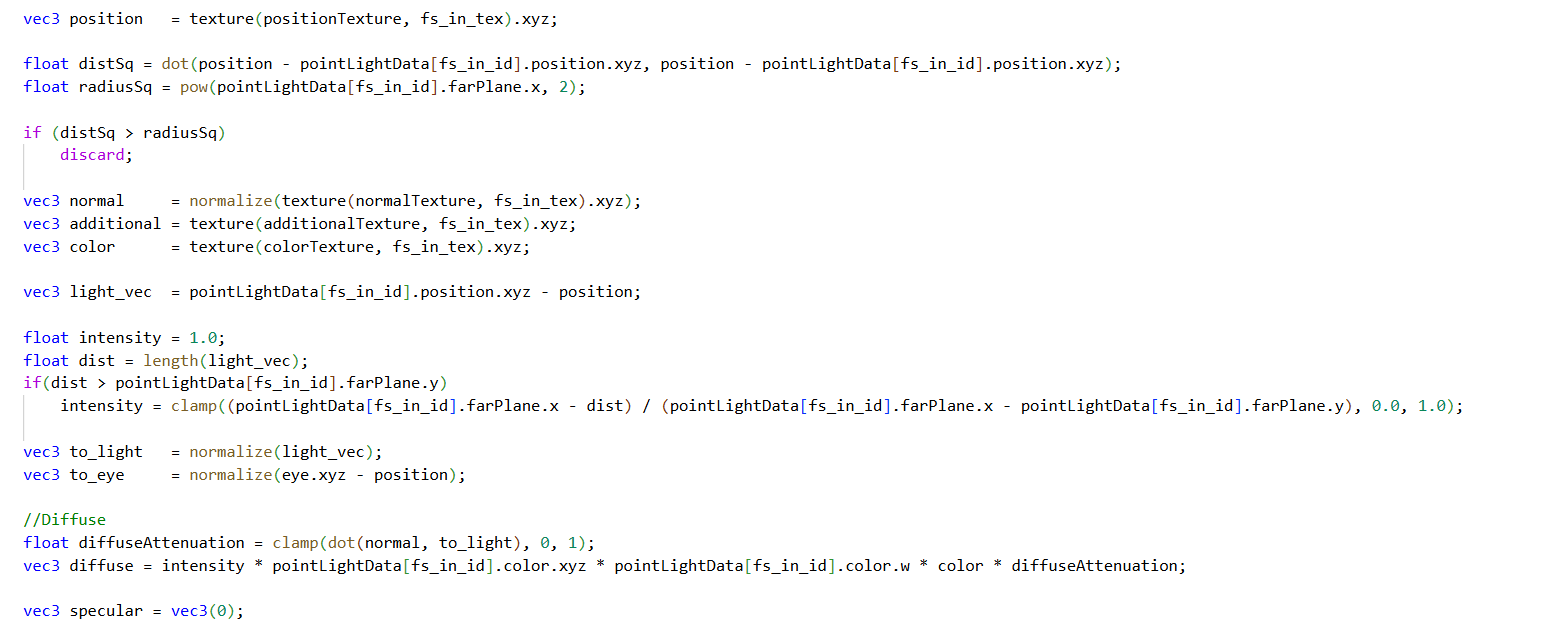
Tamás Péter • Apr 22, 2026 - 16:11
Hi!
Sorry for the long write-up, this doesn't belong to the article but to the upcoming developments, specifically the Forward+ implementation.
I think I've come up with a pretty good Forward+ technique. I've written down the process for it, and I'm curious about your insights or if you have any additional ideas.
I've made some progress with the engine, a lot of good ideas came up again!!
I integrated Jolt Physics into the engine, it works great, I even uploaded a video about it to YouTube.
You can create cube, sphere, capsule, convex, and triangle colliders for rigidbodies, and everything runs in a completely parallel, data-oriented way! (Convex and Triangle aren't fully done yet, but the rest are!)
Benchmark for 5k cubes, 5k spheres, 5k capsules:
- PhysicsSystem [Update] : 3.228 ms
It runs at 230 fps, even with a ton of animations, Sponza, and other static objects present.
Actually, the only thing missing from the thesis proposal, which I've never dealt with before, is Forward+ rendering. I've been thinking about the most practical way to implement it. This will be needed anyway for the light management of transparent objects, and it will be possible to switch at run-time whether the engine uses Deferred or Forward+.
I just want to write down my thoughts on this because I think I figured out a very good solution. I'd be curious to know what you think of it and if you see any pitfalls!
There are 3 types of Forward+ techniques:
1. Tiled Forward Shading: This is the worst, where we only divide the screen space XY into small squares and there is no Z-direction filtering at all. So we only determine in 2D which light is visible in which tile.
2. Clustered Forward Shading: We divide the space in 3D using some XY tile and logarithmically in the Z direction. So this is an extension of Tiled Forward Shading, but here there is also Z-direction filtering. The grid cell size can get larger based on distance.
3. Depth-Bounded Tiled Forward Shading: This is a further development of Tiled Forward Shading, where a compute shader collaboratively calculates the min/max depth from the depth buffer within a 16x16 tile, barriers, and then generates the frustum from this.
The truth is I don't like any of them, but I will make my own enhanced version of the 2nd one, which works well for both opaque and transparent objects.
The 3rd solution might sound good, but I actually don't think it is. For one, if you think about it, it can't handle transparent objects. Transparent objects aren't in the depth buffer!! Yet they must be taken into account, as there is light simulation on them too. Also, with this, if there is a very close and a very far pixel depth in the 16x16 tile, the frustum will be huge, so some kind of Z-direction partitioning would definitely be needed.
What I managed to come up with as a potential implementation actually came to me completely by accident from the occlusion culling and the transparent picking 2x rendering. (You know, this was where you were thinking about the Multiview rendering idea, but it wasn't practical due to depth buffer pollution). So right now, I build a Hi-Z max depth texture from the scene depth texture, which only contains opaque objects, not transparent ones. Then, for picking, so that pixel-perfect object selection can be done even on the very first transparent object, I render the transparent objects once more but in an "opaque" way, so the closest transparent depth gets written into ANOTHER COPIED DEPTH BUFFER.
So currently, the frame uses 2 depth buffers: one used by Hi-Z that is opaque only, and one for opaque + transparent for the click. (Before the 2nd transparent render, I copy the depth buffer 1:1 into another depth buffer, so the original remains opaque-only for Hi-Z occlusion culling).
Furthermore, currently for deferred shading point/spot lights, there is already a compute GPU-driven culling implemented, where with frustum + occlusion culling I check which lights I will render for the deferred pipeline. So here we get how many point and spot lights are visible, and their light indices compactly in a buffer.
And here it occurred to me that actually... Almost everything is given to implement a 2-step hierarchical Forward+ blending Hi-Z based Clustered Forward Shading and Depth-Bounded Tiled Forward Shading using Hi-Z textures, which culls lights perfectly for both transparent and opaque objects.
Main optimization:
• Hierarchical light culling: First, we frustum and occlusion cull the point and spot lights against the main camera, determining which are visible. (The ones that aren't visible don't even need to be considered for Forward+ tile culling) -> This is exactly the solution used in deferred shading. Then, after this, we cull these potentially visible light sources against all cells of the 3D grid and determine what is visible in which.
• HOWEVER!! Doing it for all 3D grid cells is unnecessary; there might be many cells with no objects in them. So we should determine the 3D grid cells that contain objects; these will be the active cells, and we only cull the light sources against these. This way, we can exclude culling unnecessary cells. These could be determined by a Grid vs visible objects (GPU-driven model/mesh culling could do it, but rather the Hi-Z optimization will come in here).
The Forward+ implementation:
• The Max-Reduction Opaque Hi-Z depth map is already given; I will also create a Min-Reduction Opaque+Transparent Hi-Z depth map. The Hi-Z texture chain won't be 1-channel, but 2-channel.
• Depth -> R32f copying is currently already in a compute shader during Hi-Z preparation. Here the X channel will be the normal opaque depth texture, and Y will be the depth texture containing transparent objects after the picking 2x transparent render.
• The Hi-Z chain generating compute shader remains the same, just reads XY: X maximum reduction, Y minimum reduction.
• Finally, we have the MAX/MIN Hi-Z mip chain. For a 16x16 tile, I can read the corresponding Hi-Z mip chain, and I immediately have the Max and Min depth values, containing both transparent and opaque objects. With this, I have actually created a 16x16 collaborative depth Min/Max calculated by a compute shader, working for transparents as well, just by using a Hi-Z mip chain.
• The Forward+ technique will use the Clustered Forward Shading 3D grid partitioning. So it will be a 16x16 tile, for example, and a fixed 16 divisions in the Z direction. (These are customizable).
• A compute shader will be dispatched where a thread belongs to every cell of the 3D grid. It reads the max and min depth corresponding to the 16x16 resolution from the Hi-Z texture. It checks from where to where its frustum range lasts according to its assigned division. (It gets this from some logarithmic Z division function). If it is between the Hi-Z min/max, or intersects this range, the cell is active; if it's not in it, there are no objects in the cell, so we exclude it. After this, the active ones still calculate their corresponding frustum (its 6 planes) for collision testing within this compute shader.
IMPORTANT: Here we will compactly collect the active cells in an atomic way! So there will be a visible cell index buffer, and a `visibleFrustumPlanes` buffer which will be in 6 divisions!
• After this, we dispatch another compute shader using indirect dispatch. Size: VisibleCells x Visible Lights. And one by one, we cull the potentially visible lights against the visible cells. (IMPORTANT: Here it might be better to use a mesh shader-like, collaborative `for...+=32` light processing, it might be more worth it. And then it will be VisibleCell x 32 size, and the 32 threads collaboratively process the light sources, e.g., 1000 of them).
• Each grid will have a large global index buffer, like the instance index buffer in rendering, which is offset, and the indices of the visible light sources belonging to the grids are put in here so they can be decoded during rendering.
I think this sounds really good, by the way. The only problem might be that there will be a 1-frame delay due to the Hi-Z. But I've already been looking into a 2-step occlusion culling solution for this, which will eliminate this problem, but in the current implementation, there will still be a 1-frame delay for Forward+ because of this!
And now comes one of the most important messages, the first iteration of my own new Forward+ idea!
Sorry for the long write-up, this doesn't belong to the article but to the upcoming developments, specifically the Forward+ implementation.
I think I've come up with a pretty good Forward+ technique. I've written down the process for it, and I'm curious about your insights or if you have any additional ideas.
I've made some progress with the engine, a lot of good ideas came up again!!
I integrated Jolt Physics into the engine, it works great, I even uploaded a video about it to YouTube.
You can create cube, sphere, capsule, convex, and triangle colliders for rigidbodies, and everything runs in a completely parallel, data-oriented way! (Convex and Triangle aren't fully done yet, but the rest are!)
Benchmark for 5k cubes, 5k spheres, 5k capsules:
- PhysicsSystem [Update] : 3.228 ms
It runs at 230 fps, even with a ton of animations, Sponza, and other static objects present.
Actually, the only thing missing from the thesis proposal, which I've never dealt with before, is Forward+ rendering. I've been thinking about the most practical way to implement it. This will be needed anyway for the light management of transparent objects, and it will be possible to switch at run-time whether the engine uses Deferred or Forward+.
I just want to write down my thoughts on this because I think I figured out a very good solution. I'd be curious to know what you think of it and if you see any pitfalls!
There are 3 types of Forward+ techniques:
1. Tiled Forward Shading: This is the worst, where we only divide the screen space XY into small squares and there is no Z-direction filtering at all. So we only determine in 2D which light is visible in which tile.
2. Clustered Forward Shading: We divide the space in 3D using some XY tile and logarithmically in the Z direction. So this is an extension of Tiled Forward Shading, but here there is also Z-direction filtering. The grid cell size can get larger based on distance.
3. Depth-Bounded Tiled Forward Shading: This is a further development of Tiled Forward Shading, where a compute shader collaboratively calculates the min/max depth from the depth buffer within a 16x16 tile, barriers, and then generates the frustum from this.
The truth is I don't like any of them, but I will make my own enhanced version of the 2nd one, which works well for both opaque and transparent objects.
The 3rd solution might sound good, but I actually don't think it is. For one, if you think about it, it can't handle transparent objects. Transparent objects aren't in the depth buffer!! Yet they must be taken into account, as there is light simulation on them too. Also, with this, if there is a very close and a very far pixel depth in the 16x16 tile, the frustum will be huge, so some kind of Z-direction partitioning would definitely be needed.
What I managed to come up with as a potential implementation actually came to me completely by accident from the occlusion culling and the transparent picking 2x rendering. (You know, this was where you were thinking about the Multiview rendering idea, but it wasn't practical due to depth buffer pollution). So right now, I build a Hi-Z max depth texture from the scene depth texture, which only contains opaque objects, not transparent ones. Then, for picking, so that pixel-perfect object selection can be done even on the very first transparent object, I render the transparent objects once more but in an "opaque" way, so the closest transparent depth gets written into ANOTHER COPIED DEPTH BUFFER.
So currently, the frame uses 2 depth buffers: one used by Hi-Z that is opaque only, and one for opaque + transparent for the click. (Before the 2nd transparent render, I copy the depth buffer 1:1 into another depth buffer, so the original remains opaque-only for Hi-Z occlusion culling).
Furthermore, currently for deferred shading point/spot lights, there is already a compute GPU-driven culling implemented, where with frustum + occlusion culling I check which lights I will render for the deferred pipeline. So here we get how many point and spot lights are visible, and their light indices compactly in a buffer.
And here it occurred to me that actually... Almost everything is given to implement a 2-step hierarchical Forward+ blending Hi-Z based Clustered Forward Shading and Depth-Bounded Tiled Forward Shading using Hi-Z textures, which culls lights perfectly for both transparent and opaque objects.
Main optimization:
• Hierarchical light culling: First, we frustum and occlusion cull the point and spot lights against the main camera, determining which are visible. (The ones that aren't visible don't even need to be considered for Forward+ tile culling) -> This is exactly the solution used in deferred shading. Then, after this, we cull these potentially visible light sources against all cells of the 3D grid and determine what is visible in which.
• HOWEVER!! Doing it for all 3D grid cells is unnecessary; there might be many cells with no objects in them. So we should determine the 3D grid cells that contain objects; these will be the active cells, and we only cull the light sources against these. This way, we can exclude culling unnecessary cells. These could be determined by a Grid vs visible objects (GPU-driven model/mesh culling could do it, but rather the Hi-Z optimization will come in here).
The Forward+ implementation:
• The Max-Reduction Opaque Hi-Z depth map is already given; I will also create a Min-Reduction Opaque+Transparent Hi-Z depth map. The Hi-Z texture chain won't be 1-channel, but 2-channel.
• Depth -> R32f copying is currently already in a compute shader during Hi-Z preparation. Here the X channel will be the normal opaque depth texture, and Y will be the depth texture containing transparent objects after the picking 2x transparent render.
• The Hi-Z chain generating compute shader remains the same, just reads XY: X maximum reduction, Y minimum reduction.
• Finally, we have the MAX/MIN Hi-Z mip chain. For a 16x16 tile, I can read the corresponding Hi-Z mip chain, and I immediately have the Max and Min depth values, containing both transparent and opaque objects. With this, I have actually created a 16x16 collaborative depth Min/Max calculated by a compute shader, working for transparents as well, just by using a Hi-Z mip chain.
• The Forward+ technique will use the Clustered Forward Shading 3D grid partitioning. So it will be a 16x16 tile, for example, and a fixed 16 divisions in the Z direction. (These are customizable).
• A compute shader will be dispatched where a thread belongs to every cell of the 3D grid. It reads the max and min depth corresponding to the 16x16 resolution from the Hi-Z texture. It checks from where to where its frustum range lasts according to its assigned division. (It gets this from some logarithmic Z division function). If it is between the Hi-Z min/max, or intersects this range, the cell is active; if it's not in it, there are no objects in the cell, so we exclude it. After this, the active ones still calculate their corresponding frustum (its 6 planes) for collision testing within this compute shader.
IMPORTANT: Here we will compactly collect the active cells in an atomic way! So there will be a visible cell index buffer, and a `visibleFrustumPlanes` buffer which will be in 6 divisions!
• After this, we dispatch another compute shader using indirect dispatch. Size: VisibleCells x Visible Lights. And one by one, we cull the potentially visible lights against the visible cells. (IMPORTANT: Here it might be better to use a mesh shader-like, collaborative `for...+=32` light processing, it might be more worth it. And then it will be VisibleCell x 32 size, and the 32 threads collaboratively process the light sources, e.g., 1000 of them).
• Each grid will have a large global index buffer, like the instance index buffer in rendering, which is offset, and the indices of the visible light sources belonging to the grids are put in here so they can be decoded during rendering.
I think this sounds really good, by the way. The only problem might be that there will be a 1-frame delay due to the Hi-Z. But I've already been looking into a 2-step occlusion culling solution for this, which will eliminate this problem, but in the current implementation, there will still be a 1-frame delay for Forward+ because of this!
And now comes one of the most important messages, the first iteration of my own new Forward+ idea!
Fridvalszky András • Apr 22, 2026 - 16:43
Well, I read the forward+ too. What's not clear is what the active cell is, and what the min max range is. I'm thinking that from the hierarchical Z buffer, the min max range within it can be read for every 2D tile. This is great because it means that every tile can "divide itself logarithmically in Z" according to its own Z range. The first voxel starts at Z min, the last voxel ends at Z max. But in this case, all voxels will be active, no?
I think the most interesting/optimizable part will be the compute call containing the visible light x tile threads, but as you also wrote here, you could maybe use mesh shaders cooperatively. Especially if there are a lot of light sources (the number of tiles is fixed, after all). But overall, I like this architecture.
I think the most interesting/optimizable part will be the compute call containing the visible light x tile threads, but as you also wrote here, you could maybe use mesh shaders cooperatively. Especially if there are a lot of light sources (the number of tiles is fixed, after all). But overall, I like this architecture.
Tamás Péter • Apr 22, 2026 - 16:48
Hmm.. yeah.
The active cell is a cell that potentially contains an object. An inactive cell is one that is completely outside the Max/Min range, and light culling won't even be dispatched for it at all. This way we can exclude a bunch of cells.
So looking at a 16x16 tile, let's say it's divided into 16 parts; based on the Hi-Z min/max, maybe only the 8th-12th slices are activated where there is potentially an object based on depth, and the rest are inactive.
The active cell is a cell that potentially contains an object. An inactive cell is one that is completely outside the Max/Min range, and light culling won't even be dispatched for it at all. This way we can exclude a bunch of cells.
So looking at a 16x16 tile, let's say it's divided into 16 parts; based on the Hi-Z min/max, maybe only the 8th-12th slices are activated where there is potentially an object based on depth, and the rest are inactive.
Fridvalszky András • Apr 22, 2026 - 16:49
I mean, I phrased it poorly, I understand what you meant, every tile (the whole volume) has the same Z division and this is how you determine what is active and what is not.
But couldn't the division be made dynamic per tile based on the min max range? (This was an older thought of mine when I was reading up on and thinking about Forward+).
But couldn't the division be made dynamic per tile based on the min max range? (This was an older thought of mine when I was reading up on and thinking about Forward+).
Tamás Péter • Apr 22, 2026 - 16:51
Ahha, well thinking about it, I think it's possible, that's a good idea.
Because then it's not divided into a fixed 16 in advance.
Instead, 16 threads start, each reads the min/max based on the Hi-Z, and they divide this into 16 parts.
And then the frustum culler, the projection is still fully parallel across 16 threads!
I mean, if I understand correctly, I was thinking that the 16x16 tiles would be dynamically divided into a certain number of parts in the Z direction for simplicity's sake, let's say 16 parts again, or smaller ones based on size. Just so the calculation of the frustum faces runs in parallel; it would be good if not just 1 thread started per tile to calculate X number of frustum faces, but we parallelize this as well.
And then it would be optimized so that there aren't even physical grid cells for the regions outside the Min/Max.
Because then it's not divided into a fixed 16 in advance.
Instead, 16 threads start, each reads the min/max based on the Hi-Z, and they divide this into 16 parts.
And then the frustum culler, the projection is still fully parallel across 16 threads!
I mean, if I understand correctly, I was thinking that the 16x16 tiles would be dynamically divided into a certain number of parts in the Z direction for simplicity's sake, let's say 16 parts again, or smaller ones based on size. Just so the calculation of the frustum faces runs in parallel; it would be good if not just 1 thread started per tile to calculate X number of frustum faces, but we parallelize this as well.
And then it would be optimized so that there aren't even physical grid cells for the regions outside the Min/Max.
Fridvalszky András • Apr 22, 2026 - 16:54
Yes, this is the kind of thing I had in mind. This way, if the Z range is small, the voxels will be small, which can perhaps separate the light sources better... Of course, for this to noticeably help, there really needs to be a lot of these very small light sources.
Tamás Péter • Apr 22, 2026 - 16:55
Ahha, yeah, this is a really good idea, thanks.
I think it can be done really well with this!!
I think it can be done really well with this!!
Tamás Péter • Apr 23, 2026 - 10:25
I was just thinking a bit more about your Forward+ idea from yesterday. And it really is a very good idea, the only thing that will be a bit problematic is reconstructing the grid cell based on depth during rendering.
Because if the Hi-Z contains the min/max depth at the tile level, and I divide this dynamically, then when I render my object and the light simulation starts, I have to somehow reconstruct which tile Z-range the object falls into based on depth, since I'll need to iterate through the lights belonging to that. And if it is divided uniformly in advance, like I first said (we divide the frustum logarithmically in advance, and we'll have visible/invisible grid cells), then determining this Z range based on pixel depth during rendering is super simple.
However, if we do it with your Hi-Z min/max range division idea, then during rendering we also have to read the min/max ranges from the texture again, know what the Z range resolution was, and which one it falls into. Although we could probably make some buffer-based accelerating structure for this so we wouldn't have to read the Hi-Z texture, and somehow determine which range it falls into faster from a buffer.
Because if the Hi-Z contains the min/max depth at the tile level, and I divide this dynamically, then when I render my object and the light simulation starts, I have to somehow reconstruct which tile Z-range the object falls into based on depth, since I'll need to iterate through the lights belonging to that. And if it is divided uniformly in advance, like I first said (we divide the frustum logarithmically in advance, and we'll have visible/invisible grid cells), then determining this Z range based on pixel depth during rendering is super simple.
However, if we do it with your Hi-Z min/max range division idea, then during rendering we also have to read the min/max ranges from the texture again, know what the Z range resolution was, and which one it falls into. Although we could probably make some buffer-based accelerating structure for this so we wouldn't have to read the Hi-Z texture, and somehow determine which range it falls into faster from a buffer.
Fridvalszky András • Apr 23, 2026 - 10:34
Actually, this would mean one extra texture read in the fragment shader, but a bunch of fragments would read the exact same texture value, so I think the cache would prevent it from being a problem there. But you could also have a quick pass after the Hi-Z that creates a buffer where it precalculates some values for every 2D tile which, as you wrote, would speed up the calculation.
Tamás Péter • Apr 24, 2026 - 18:50
Hi!
Today I tested the engine on a friend's machine (with 1 million entities), he has an RTX 4070 Super, and imagine this, the exact same problem occurred on his machine as on yours with the RTX 4090.
The model culling took 18 ms, insanely slow. We looked through everything in the shader and didn't really get anywhere.
As a last resort, I checked the ReBAR setting in the BIOS, which was enabled for me. I disabled it and suddenly the model culling on my machine also became 10 ms, it slowed down brutally. The setting was also disabled on my friend's machine.
I re-enabled it, and he enabled it in his BIOS too. After that, everything became super fast.
RTX 4060 (Mine): 0.386 ms | Total: 1.8 ms
RTX 4070 Super (Friend's): 0.247 ms | Total: 1.3 ms
So this ReBAR is the problem, and then 100% memory access is the issue. The important buffers for culling are in GPU-only memory right now, but the ECS buffers (transform, camera) that change frequently are Coherent-Mapped. Probably because I store transforms for 1M entities, it doesn't fit in the device-local coherent mapped region, so it was placed in slow memory, and that's why it slowed down.
So then either ReBAR must be enabled, or we really have to put all data into GPU-only memory... It's just that ECS data, especially the transform, changes often and is huge in size... So I don't know how much copying 1 million transforms into GPU-only memory per frame will slow things down.
But the point is we found the reason why it slowed down for you too!
Although there's probably no other solution, every ECS buffer also has to be copied from coherent-mapped -> GPU only, just like the main buffers. I'll implement it in the next few days so that everything is staged!
Today I tested the engine on a friend's machine (with 1 million entities), he has an RTX 4070 Super, and imagine this, the exact same problem occurred on his machine as on yours with the RTX 4090.
The model culling took 18 ms, insanely slow. We looked through everything in the shader and didn't really get anywhere.
As a last resort, I checked the ReBAR setting in the BIOS, which was enabled for me. I disabled it and suddenly the model culling on my machine also became 10 ms, it slowed down brutally. The setting was also disabled on my friend's machine.
I re-enabled it, and he enabled it in his BIOS too. After that, everything became super fast.
RTX 4060 (Mine): 0.386 ms | Total: 1.8 ms
RTX 4070 Super (Friend's): 0.247 ms | Total: 1.3 ms
So this ReBAR is the problem, and then 100% memory access is the issue. The important buffers for culling are in GPU-only memory right now, but the ECS buffers (transform, camera) that change frequently are Coherent-Mapped. Probably because I store transforms for 1M entities, it doesn't fit in the device-local coherent mapped region, so it was placed in slow memory, and that's why it slowed down.
So then either ReBAR must be enabled, or we really have to put all data into GPU-only memory... It's just that ECS data, especially the transform, changes often and is huge in size... So I don't know how much copying 1 million transforms into GPU-only memory per frame will slow things down.
But the point is we found the reason why it slowed down for you too!
Although there's probably no other solution, every ECS buffer also has to be copied from coherent-mapped -> GPU only, just like the main buffers. I'll implement it in the next few days so that everything is staged!
Fridvalszky András • Apr 25, 2026 - 08:27
Wow, great that the issue was figured out! Then I will definitely check this ReBAR out too.
By the way, when I tried the physics version this week, the program was even slower, and toggling GPU culling didn't help either. Hopefully, the same thing will solve this as well.
By the way, when I tried the physics version this week, the program was even slower, and toggling GPU culling didn't help either. Hopefully, the same thing will solve this as well.
Tamás Péter • Apr 25, 2026 - 08:30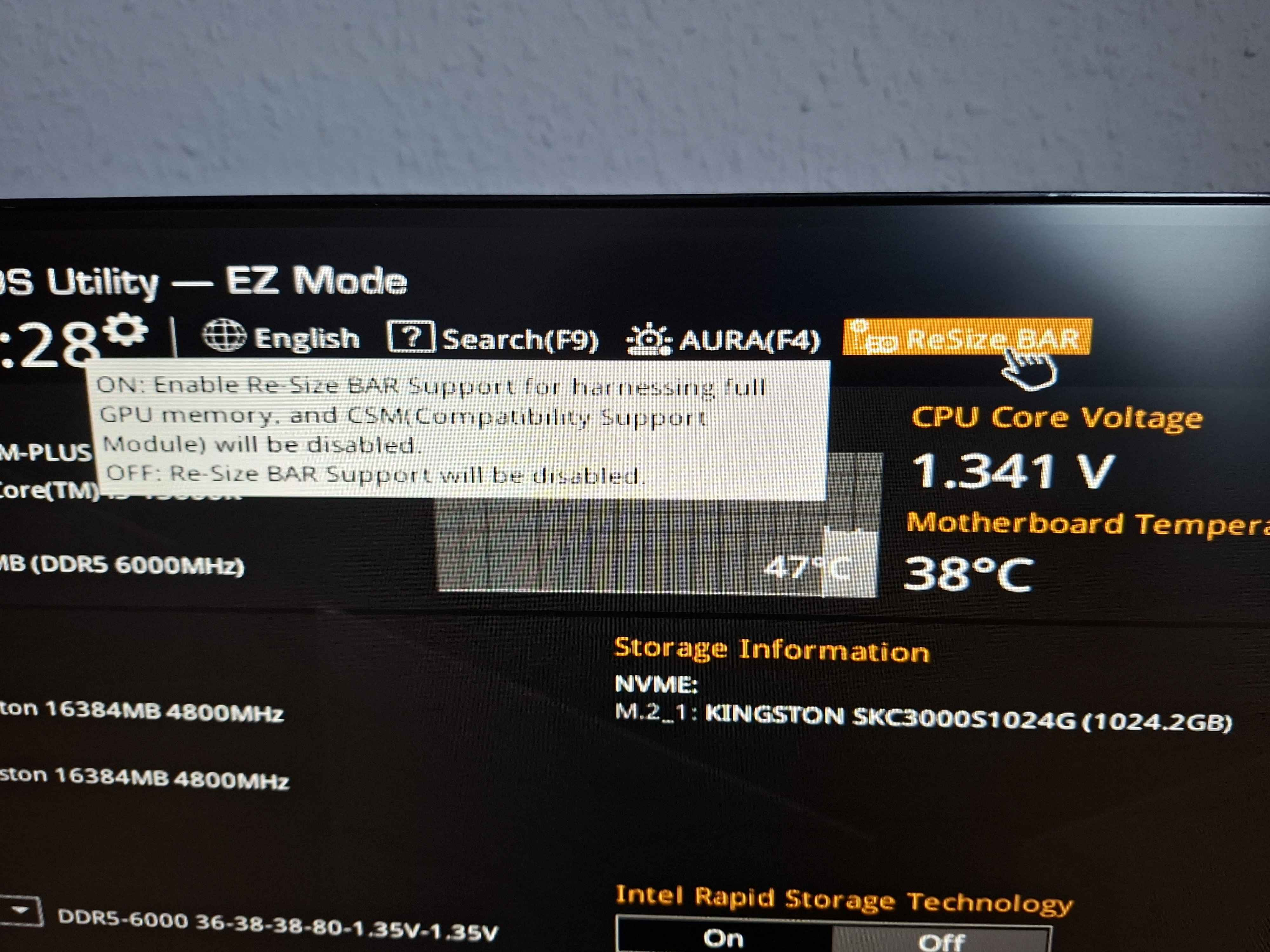
In the BIOS, by the way, it was right here at the top of the start page for me.
But I will implement it so that ReBAR isn't needed, because it would be good to avoid such problems, but of course then it's 2x memory for everything, because a coherent mapped buffer and a GPU-only buffer are needed.
With physics, it's inherently slower due to CPU time; for me, simulating 15 thousand objects took 3-4 ms. But the Rendering remained just as fast. But theoretically, at least currently, if you have ReBAR, everything is super fast.
Oh, and by the way, until there is serialization in the engine, I'll make a startup option file in JSON where you can adjust whether there should be physics simulation, how many objects, how many light sources. The paths are extracted. And then you won't have to tinker with the C++ files; it'll be enough to change the numbers in the JSON!!
(I actually just did it, the latest is on the forward+ feature branch, it's on there, `scene_config.json` next to the scene files. And then here you can adjust how much of what you want.)
But I will implement it so that ReBAR isn't needed, because it would be good to avoid such problems, but of course then it's 2x memory for everything, because a coherent mapped buffer and a GPU-only buffer are needed.
With physics, it's inherently slower due to CPU time; for me, simulating 15 thousand objects took 3-4 ms. But the Rendering remained just as fast. But theoretically, at least currently, if you have ReBAR, everything is super fast.
Oh, and by the way, until there is serialization in the engine, I'll make a startup option file in JSON where you can adjust whether there should be physics simulation, how many objects, how many light sources. The paths are extracted. And then you won't have to tinker with the C++ files; it'll be enough to change the numbers in the JSON!!
(I actually just did it, the latest is on the forward+ feature branch, it's on there, `scene_config.json` next to the scene files. And then here you can adjust how much of what you want.)
Tamás Péter • Apr 25, 2026 - 08:35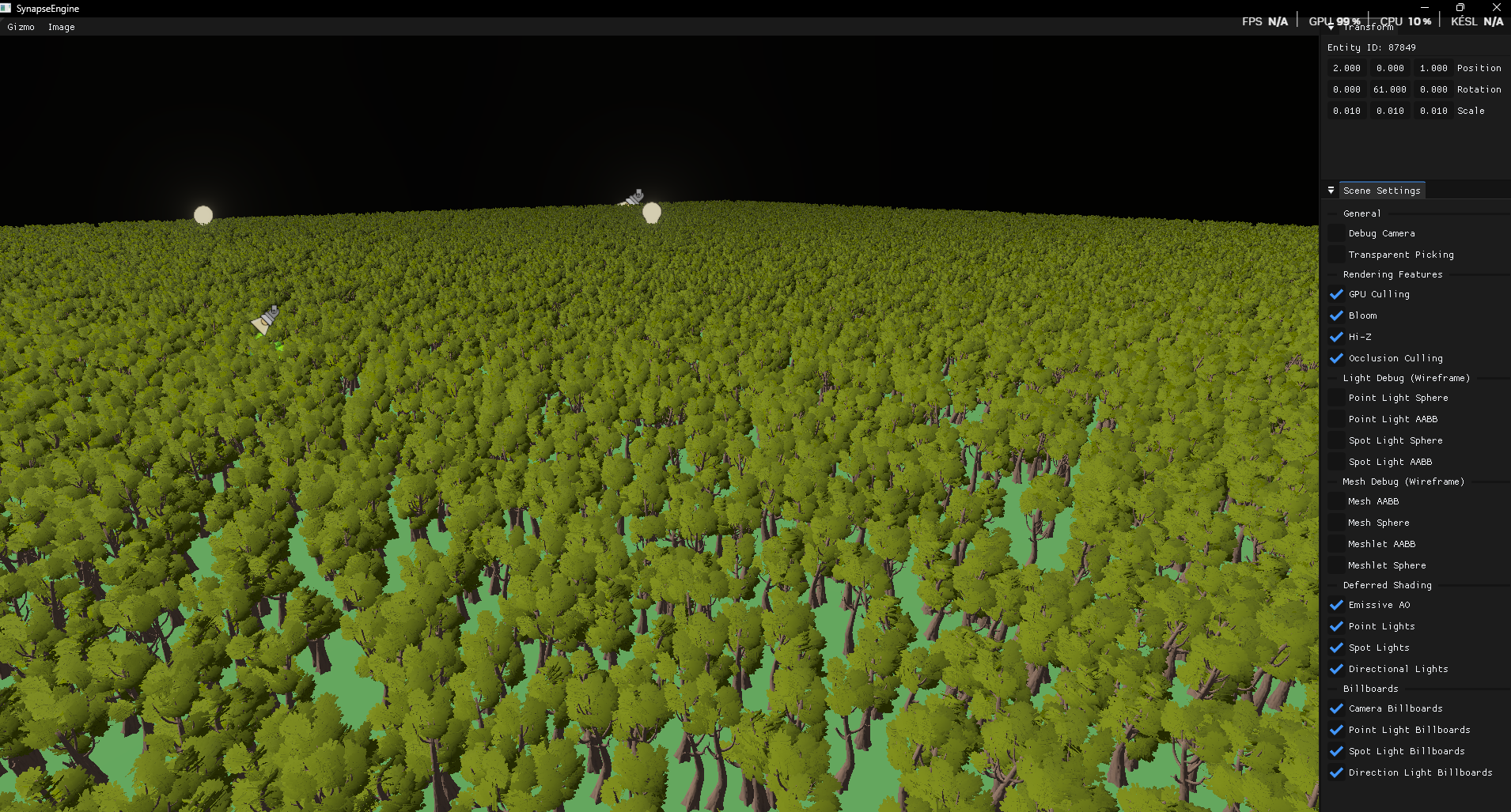
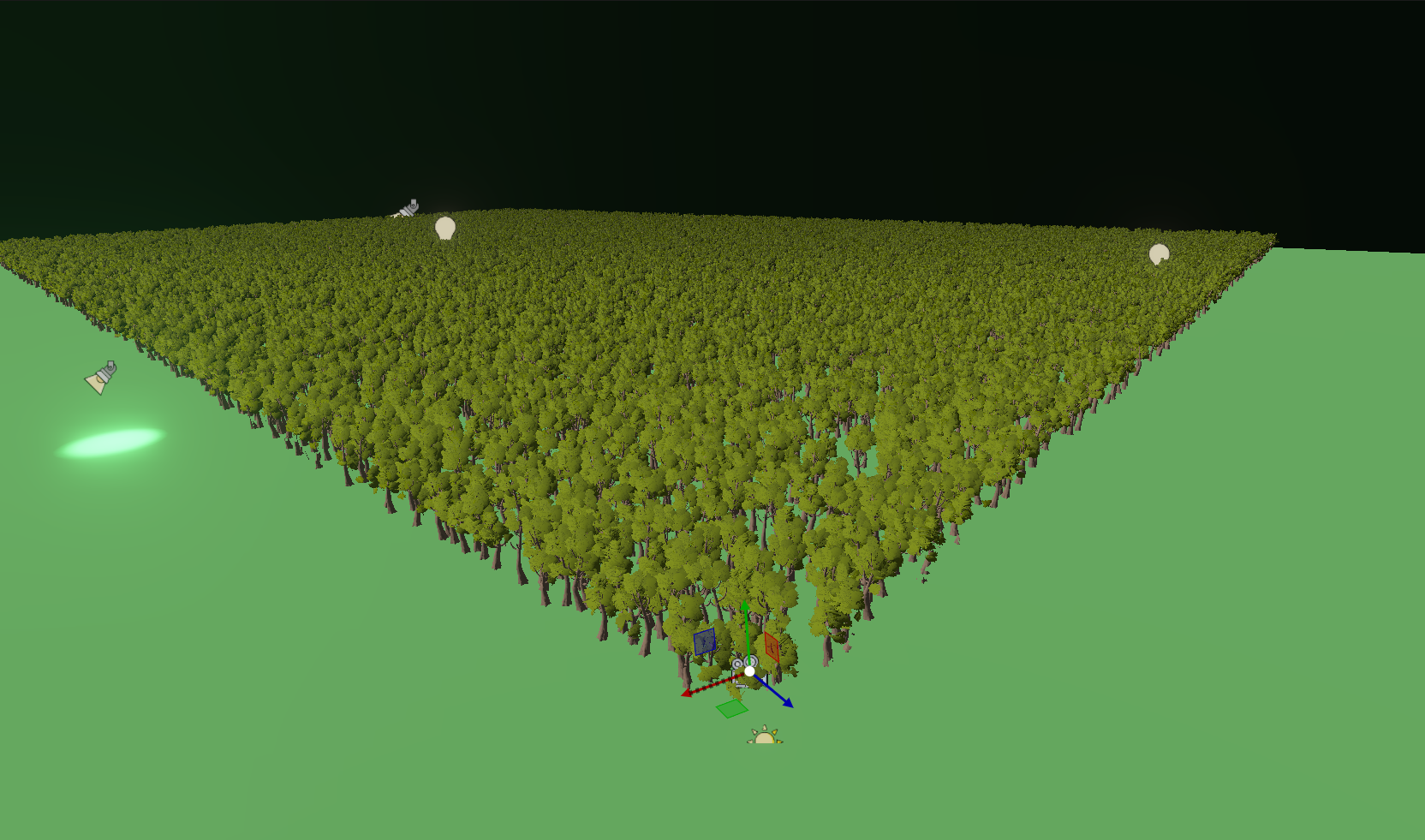
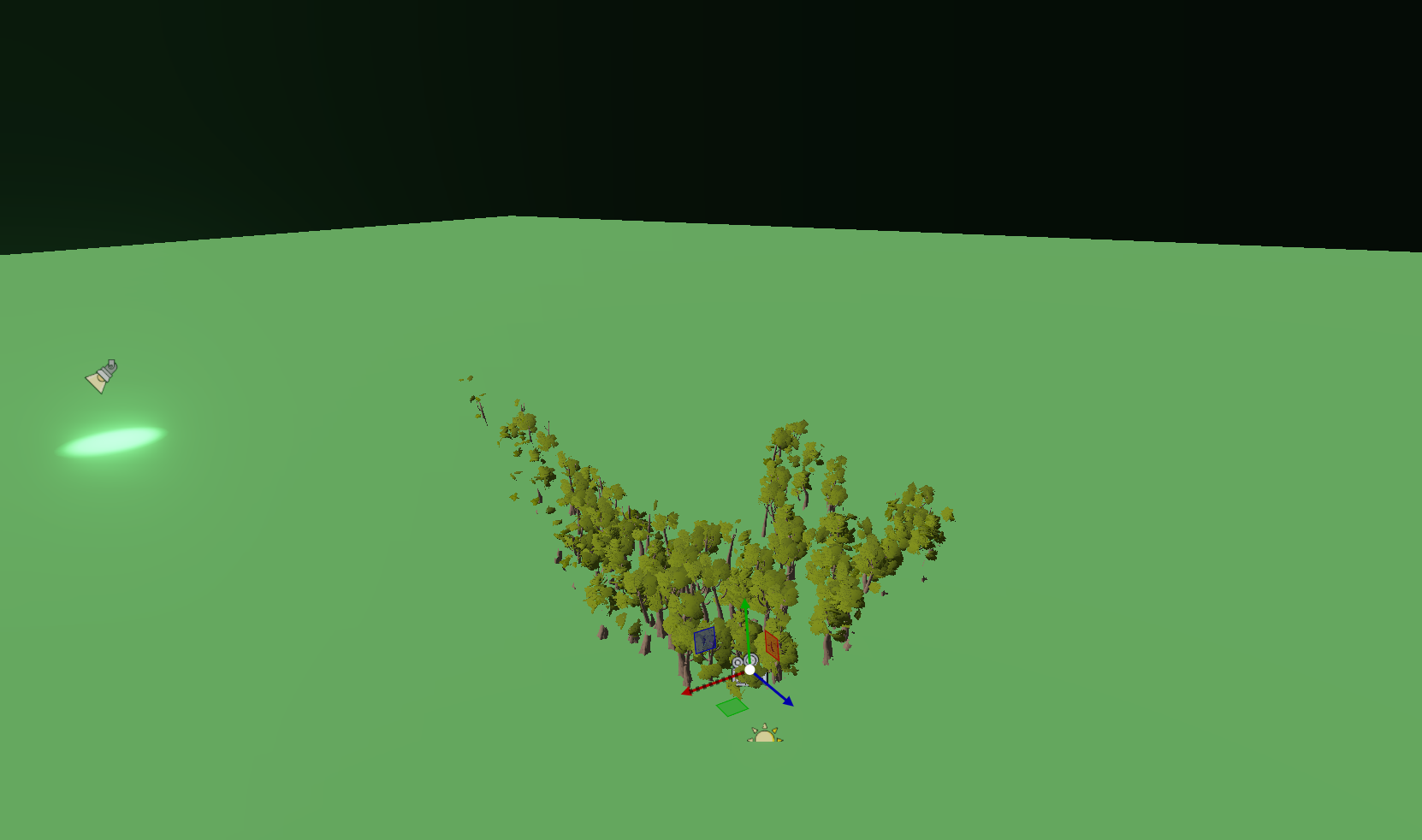
By the way, I also made another scene. There are only trees appearing there, 100k of them, 5 different models. This is the only frustum, and frustum + occlusion culling; this scene might be better for the article because it's easier to see exactly what is happening in it.
Anyway, there will be a scene like this too, from which spectacular pictures can be made.
Anyway, there will be a scene like this too, from which spectacular pictures can be made.
Tamás Péter • Apr 30, 2026 - 17:55
[SUMMARY OF PAPER FINALIZATION & GRAFGEO CONFERENCE PREP]
We finally wrapped up the LaTeX article for the GrafGeo conference regarding the high-performance GPU-driven rendering engine! András helped tremendously with reviewing, formatting, and rephrasing the final draft. Here are the key takeaways from our final sync regarding the paper and the upcoming presentation:
We finally wrapped up the LaTeX article for the GrafGeo conference regarding the high-performance GPU-driven rendering engine! András helped tremendously with reviewing, formatting, and rephrasing the final draft. Here are the key takeaways from our final sync regarding the paper and the upcoming presentation:
- Performance Benchmark Clarification: András asked for clarification on the Component Insertion (Add operation) metrics. I explained that for the 100k and 1M entity tests, components are added sequentially. The slowdown occurs because the data is intentionally mixed (70% static, 20% dynamic, 10% stream). Inserting a static component requires adding it to the end of the vector (which is the stream region) and performing two swaps to move it back into the correct static region. (The EnTT benchmark was done exactly the same way for fairness.)
- Formatting & Layout Tweaks: Tables 9.3 and 9.4 were initially left out to save space since those metrics aren't as dominant, but I plan to shorten the text slightly to squeeze them in. I also need to fix some figure placements that are currently overlapping with subheadings.
- Presentation Strategy: The preliminary schedule shows I have a tight 10-15 minute slot around 16:10. Since time is short, I won't dive too deeply into the extreme technical minutiae. Instead, I plan to leverage all the rich visual debug materials we've accumulated like the meshlet LOD color transitions in the Nvidia Bistro scene. The goal is to make it an exciting, highly visual presentation while still covering the core mechanics of GPU-driven rendering and culling. I'll start drafting the PPT soon!
Fridvalszky András • May 06, 2026 - 16:10
[SUMMARY OF PRESENTATION PPT FEEDBACK]
I finished the first draft of the PowerPoint presentation for the GrafGeo conference, and András just sent over his review. The overall structure and flow are solid, but he provided some excellent points to polish it up for the strict 10 to 15 minute time limit:
I will implement these changes, add the QR code, and start practicing the timing!
I finished the first draft of the PowerPoint presentation for the GrafGeo conference, and András just sent over his review. The overall structure and flow are solid, but he provided some excellent points to polish it up for the strict 10 to 15 minute time limit:
- Visual Consistency & Animations: He suggested unifying the slide designs (matching straight vs. curved splits) and using step-by-step appear animations for text blocks so the audience doesn't read ahead.
- Highlighting Data: For the performance benchmark tables, I need to add animated highlights (like red boxes) to focus attention on specific rows as I talk about them.
- Terminology & Naming: Unify terms like "render command" and "draw command", and rename the awkward Hungarian "Gyors/Lassú Path" to simply "Fast/Slow path".
- Visualizing Mesh Shaders: He recommended adding a dedicated animated diagram to explain mesh shaders as "hierarchical compute-like vertex processing." It should visually show task shaders dispatching workgroups and how culling drops them dynamically.
- More Videos: Include a video demonstrating the meshlet-level occlusion culling in action, ideally showing a fixed debug perspective while the main camera moves.
- Pacing: Since the time frame is extremely tight, he suggested aggressively cutting down the ECS explanation to leave more room for the core topics: GPU-driven rendering, mesh shading, and culling.
- Title & Ending Tweaks: I need to list all authors on the title slide, add the conference name and year to the footer, change "Made by" to "Presenter", and put a giant QR code on the final slide linking to the GitHub repo.
I will implement these changes, add the QR code, and start practicing the timing!
Tamás Péter • May 06, 2026 - 16:17
Here is the PDF version of the presentation.
Tamás Péter • May 08, 2026 - 17:57
Hi!
The Forward+ renderer is working!!!
I had to do quite a bit of refactoring because I ran out of push constant space..., so I had to refactor all the shaders... Now there is a 'global context' buffer that contains all the buffer addresses, and globals (width, height, settings) that are essentially shared across shaders. And alongside this, only the truly shader-specific variables remained in the push constants.
I set it up nicely so that you can switch between deferred and Forward+ pipelines at runtime, so it will be great to test this too.
Deferred only works for Opaque objects, so if there's a Transparent object, the Forward+ cluster setup and light culling still have to be done. But this can also be tracked and toggled on/off if there are no transparent objects.
I implemented the solution we discussed, and for Forward+ light management I currently chose the 3-step pass: count + offset prefix sum + light culling passes. I don't like it when it's hardcoded that a maximum of X light sources can be in each tile, because it's good to be flexible and have no limits. However, this means double intersection testing and introduces prefix sum overhead!! (I used the subgroup solution for the prefix sum, not the Blelloch algorithm.)
But I think I'll also add a 1-step cluster pass where, if there are few light sources (MAX 512), I gather the lights into a shared 512-long light array per cluster. Because in such cases the light buffer remains reasonable, and it's probably faster. If for some reason we want to test with 5000 light sources, it will switch to the 3-step method, where up to 5000 lights can fit in a single cluster.
Oh, and the best part!! Since I use a Hi-Z texture for the tiles, the tile size the engine runs with can actually be modified at runtime. If there are few lights, we can set it to 64x64, or 32x32. If there are many and detailed culling is needed, then 16x16. That's why the Hi-Z solution is so great, because it is completely scene-specific and can be modified at runtime.
Forward+ Clustering GPU Timings
Oh, and: Since the Forward+ is done, the thesis proposal submitted for the Master's is completely fulfilled, every single part I wrote into the proposal is actually done!!
The Forward+ renderer is working!!!
I had to do quite a bit of refactoring because I ran out of push constant space..., so I had to refactor all the shaders... Now there is a 'global context' buffer that contains all the buffer addresses, and globals (width, height, settings) that are essentially shared across shaders. And alongside this, only the truly shader-specific variables remained in the push constants.
I set it up nicely so that you can switch between deferred and Forward+ pipelines at runtime, so it will be great to test this too.
Deferred only works for Opaque objects, so if there's a Transparent object, the Forward+ cluster setup and light culling still have to be done. But this can also be tracked and toggled on/off if there are no transparent objects.
I implemented the solution we discussed, and for Forward+ light management I currently chose the 3-step pass: count + offset prefix sum + light culling passes. I don't like it when it's hardcoded that a maximum of X light sources can be in each tile, because it's good to be flexible and have no limits. However, this means double intersection testing and introduces prefix sum overhead!! (I used the subgroup solution for the prefix sum, not the Blelloch algorithm.)
But I think I'll also add a 1-step cluster pass where, if there are few light sources (MAX 512), I gather the lights into a shared 512-long light array per cluster. Because in such cases the light buffer remains reasonable, and it's probably faster. If for some reason we want to test with 5000 light sources, it will switch to the 3-step method, where up to 5000 lights can fit in a single cluster.
Oh, and the best part!! Since I use a Hi-Z texture for the tiles, the tile size the engine runs with can actually be modified at runtime. If there are few lights, we can set it to 64x64, or 32x32. If there are many and detailed culling is needed, then 16x16. That's why the Hi-Z solution is so great, because it is completely scene-specific and can be modified at runtime.
Forward+ Clustering GPU Timings
| Pass | 16x16 Tile (ms) | 32x32 Tile (ms) |
|---|---|---|
| ClusterSetupPass | 0.018 | 0.010 |
| ClusterPointLightCountPass | 0.042 | 0.014 |
| ClusterSpotLightCountPass | 0.042 | 0.016 |
| ClusterPrefixSumPass | 0.056 | 0.020 |
| ClusterPointLightWritePass | 0.047 | 0.016 |
| ClusterSpotLightWritePass | 0.047 | 0.017 |
| ClusterLightWriteSyncPass | 0.000 | 0.000 |
Oh, and: Since the Forward+ is done, the thesis proposal submitted for the Master's is completely fulfilled, every single part I wrote into the proposal is actually done!!
Fridvalszky András • May 08, 2026 - 18:11
Wow, super! You finished this very quickly too :D the benchmark times also look very good, the time is practically minimal. How many light sources were these measurements with? Also, were you able to compare it to deferred?
Tamás Péter • May 08, 2026 - 18:14
50 point, 50 spot lights.
I will test it with thousands later, and I'll also compare it with deferred.
Though only the Opaque pass there, because Transparent will always be Forward+, of course.
The framework is very good, everything is designed really well, and it's very easy to develop in.
That was the problem with the previous one all along, and that's why I wanted to rewrite it, because this time I could start in a way that I designed it from the ground up for easy development.
But now it's really great, and a lot of things were already given, like the Hi-Z, the entire background framework. I pretty much only had to tinker with the shaders, but since the Forward+ was fully thought out, that wasn't a big challenge either.
I will test it with thousands later, and I'll also compare it with deferred.
Though only the Opaque pass there, because Transparent will always be Forward+, of course.
The framework is very good, everything is designed really well, and it's very easy to develop in.
That was the problem with the previous one all along, and that's why I wanted to rewrite it, because this time I could start in a way that I designed it from the ground up for easy development.
But now it's really great, and a lot of things were already given, like the Hi-Z, the entire background framework. I pretty much only had to tinker with the shaders, but since the Forward+ was fully thought out, that wasn't a big challenge either.
Tamás Péter • May 08, 2026 - 18:34
1024 point + 1024 spot
4096 point + 4096 spot
8192 point + 8192 spot
The Deferred Spot Light pass is disproportionately high... I'll investigate why.
For Spot lights, I am drawing Pyramids (square-based) because the Spot light's cone shape fits perfectly inside it.
And with the Pyramid, there is no vertex resolution problem, and it consists of far fewer vertices.
Hm... I'll check the shader. I can only think that maybe the fragment isn't early discarding for some reason when a position outside the volume belongs to the fragment?? Weird.
Or is it because the spot light has a much larger extent, so way more fragments are generated, and despite the early discard it slows down this much??
(Oh, and the Depth Prepass was left out for Forward+, which was 0.078ms for 10k objects, so that should be added to the total everywhere. Also, this was tested entirely with traditional vertex shaders right now, not the mesh shader geometry rendering!!)
+---[ Forward+ Clustering ]
    |   ClusterSetupPass                           :    0.011 ms
    |   ClusterPointLightCountPass                 :    0.048 ms
    |   ClusterSpotLightCountPass                  :    0.111 ms
    |   ClusterPrefixSumPass                       :    0.021 ms
    |   ClusterPointLightWritePass                 :    0.063 ms
    |   ClusterSpotLightWritePass                  :    0.138 ms
    |   ClusterLightWriteSyncPass                  :    0.000 ms

+---[ Lighting (Opaque) ]
    |   OpaqueForwardTransitionPass                :    0.000 ms
    |   MeshletOpaqueForward1Sided                 :    0.004 ms
    |   MeshletOpaqueForward2Sided                 :    0.000 ms
    |   TraditionalOpaqueForward1Sided             :    0.410 ms
    |   TraditionalOpaqueForward2Sided             :    0.014 ms

Total: 0.820 ms

+---[ Deferred G-Buffer (Opaque) ]
    |   OpaqueDeferredTransitionPass               :    0.000 ms
    |   MeshletOpaqueDeferred1Sided                :    0.004 ms
    |   MeshletOpaqueDeferred2Sided                :    0.000 ms
    |   TraditionalOpaqueDeferred1Sided            :    0.216 ms
    |   TraditionalOpaqueDeferred2Sided            :    0.002 ms

+---[ Deferred Lighting ]
    |   DeferredLightTransitionPass                :    0.000 ms
    |   DeferredEmissiveAoPass                     :    0.057 ms
    |   DeferredDirectionLightPass                 :    0.063 ms
    |   DeferredPointLightPass                     :    0.091 ms
    |   DeferredSpotLightPass                      :    0.895 ms

Total: 1.328 ms
4096 point + 4096 spot
+---[ Forward+ Clustering ]
    |   ClusterSetupPass                           :    0.010 ms
    |   ClusterPointLightCountPass                 :    0.096 ms
    |   ClusterSpotLightCountPass                  :    0.306 ms
    |   ClusterPrefixSumPass                       :    0.017 ms
    |   ClusterPointLightWritePass                 :    0.122 ms
    |   ClusterSpotLightWritePass                  :    0.358 ms
    |   ClusterLightWriteSyncPass                  :    0.000 ms

+---[ Lighting (Opaque) ]
    |   OpaqueForwardTransitionPass                :    0.000 ms
    |   MeshletOpaqueForward1Sided                 :    0.004 ms
    |   MeshletOpaqueForward2Sided                 :    0.000 ms
    |   TraditionalOpaqueForward1Sided             :    0.644 ms
    |   TraditionalOpaqueForward2Sided             :    0.012 ms

Total: 1.569 ms

+---[ Deferred G-Buffer (Opaque) ]
    |   OpaqueDeferredTransitionPass               :    0.000 ms
    |   MeshletOpaqueDeferred1Sided                :    0.005 ms
    |   MeshletOpaqueDeferred2Sided                :    0.000 ms
    |   TraditionalOpaqueDeferred1Sided            :    0.238 ms
    |   TraditionalOpaqueDeferred2Sided            :    0.004 ms

+---[ Deferred Lighting ]
    |   DeferredLightTransitionPass                :    0.000 ms
    |   DeferredEmissiveAoPass                     :    0.062 ms
    |   DeferredDirectionLightPass                 :    0.072 ms
    |   DeferredPointLightPass                     :    0.372 ms
    |   DeferredSpotLightPass                      :    3.393 ms

Total: 4.146 ms
8192 point + 8192 spot
+---[ Forward+ Clustering ]
    |   ClusterSetupPass                           :    0.010 ms
    |   ClusterPointLightCountPass                 :    0.144 ms
    |   ClusterSpotLightCountPass                  :    0.477 ms
    |   ClusterPrefixSumPass                       :    0.016 ms
    |   ClusterPointLightWritePass                 :    0.172 ms
    |   ClusterSpotLightWritePass                  :    0.551 ms
    |   ClusterLightWriteSyncPass                  :    0.001 ms

+---[ Lighting (Opaque) ]
    |   OpaqueForwardTransitionPass                :    0.000 ms
    |   MeshletOpaqueForward1Sided                 :    0.007 ms
    |   MeshletOpaqueForward2Sided                 :    0.001 ms
    |   TraditionalOpaqueForward1Sided             :    1.471 ms
    |   TraditionalOpaqueForward2Sided             :    0.023 ms

Total: 2.873 ms

+---[ Deferred G-Buffer (Opaque) ]
    |   OpaqueDeferredTransitionPass               :    0.000 ms
    |   MeshletOpaqueDeferred1Sided                :    0.004 ms
    |   MeshletOpaqueDeferred2Sided                :    0.000 ms
    |   TraditionalOpaqueDeferred1Sided            :    0.241 ms
    |   TraditionalOpaqueDeferred2Sided            :    0.004 ms

+---[ Deferred Lighting ]
    |   DeferredLightTransitionPass                :    0.000 ms
    |   DeferredEmissiveAoPass                     :    0.062 ms
    |   DeferredDirectionLightPass                 :    0.070 ms
    |   DeferredPointLightPass                     :    0.802 ms
    |   DeferredSpotLightPass                      :    7.469 ms

Total: 8.652 ms
The Deferred Spot Light pass is disproportionately high... I'll investigate why.
For Spot lights, I am drawing Pyramids (square-based) because the Spot light's cone shape fits perfectly inside it.
And with the Pyramid, there is no vertex resolution problem, and it consists of far fewer vertices.
Hm... I'll check the shader. I can only think that maybe the fragment isn't early discarding for some reason when a position outside the volume belongs to the fragment?? Weird.
Or is it because the spot light has a much larger extent, so way more fragments are generated, and despite the early discard it slows down this much??
(Oh, and the Depth Prepass was left out for Forward+, which was 0.078ms for 10k objects, so that should be added to the total everywhere. Also, this was tested entirely with traditional vertex shaders right now, not the mesh shader geometry rendering!!)
Tamás Péter • May 08, 2026 - 19:15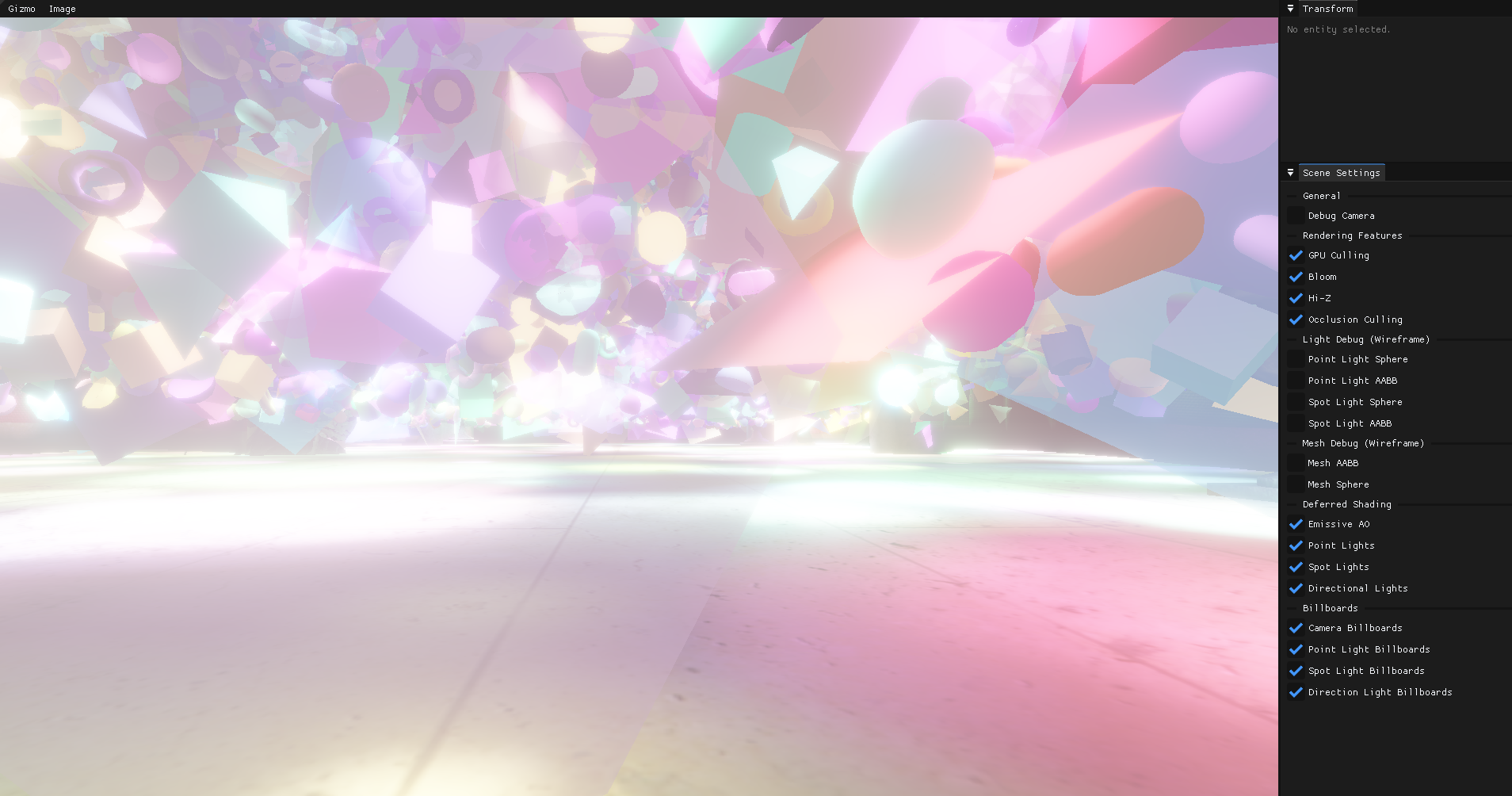
GPU Timings:
Here is a full test: 1 million objects, 25 different materials + 1 Sponza.
4096 point and 4096 spot lights, and entirely with a mesh shader-based, meshlet culling pipeline!
Super!
    +---[ Setup Passes ]
        |   GlobalFrameSetupPass                       :    0.000 ms
        |   OpaqueInitPass                             :    0.015 ms
        |   TransparentInitPass                        :    0.011 ms
        |   HizInitPass                                :    0.000 ms

    +---[ Geometry Culling ]
        |   CullingCommandResetPass                    :    0.005 ms
        |   ModelCullingPass                           :    0.374 ms
        |   MeshCullingPass                            :    0.033 ms

    +---[ Depth Prepass (Opaque) ]
        |   OpaqueDepthTransitionPrepass               :    0.000 ms
        |   MeshletOpaqueDepthPrepass1Sided            :    0.088 ms
        |   MeshletOpaqueDepthPrepass2Sided            :    0.026 ms
        |   TraditionalOpaqueZPrepass1Sided            :    0.000 ms
        |   TraditionalOpaqueZPrepass2Sided            :    0.000 ms
        |   Depth_Copy_Pass                            :    0.014 ms

    +---[ Depth Prepass (Transparent) ]
        |   TransparentDepthTransitionPrepass          :    0.000 ms
        |   MeshletTransparentDepthPrepass1Sided       :    0.019 ms
        |   MeshletTransparentDepthPrepass2Sided       :    0.019 ms
        |   TraditionalTransparentDepthPrepass1Sided   :    0.000 ms
        |   TraditionalTransparentDepthPrepass2Sided   :    0.000 ms

    +---[ Hi-Z Generation ]
        |   HizLinearPreparePass                       :    0.036 ms
        |   HizDownsamplePass                          :    0.039 ms

    +---[ Light Culling ]
        |   PointLightCullingPass                      :    0.008 ms
        |   SpotLightCullingPass                       :    0.007 ms

    +---[ Forward+ Clustering ]
        |   ClusterSetupPass                           :    0.010 ms
        |   ClusterPointLightCountPass                 :    0.121 ms
        |   ClusterSpotLightCountPass                  :    0.450 ms
        |   ClusterPrefixSumPass                       :    0.030 ms
        |   ClusterPointLightWritePass                 :    0.153 ms
        |   ClusterSpotLightWritePass                  :    0.899 ms
        |   ClusterLightWriteSyncPass                  :    0.000 ms

    +---[ Lighting (Opaque Forward+) ]
        |   OpaqueForwardTransitionPass                :    0.000 ms
        |   MeshletOpaqueForward1Sided                 :    0.494 ms
        |   MeshletOpaqueForward2Sided                 :    0.222 ms
        |   TraditionalOpaqueForward1Sided             :    0.000 ms
        |   TraditionalOpaqueForward2Sided             :    0.000 ms

    +---[ Lighting (Transparent WBOIT) ]
        |   TransparentForwardTransitionPass           :    0.000 ms
        |   Meshlet_Transparent_Forward_1Sided         :    0.082 ms
        |   Meshlet_Transparent_Forward_2Sided         :    0.267 ms
        |   Traditional_Transparent_Forward_1Sided     :    0.000 ms
        |   Traditional_Transparent_Forward_2Sided     :    0.000 ms
        |   TransparentCompositeTransitionPass         :    0.000 ms
        |   Transparent_Composite                      :    0.012 ms

    +---[ Bloom Post-Processing ]
        |   BloomPrefilterPass                         :    0.028 ms
        |   BloomDownsamplePass                        :    0.081 ms
        |   BloomUpsamplePass                          :    0.090 ms
        |   BloomCompositePass                         :    0.036 ms

    +---[ Presentation & UI ]
        |   PresentationTransitionPass                 :    0.000 ms
        |   GuiPass                                    :    0.047 ms

    ======================================================================
    = TOTAL GPU TIME                               :    3.715 ms
Here is a full test: 1 million objects, 25 different materials + 1 Sponza.
4096 point and 4096 spot lights, and entirely with a mesh shader-based, meshlet culling pipeline!
Super!
Tamás Péter • May 09, 2026 - 20:21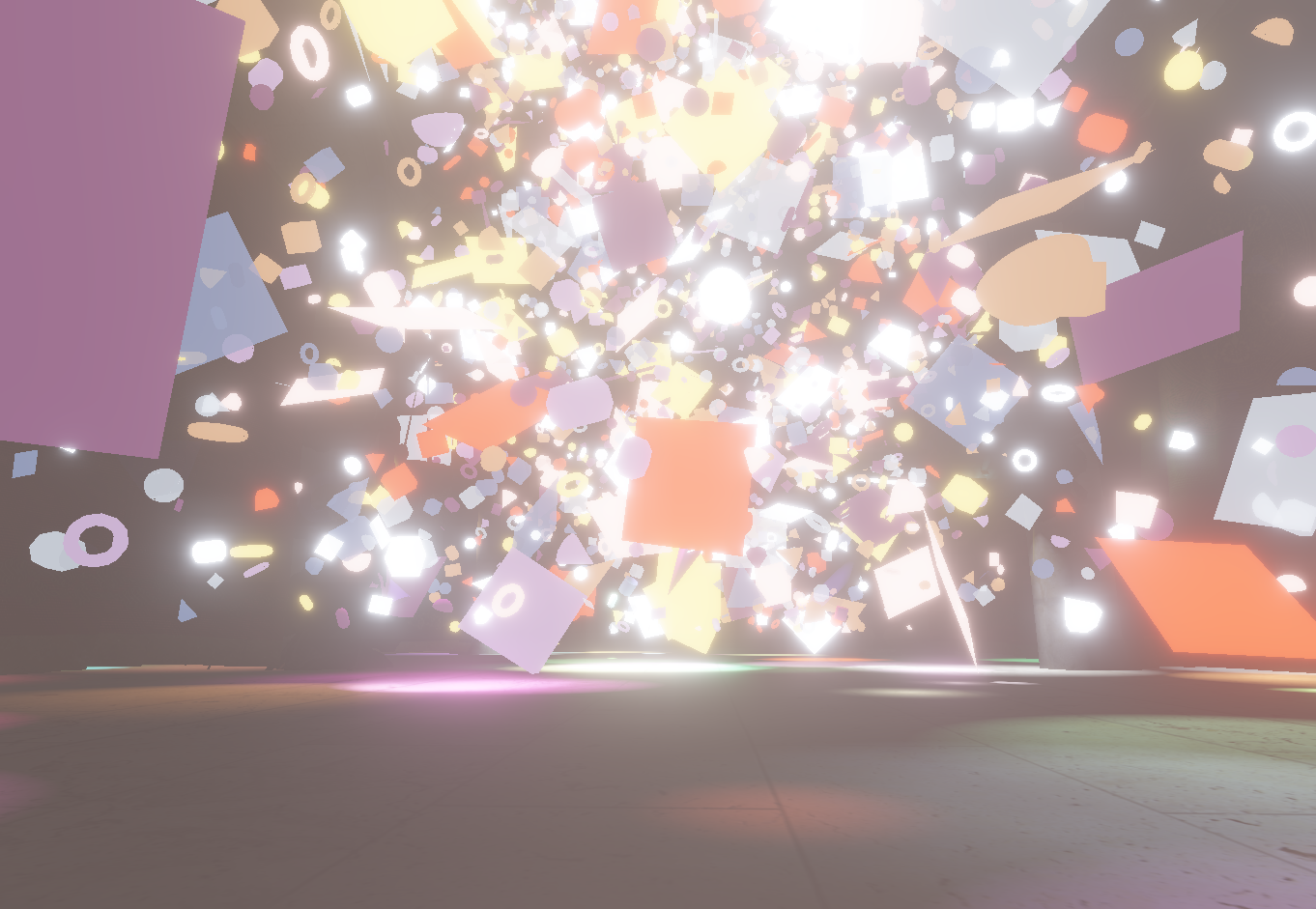
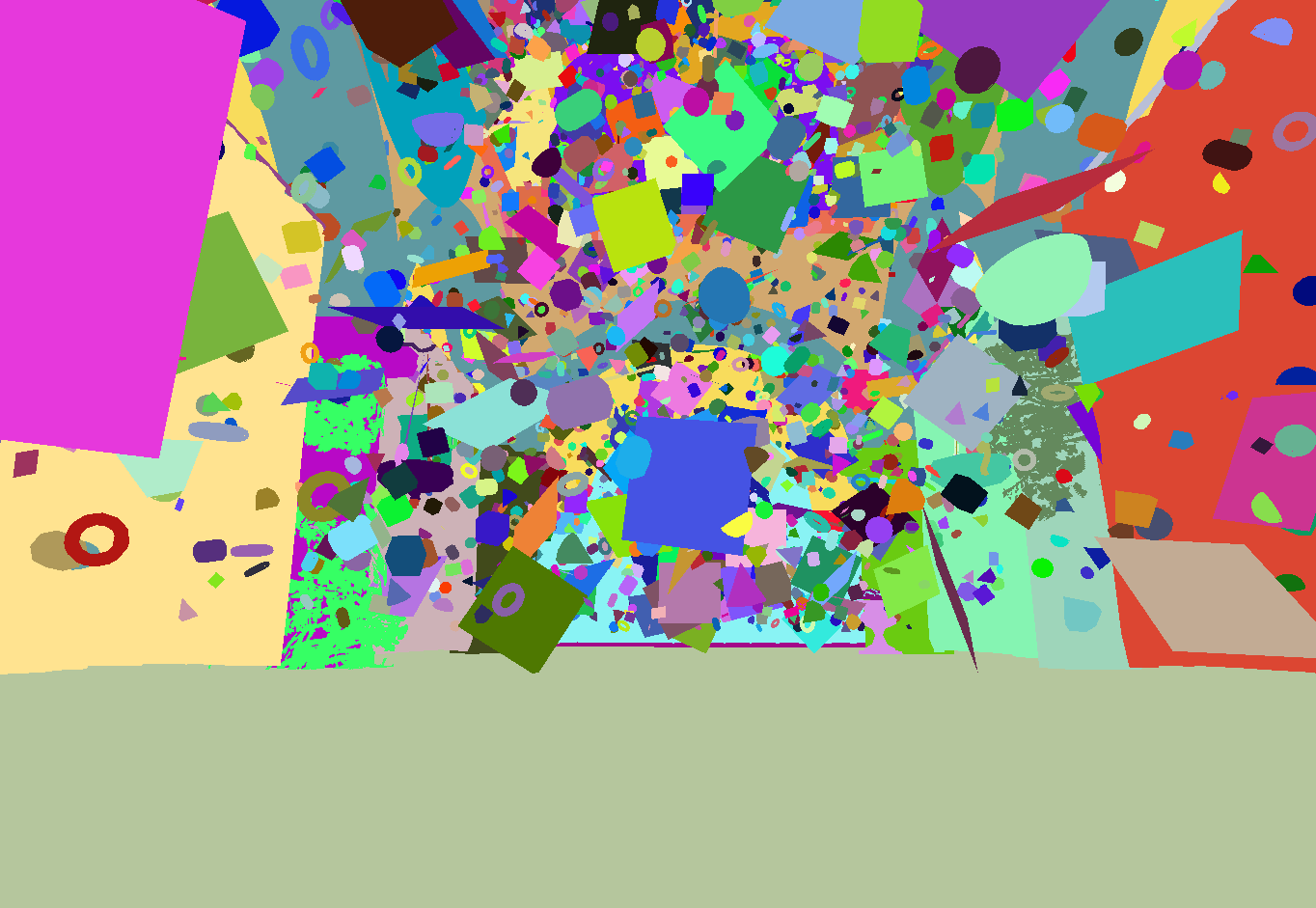
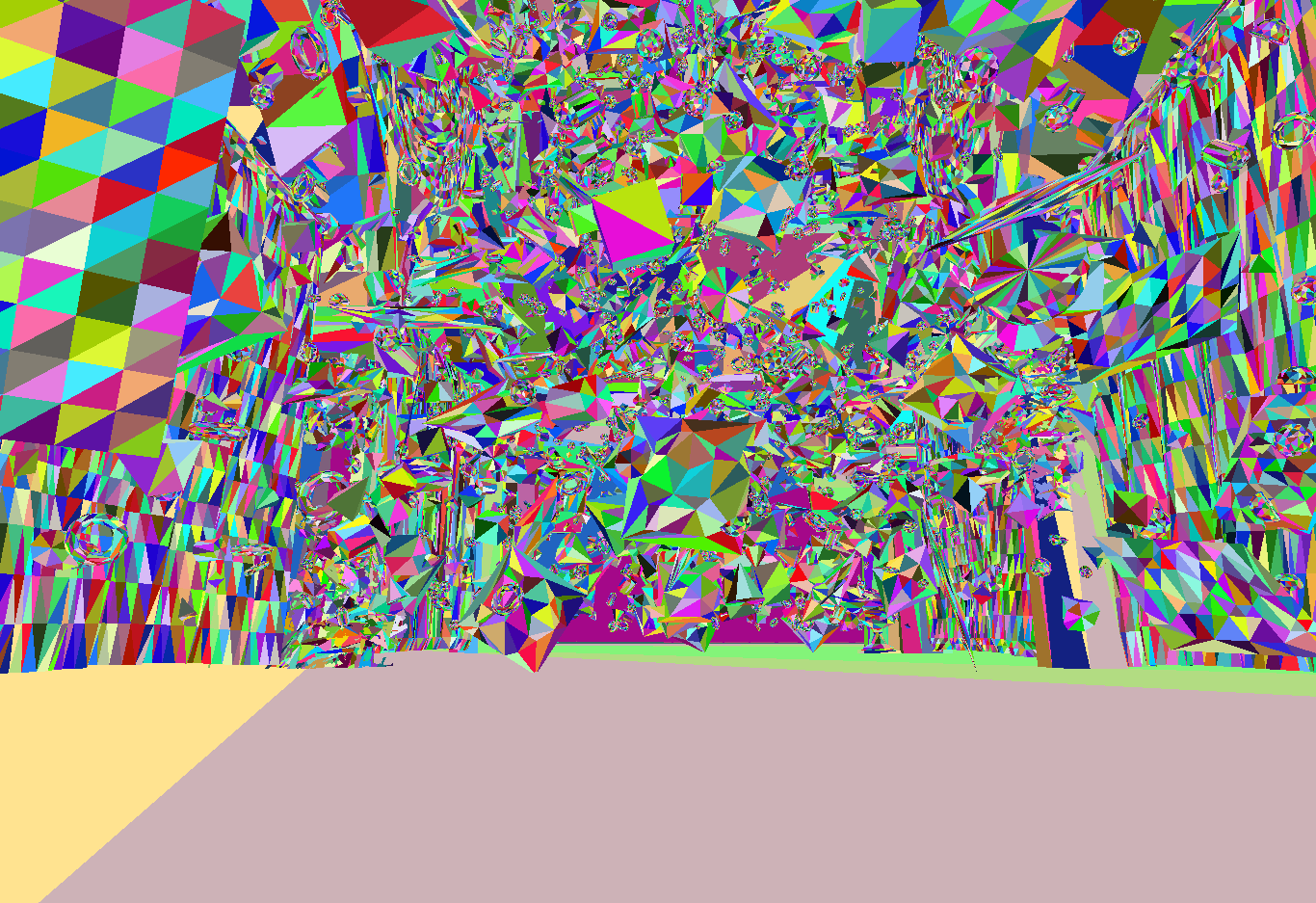
I finally made the debug visualization run as a post-process, so it doesn't need a separate texture.
I also made mesh and triangle visualizations, as well as heatmaps for the Forward+ cluster depth and tile-level light source count. The base scene, mesh visualization, and triangle visualization:
I also made mesh and triangle visualizations, as well as heatmaps for the Forward+ cluster depth and tile-level light source count. The base scene, mesh visualization, and triangle visualization:
Tamás Péter • May 09, 2026 - 20:23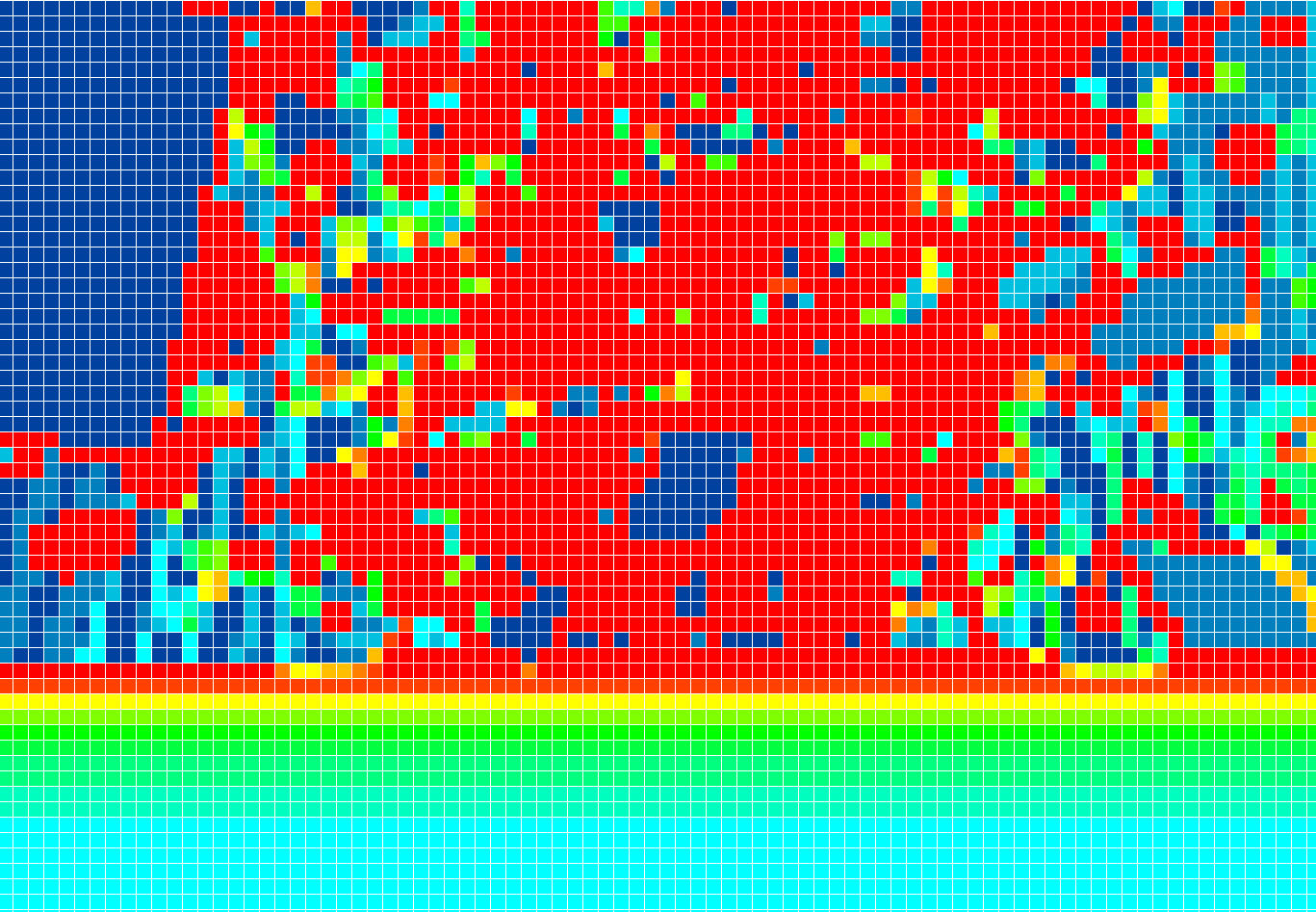
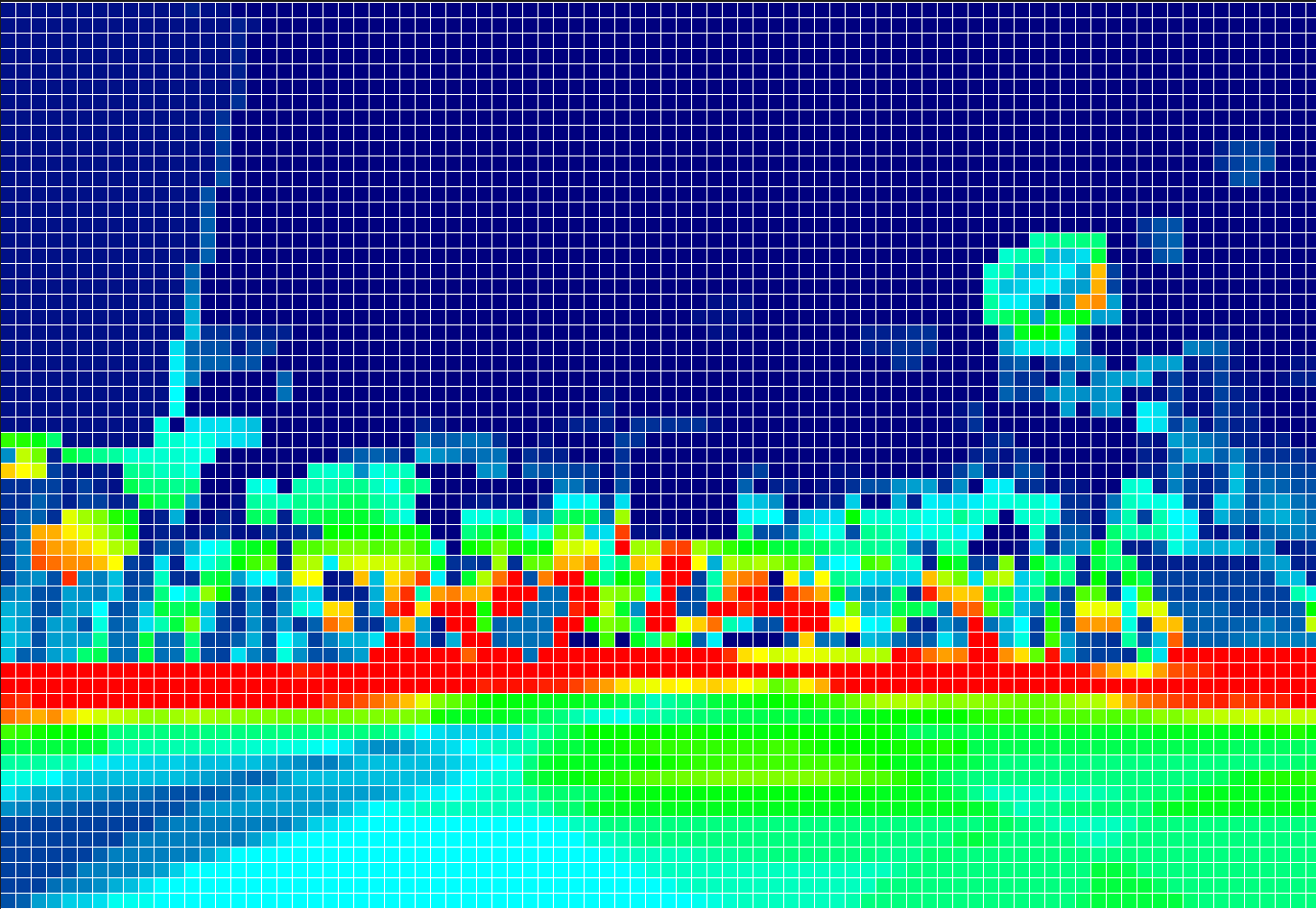
16x16: Cluster depth visualization at the tile level.
16x16 light source count visualization (it's clearly visible that it's red near the ground, which is exactly where most of the light sources are!)
16x16 light source count visualization (it's clearly visible that it's red near the ground, which is exactly where most of the light sources are!)
Tamás Péter • May 09, 2026 - 20:25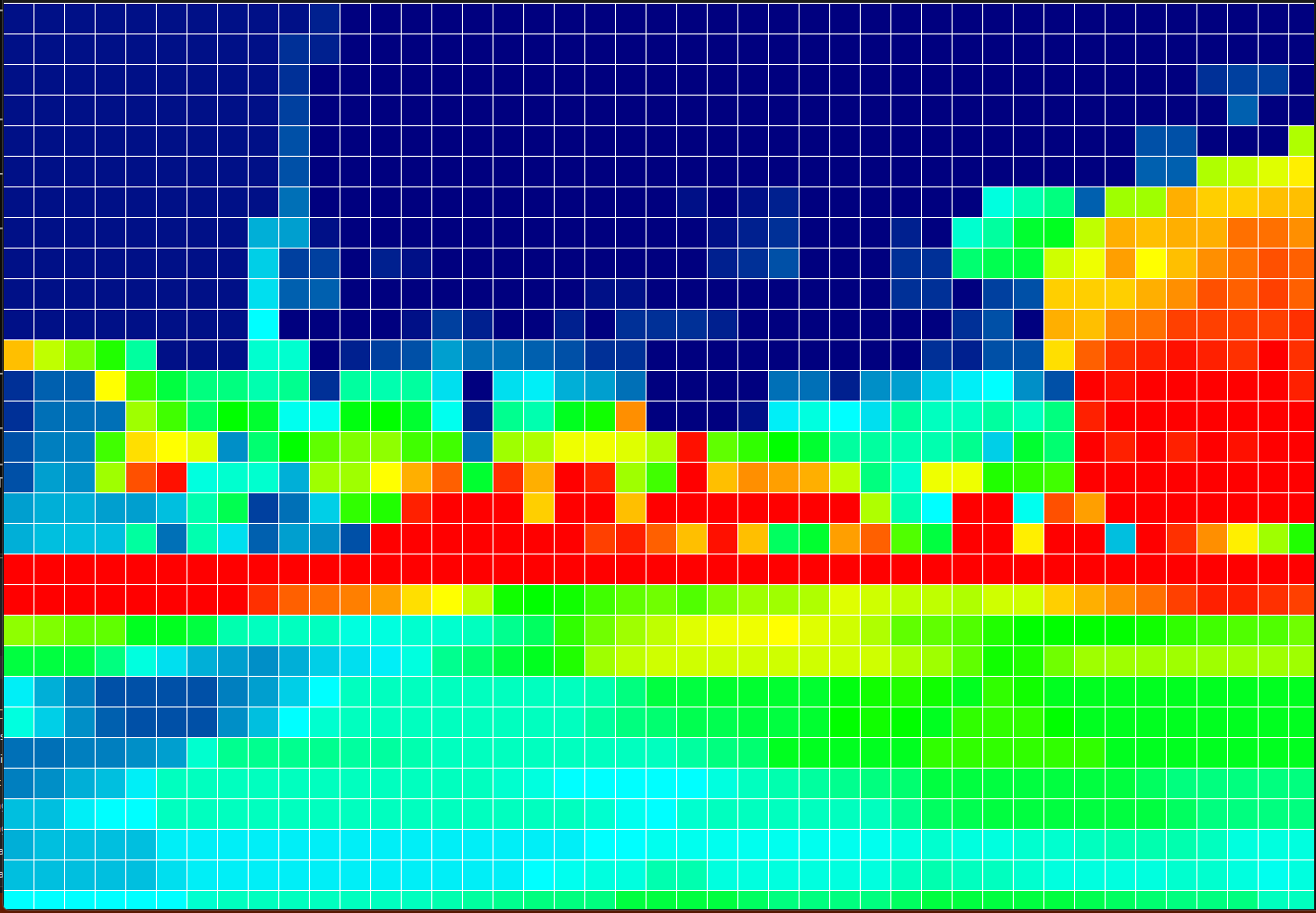
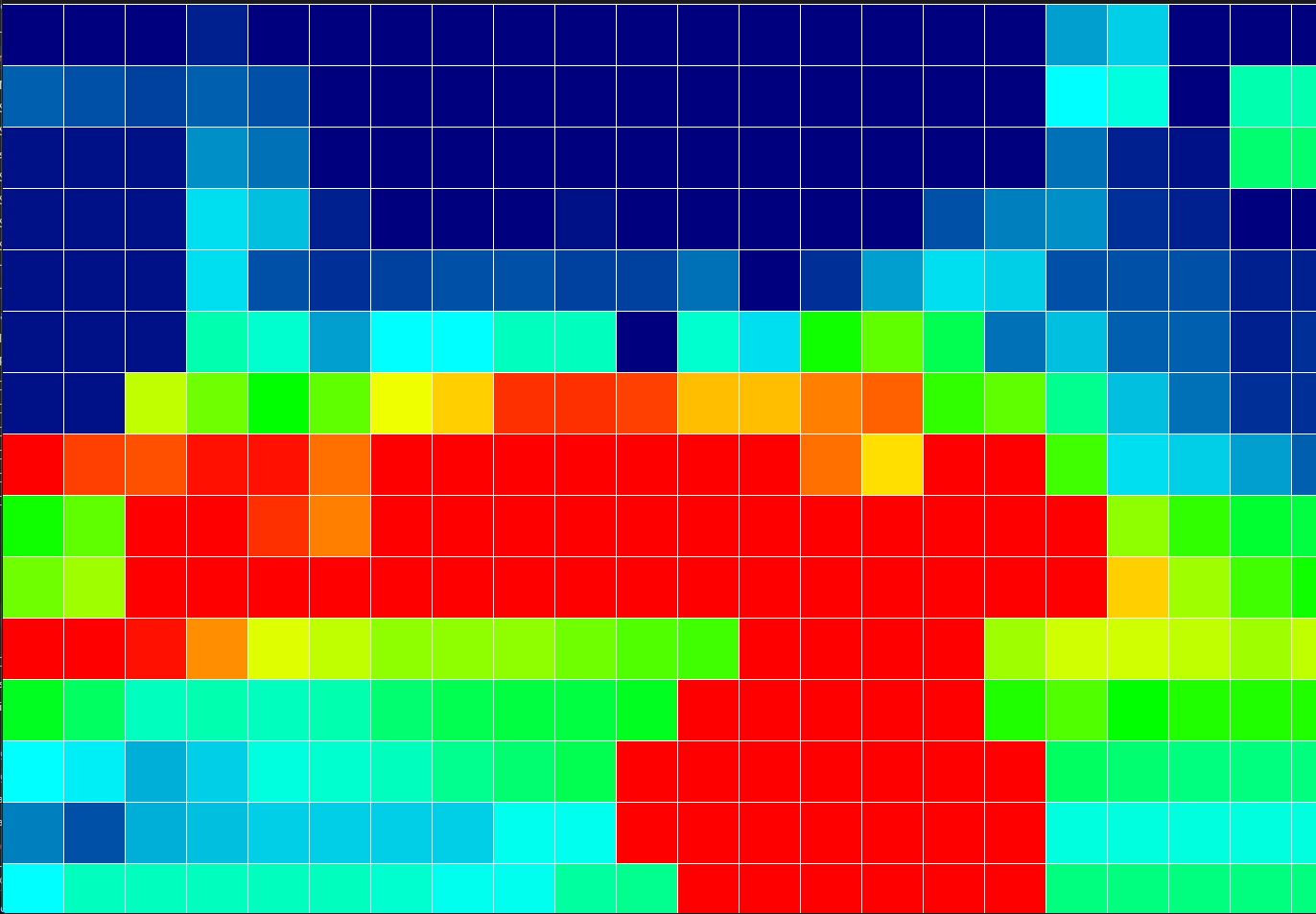
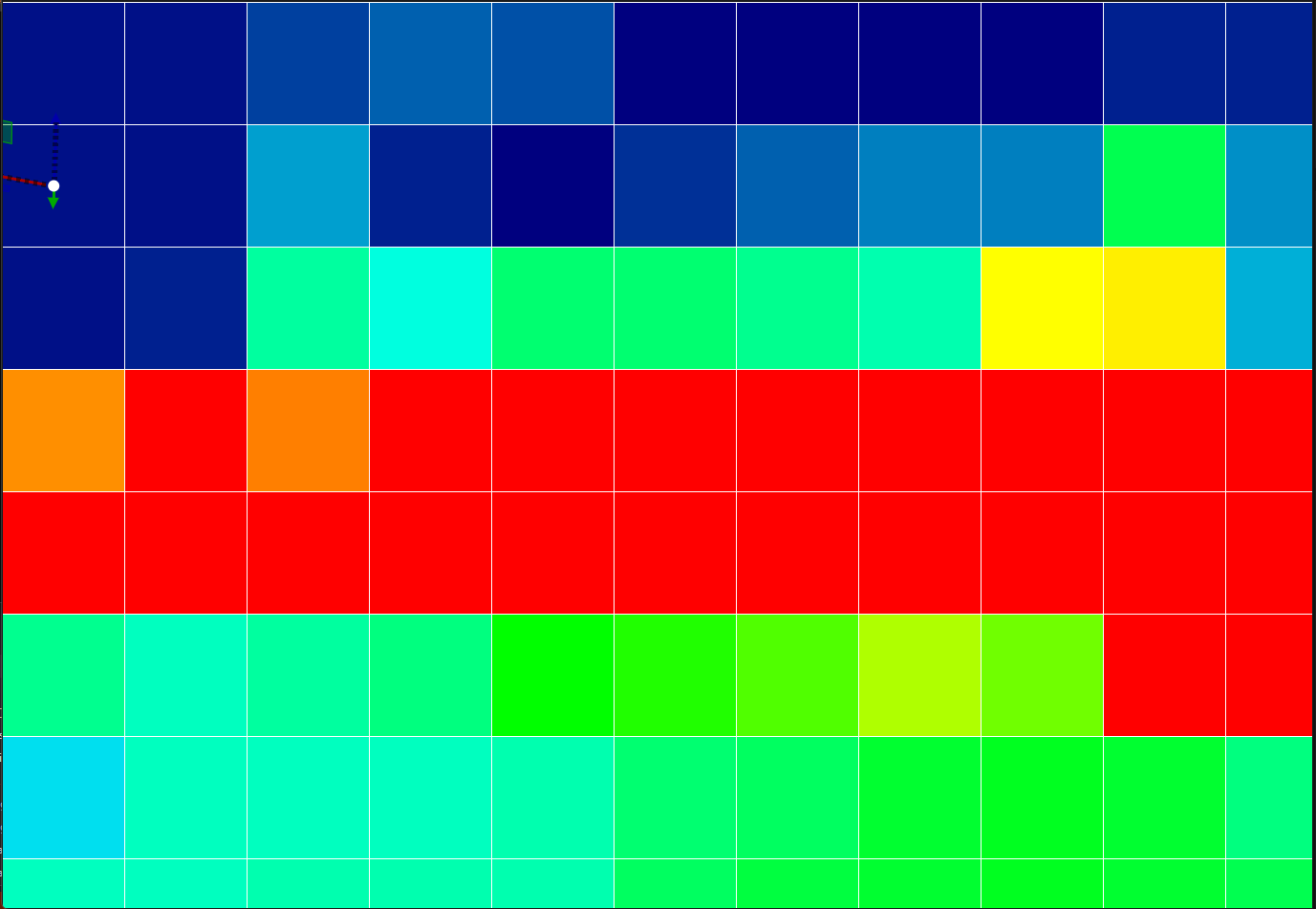
32x32, 64x64, 128x128 light count visualization (slightly different scenes, that's why it's not red in the exact same spot).
And here you can see perfectly that the tile size can indeed be adjusted at runtime!! I see huge potential in this, by the way, because it can be scene-specific: if we are indoors in a room, it can be large (64/128), and if we go outside into an open space with many lights, it can be more detailed (16/32).
And here you can see perfectly that the tile size can indeed be adjusted at runtime!! I see huge potential in this, by the way, because it can be scene-specific: if we are indoors in a room, it can be large (64/128), and if we go outside into an open space with many lights, it can be more detailed (16/32).
Fridvalszky András • May 11, 2026 - 09:23
The results are very good! I think it's clearly visible how much better Forward+ can scale!
Did you figure out what's causing the issue with the spot lights? The kind of testing I can think of is actually counting the shaded fragment count and comparing the performance to that...
Did you figure out what's causing the issue with the spot lights? The kind of testing I can think of is actually counting the shaded fragment count and comparing the performance to that...
Tamás Péter • May 11, 2026 - 09:28
Yes!!
I looked into it for deferred, by the way, and I think the spot light is written perfectly fine, with the exact same logic as the point light. Simply because the cone angle is relatively large, the spatial extent of the light sources is quite big, so a huge amount of fragments are generated during rendering, which, although they often get discarded early because the position in the G-Buffer is not inside the spot light cone, it's still slow. I'll take another look at it, because the spot light is suspiciously slow to me, but at first glance, everything is written correctly.
With Forward+, the spot is also a bit slower:
Here it's because for point lights, there is only a sphere vs cluster test.
In the case of spot lights, it's a Sphere, and then if necessary, an AABB as well. We can also test here if the AABB is worth it. It's possible that much better performance can be achieved if we only intersect with a Sphere collider, and sometimes have to simulate slightly more spot lights due to the inaccuracy.
I looked into it for deferred, by the way, and I think the spot light is written perfectly fine, with the exact same logic as the point light. Simply because the cone angle is relatively large, the spatial extent of the light sources is quite big, so a huge amount of fragments are generated during rendering, which, although they often get discarded early because the position in the G-Buffer is not inside the spot light cone, it's still slow. I'll take another look at it, because the spot light is suspiciously slow to me, but at first glance, everything is written correctly.
With Forward+, the spot is also a bit slower:
    |   ClusterPointLightCountPass                 :    0.144 ms
    |   ClusterSpotLightCountPass                  :    0.477 ms
Here it's because for point lights, there is only a sphere vs cluster test.
In the case of spot lights, it's a Sphere, and then if necessary, an AABB as well. We can also test here if the AABB is worth it. It's possible that much better performance can be achieved if we only intersect with a Sphere collider, and sometimes have to simulate slightly more spot lights due to the inaccuracy.
Tamás Péter • May 14, 2026 - 11:18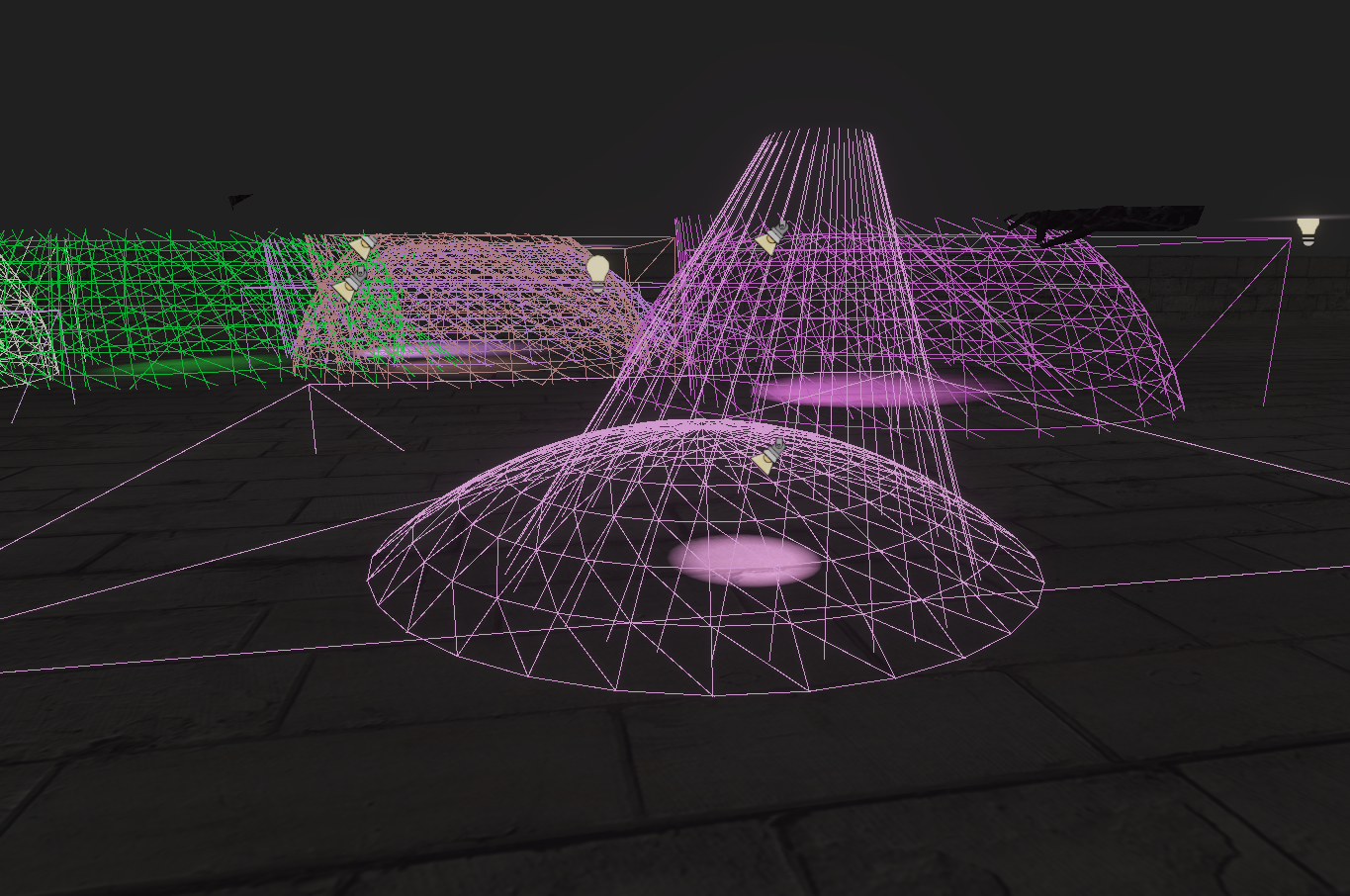
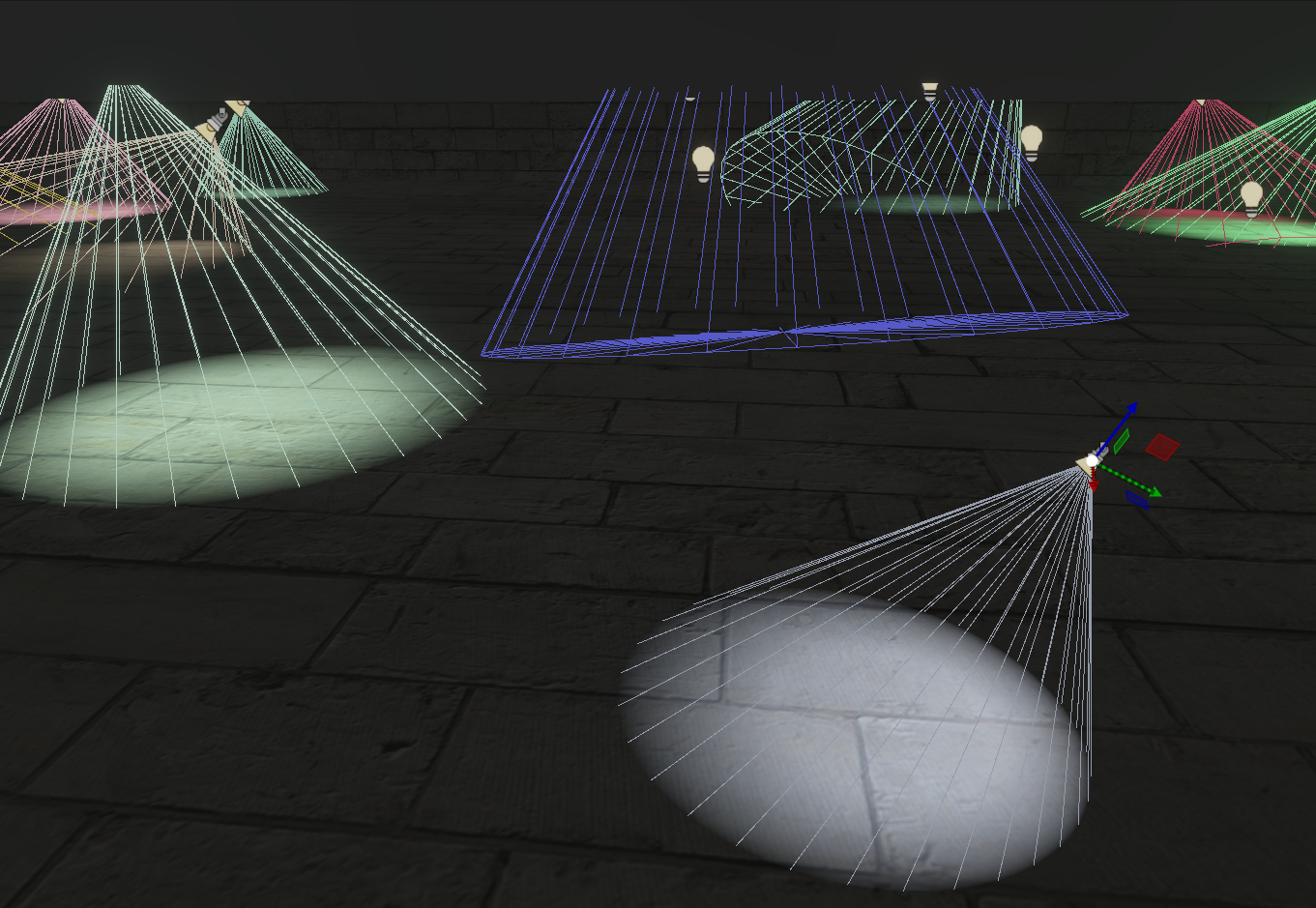
I found what the problem was with deferred shading, it was suspicious that the spot light part was too slow.
The AABB and Sphere colliders were fine, culling too, but in the background when I was rendering the Pyramid shape for deferred, it was 2x larger than it should be xdd
The light itself appeared correctly, of course, but way, way more pixels were rasterized since the shape was larger.
And so this is the correct one, I made the Cone visualization, and I saw there that something wasn't right.
The AABB and Sphere colliders were fine, culling too, but in the background when I was rendering the Pyramid shape for deferred, it was 2x larger than it should be xdd
The light itself appeared correctly, of course, but way, way more pixels were rasterized since the shape was larger.
And so this is the correct one, I made the Cone visualization, and I saw there that something wasn't right.
Tamás Péter • May 14, 2026 - 14:04
I tested it with 4k+4k light sources, the 64x64 tile size was the best, and in the case of deferred, it is 2x slower.
8x8     = TOTAL GPU TIME :   20.412 ms
16x16   = TOTAL GPU TIME :    7.168 ms
32x32   = TOTAL GPU TIME :    3.274 ms
64x64   = TOTAL GPU TIME :    2.362 ms
128x128 = TOTAL GPU TIME :    2.921 ms
256x256 = TOTAL GPU TIME :    4.009 ms
512x512 = TOTAL GPU TIME :    9.033 ms

Deferred + 64x64 = TOTAL GPU TIME : 4.866 ms
I tested it with 4k+4k light sources, the 64x64 tile size was the best, and in the case of deferred, it is 2x slower.
Fridvalszky András • May 14, 2026 - 14:07
Great, then this is resolved too! The fact that you can go up to such a large tile size will also be spectacular, especially if we visualize it in a graph. And this way, the deferred results have become consistent.
Tamás Péter • May 15, 2026 - 12:56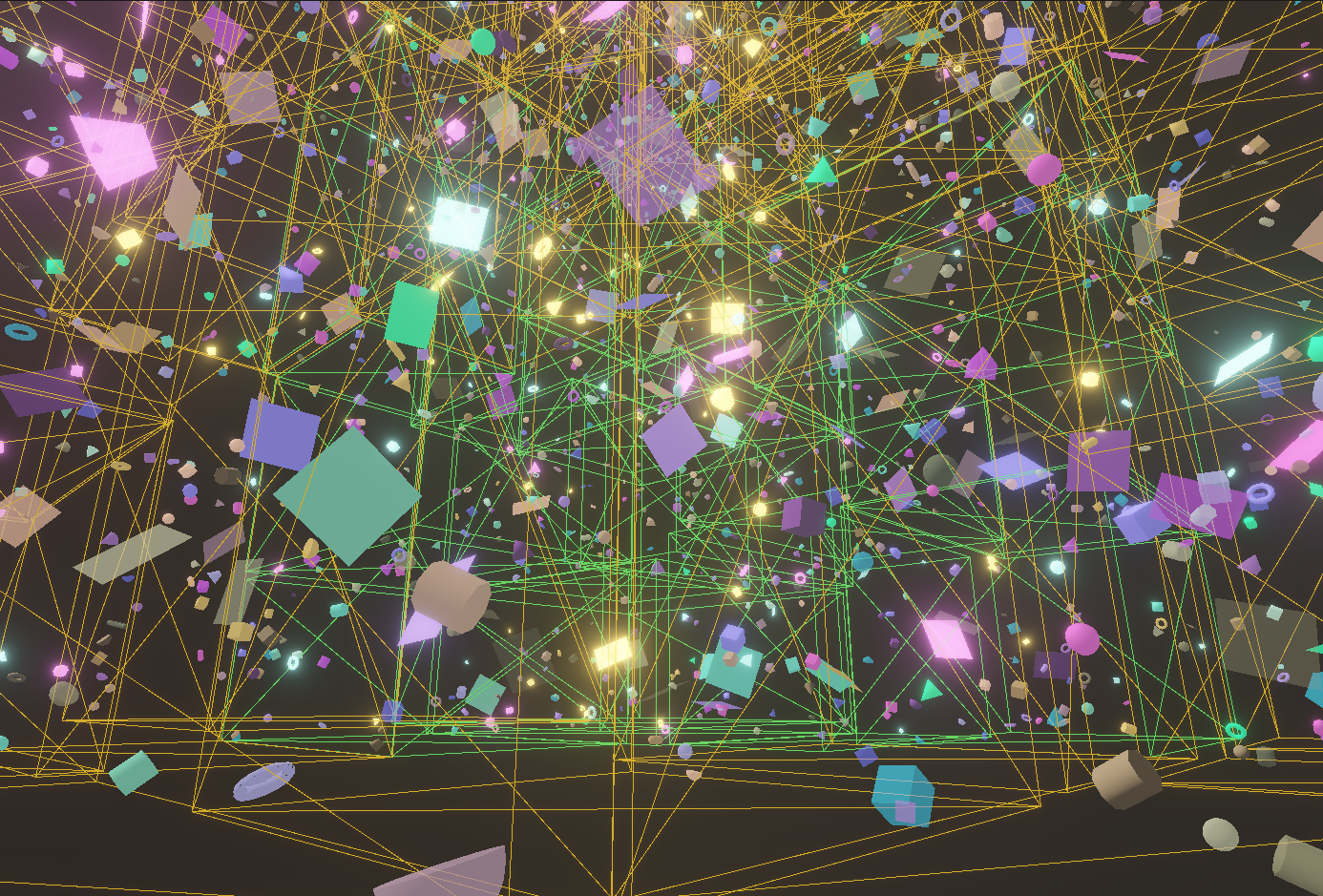
Hi, listen to this...
Yesterday I was thinking a lot about the engine, and I started thinking about shadow light GPU-driven rendering too. And it occurred to me that the [Static/Dynamic/Stream] ECS division is brilliant, especially because everything is stored in 1 vector. It just hit me that the Static region contains objects that almost never change, so we could build a BVH hierarchy for it on the CPU.
I created a Binned Surface Area Heuristic Bounding Volume Hierarchy, which essentially groups static objects in space based on their AABB (taking the AABB size into account as well!!). I built a BVH that is actually completely compact and data-oriented, breaking static entities into groups of 64. So I'm not maintaining a parent-child hierarchy, but a flat hierarchy, meaning the leaf levels of the BVH are basically laid out flat.
The point is, the GPU-Driven culling can be improved even further! First, we go through the static chunks in a compute shader (the chunks know the combined AABB of the models inside them). We perform frustum + occlusion culling on these first, then save the visible chunks into a buffer. A chunk can currently hold a max of 64 models. In an indirectly dispatched compute shader, we collaboratively process the models inside the chunks—this is the model-level culling already detailed in the article, and from here on it remains mesh/task shader-based.
It's great that everything is in 1 vector, because the current model->mesh->meshlet culling remains completely intact for the dynamic/stream regions, but for the static region it will be chunk->model->mesh->meshlet, making the culling even better.
And this is exactly what the Work Graph will be amazing for later! Right now, at the chunk and model levels, we still have to save visible chunks/models into a buffer and indirectly dispatch the compute shaders based on that. With a Work Graph, this will be dynamically beautiful!!
1 million entities
Yesterday I was thinking a lot about the engine, and I started thinking about shadow light GPU-driven rendering too. And it occurred to me that the [Static/Dynamic/Stream] ECS division is brilliant, especially because everything is stored in 1 vector. It just hit me that the Static region contains objects that almost never change, so we could build a BVH hierarchy for it on the CPU.
I created a Binned Surface Area Heuristic Bounding Volume Hierarchy, which essentially groups static objects in space based on their AABB (taking the AABB size into account as well!!). I built a BVH that is actually completely compact and data-oriented, breaking static entities into groups of 64. So I'm not maintaining a parent-child hierarchy, but a flat hierarchy, meaning the leaf levels of the BVH are basically laid out flat.
The point is, the GPU-Driven culling can be improved even further! First, we go through the static chunks in a compute shader (the chunks know the combined AABB of the models inside them). We perform frustum + occlusion culling on these first, then save the visible chunks into a buffer. A chunk can currently hold a max of 64 models. In an indirectly dispatched compute shader, we collaboratively process the models inside the chunks—this is the model-level culling already detailed in the article, and from here on it remains mesh/task shader-based.
It's great that everything is in 1 vector, because the current model->mesh->meshlet culling remains completely intact for the dynamic/stream regions, but for the static region it will be chunk->model->mesh->meshlet, making the culling even better.
And this is exactly what the Work Graph will be amazing for later! Right now, at the chunk and model levels, we still have to save visible chunks/models into a buffer and indirectly dispatch the compute shaders based on that. With a Work Graph, this will be dynamically beautiful!!
1 million entities
+---[ Geometry Culling ] - With Static SAH BVH
    |   CullingCommandResetPass                    :    0.006 ms
    |   MeshCullingPass                            :    0.003 ms
    |   StaticChunkCullingPass                     :    0.010 ms
    |   StaticModelCullingPass                     :    0.125 ms

+---[ Geometry Culling ] - Culling from the article
    |   CullingCommandResetPass                    :    0.005 ms
    |   ModelCullingPass                           :    0.544 ms
    |   MeshCullingPass                            :    0.003 ms
Fridvalszky András • May 16, 2026 - 06:49
Wow, very cool :D if I see correctly, it became almost 5x faster in that phase?
Tamás Péter • May 16, 2026 - 08:17
Yeah, the culling is about 5x faster for large entity counts.
And the best part is that it scales much better; even at around 2 million entities, the culling time is exactly the same, whereas the one in the article is fast too, but its scaling is worse.
(Oh, and for CPU-Driven culling, this resulted in an insane speedup!! The BVH hierarchy is very important there!!)
I fixed the engine, because previously it crashed above 2M+ entities, now it can handle any amount.
This test was done with 10 MILLION different entities.
And just look at how beautifully the static BVH scales.
The GPU-driven culling from the article kind of falls flat here :D
And the best part is that it scales much better; even at around 2 million entities, the culling time is exactly the same, whereas the one in the article is fast too, but its scaling is worse.
(Oh, and for CPU-Driven culling, this resulted in an insane speedup!! The BVH hierarchy is very important there!!)
I fixed the engine, because previously it crashed above 2M+ entities, now it can handle any amount.
This test was done with 10 MILLION different entities.
And just look at how beautifully the static BVH scales.
The GPU-driven culling from the article kind of falls flat here :D
+---[ CullingPasses ] - Total: 0.264 ms
    |   CullingCommandResetPass                    :    0.005 ms
    |   StaticChunkCullingPass                     :    0.069 ms
    |   StaticModelCullingPass                     :    0.164 ms
    |   ModelCullingPass                           :    0.005 ms
    |   MeshCullingPass                            :    0.003 ms
    |   PointLightCullingPass                      :    0.012 ms
    |   SpotLightCullingPass                       :    0.006 ms

+---[ CullingPasses ] - Total: 5.908 ms
    |   CullingCommandResetPass                    :    0.006 ms
    |   ModelCullingPass                           :    5.885 ms
    |   MeshCullingPass                            :    0.003 ms
    |   PointLightCullingPass                      :    0.007 ms
    |   SpotLightCullingPass                       :    0.006 ms
Tamás Péter • May 27, 2026 - 18:01
Hi!
Quick status update!!
Engine development hasn't stopped, it's happening every single day!! :))
I fixed a few things and made a lot of stuff more dynamic (no more hardcoded constant sizes for buffers, everything resizes dynamically now!).
Main development: Serialization. Man, this was an insanely huge amount of work... Now that the engine has come together and is stable, it was time to be able to save the scene and everything else. However, I wanted to build the absolute best, most beautiful architecture possible for this too. I report: success! I managed to nail it, this part of the engine turned out incredibly beautiful. I found a highly modular, scalable, and nicely decoupled solution, meaning essentially anything in the engine can be saved to any format. Seriously, you just have to define 1 input and output archive file for a specific format, and from then on, everything just works.
The scene can currently be saved in the following formats:
Furthermore, this entire serializer abstraction could be applied to models and animations as well. These can also be saved in any format, but binary was the main goal here. The Raw->Cooked->GPU representation is completely data-oriented again, so it was incredibly easy to save it in binary!! So now there is not only shader caching, but model and animation caching too. (It loads scenes with millions of vertices almost instantly because it doesn't need to parse the FBX and generate colliders/meshlets on the fly!!)
Oh, and it's also a huge advantage that it can save to any format: obviously, binary is the best format for the final game, YAML is perfect for Git version control and development so it's human-readable. And for sending data over a network (the serializer abstraction is prepped for this too), you can use XML, JSON, or even Protobuf thanks to the binary support!!
Here are 4 files: json, toml, xml, and yaml, with their preview images.
Quick status update!!
Engine development hasn't stopped, it's happening every single day!! :))
I fixed a few things and made a lot of stuff more dynamic (no more hardcoded constant sizes for buffers, everything resizes dynamically now!).
Main development: Serialization. Man, this was an insanely huge amount of work... Now that the engine has come together and is stable, it was time to be able to save the scene and everything else. However, I wanted to build the absolute best, most beautiful architecture possible for this too. I report: success! I managed to nail it, this part of the engine turned out incredibly beautiful. I found a highly modular, scalable, and nicely decoupled solution, meaning essentially anything in the engine can be saved to any format. Seriously, you just have to define 1 input and output archive file for a specific format, and from then on, everything just works.
The scene can currently be saved in the following formats:
- Binary (Data-oriented ECS is amazing here because the vector can be dumped 1:1 in binary :DD)
- JSON
- YAML
- XML
- TOML
Furthermore, this entire serializer abstraction could be applied to models and animations as well. These can also be saved in any format, but binary was the main goal here. The Raw->Cooked->GPU representation is completely data-oriented again, so it was incredibly easy to save it in binary!! So now there is not only shader caching, but model and animation caching too. (It loads scenes with millions of vertices almost instantly because it doesn't need to parse the FBX and generate colliders/meshlets on the fly!!)
Oh, and it's also a huge advantage that it can save to any format: obviously, binary is the best format for the final game, YAML is perfect for Git version control and development so it's human-readable. And for sending data over a network (the serializer abstraction is prepped for this too), you can use XML, JSON, or even Protobuf thanks to the binary support!!
Here are 4 files: json, toml, xml, and yaml, with their preview images.
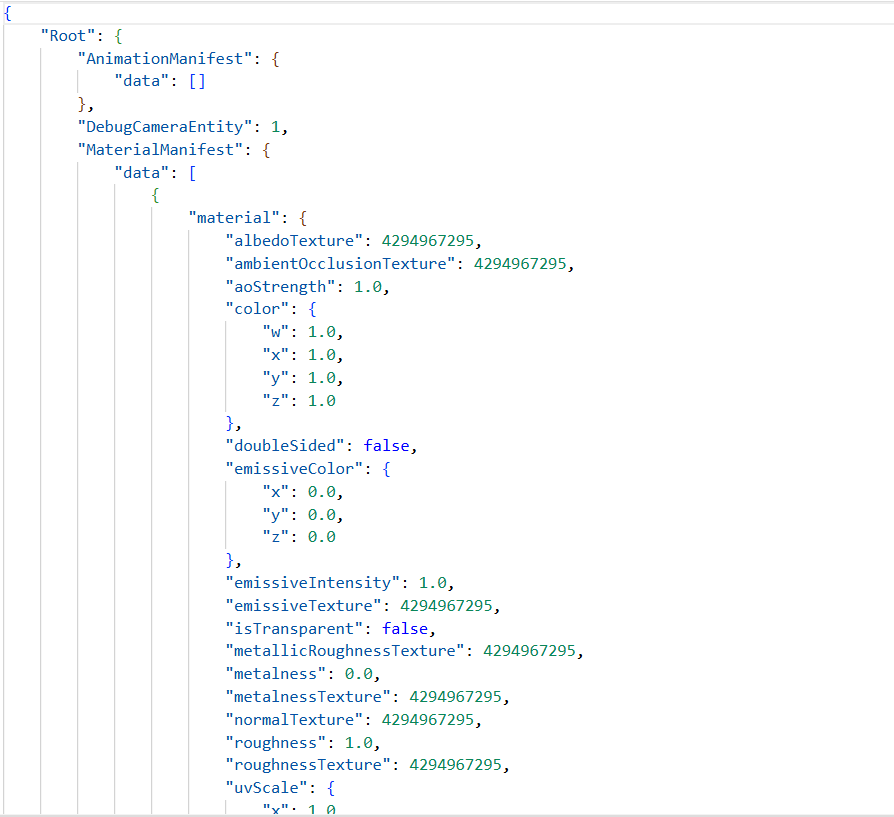
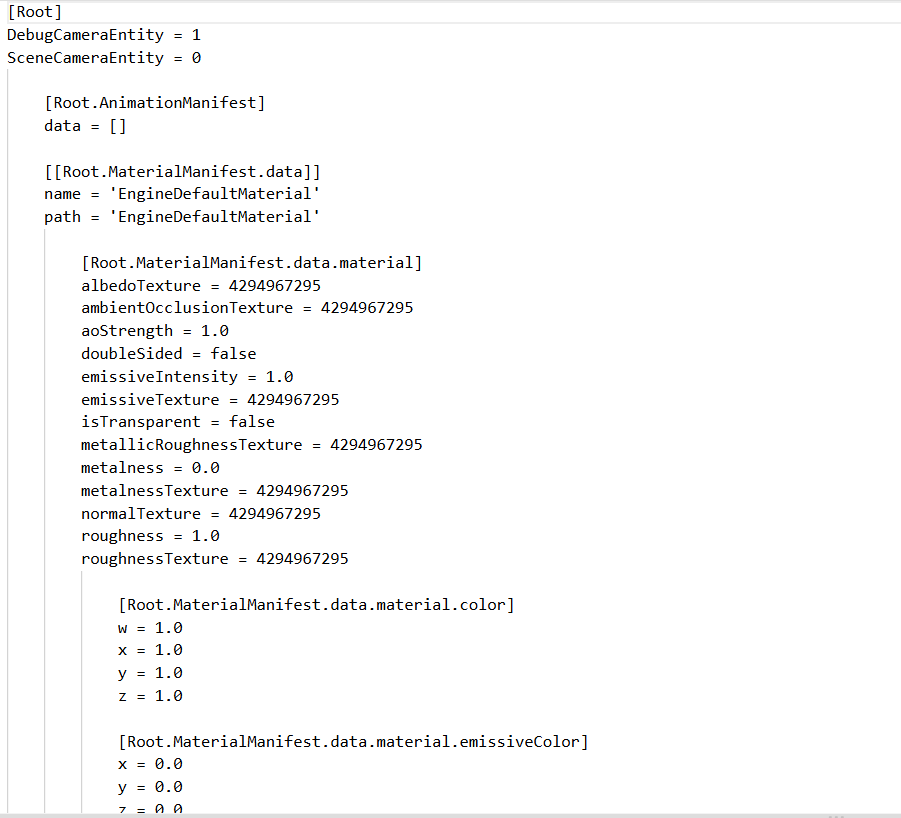
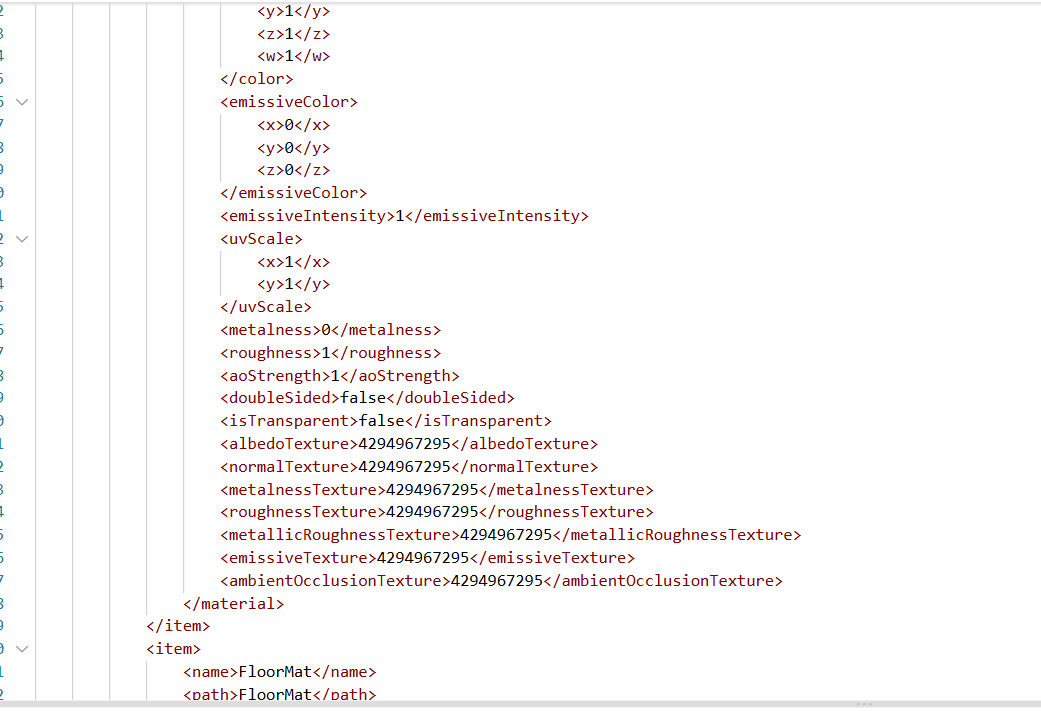
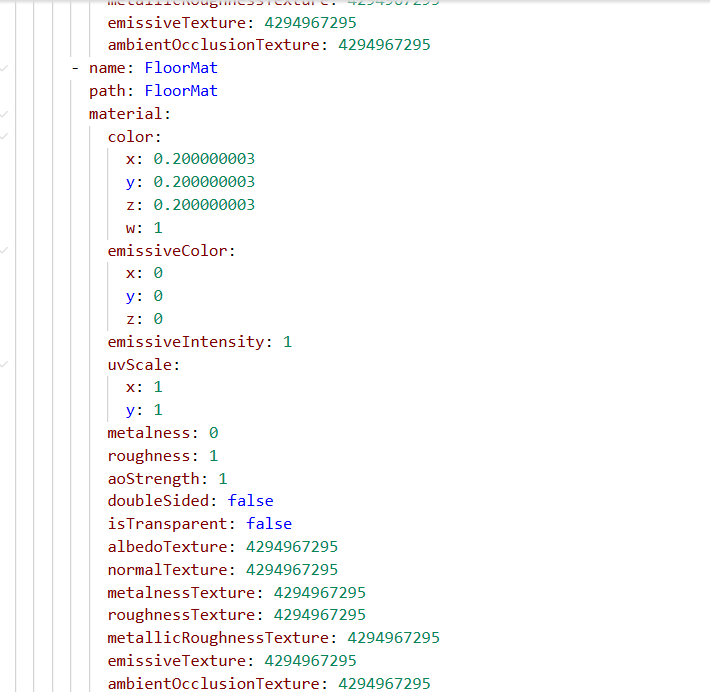
Fridvalszky András • May 28, 2026 - 15:24
Hi! Great, this way it will be easier to manage the scenes for testing!
Tamás Péter • May 30, 2026 - 22:56
The GPU-Driven directional light shadow culling is coming together!! :DD
Wow, I came up with some really great ideas, directional, point, and spot light shadow rendering can also be done in a completely GPU-driven way. The already established architecture could be reused incredibly well. It uses literally the exact same 1:1 indirect render buffer, I just copy the one used for the models. (I mean, the layout is the same, only the
It's really great because I have a shadow atlas. Currently 1024x1024, but it can be any size. So actually, all visible models for all cascades of all directional lights are rendered at once, because I'll set the projection in the vertex shader so that it projects onto the correct part of the texture!!
And this will be true for point/spot lights as well. That will also be 1 render call, and all meshes of all visible models for all faces of all lights will be rendered together in one go.
Oh, and the exact same model->mesh->meshlet (or even static chunk->model->mesh->meshlet) hierarchical culling can be applied to it, both in CPU and GPU-driven ways. Furthermore, I was thinking that Occlusion Hi-Z culling could also be applied. We could implement a region atlas layout-aware max reduction chain. And then, using the Hi-Z texture built from the previous frame's depth atlas, we could apply model, mesh, and meshlet occlusion culling in a fully GPU-driven way during the shadow map generation as well!!!
It's going to be so good!!
(We can also do GPU-driven Morton BVH partitioning for point lights, this is an evolution of the GPU-driven shadow rendering from my Project Laboratory 2. I've already thought it through and it will be great. Also, we can set up on the GPU how much texture resolution a given light gets based on distance: a nearby point light gets a huge 1024x1024, a distant one a small 256x256!!!)
Wow, I came up with some really great ideas, directional, point, and spot light shadow rendering can also be done in a completely GPU-driven way. The already established architecture could be reused incredibly well. It uses literally the exact same 1:1 indirect render buffer, I just copy the one used for the models. (I mean, the layout is the same, only the
instanceCount will be different of course). And in the instance buffer, I store (cascadeIndex, lightIndex, entityIndex), naturally packed together with some bit magic.It's really great because I have a shadow atlas. Currently 1024x1024, but it can be any size. So actually, all visible models for all cascades of all directional lights are rendered at once, because I'll set the projection in the vertex shader so that it projects onto the correct part of the texture!!
And this will be true for point/spot lights as well. That will also be 1 render call, and all meshes of all visible models for all faces of all lights will be rendered together in one go.
Oh, and the exact same model->mesh->meshlet (or even static chunk->model->mesh->meshlet) hierarchical culling can be applied to it, both in CPU and GPU-driven ways. Furthermore, I was thinking that Occlusion Hi-Z culling could also be applied. We could implement a region atlas layout-aware max reduction chain. And then, using the Hi-Z texture built from the previous frame's depth atlas, we could apply model, mesh, and meshlet occlusion culling in a fully GPU-driven way during the shadow map generation as well!!!
It's going to be so good!!
(We can also do GPU-driven Morton BVH partitioning for point lights, this is an evolution of the GPU-driven shadow rendering from my Project Laboratory 2. I've already thought it through and it will be great. Also, we can set up on the GPU how much texture resolution a given light gets based on distance: a nearby point light gets a huge 1024x1024, a distant one a small 256x256!!!)
Fridvalszky András • Jun 01, 2026 - 11:31
Super, I like this solution too!
Tamás Péter • Jun 04, 2026 - 19:43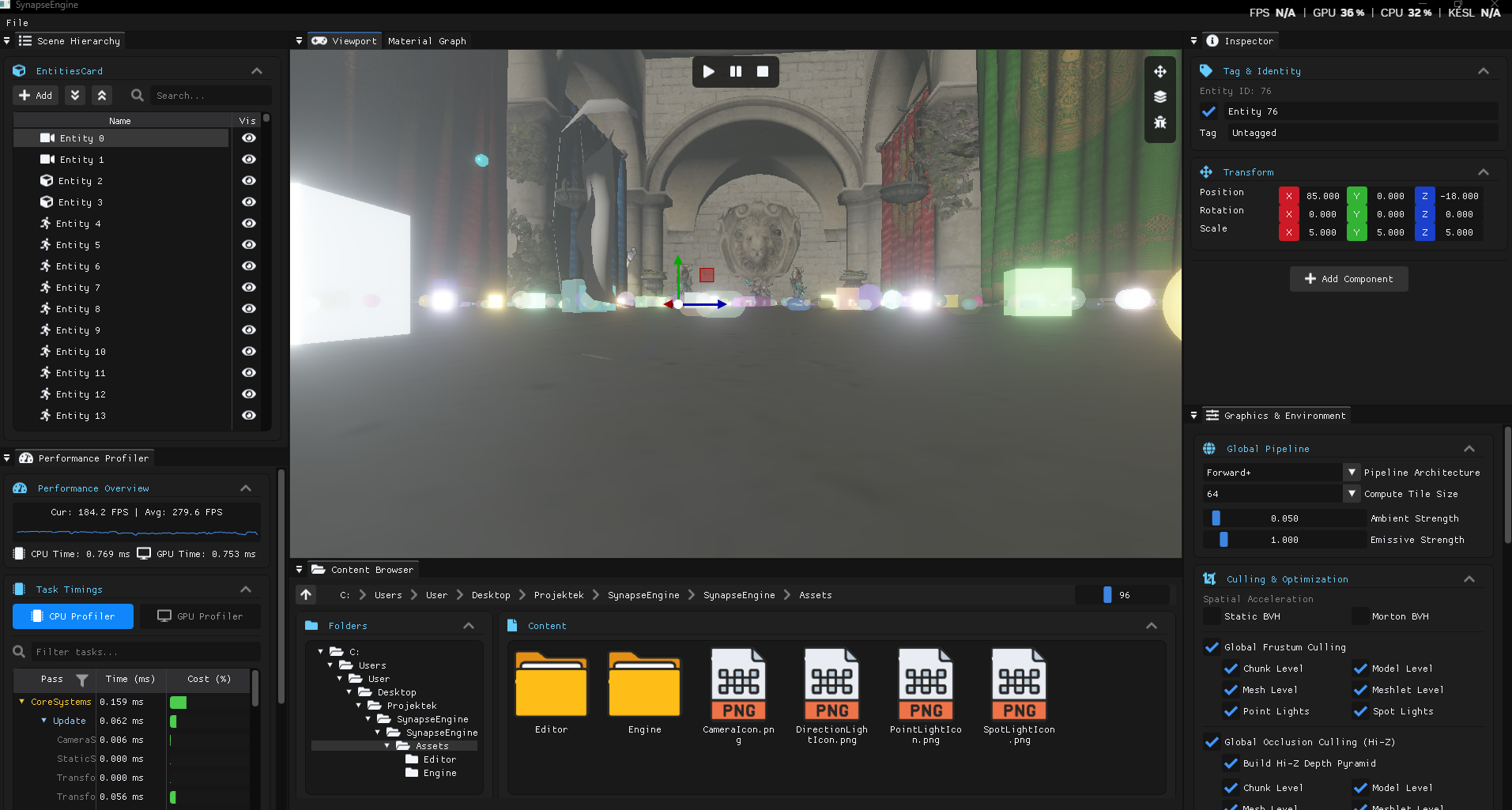
The engine UI got a little facelift!
Tamás Péter • Jun 07, 2026 - 13:05
Hi!
Recently, I redid the engine's project setup. I completely removed the VS26 solution and vcxproj-based project structure. I looked into what the most modern solution is nowadays, and my choice fell on xmake. In xmake, you can describe project-specific things in a Lua script, and xmake can build for Windows, Linux, and Mac. It can also generate VS26 solution-based projects or native CMake projects (which can be opened in both VS26 and VS Code), plus there's a VS Code extension for it that makes managing the whole thing much easier.
Oh, and this way the engine became Linux compatible! I built it for Linux without any issues alongside vcpkg, and it compiled the project perfectly, although on Linux there's some issue with a Jolt Physics setting and it crashes at runtime. But the main point is that the engine is now completely platform-independent and IDE-independent. I'll add a tutorial to the README later on what xmake code to run in the console to set up the project properly!!!
EDIT: It runs on Linux too 😎
Recently, I redid the engine's project setup. I completely removed the VS26 solution and vcxproj-based project structure. I looked into what the most modern solution is nowadays, and my choice fell on xmake. In xmake, you can describe project-specific things in a Lua script, and xmake can build for Windows, Linux, and Mac. It can also generate VS26 solution-based projects or native CMake projects (which can be opened in both VS26 and VS Code), plus there's a VS Code extension for it that makes managing the whole thing much easier.
Oh, and this way the engine became Linux compatible! I built it for Linux without any issues alongside vcpkg, and it compiled the project perfectly, although on Linux there's some issue with a Jolt Physics setting and it crashes at runtime. But the main point is that the engine is now completely platform-independent and IDE-independent. I'll add a tutorial to the README later on what xmake code to run in the console to set up the project properly!!!
EDIT: It runs on Linux too 😎
Fridvalszky András • Jun 10, 2026 - 08:10
Super, thanks! Unfortunately, I won't have time this week to look into it in detail. I think I can at least check tomorrow how my home machine handles a quick build and I'll let you know! However, I won't be home next week, so I'll be able to test it better the week of the 22nd.
Which VS Code extension is worth using for it?
Which VS Code extension is worth using for it?
Tamás Péter • Jun 10, 2026 - 08:45
Okay, no problem, I just wrote it as a status update so you don't accidentally start rewriting it to CMake, because the Linux stuff is already done with xmake.
In VS Code, it's worth using the official XMake extension, and then the xmake settings, build, debug, and run will appear on the blue bar at the bottom, making it quite intuitive.
But I'll update the README today then, and I'll add a description on exactly how to do the VS Code setup, CMake setup, or even the VS26 setup, cmd codes, etc. The description will probably be at the end of the README in the Build section.
I also set up CI/CD; it built for Linux in GitHub Actions without any problems.
In VS Code, it's worth using the official XMake extension, and then the xmake settings, build, debug, and run will appear on the blue bar at the bottom, making it quite intuitive.
But I'll update the README today then, and I'll add a description on exactly how to do the VS Code setup, CMake setup, or even the VS26 setup, cmd codes, etc. The description will probably be at the end of the README in the Build section.
I also set up CI/CD; it built for Linux in GitHub Actions without any problems.
Tamás Péter • Jun 11, 2026 - 10:50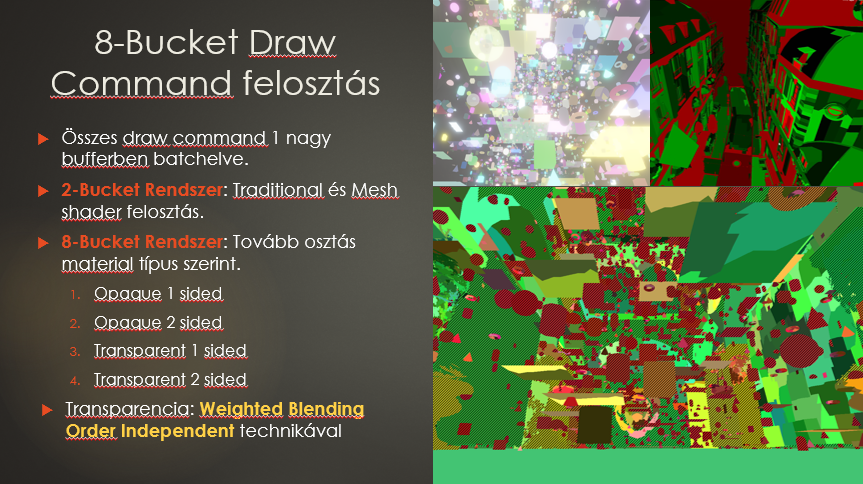
Oh, and it just randomly occurred to me that the renderer presented in the article could be optimized even further.
Because I just realized that the 8-bucket system should be further split into AlphaTesting / No AlphaTesting materials. Right now, alpha testing is hardcoded into the shader, but this means early fragment testing is always disabled, right. So it needs to be split further, and then a 16-bucket system will be the final one.
The alpha testing ones will have
Because I just realized that the 8-bucket system should be further split into AlphaTesting / No AlphaTesting materials. Right now, alpha testing is hardcoded into the shader, but this means early fragment testing is always disabled, right. So it needs to be split further, and then a 16-bucket system will be the final one.
The alpha testing ones will have
discard, so there will be no early fragment test here, and for the no alpha testing ones, the early fragment test will be strictly enabled.Tamás Péter • Jun 11, 2026 - 11:37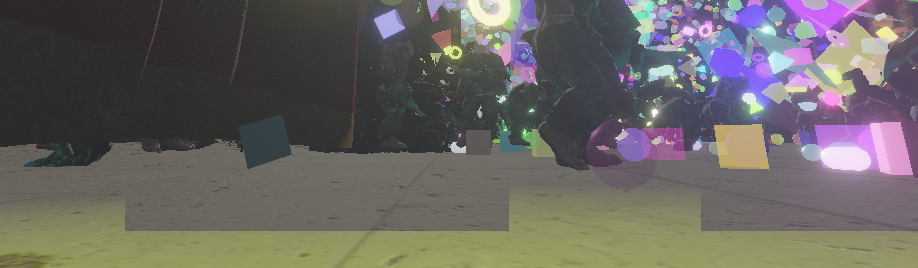
+ I managed to fix the Forward+ tile problem that I showed you in the lab.
Faulty code: You shouldn't sample the Hi-Z texture using nearest clamp edge and UV values, because it can be slightly inaccurate sometimes...
Good solution: With this, we directly read the texture's XY coordinate value, making it always 100% accurate (I think I'll change it to this for culling as well, by the way, because that was also UV-based until now...)
Faulty code: You shouldn't sample the Hi-Z texture using nearest clamp edge and UV values, because it can be slightly inaccurate sometimes...
vec2 halfTile = vec2(float(ctx.tileSize) * 0.5);
vec2 uv = (vec2(tileId * ctx.tileSize) + halfTile) / vec2(ctx.screenWidth, ctx.screenHeight);
vec2 hizValue = textureLod(hizDepth, uv, ctx.hizMipLevel).xy;
Good solution: With this, we directly read the texture's XY coordinate value, making it always 100% accurate (I think I'll change it to this for culling as well, by the way, because that was also UV-based until now...)
ivec2 mipSize = textureSize(hizDepth, int(ctx.hizMipLevel));
ivec2 texelCoord = min(tileId, mipSize - 1);
vec2 hizValue = texelFetch(hizDepth, texelCoord, int(ctx.hizMipLevel)).xy;
Fridvalszky András • Jun 13, 2026 - 12:08
Oh, this is quite interesting... I would think that it should do the same thing. However, the second code is perhaps cleaner and the intent is more visible, so I like it better too.
Tamás Péter • Jun 21, 2026 - 10:26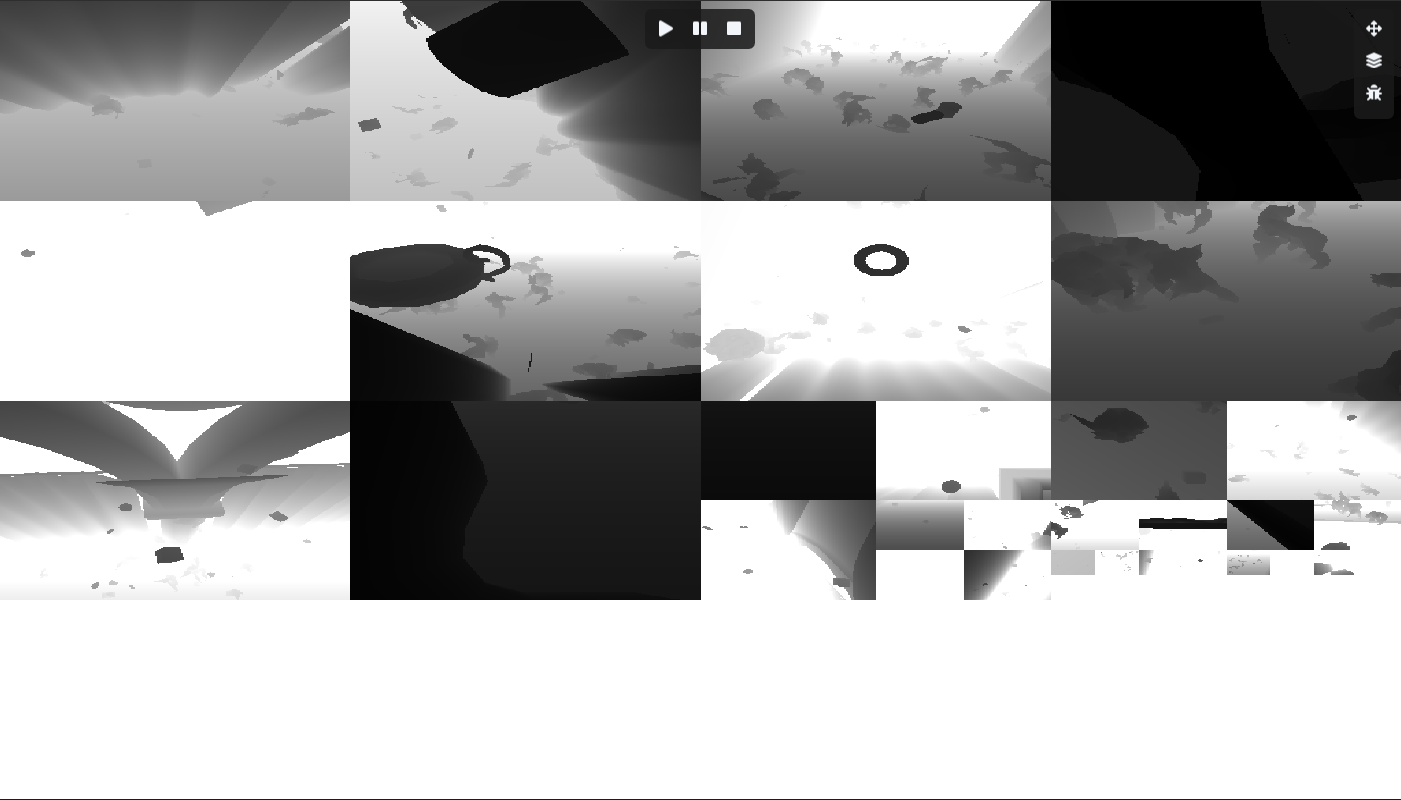
THE SPOT LIGHT GPU-DRIVEN SHADOW GEOMETRY ATLAS CULLING IS WORKING!
Wow, listen... This spot light part was absolutely brutal. There were so many buffers, data, indirect dispatches, and zeroing out to pay attention to that my brain almost melted.
However, it works completely in both CPU-driven and GPU-driven modes, and this can be freely toggled at runtime too.
Final architecture:
For spot lights, the instance index buffers are quite cumbersome; the offsets cannot be allocated in advance.
Since the size of a spot light is relatively limited and it's expected to intersect with few meshes, I use the following instance index distribution.
So there is 1 atomic counter, and we will compactly append the (Entity, Light) pairs one after another. They are unordered, so they must be sorted with a radix sort.
(If there were a hardcoded fixed entity/light count, we could pack the (Entity, Light) pairs into a single
I suppose even without the code it's not easy to follow, but the point is it's fully GPU-driven, and the rendering is very beautiful.
Oh yeah, and there will be static BVH/Morton BVH-based chunk culling for static objects.
And I was also thinking I could do a Morton BVH partitioning for the shadow spot lights (grouping 4-8 spots together).
And then it wouldn't be Model vs. Light, but Model vs. Chunk -> then Model vs. Light inside the Chunk.
Or eventually even Chunk vs. Chunk -> then Model inside the Chunk vs. Light inside the Chunk will work too.
And everything can be implemented using Work Graphs later!!!
Wow, listen... This spot light part was absolutely brutal. There were so many buffers, data, indirect dispatches, and zeroing out to pay attention to that my brain almost melted.
However, it works completely in both CPU-driven and GPU-driven modes, and this can be freely toggled at runtime too.
Final architecture:
- Determining visible spot lights (Spot vs. Camera Frustum) (Count + Instance index list).
- Among the visible spots, determining the spot lights that cast shadows (Count + Instance index list).
- Then comes a setup pass where we zero out the draw call
instanceCounts and indirect dispatch sizes. - Model culling compute pass: GroupX = Model count, GroupY = Visible Shadow Spot Light count; this number is generated in the compute shader in step 2, so we copy it over from the count buffer.
- For every model, for every spotlight: Sphere vs. Cone test.
- There is a fast path here too if the model consists of only a few meshes.
- Mesh culling compute pass: Collaborative mesh processing for a given spot light. 1 thread processes a (Model | Spot Light) pair.
For spot lights, the instance index buffers are quite cumbersome; the offsets cannot be allocated in advance.
Since the size of a spot light is relatively limited and it's expected to intersect with few meshes, I use the following instance index distribution.
So there is 1 atomic counter, and we will compactly append the (Entity, Light) pairs one after another. They are unordered, so they must be sorted with a radix sort.
(If there were a hardcoded fixed entity/light count, we could pack the (Entity, Light) pairs into a single
uint, but right now there can be any amount of either in the engine, so it's a uvec2).- KeyBuffer: Draw command index (identifies meshes completely uniquely).
ValuesBuffer: Index buffer that will store the value of the atomic counter used for the instance index buffer.
InstanceBuffer: (Entity | Light) pairs; the value from the values buffer indexes into this. - Radix sort on the key and values buffers. (The values buffer is needed because the sort only works on
uint, it cannot sortuvec2values!)
We essentially sort the data by mesh. - A compute shader iterates through the entire key, values, and instance buffers.
- We have to sort the Instance Buffer based on the values buffer so that identical meshes (Entity, Light) sit compactly next to each other in the shadow geometry renderer.
- We also need an offset to know where the data starts in the instance buffer.
- The point is that this compute shader executes these steps.
- Shadow Geometry Rendering, where again there is 1 massive indirect draw call; this is pretty much the same as presented in the article.
- We can render all identical meshes and all lights together since we have 1 texture atlas. The shader just projects the positions onto the corresponding region.
I suppose even without the code it's not easy to follow, but the point is it's fully GPU-driven, and the rendering is very beautiful.
Oh yeah, and there will be static BVH/Morton BVH-based chunk culling for static objects.
And I was also thinking I could do a Morton BVH partitioning for the shadow spot lights (grouping 4-8 spots together).
And then it wouldn't be Model vs. Light, but Model vs. Chunk -> then Model vs. Light inside the Chunk.
Or eventually even Chunk vs. Chunk -> then Model inside the Chunk vs. Light inside the Chunk will work too.
And everything can be implemented using Work Graphs later!!!
Fridvalszky András • Jun 22, 2026 - 09:41
Very cool! It really isn't easy to wrap my head around the whole thing like this, but thanks for putting it together!
Regarding the texture atlas, does it only contain the spot/directional ones, or the cubes too?
Regarding the texture atlas, does it only contain the spot/directional ones, or the cubes too?
Tamás Péter • Jun 22, 2026 - 09:43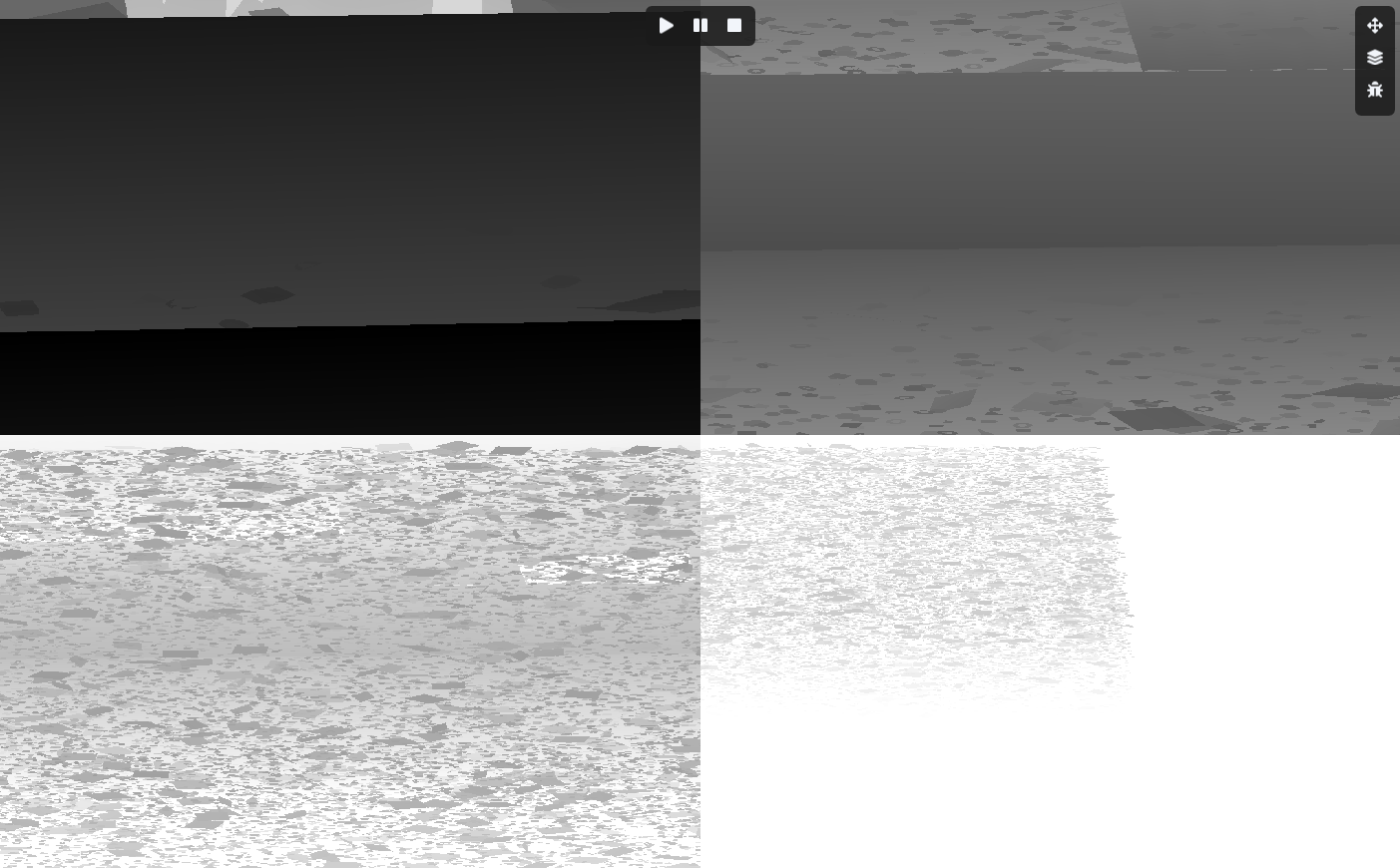
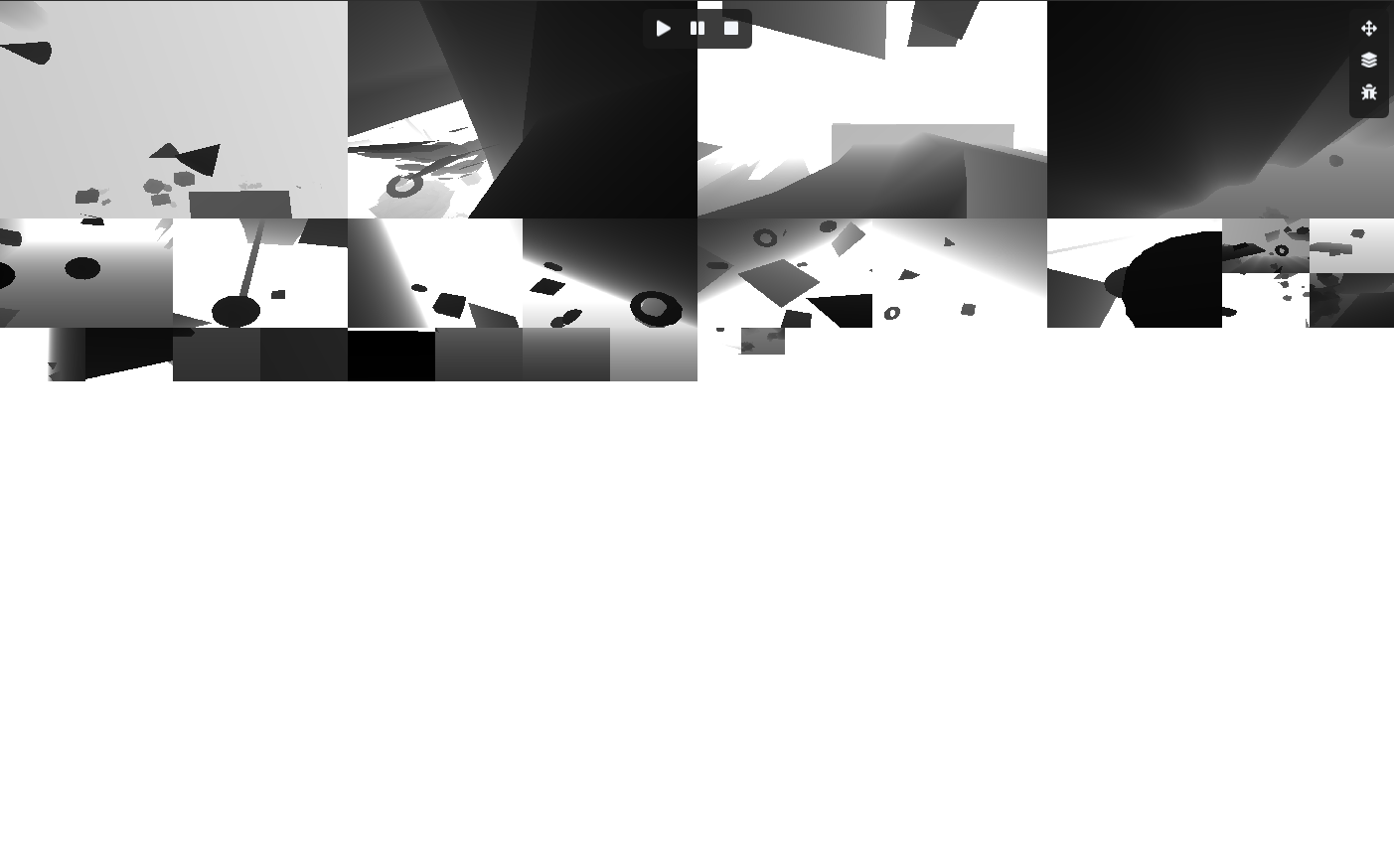
Right now, this one only contains the spot light.
Every light type has its own texture atlas.
Currently, there is a 2K texture for the directional light.
There is a 4K texture for the spot light.
And when I start on the point light, it will also have a 4K texture.
So there are 3 large atlases in total.
Every light type has its own texture atlas.
Currently, there is a 2K texture for the directional light.
There is a 4K texture for the spot light.
And when I start on the point light, it will also have a 4K texture.
So there are 3 large atlases in total.
Fridvalszky András • Jun 22, 2026 - 09:45
I see, okay. By the way, how do you handle addressing at the edges of the textures? I mean, in theory, interpolation could cause artifacts at the edges of the shadow maps.
Ah, and then you can even do PCF manually.
The original problem would have occurred with automatic PCF, right?
Ah, and then you can even do PCF manually.
The original problem would have occurred with automatic PCF, right?
Tamás Péter • Jun 22, 2026 - 09:48
I haven't implemented the shadow simulation yet (when we sample these in the PBR shaders).
But I'll look into it, I can clamp by UV, right, that will probably help a lot.
Or it's also possible that I won't use a nearest sample, but
From the atlas region data and the UV, I can even calculate back the actual XY texture coordinates, and then
Yes, and actually we could even generate Hi-Z from these textures.
In fact, I do generate them, but I don't think it will be worth it because it's slow.
And here we can speed up the PCF, because we can just sample from a higher mip level, and this way the fully inside and fully outside PCF areas can be skipped instantly.
But I'll look into it, I can clamp by UV, right, that will probably help a lot.
Or it's also possible that I won't use a nearest sample, but
texelFetch, where I'll sample by coordinate like the Hi-Z texture in Forward+. I think it will be 100% perfect with that.From the atlas region data and the UV, I can even calculate back the actual XY texture coordinates, and then
texelFetch should theoretically solve this problem.Yes, and actually we could even generate Hi-Z from these textures.
In fact, I do generate them, but I don't think it will be worth it because it's slow.
And here we can speed up the PCF, because we can just sample from a higher mip level, and this way the fully inside and fully outside PCF areas can be skipped instantly.
Tamás Péter • Jun 25, 2026 - 11:39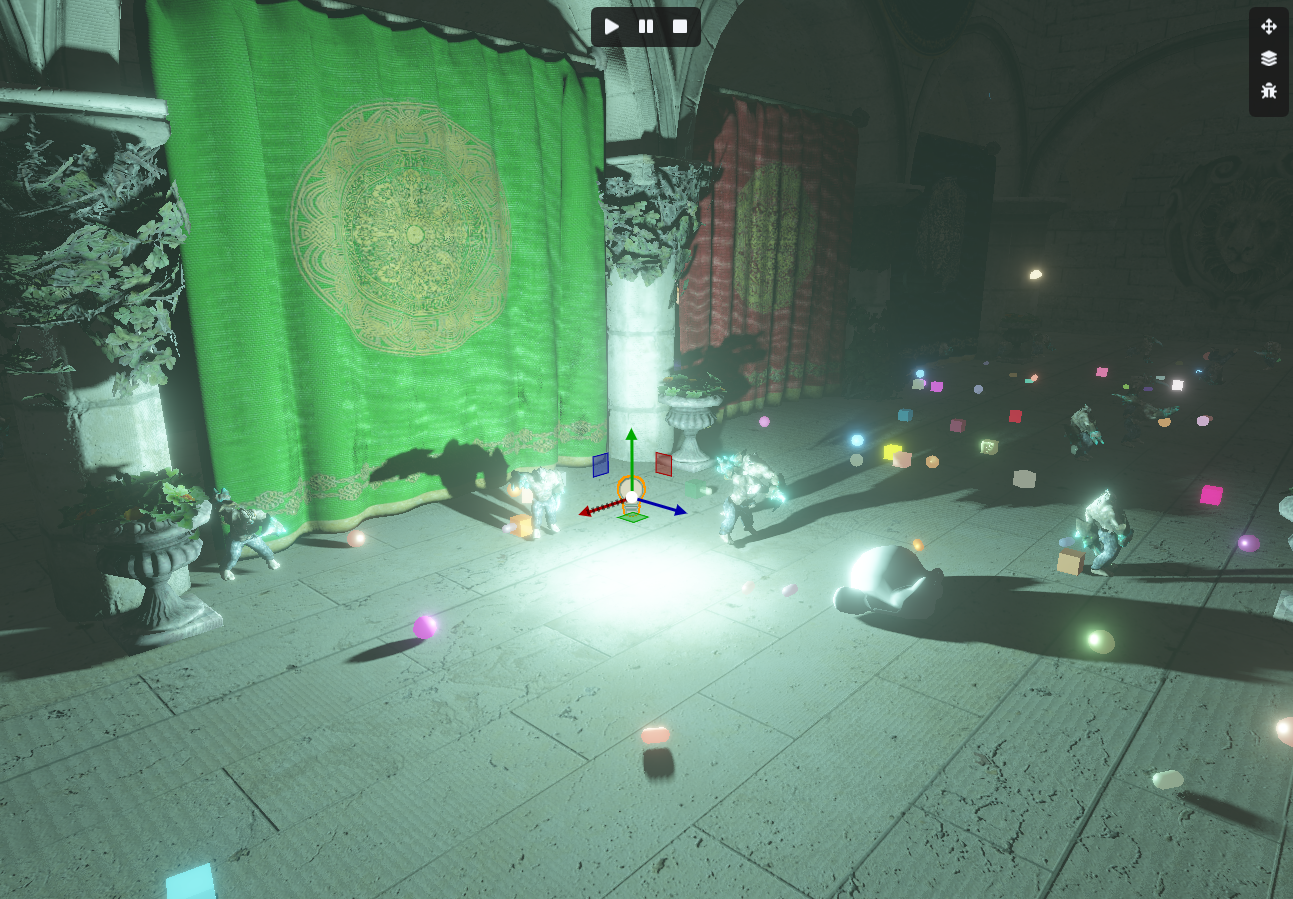
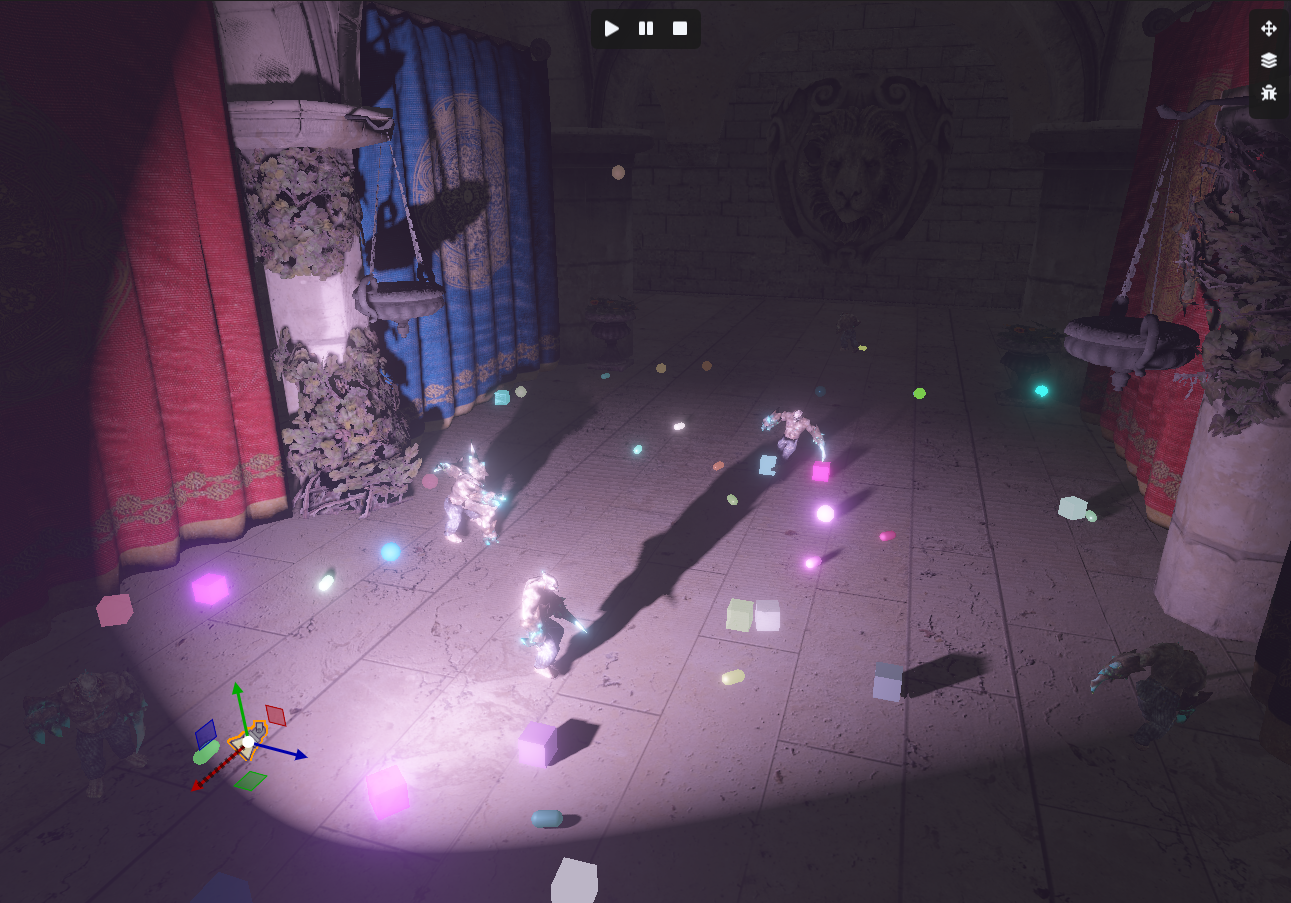
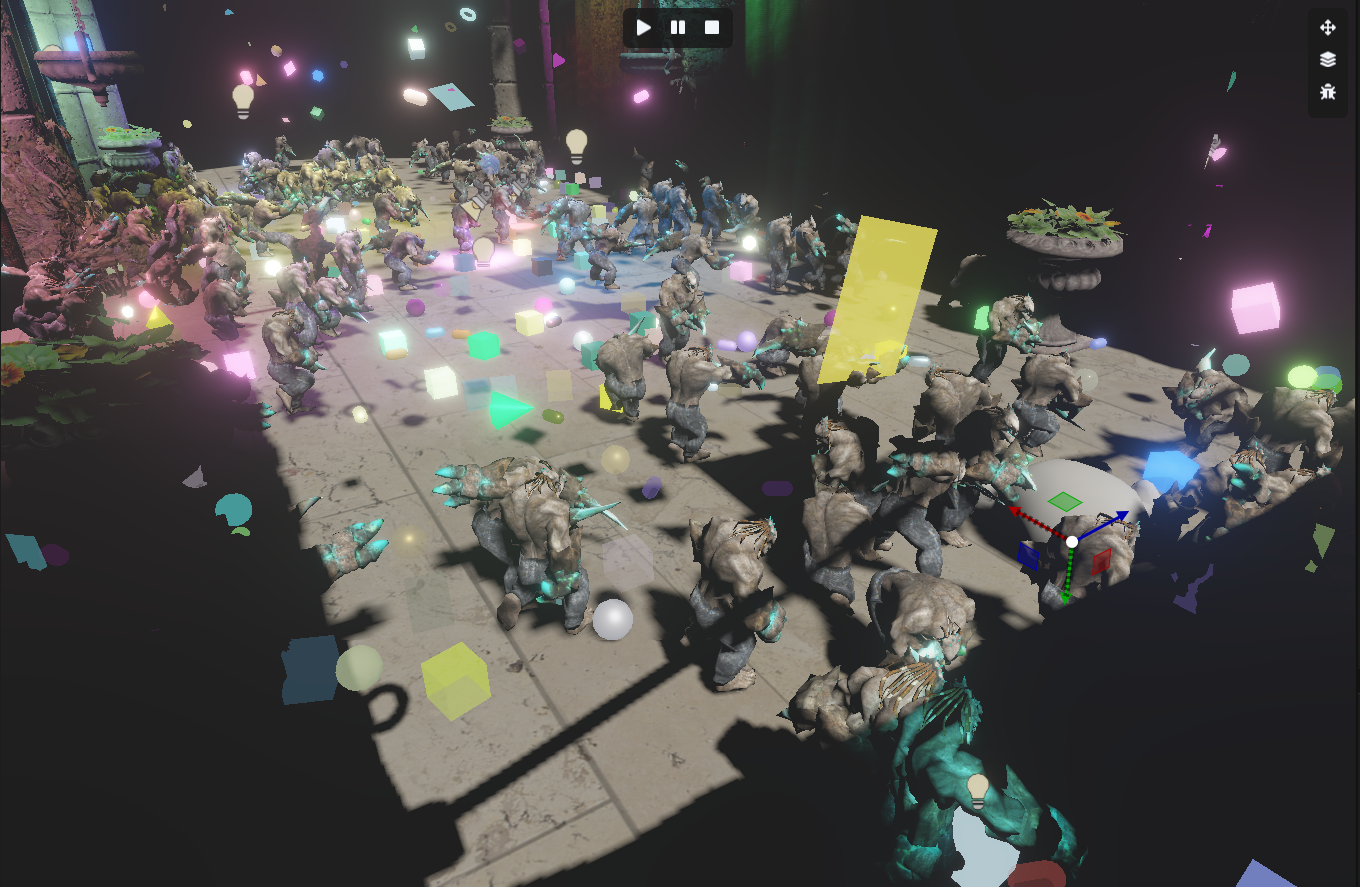

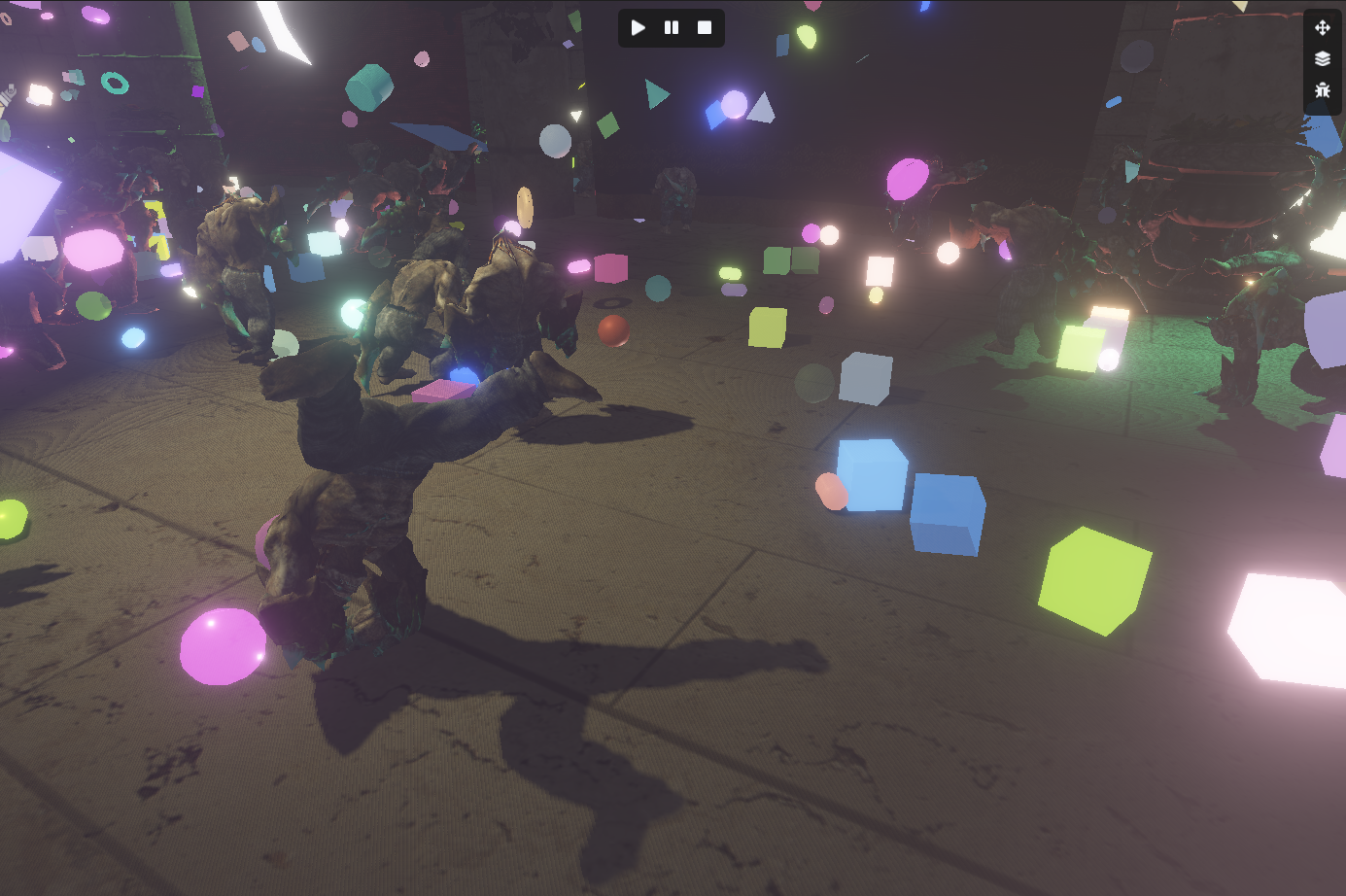
I also implemented the virtualized shadow map for point lights. (The 6 faces of the cube are flattened out, taking up 3x2 chunks).
Also, I finished the shadow rendering for spot lights (Dir and Point will come later).
For spots, the shadow works perfectly, it will work for the others too, I just need to write the shaders...
EDIT: Point light is working too 😎
EDIT 2: Dir light cascade is working too!!
Also, I finished the shadow rendering for spot lights (Dir and Point will come later).
For spots, the shadow works perfectly, it will work for the others too, I just need to write the shaders...
EDIT: Point light is working too 😎
EDIT 2: Dir light cascade is working too!!
Tamás Péter • Jun 25, 2026 - 11:50
Amidst all the big shadow mapping stuff, I started thinking about how we could simulate shadows for transparent objects as well, because they also cast shadows, just corresponding to their own color, and not as strongly. So if we have a big red cube that is transparent, it would also have a shadow. You can't use a traditional shadow map for this, obviously. The question is, do engines even usually bother with this? My gut feeling says it's not worth dealing with at all because it would introduce a lot of slowdown, but I'm still interested in the topic.
I was thinking that the A-buffer solution from the GPU lab could actually be applied to this whole thing, and it would work perfectly with virtual shadow mapping.
What do you think about this? It surely wouldn't be worth it, I'm just interested in the topic, and thought I might put it in later if this is a roughly correct approach.
EDIT: Or would it need full ray tracing with RTX cores??? hmm
In fact, it just occurred to me, the transparent depth virtual shadow map could even be 2K instead of 4K, having smaller light resolutions, while the opaque one stays nice and detailed since that will be dominant. So anyway, you could actually tinker a lot with all sorts of things to make it run in a relatively reasonable time.
I was thinking that the A-buffer solution from the GPU lab could actually be applied to this whole thing, and it would work perfectly with virtual shadow mapping.
- We render the opaque objects into the virtual shadow map, just like now.
- We render the transparent objects from the lights' perspective, using the virtual shadow map as the depth buffer to discard the ones behind opaque objects, right, and we actually use the A-buffer from the GPU lab to save the transparent data (Depth, Color, Next Pointer). This A-buffer texture could be 1:1 in sync with the virtual shadow map, and then we handle all the transparent data belonging to all shadows together.
- A compute shader sorts the linked lists in the A-buffer by depth using some nice little sorting algorithm.
- Then in the light simulating forward+/deferred shader, the transparent part comes after the traditional opaque shadow map, where we traverse the list. We know the depth so we can simulate a shadow, we know the color so we can do a colored shadow, or even mixed colored shadows generated by multiple transparent objects.
What do you think about this? It surely wouldn't be worth it, I'm just interested in the topic, and thought I might put it in later if this is a roughly correct approach.
EDIT: Or would it need full ray tracing with RTX cores??? hmm
In fact, it just occurred to me, the transparent depth virtual shadow map could even be 2K instead of 4K, having smaller light resolutions, while the opaque one stays nice and detailed since that will be dominant. So anyway, you could actually tinker a lot with all sorts of things to make it run in a relatively reasonable time.
Tamás Péter • Jun 26, 2026 - 20:52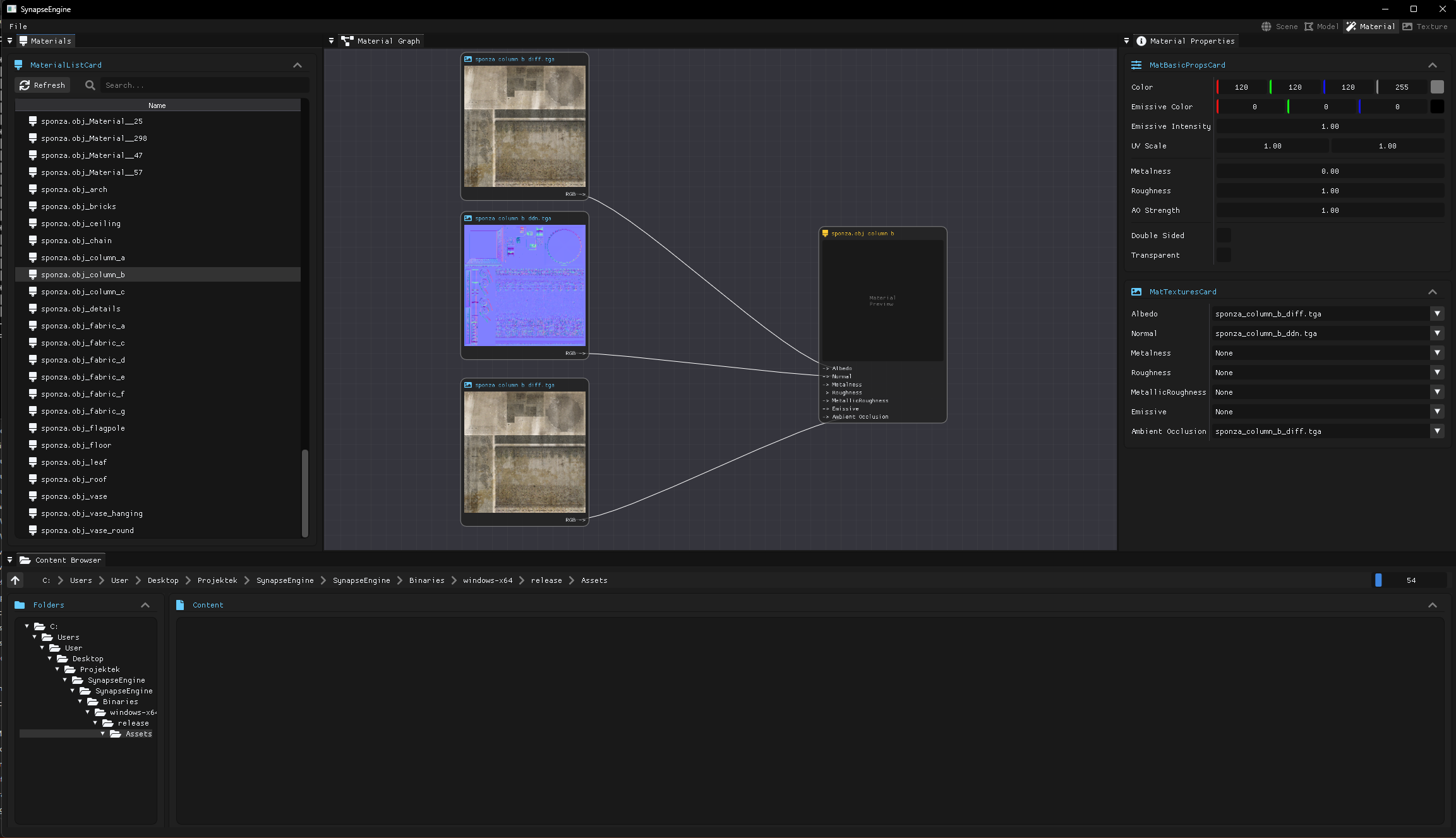
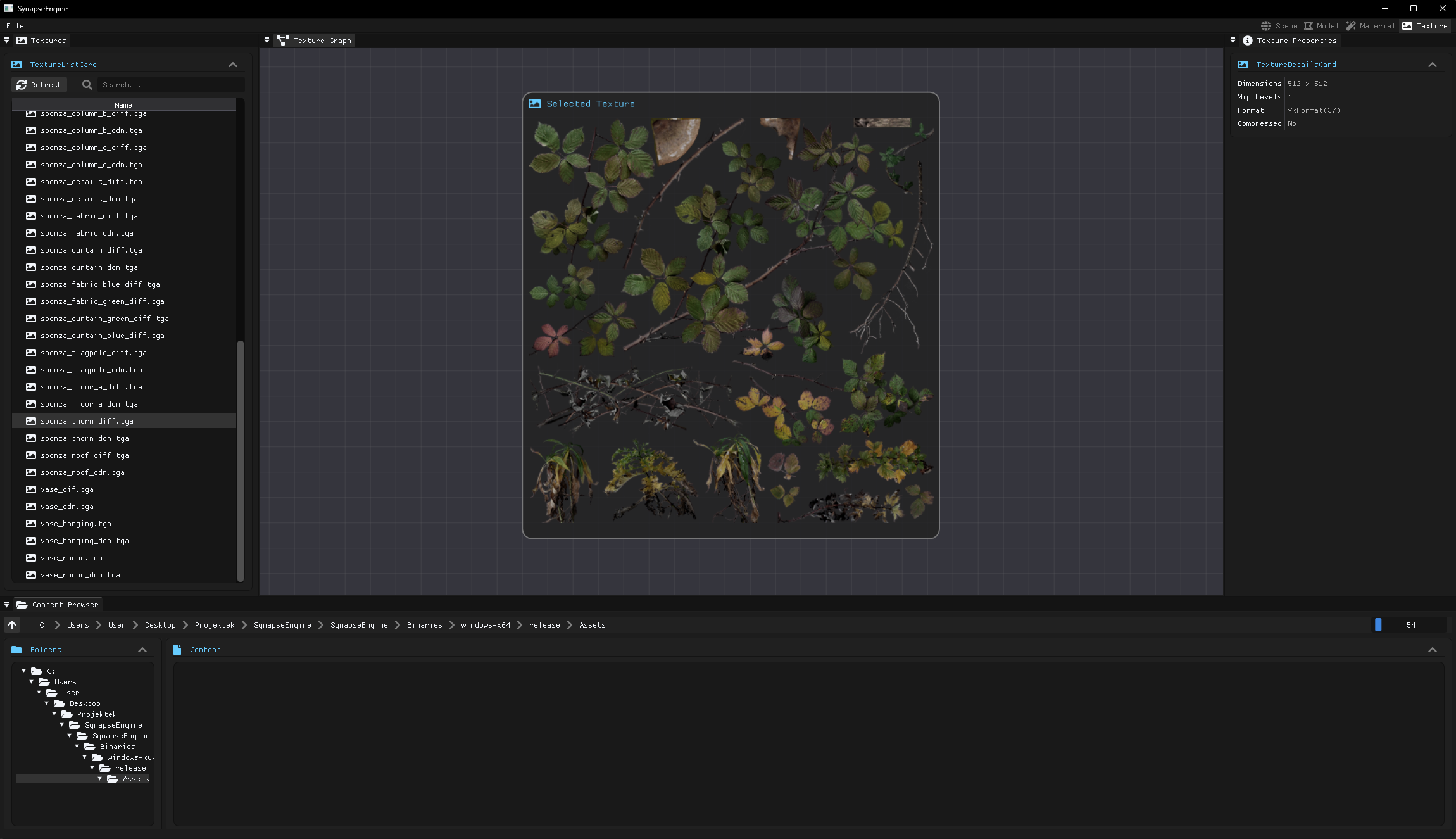
Engine UI update, workspaces
Fridvalszky András • Jun 27, 2026 - 09:23
The images are getting more and more spectacular! Are these last pictures the material editor already?
https://graphics.stanford.edu/papers/deepshadows/deepshad.pdf
This paper comes to mind regarding what you wrote.
https://graphics.stanford.edu/papers/deepshadows/deepshad.pdf
This paper comes to mind regarding what you wrote.
Tamás Péter • Jun 27, 2026 - 09:25
Yeah, there are 4 types of workspaces you can switch between in the top right menu bar. There's the default scene workspace that you've seen many times.
There is a texture workspace where you'll be able to manage textures, and a material workspace where materials can be edited, even using a node graph.
And one that isn't finished yet is a model workspace, where you can inspect loaded models and break them down mesh by mesh.
There will be an infinite grid there, and always only the currently selected model/mesh will be visible.
Thanks, I'm definitely going to read this!!
There is a texture workspace where you'll be able to manage textures, and a material workspace where materials can be edited, even using a node graph.
And one that isn't finished yet is a model workspace, where you can inspect loaded models and break them down mesh by mesh.
There will be an infinite grid there, and always only the currently selected model/mesh will be visible.
Thanks, I'm definitely going to read this!!
Fridvalszky András • Jun 27, 2026 - 09:37
So with a deep shadow map like this, you can actually implement quite a few extra effects, not just transparent shadows. If you only need colored shadows, a simple method could be if the shadow map stores not only depth but also RGB attenuation factors. Of course, this makes generating it more expensive, but if you're doing frustum culling before rendering anyway to see what gets included, you could even check there if there's a transparent shadow caster, and if so, only then would this map go into the 4-channel shadow atlas.
The problem here, of course, is that the attenuation function cannot really be described with a single value, so it's not suitable for complex scenes. But where this would be most common, e.g., a stained glass window in a church where we know there will only be one transparent layer, it could work. An opaque shadow caster behind the window could be problematic, but if that's important, you can do it in two passes: separately for the opaque and the transparent.
But of course, deep shadows or the linked-list solution, where the goal is to store the full visibility function, could handle the more complex cases as well. I'm not sure how this deep shadow paper approximates the function, but ideas from moment/wavelet shadows are probably applicable here too.
Ray tracing, of course, greatly simplifies the logic of the whole thing, but in return, you get a lot of other complexities: you need temporal noise filtering, which introduces blur and ghosting. You have to manage the acceleration structures, which is an extra pain for animated objects.
The problem here, of course, is that the attenuation function cannot really be described with a single value, so it's not suitable for complex scenes. But where this would be most common, e.g., a stained glass window in a church where we know there will only be one transparent layer, it could work. An opaque shadow caster behind the window could be problematic, but if that's important, you can do it in two passes: separately for the opaque and the transparent.
But of course, deep shadows or the linked-list solution, where the goal is to store the full visibility function, could handle the more complex cases as well. I'm not sure how this deep shadow paper approximates the function, but ideas from moment/wavelet shadows are probably applicable here too.
Ray tracing, of course, greatly simplifies the logic of the whole thing, but in return, you get a lot of other complexities: you need temporal noise filtering, which introduces blur and ghosting. You have to manage the acceleration structures, which is an extra pain for animated objects.
Tamás Péter • Jun 27, 2026 - 09:49
Yeah, I'll probably end up implementing multiple techniques, and then we can use whichever one is needed completely on a scene-specific basis. If there's little transparency and shadows don't make sense, then it won't be simulated. If there is 1 layer and the colored transparency is enough (where transparent doesn't cast a shadow on transparent), then that renderpass will run. If a fully detailed visualization is needed, where there are multiple layers of transparency, or even transparent materials and textures casting shadows on each other, then the A-buffer, or Ray-Tracing, or the paper you sent (I just still need to read it). I think I'll do something like this, and then we'll configure it to what the scene demands. At least we'll be able to compare how slow each one is and what issues they have.
Ray Tracing is still appealing though, I don't really get the RTX shader stuff yet, I've never looked into it deeply.
But the shadow is now completely chunk->model->mesh->meshlet culled, as shown in the article, the dir/point/spot culling is fully GPU-driven. And we already exclude a ton of objects by default, and even software ray tracing could be done really well here, since I know which objects are visible.
In the background, I could build a BVH-like acceleration structure for the meshlets, and even the triangles within them, and then at least the software ray tracing would be super efficient.
With the hardware one, what I don't get is whether the hardware builds the acceleration structure dynamically, or if the scene is given, I upload it, it builds the BVH from the triangles, and always uses that? Just because then this isn't very compatible with culling, because it would be best if, after culling, the hardware built the BVH from the triangles belonging to the visible meshlets, and the hardware ray tracing only ran on that.
I just haven't looked into exactly how the ray tracing shader and the necessary preparations and techniques work yet, but this will also be an exciting part of the development later.
Ray Tracing is still appealing though, I don't really get the RTX shader stuff yet, I've never looked into it deeply.
But the shadow is now completely chunk->model->mesh->meshlet culled, as shown in the article, the dir/point/spot culling is fully GPU-driven. And we already exclude a ton of objects by default, and even software ray tracing could be done really well here, since I know which objects are visible.
In the background, I could build a BVH-like acceleration structure for the meshlets, and even the triangles within them, and then at least the software ray tracing would be super efficient.
With the hardware one, what I don't get is whether the hardware builds the acceleration structure dynamically, or if the scene is given, I upload it, it builds the BVH from the triangles, and always uses that? Just because then this isn't very compatible with culling, because it would be best if, after culling, the hardware built the BVH from the triangles belonging to the visible meshlets, and the hardware ray tracing only ran on that.
I just haven't looked into exactly how the ray tracing shader and the necessary preparations and techniques work yet, but this will also be an exciting part of the development later.
Fridvalszky András • Jun 27, 2026 - 09:56
The AS is divided into two parts, there is a top level and a bottom level. The bottom level contains the mesh data. For a static mesh, this obviously only needs to be done once. If it's animated, it has to be updated, but this often happens via an update from a fixed, nearby state.
The top level then gathers these bottom levels into a scene.
This is the relevant excerpt from the API. Based on this, it seems to me that the update operation isn't really compatible with culling, because you can't change the number of instances.
Which means you need a more complex system that speculatively culls objects and keeps more in it than strictly necessary so you don't have to rebuild it constantly.
A custom BVH is an interesting idea, but to do that, you definitely need to be able to compare it against the hardware one. So I would approach it by having the hardware version integrated first.
The top level then gathers these bottom levels into a scene.
The API defines two types of operations to produce acceleration structures from geometry:
A build operation is used to construct an acceleration structure.
An update operation is used to modify an existing acceleration structure.
An update operation imposes certain constraints on the input, in exchange for considerably faster execution. When performing an update, the application is required to provide a full description of the acceleration structure, but is prohibited from changing anything other than instance definitions, transform matrices, and vertex or AABB positions. All other aspects of the description must exactly match the one from the original build.
More precisely, the application must not use an update operation to do any of the following:
- Change primitives or instances from active to inactive, or vice versa (as defined in Inactive Primitives and Instances).
- Change the index or vertex formats of triangle geometry.
- Change triangle geometry transform pointers from null to non-null or vice versa.
- Change the number of geometries or instances in the structure.
- Change the geometry flags for any geometry in the structure.
- Change the number of vertices or primitives for any geometry in the structure.
This is the relevant excerpt from the API. Based on this, it seems to me that the update operation isn't really compatible with culling, because you can't change the number of instances.
Which means you need a more complex system that speculatively culls objects and keeps more in it than strictly necessary so you don't have to rebuild it constantly.
A custom BVH is an interesting idea, but to do that, you definitely need to be able to compare it against the hardware one. So I would approach it by having the hardware version integrated first.
Tamás Péter • Jul 02, 2026 - 19:57
Hi!
The UI is also coming together, now you can swap models, animations, and materials too.
I made a quick demo video, mainly focusing on the material management; this is the material table solution described in the article, but now I could finally visualize it properly.
With the
https://youtu.be/xK25IwS-iAw
Oh, and regarding the shadow atlas management. Everything works perfectly, but in the meantime, I thought of another really cool improvement, and I'd be interested in your opinion on it.
Right now there's 1 large dedicated 4K atlas for spot lights; the area is allocated and scaled based on the visible spot's size, and I render all objects into this. During rendering, there is chunk->model->mesh->meshlet culling, working for every object and light source in a fully GPU and CPU driven way.
However, the problem is that there is no occlusion culling currently. Although I can build a Hi-Z chain for the texture, it's not worth it because doing it for a 4K texture every frame is very expensive... And this gave me the idea that since we already have static/dynamic/stream partitioned entities by default (where static entities don't change, or only very rarely), the whole shadow simulation could be split in two.
So:
We will have two textures: a 4K for the static ones, and a 4K for the dynamic entities. (The 4K resolution can be customized, maybe because of the movement 2K is enough for the dynamic ones??) We only render static objects into the static one, so this is essentially a "BAKE" mechanism, and we only do this for lights that are also static and don't move. We build a Hi-Z depth chain for this, and we can use it for occlusion culling. Because it's static, we rarely need to build or re-render this. We render the dynamic moving entities into the other 4K texture, these obviously have to be done every frame, specifically using the current model->mesh->meshlet culling logic. (Because of the ECS, the static/dynamic/stream regions are cleanly separated, making it super easy in the compute shader). Here it doesn't matter if the light is static or dynamic. And then there's the case when the light itself is dynamic and moving fully: then it goes through the entire existing static/dynamic/stream region with chunk->model->mesh->meshlet culling, and ends up in the dynamic texture. So for the shadow simulation, there will actually be 2 texture reads, from the static + dynamic; maybe it means a slowdown, even because of the PCF??? hmmm
EDIT: It just occurred to me that these 2 reads could even be remedied if we don't clear the dynamic texture to 1 at the beginning of the frame, but instead copy the static texture's data 1:1 to the dynamic one. So it starts from the static one, and after the dynamic render everything will be in it, resulting in only 1 depth read, and faster PCF too???
In summary:
The UI is also coming together, now you can swap models, animations, and materials too.
I made a quick demo video, mainly focusing on the material management; this is the material table solution described in the article, but now I could finally visualize it properly.
With the
MaterialOverride component, you can share or even override the material per mesh within a model, which I demonstrated in the video using Sponza.https://youtu.be/xK25IwS-iAw
Oh, and regarding the shadow atlas management. Everything works perfectly, but in the meantime, I thought of another really cool improvement, and I'd be interested in your opinion on it.
Right now there's 1 large dedicated 4K atlas for spot lights; the area is allocated and scaled based on the visible spot's size, and I render all objects into this. During rendering, there is chunk->model->mesh->meshlet culling, working for every object and light source in a fully GPU and CPU driven way.
However, the problem is that there is no occlusion culling currently. Although I can build a Hi-Z chain for the texture, it's not worth it because doing it for a 4K texture every frame is very expensive... And this gave me the idea that since we already have static/dynamic/stream partitioned entities by default (where static entities don't change, or only very rarely), the whole shadow simulation could be split in two.
So:
We will have two textures: a 4K for the static ones, and a 4K for the dynamic entities. (The 4K resolution can be customized, maybe because of the movement 2K is enough for the dynamic ones??) We only render static objects into the static one, so this is essentially a "BAKE" mechanism, and we only do this for lights that are also static and don't move. We build a Hi-Z depth chain for this, and we can use it for occlusion culling. Because it's static, we rarely need to build or re-render this. We render the dynamic moving entities into the other 4K texture, these obviously have to be done every frame, specifically using the current model->mesh->meshlet culling logic. (Because of the ECS, the static/dynamic/stream regions are cleanly separated, making it super easy in the compute shader). Here it doesn't matter if the light is static or dynamic. And then there's the case when the light itself is dynamic and moving fully: then it goes through the entire existing static/dynamic/stream region with chunk->model->mesh->meshlet culling, and ends up in the dynamic texture. So for the shadow simulation, there will actually be 2 texture reads, from the static + dynamic; maybe it means a slowdown, even because of the PCF??? hmmm
EDIT: It just occurred to me that these 2 reads could even be remedied if we don't clear the dynamic texture to 1 at the beginning of the frame, but instead copy the static texture's data 1:1 to the dynamic one. So it starts from the static one, and after the dynamic render everything will be in it, resulting in only 1 depth read, and faster PCF too???
In summary:
- Into the static texture: Static objects and static lights -> Baking
- From the static texture: Hi-Z pyramid generation and occlusion culling.
- Into the dynamic texture: Dynamic moving objects and static/dynamic lights.
- Into the dynamic texture: Dynamically moving lights -> Full static/dynamic/stream objects culled
Fridvalszky András • Jul 06, 2026 - 10:22
Hi! I was only just now able to properly look at your message, because I wasn't home last week.
Regarding shadows. So if I understand correctly, you are trying to optimize the shadow generation of static light sources by rendering a shadow map with only static objects once onto a fixed pre-allocated texture area, and generating a pyramid from this. After that, dynamic objects go into another texture, which can logically start from the static one. And the Z pyramid would help with culling. On the one hand, in a good case we are talking about depth-only rendering here, which means the GPU utilization characteristics will be different (no fragment shader, a different scale of savings). Because of this, I think this is something that can only be decided by measuring whether the rasterization saved by occlusion culling is better, or simply leaving the whole thing to depth testing.
From another perspective, whether it's a good idea to initialize the final, dynamic shadow map from a static version (which I think is actually independent of the idea above), it's worth considering that a static light source fixed in world position isn't completely static from a view perspective. After all, even now you set the size of the shadow map in the atlas based on how much area it covers projected from the camera's perspective. So if this static-static shadow map is fixed, then its size has to be set mostly independent of the camera (of course, it could be regenerated within certain limits).
I also think it's important to consider what happens if the size of the static version and the dynamic version differ. In this case, I think very strong shadow acne or other occlusion artifacts would appear because you have to copy shadow maps of different resolutions and use some kind of filtering.
It could yield a nice result if the static-static shadow map is very large. And the dynamic one starts from a potentially smaller maximum filtering (depending on the camera), which if I guess correctly could be one of the levels of the Z pyramid? This might be artifact-free, and then its performance should be compared to the fully dynamic one.
Another point to consider is what kind of light sources this would be useful for. E.g., a spot light in a room. Here the room's geometry itself, which is static, will already be a limiting factor, so it wouldn't be complicated to simply limit the spot light's distance based on the static geometry surrounding it. I think in many cases this will be simpler and more efficient than using an extra shadow map for it.
So it might be more interesting for outdoor scenes, where there is no easily definable maximum distance for the light source.
Regarding shadows. So if I understand correctly, you are trying to optimize the shadow generation of static light sources by rendering a shadow map with only static objects once onto a fixed pre-allocated texture area, and generating a pyramid from this. After that, dynamic objects go into another texture, which can logically start from the static one. And the Z pyramid would help with culling. On the one hand, in a good case we are talking about depth-only rendering here, which means the GPU utilization characteristics will be different (no fragment shader, a different scale of savings). Because of this, I think this is something that can only be decided by measuring whether the rasterization saved by occlusion culling is better, or simply leaving the whole thing to depth testing.
From another perspective, whether it's a good idea to initialize the final, dynamic shadow map from a static version (which I think is actually independent of the idea above), it's worth considering that a static light source fixed in world position isn't completely static from a view perspective. After all, even now you set the size of the shadow map in the atlas based on how much area it covers projected from the camera's perspective. So if this static-static shadow map is fixed, then its size has to be set mostly independent of the camera (of course, it could be regenerated within certain limits).
I also think it's important to consider what happens if the size of the static version and the dynamic version differ. In this case, I think very strong shadow acne or other occlusion artifacts would appear because you have to copy shadow maps of different resolutions and use some kind of filtering.
It could yield a nice result if the static-static shadow map is very large. And the dynamic one starts from a potentially smaller maximum filtering (depending on the camera), which if I guess correctly could be one of the levels of the Z pyramid? This might be artifact-free, and then its performance should be compared to the fully dynamic one.
Another point to consider is what kind of light sources this would be useful for. E.g., a spot light in a room. Here the room's geometry itself, which is static, will already be a limiting factor, so it wouldn't be complicated to simply limit the spot light's distance based on the static geometry surrounding it. I think in many cases this will be simpler and more efficient than using an extra shadow map for it.
So it might be more interesting for outdoor scenes, where there is no easily definable maximum distance for the light source.
Tamás Péter • Jul 07, 2026 - 19:32
Hmm... yeah, thanks a lot, every problem you raised here regarding the idea is valid.
Thanks really, I think I'll put the shadow part on the back burner for now, because there would really be too much to think through regarding this.
The problem is with the massive amount of static objects, right, because I always render them over and over unnecessarily, since they don't move. The Morton chunk partitioning and such help a lot, just not in the case of the directional light, because it covers too much space, and a huge amount of static objects have to be rendered over and over again. With Point/Spot lights there is no problem with this, because their volume is small.
Although, while writing this message I just realized that my idea might actually work perfectly if I only did it for the directional light. Because there's a fixed allocation there, the texture is fixed at 1K for every cascade, there's no visibility check, and no dynamic screen space size check for the directional light, right. So actually, for point/spot it might be best to leave the whole thing and just use the chunk solution. And for the directional light, maybe use what I wrote, because its field of view is really too big, and we draw a ton of static objects over and over...
It's just that the directional light's view matrix is calculated from the camera's cascade. This has to be done cleverly so that the static objects don't have to be constantly re-rendered—giving the cascades some room to move by always overestimating a bit. And then the view matrix won't change every frame... hmm well okay, I'll think about it some more.
Thanks really, I think I'll put the shadow part on the back burner for now, because there would really be too much to think through regarding this.
The problem is with the massive amount of static objects, right, because I always render them over and over unnecessarily, since they don't move. The Morton chunk partitioning and such help a lot, just not in the case of the directional light, because it covers too much space, and a huge amount of static objects have to be rendered over and over again. With Point/Spot lights there is no problem with this, because their volume is small.
Although, while writing this message I just realized that my idea might actually work perfectly if I only did it for the directional light. Because there's a fixed allocation there, the texture is fixed at 1K for every cascade, there's no visibility check, and no dynamic screen space size check for the directional light, right. So actually, for point/spot it might be best to leave the whole thing and just use the chunk solution. And for the directional light, maybe use what I wrote, because its field of view is really too big, and we draw a ton of static objects over and over...
It's just that the directional light's view matrix is calculated from the camera's cascade. This has to be done cleverly so that the static objects don't have to be constantly re-rendered—giving the cascades some room to move by always overestimating a bit. And then the view matrix won't change every frame... hmm well okay, I'll think about it some more.
Tamás Péter • Jul 08, 2026 - 10:24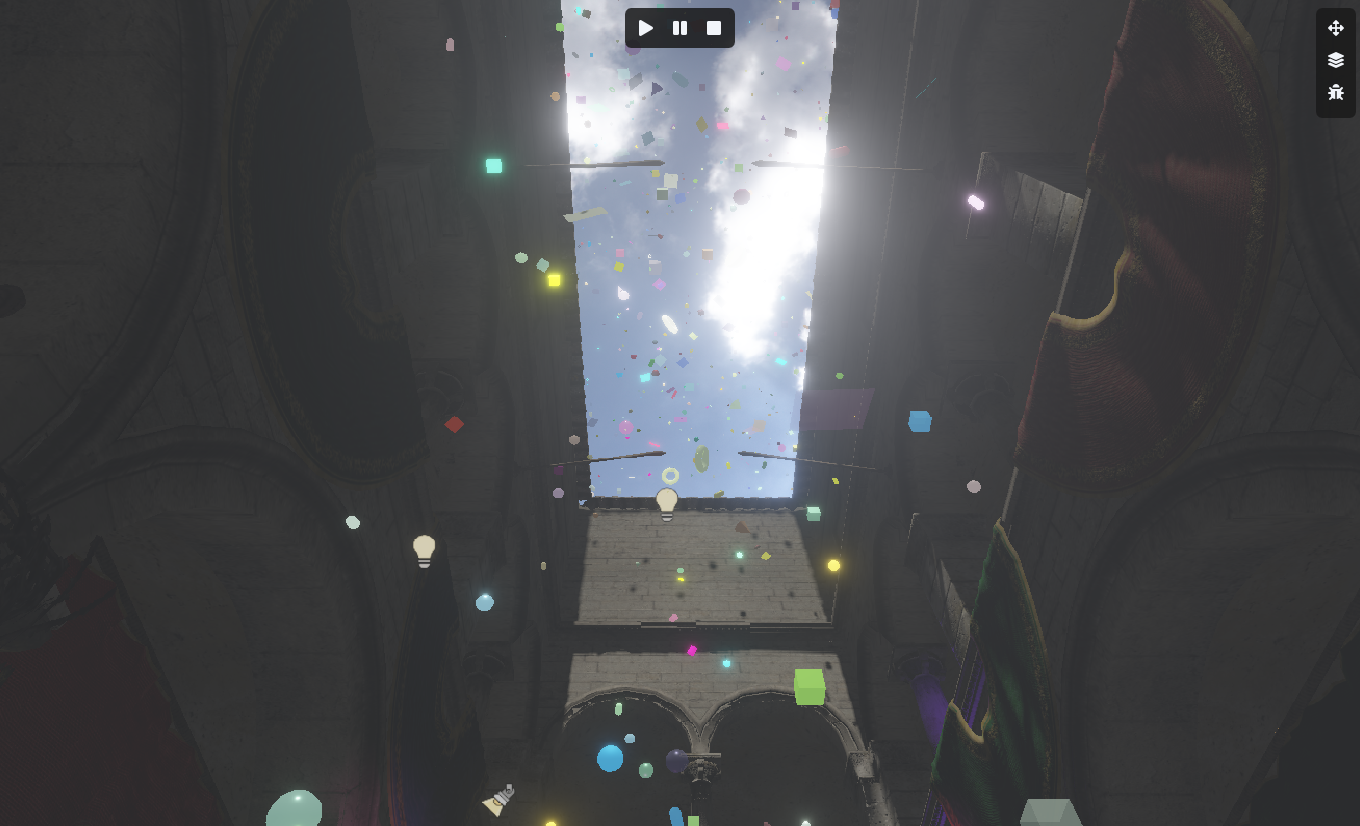
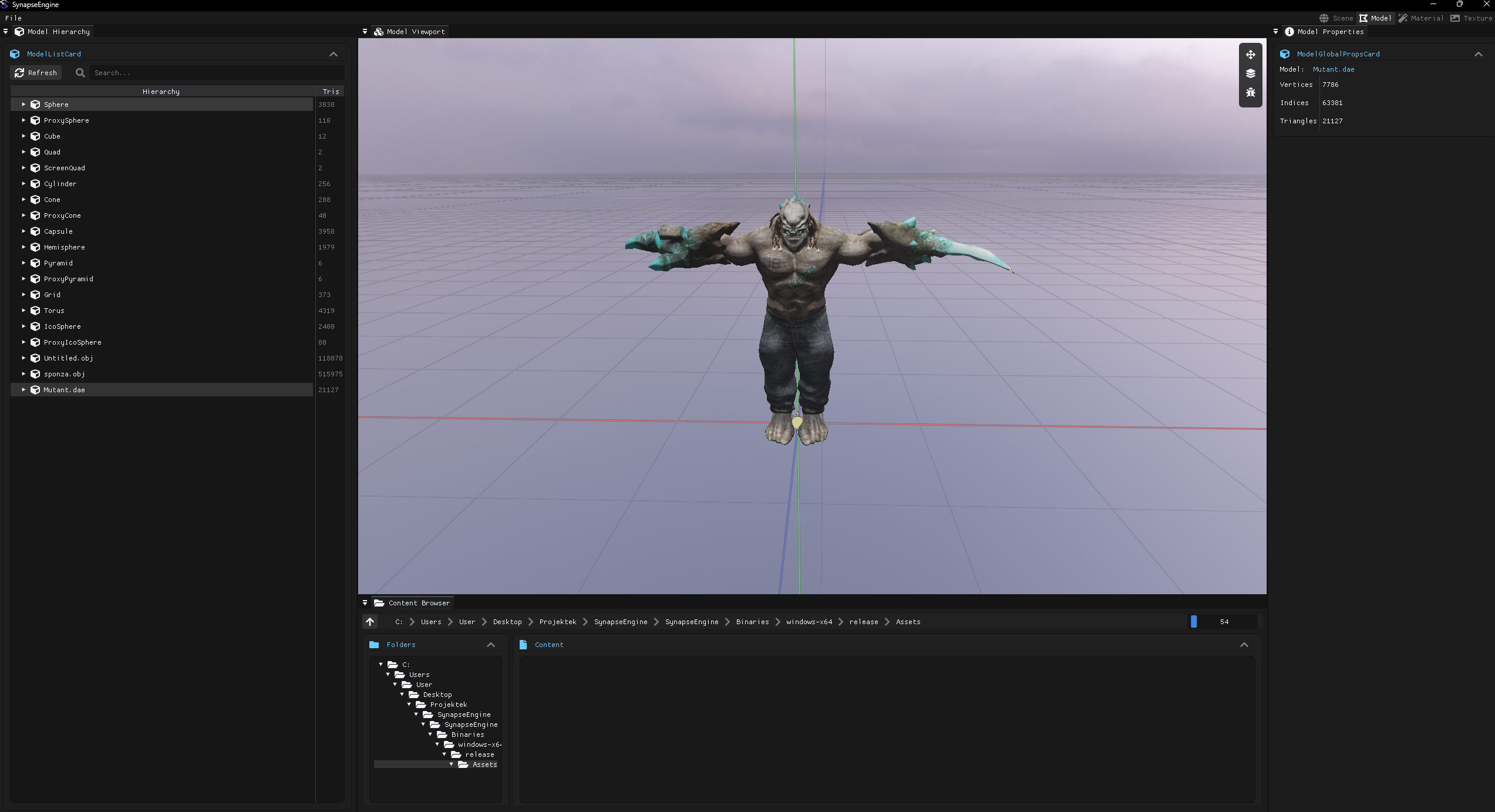
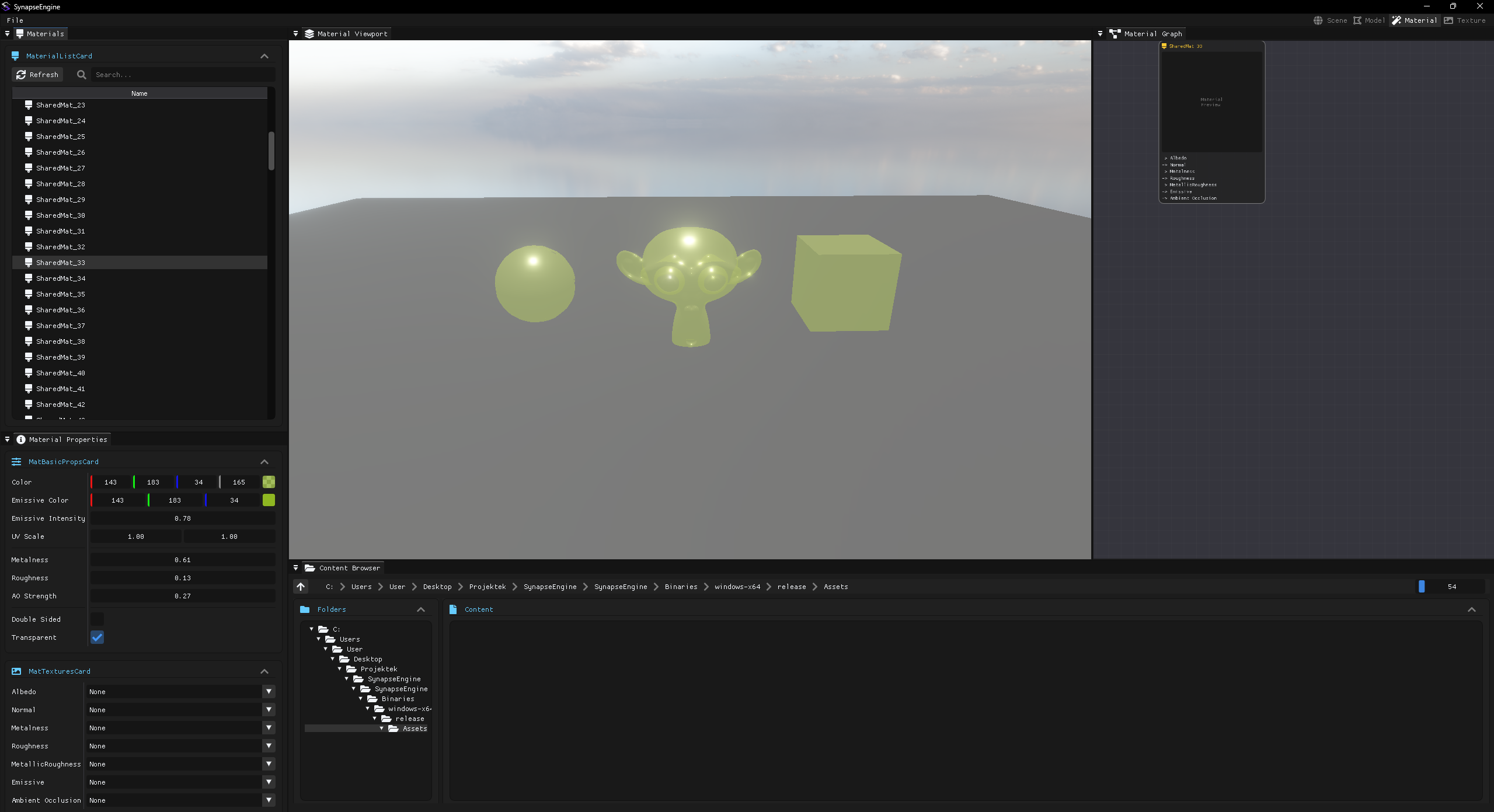
By the way, I made it so that if someone finally downloads the project, it automatically downloads all the assets as well; they are uploaded in the release.
The xmake project setup is great because it uses Lua scripts, and I was able to write a script that downloads the assets from GitHub...
I always had an issue with this, because it's not good practice to track assets in a GitHub repo, but finally, this is sorted out too.
Also, there is a HDR skysphere now, and the model workspace and material workspace are taking shape too.
The xmake project setup is great because it uses Lua scripts, and I was able to write a script that downloads the assets from GitHub...
I always had an issue with this, because it's not good practice to track assets in a GitHub repo, but finally, this is sorted out too.
Also, there is a HDR skysphere now, and the model workspace and material workspace are taking shape too.
Tamás Péter • Jul 13, 2026 - 11:12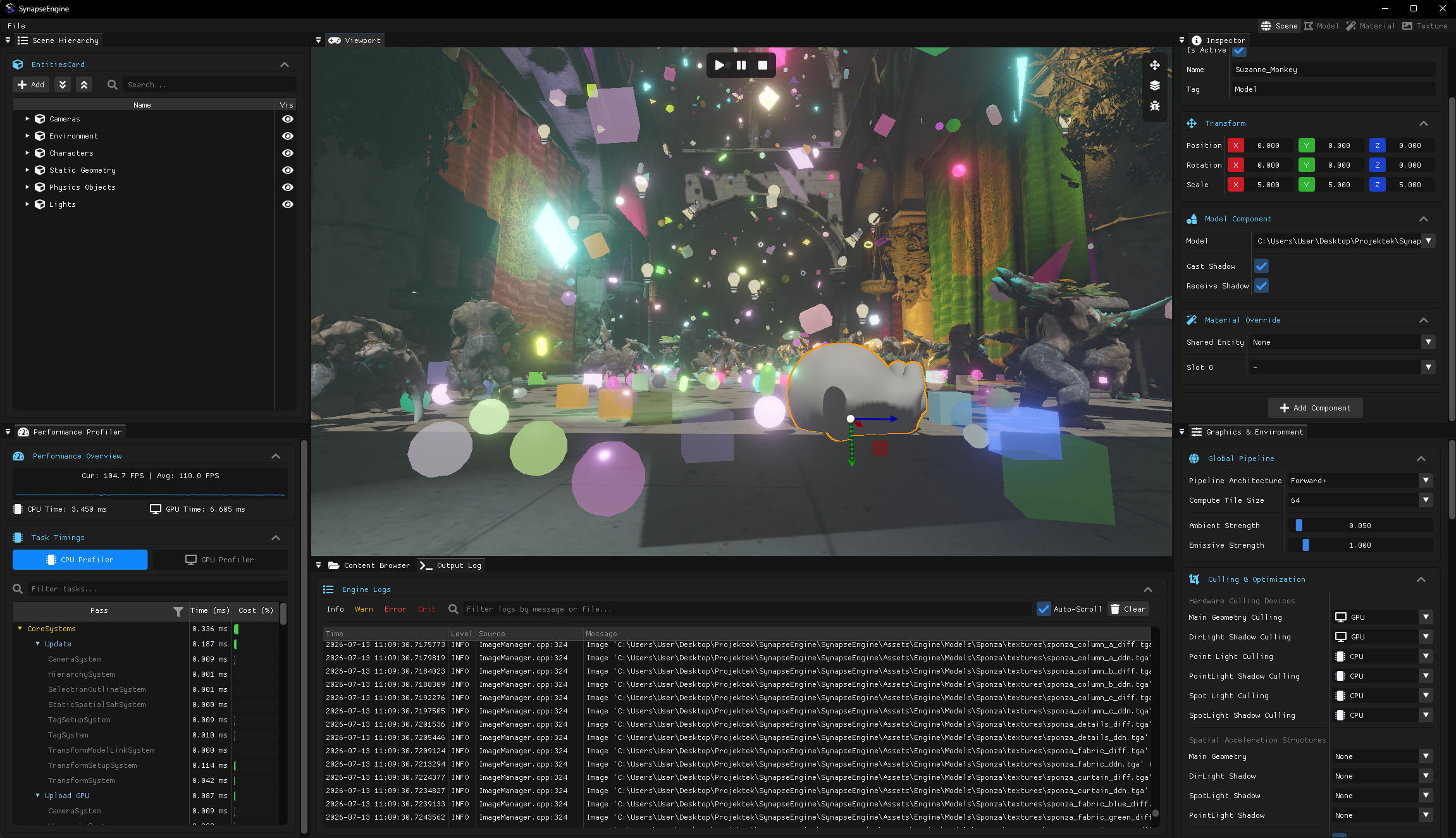
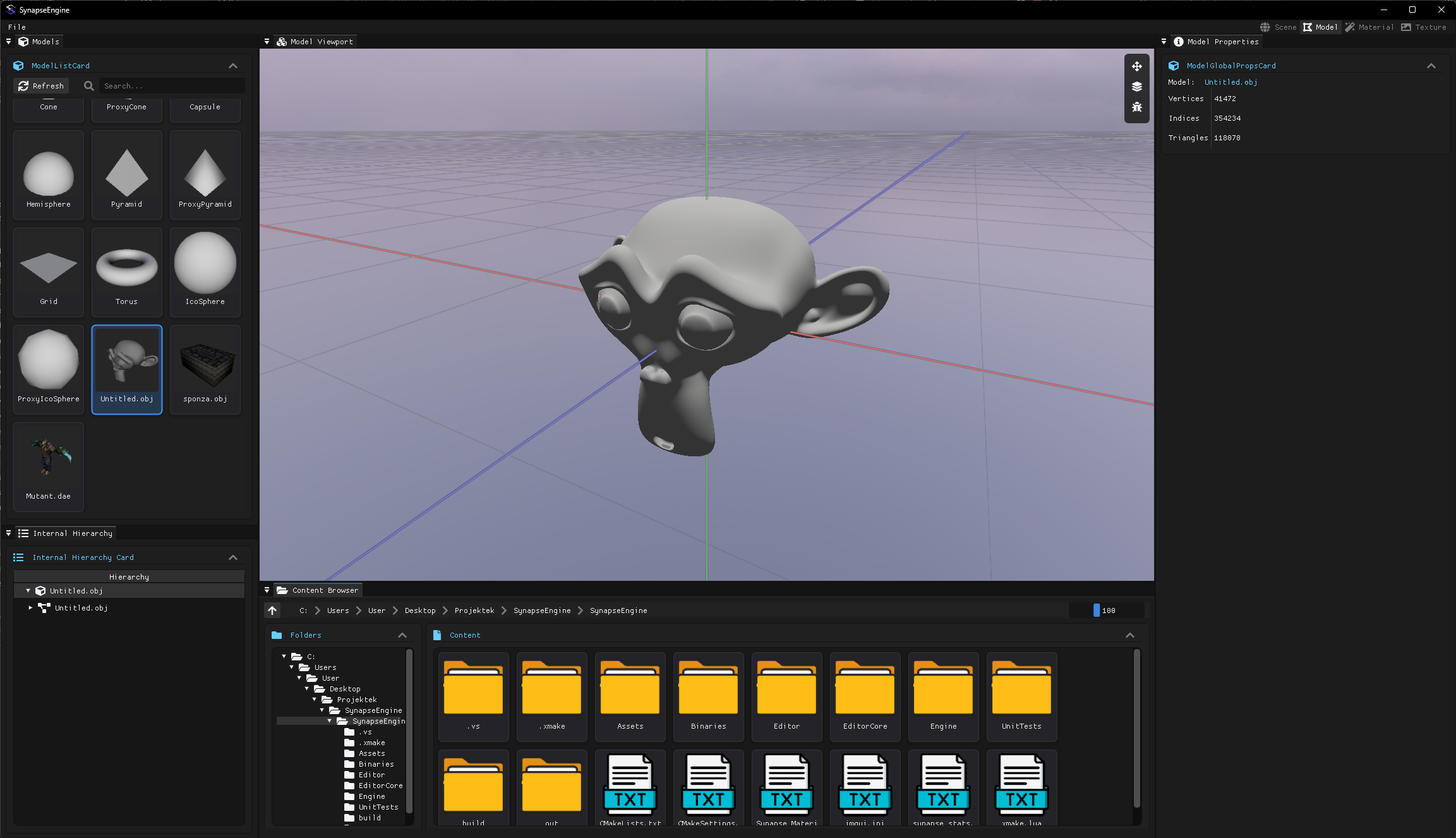
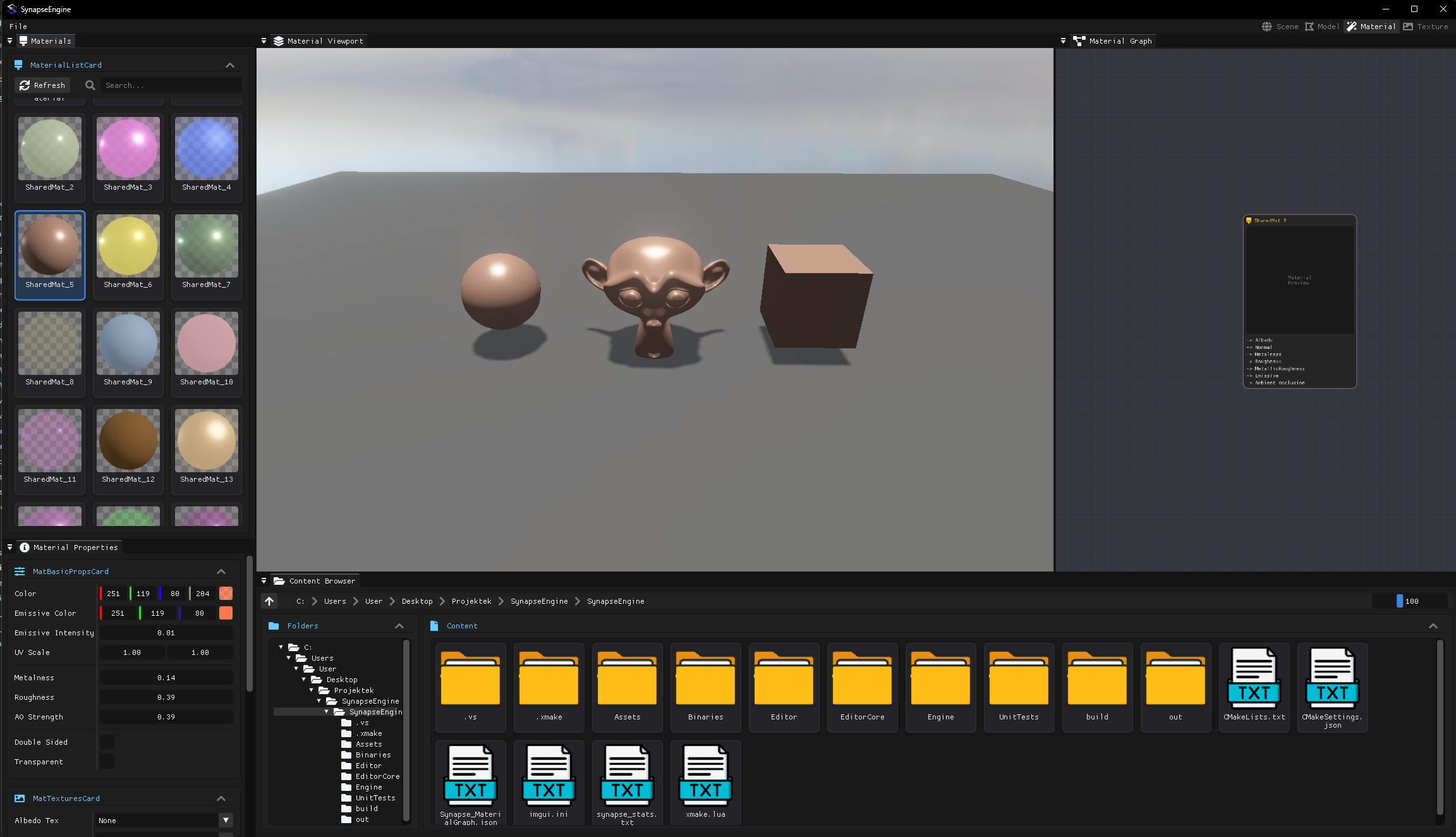
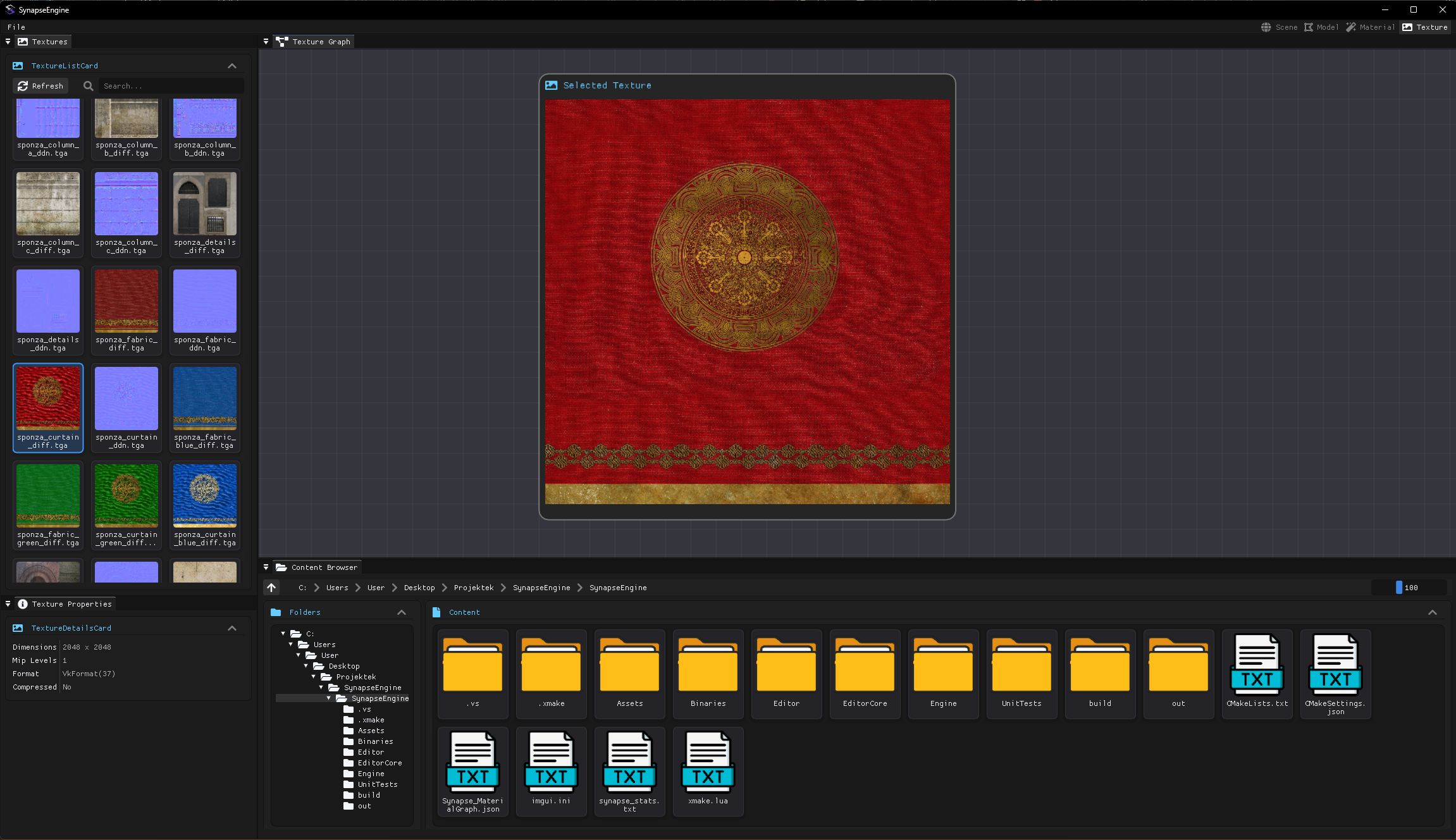
Hi!
I'm mostly done with the workspace windows too. I'll also make an animation workspace later where there will be an animation timeline, but right now I feel like what I initially planned to achieve in the engine is about 98% complete.
Here are the 4 workspaces: scene, model, material, texture.
I also made some really nice little preview cards.
I'm mostly done with the workspace windows too. I'll also make an animation workspace later where there will be an animation timeline, but right now I feel like what I initially planned to achieve in the engine is about 98% complete.
Here are the 4 workspaces: scene, model, material, texture.
I also made some really nice little preview cards.
Tamás Péter • Jul 13, 2026 - 11:15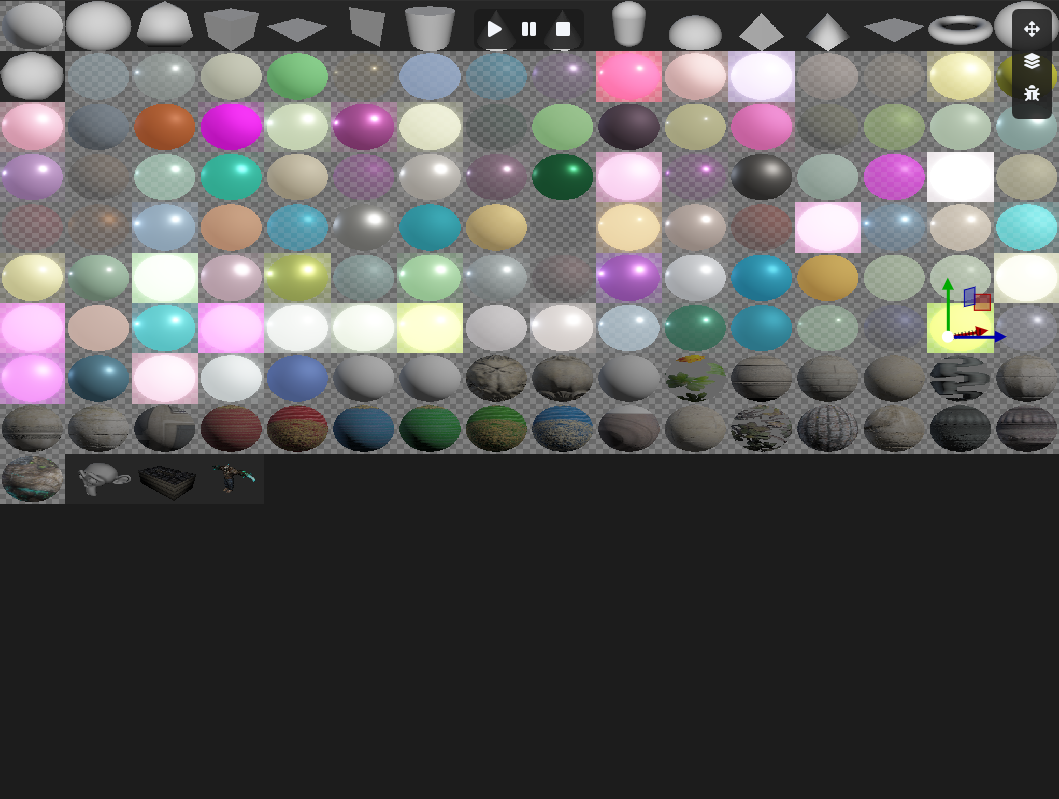
I have one of these 2K textures, and 128x128 sections are allocated. As a material/model, etc., changes... these are instantly regenerated too. The animation will have something like this as well, but I won't deal with that anymore right now.
A good few minor improvements are left, all noted down, and there are several major developments that I'll probably start working on in the second half of the summer. The ones I'm specifically interested in:
But anyway, the main point is, I feel like I'm done with the engine to the extent that I want to share the codebase with the international audience and various groups. I really think the clean code and the incredible amount of ideas and implementations in the engine are worth their weight in gold. I'm going to pause development for a while now, and I want to make a "GDC Talk"-style video where I basically explain the core things in English. And for this, I'm making a presentation PPT similar to what we did for the Grafgeo conference, but this one will have everything in it. So on one hand, it will be like educational material (what task/mesh shaders are, etc... you know), and on the other hand, truly everything from GPU-driven rendering, ECS, Forward+, modern Vulkan, key design patterns in the engine, shaders, shadow maps, and so on. So everything I feel is important to showcase (I'm planning a 100+ page PPT and a 1-2 hour video).
And when I'm done with this, I'll share the engine on Reddit or wherever, along with this video.
A good few minor improvements are left, all noted down, and there are several major developments that I'll probably start working on in the second half of the summer. The ones I'm specifically interested in:
- DX12 + Metal support, full RHI
- Slang??
- Virtual Textures
- Raytracing + RTX
- Nanite (I already looked into this; no joke, I think I'll actually be able to do a Nanite implementation in this engine because it didn't seem that complicated xd)
- Scripting
But anyway, the main point is, I feel like I'm done with the engine to the extent that I want to share the codebase with the international audience and various groups. I really think the clean code and the incredible amount of ideas and implementations in the engine are worth their weight in gold. I'm going to pause development for a while now, and I want to make a "GDC Talk"-style video where I basically explain the core things in English. And for this, I'm making a presentation PPT similar to what we did for the Grafgeo conference, but this one will have everything in it. So on one hand, it will be like educational material (what task/mesh shaders are, etc... you know), and on the other hand, truly everything from GPU-driven rendering, ECS, Forward+, modern Vulkan, key design patterns in the engine, shaders, shadow maps, and so on. So everything I feel is important to showcase (I'm planning a 100+ page PPT and a 1-2 hour video).
And when I'm done with this, I'll share the engine on Reddit or wherever, along with this video.
Fridvalszky András • Jul 13, 2026 - 11:42
Hi! Super, thanks for the status update! I also think the video/PPT is a good idea. Once it's done, let me know where I can find it.
Of course, feel free to send it! I'll be mostly at home until the end of August now, so I'll be able to take a look.
Of course, feel free to send it! I'll be mostly at home until the end of August now, so I'll be able to take a look.
Tamás Péter • Jul 23, 2026 - 12:52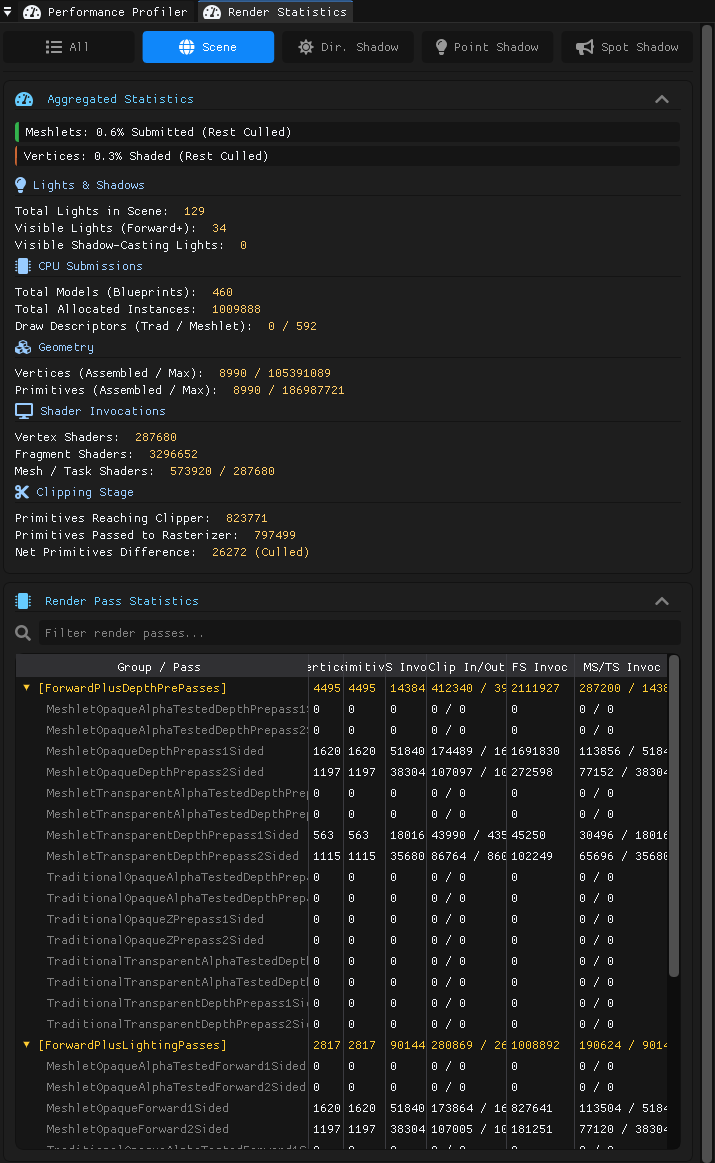
Hi!
A quick status update!
- I made a lot of progress with the presentation, it's going to be very serious. I really want to create something truly valuable and lasting on a global scale; currently, I'm already at 80 pages. It's very hard to find truly in-depth presentations on this topic that convey a lot of ideas and thoughts. I'm making one right now about the entire Synapse Engine; I've already written down the Entity-Component-System and the architectural solutions and thoughts, and I just started the graphics parts. I will really compile everything I've been sending you this year nicely organized in the style of the GrafGeo presentation, because I think this will really fill a gap in this field. I'll probably only finish it in August. (I'm planning for 150-200 pages).
- I wrote earlier, you know, about the 16-bucket system, that Alpha Tested should also be included in the draw command allocation bucket system, since this way for non-alpha tested there is no discard, meaning there is an early fragment test. I implemented this, it works great. All shaders remained, I figured out that defines can be added in the shader compiler, and then if it's alpha tested, the test and discard are included; if it's not alpha tested, the enabling of the early fragment test is explicitly written in.
- I looked into the
- I found a great glTF asset repo, I added it as a subrepo: https://github.com/KhronosGroup/glTF-Sample-Assets. You can test a ton of things with this, and everything is PBR compatible, so now Sponza is finally PBR too!
- I finally implemented the statistics collection and window. With Vulkan Query Statistics I can track all sorts of things: how many fs, vs, task, mesh invocations started, which pipeline processed how many vertices and triangles, how many triangles were discarded, and so on. And guess what, I found something weird, or a bug I don't know yet, but if the task/mesh shader statistics collection is enabled, it slows down from 1ms to 250ms. I tried to read up on it, but I couldn't find info about this anywhere. It's very suspicious to me that it might be a driver bug?? I can't test it on AMD; if it doesn't happen there, then it's an Nvidia bug; if it's that slow there too, then I have no idea why pipeline statistics handling for task/mesh shaders even exists. I also thought that maybe because of the exact invocation count, the operation somehow becomes more sequential, and that slows it down this much?? Anyway, I wrote on the Nvidia Vulkan forum, maybe they will answer...
Massive performance drop with VK_QUERY_PIPELINE_STATISTIC_TASK/MESH_SHADER_INVOCATIONS_BIT_EXT on RTX 4060 - APIs / Vulkan - NVIDIA Developer Forums
https://forums.developer.nvidia.com/t/massive-performance-drop-with-vk-query-pipeline-statistic-task-mesh-shader-invocations-bit-ext-on-rtx-4060/376792
This is what the statistics window looks like.
And there are multiple modes, you can view the data for the full scene, just the scene, or dir/point/spot shadows.
A quick status update!
- I made a lot of progress with the presentation, it's going to be very serious. I really want to create something truly valuable and lasting on a global scale; currently, I'm already at 80 pages. It's very hard to find truly in-depth presentations on this topic that convey a lot of ideas and thoughts. I'm making one right now about the entire Synapse Engine; I've already written down the Entity-Component-System and the architectural solutions and thoughts, and I just started the graphics parts. I will really compile everything I've been sending you this year nicely organized in the style of the GrafGeo presentation, because I think this will really fill a gap in this field. I'll probably only finish it in August. (I'm planning for 150-200 pages).
- I wrote earlier, you know, about the 16-bucket system, that Alpha Tested should also be included in the draw command allocation bucket system, since this way for non-alpha tested there is no discard, meaning there is an early fragment test. I implemented this, it works great. All shaders remained, I figured out that defines can be added in the shader compiler, and then if it's alpha tested, the test and discard are included; if it's not alpha tested, the enabling of the early fragment test is explicitly written in.
- I looked into the
device_generated_commands extension you recommended earlier. In its current form, I won't use it in the engine because it's not needed. Basically, on my end, the CPU side already sorts the draw command allocation among the 16 buckets, and culling happens accordingly [Opaque 1 Sided | Opaque 2 Sided | ... etc]. Well, this extension is exactly designed for when your draw command buffer isn't sorted by default, and culling just throws the draw commands together in bulk, so the driver can dynamically bind the corresponding pipeline and push constants per draw command. It might be useful later for some subsystem, but my entire architecture inherently eliminates this with the CPU-side sorted allocation.- I found a great glTF asset repo, I added it as a subrepo: https://github.com/KhronosGroup/glTF-Sample-Assets. You can test a ton of things with this, and everything is PBR compatible, so now Sponza is finally PBR too!
- I finally implemented the statistics collection and window. With Vulkan Query Statistics I can track all sorts of things: how many fs, vs, task, mesh invocations started, which pipeline processed how many vertices and triangles, how many triangles were discarded, and so on. And guess what, I found something weird, or a bug I don't know yet, but if the task/mesh shader statistics collection is enabled, it slows down from 1ms to 250ms. I tried to read up on it, but I couldn't find info about this anywhere. It's very suspicious to me that it might be a driver bug?? I can't test it on AMD; if it doesn't happen there, then it's an Nvidia bug; if it's that slow there too, then I have no idea why pipeline statistics handling for task/mesh shaders even exists. I also thought that maybe because of the exact invocation count, the operation somehow becomes more sequential, and that slows it down this much?? Anyway, I wrote on the Nvidia Vulkan forum, maybe they will answer...
Massive performance drop with VK_QUERY_PIPELINE_STATISTIC_TASK/MESH_SHADER_INVOCATIONS_BIT_EXT on RTX 4060 - APIs / Vulkan - NVIDIA Developer Forums
https://forums.developer.nvidia.com/t/massive-performance-drop-with-vk-query-pipeline-statistic-task-mesh-shader-invocations-bit-ext-on-rtx-4060/376792
This is what the statistics window looks like.
And there are multiple modes, you can view the data for the full scene, just the scene, or dir/point/spot shadows.
Tamás Péter • Jul 23, 2026 - 12:59
Here is the presentation, if you want to take a look. You don't have to review it or anything because it's insanely long, and I just started the graphics part. But this is roughly what all the GPU-driven culling rendering, the GPU-driven culling of virtual shadow mapping, and the rest will look like. Everything will be nicely and systematically explained in it.
Fridvalszky András • Jul 24, 2026 - 12:28
Hi!
I checked out the repo and even built it on Linux. Everything went well based on the description, the only thing was that for the xmake command I first had to go into an extra
Unfortunately, I couldn't run it: Failed to find a suitable GPU with Vulkan support
Probably some extension is missing on my 7900 XTX.
The repo turned out very impressive! I also really liked the xmake build system. Now that I've seen it live like this, I'll definitely look into it more, because it's truly a night and day difference compared to CMake. 😄
It's also good that you were able to look into this device generated commands, and even better that it's not needed, so this questionable branch can be checked off too.
Thanks for sending the presentation! For now I just scrolled through it, I really like its style and structure as well!
As I can see, on one hand, my card+driver combination doesn't support the Descriptor heap extension, but if I remove that, it ironically dies because my GPU doesn't support the
I checked out the repo and even built it on Linux. Everything went well based on the description, the only thing was that for the xmake command I first had to go into an extra
SynapseEngine subfolder. And in HdrImageLoader.cpp the memcpy function call wasn't recognized because an include was missing.Unfortunately, I couldn't run it: Failed to find a suitable GPU with Vulkan support
Probably some extension is missing on my 7900 XTX.
The repo turned out very impressive! I also really liked the xmake build system. Now that I've seen it live like this, I'll definitely look into it more, because it's truly a night and day difference compared to CMake. 😄
It's also good that you were able to look into this device generated commands, and even better that it's not needed, so this questionable branch can be checked off too.
Thanks for sending the presentation! For now I just scrolled through it, I really like its style and structure as well!
As I can see, on one hand, my card+driver combination doesn't support the Descriptor heap extension, but if I remove that, it ironically dies because my GPU doesn't support the
meshShaderQueries feature 😄 exactly what we wanted to check. 😄Tamás Péter • Aug 03, 2026 - 13:44
Hi!
Returning from vacation, I'm continuing the presentation with renewed energy!!
I've finished the Rendering intro section, so the main points of representation and GPU-Driven rendering are done. I'm currently at 112 pages.
What's still left:
I think the presentation is of a very high level, I'm really trying to include almost all the knowledge, problems, and insights I've gathered so far. Not just describing what the engine contains, but rather building a cause-and-effect mental model of how I actually arrived at this final solution, so it really makes sense and the 'whys' are answered.
If you have the time and mood, I think the Rendering part will be more up your alley, I think it turned out quite exciting. You don't need to point out where there are typos and such in the text, I'll handle those at the end. I'd mostly need help with how well-structured it is from an outside perspective, how well the images match the text, how well a given slide comes across, and how nicely the train of thought builds upon itself. So I'm more interested in an overall impression from an outside point of view.
If you don't like something, feel free to let me know and I'll change the text/image and such.
Returning from vacation, I'm continuing the presentation with renewed energy!!
I've finished the Rendering intro section, so the main points of representation and GPU-Driven rendering are done. I'm currently at 112 pages.
What's still left:
- GPU-Driven culling, presenting the full chunk->model->mesh->meshlet pipeline similarly to the rendering part.
- Lighting simulation: Deferred shading + Forward+ shading + Bloom, explaining the problems and solutions in detail everywhere with diagrams.
- GPU-Driven shadow culling + Rendering: Showcasing the atlas-based, Doom-like shadow mapping here.
I think the presentation is of a very high level, I'm really trying to include almost all the knowledge, problems, and insights I've gathered so far. Not just describing what the engine contains, but rather building a cause-and-effect mental model of how I actually arrived at this final solution, so it really makes sense and the 'whys' are answered.
If you have the time and mood, I think the Rendering part will be more up your alley, I think it turned out quite exciting. You don't need to point out where there are typos and such in the text, I'll handle those at the end. I'd mostly need help with how well-structured it is from an outside perspective, how well the images match the text, how well a given slide comes across, and how nicely the train of thought builds upon itself. So I'm more interested in an overall impression from an outside point of view.
If you don't like something, feel free to let me know and I'll change the text/image and such.
Fridvalszky András • Aug 05, 2026 - 13:45
Hi! Thanks for sending the slides, I read through the Rendering part for now! It's really very informative and I think it's easy to understand. There were a few typos or weird sentences, but I didn't collect them for now.
Actually, what could perhaps be elaborated or explained better was the bucket system. What I mean here is that it's visible that with every new variation, the number of buckets grows exponentially. This goes up to 16 right now (which could perhaps be halved in a production version by throwing out the traditional vertex shader pipeline), but I think it might be worth highlighting why significantly more variations won't be needed during, say, a real game. What are the options whose changing results in a new bucket, and what can be gotten away with (e.g., shader changes can theoretically be handled with "uber shaders").
The other thing could be a summary of what trade-offs were made in the architecture. The two that are immediately obvious right now are the 32-bit index metadata written next to the vertex position, and the multi-level hierarchical material structure. I'm thinking of something like: this means X% extra memory footprint for traditional animated/static models, but in exchange what flexible functionality, more comfortable architecture, or speedup do we get.
Actually, what could perhaps be elaborated or explained better was the bucket system. What I mean here is that it's visible that with every new variation, the number of buckets grows exponentially. This goes up to 16 right now (which could perhaps be halved in a production version by throwing out the traditional vertex shader pipeline), but I think it might be worth highlighting why significantly more variations won't be needed during, say, a real game. What are the options whose changing results in a new bucket, and what can be gotten away with (e.g., shader changes can theoretically be handled with "uber shaders").
The other thing could be a summary of what trade-offs were made in the architecture. The two that are immediately obvious right now are the 32-bit index metadata written next to the vertex position, and the multi-level hierarchical material structure. I'm thinking of something like: this means X% extra memory footprint for traditional animated/static models, but in exchange what flexible functionality, more comfortable architecture, or speedup do we get.
Tamás Péter • Aug 05, 2026 - 13:55
Ahha, okay, thanks for reading it!!
Then I'll fix these in it later, and add slides like this too!
By the way, that 3, or rather now 4-layer architecture I came up with—I showed it to you at the beginning of last semester, but it's also in the article, and it's presented in this presentation too, you know, the Raw->Cooked->Gpu->Cpu, and the processor, pipeline-based model management.
That was a brutally good generalization, because I literally just implemented audio finally in the engine (2D/3D too with miniaudio), and I used exactly this same design pattern there too.
It's the same logic for Animation and Texture management, and right now I'm rewriting the Shader management to this pipelined Raw/Cooked approach, and it fits perfectly here too.
And it's really great because I'll finally be able to handle GLSL, HLSL, and SLANG code simultaneously; a separate compiler will compile them, a separate reflector, you can write shaders procedurally from code as a string and it will be able to compile that too, you can write a processor that resolves includes (e.g., this is great for OpenGL, because there's no include resolution by default there).
That pattern is really good, I'm using the exact same logic in like 5 places in the engine.
Then I'll fix these in it later, and add slides like this too!
By the way, that 3, or rather now 4-layer architecture I came up with—I showed it to you at the beginning of last semester, but it's also in the article, and it's presented in this presentation too, you know, the Raw->Cooked->Gpu->Cpu, and the processor, pipeline-based model management.
That was a brutally good generalization, because I literally just implemented audio finally in the engine (2D/3D too with miniaudio), and I used exactly this same design pattern there too.
It's the same logic for Animation and Texture management, and right now I'm rewriting the Shader management to this pipelined Raw/Cooked approach, and it fits perfectly here too.
And it's really great because I'll finally be able to handle GLSL, HLSL, and SLANG code simultaneously; a separate compiler will compile them, a separate reflector, you can write shaders procedurally from code as a string and it will be able to compile that too, you can write a processor that resolves includes (e.g., this is great for OpenGL, because there's no include resolution by default there).
That pattern is really good, I'm using the exact same logic in like 5 places in the engine.
Tamás Péter • Aug 06, 2026 - 16:26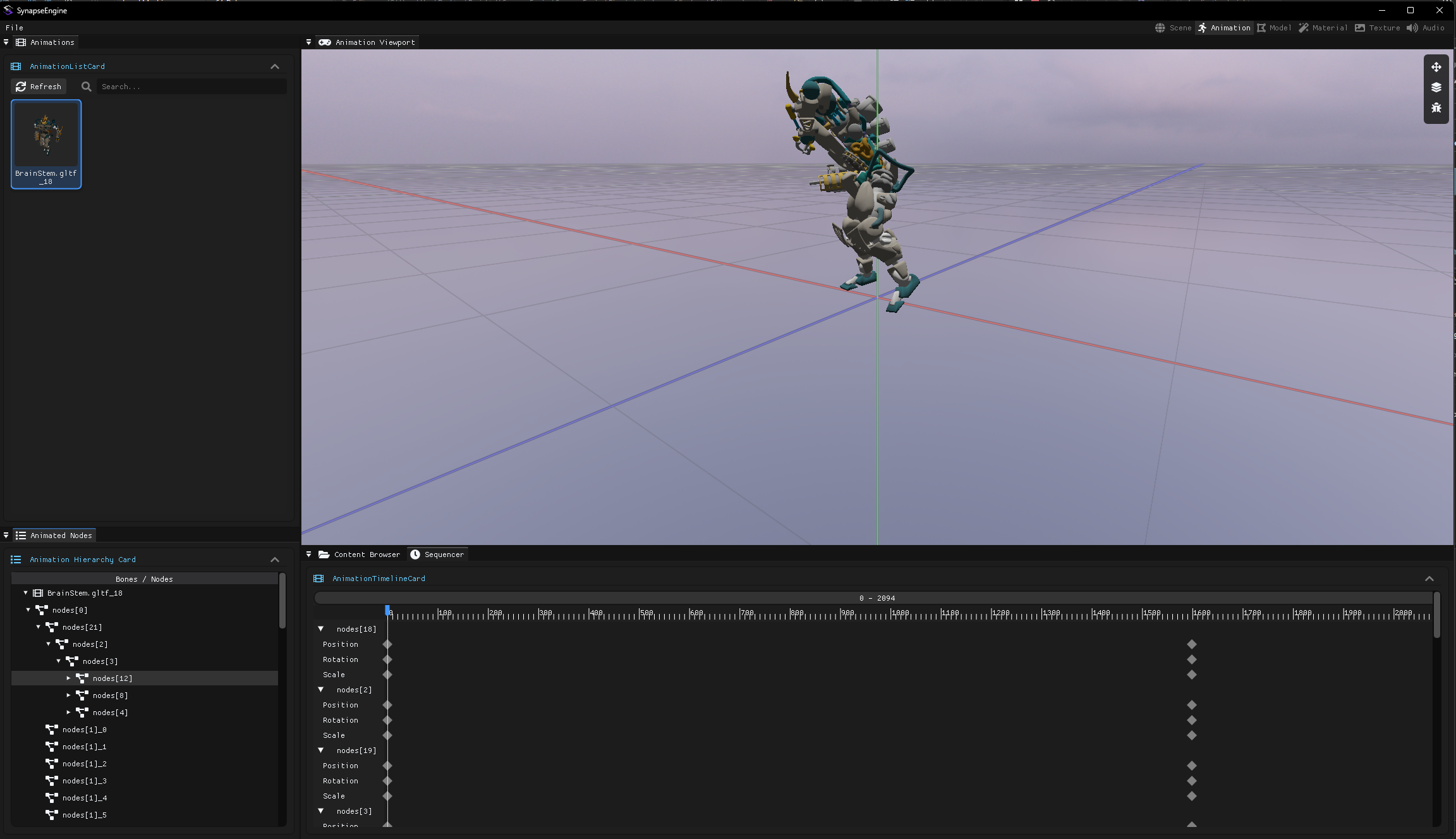
The animation workspace is also coming together in the meantime. The preview texture is animated, constantly moving there as well, and there's already a sequencer at the bottom. Functionally it doesn't work yet, but a part of the backend code is done, and later you'll be able to create animations here, as well as tweak loaded animations. There will also be a property editor in it.
Tamás Péter • Aug 06, 2026 - 16:30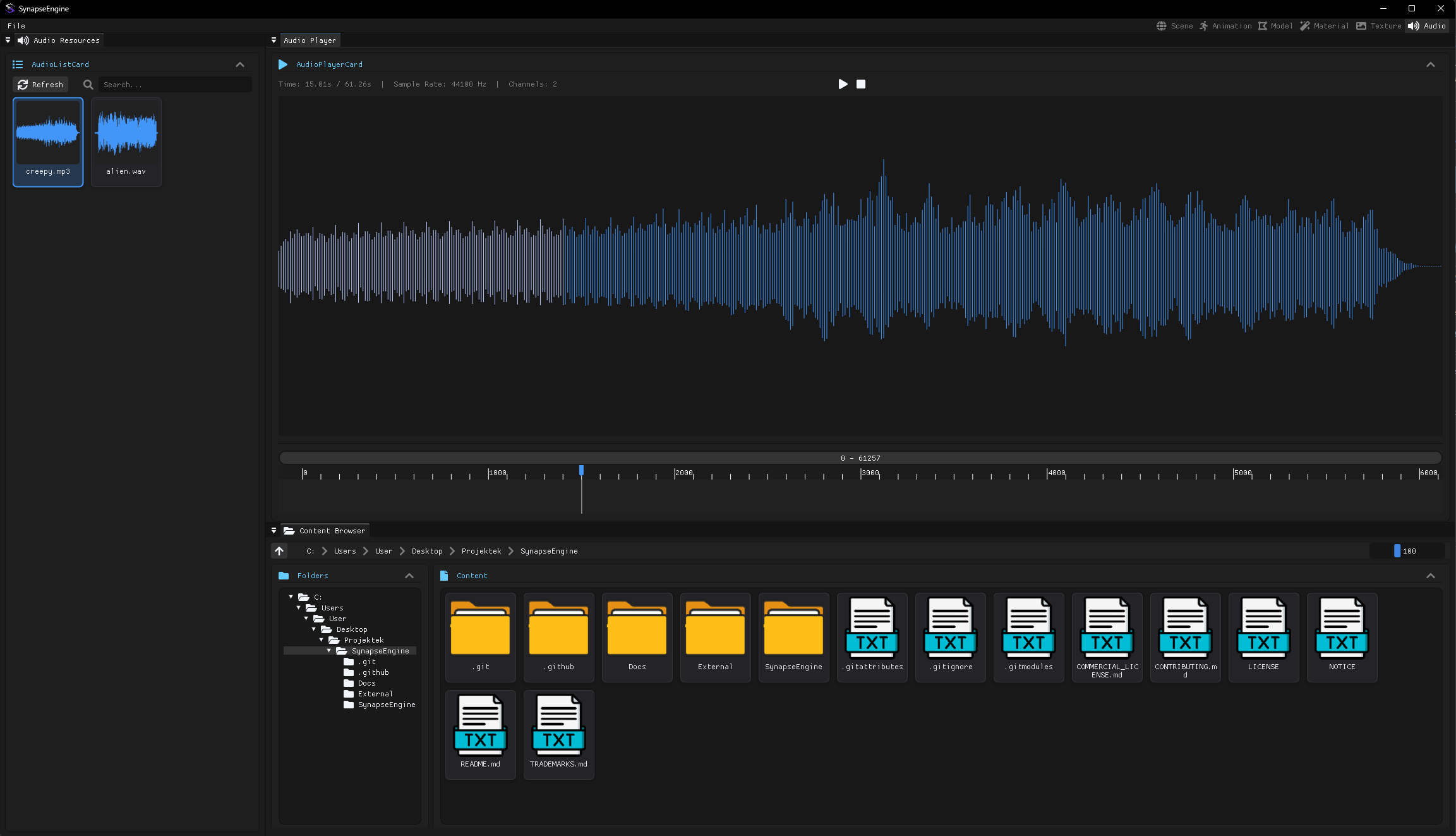
I also started making an Audio editor workspace, the ones on the left are preview textures too, I generate the waveform procedurally from the audio data, and there will be a similar sequencer here as in the animation, with the only difference being that there will be a little sound player window where you can jump around in the audio, play it forwards and backwards, but this is still in its early stages:
https://youtu.be/5Rdv-zo7o9I
EDIT: In the meantime, the player is finished.
https://youtu.be/5Rdv-zo7o9I
EDIT: In the meantime, the player is finished.
Tamás Péter • Aug 06, 2026 - 16:45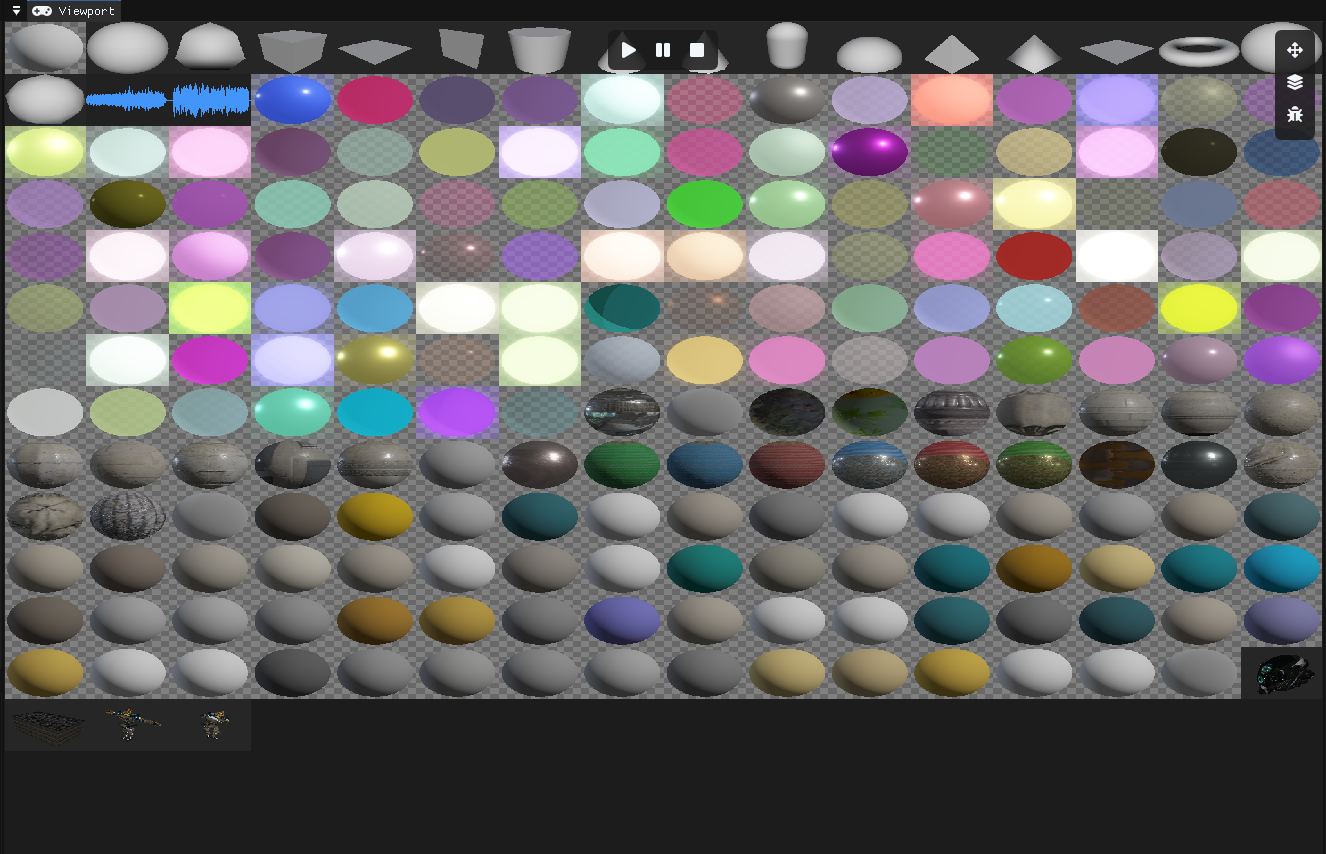
And you see, everything is in a little preview atlas like this.
Oh yeah, I wanted to ask, I'd like to load, support, and render videos later on. So displaying a random MP4 video on a cube, or actually on any surface. And I was thinking about what the most practical solution is. Naturally, pre-loading a multi-minute video into textures wouldn't be good at all, so it will have to be streamed. But on the shader side, do I just have 1 texture that I treat traditionally exactly like any other texture, except in the background I continuously update the texture's content with the streamed video's pixels? And then the texture itself feels like a continuous video?
Oh yeah, I wanted to ask, I'd like to load, support, and render videos later on. So displaying a random MP4 video on a cube, or actually on any surface. And I was thinking about what the most practical solution is. Naturally, pre-loading a multi-minute video into textures wouldn't be good at all, so it will have to be streamed. But on the shader side, do I just have 1 texture that I treat traditionally exactly like any other texture, except in the background I continuously update the texture's content with the streamed video's pixels? And then the texture itself feels like a continuous video?
Fridvalszky András • Aug 07, 2026 - 07:29
I'm currently at Balaton so I'll just answer this latter one quickly. Actually, the final phase is indeed that the texture needs to be updated. The question is who and where will decode the video that is in an encoded state on the disk. It can be CPU decoding, and then the CPU streams the finished frames up in advance (some time ahead), or it can be GPU decoding, in which case only the raw video stream goes up to the GPU and the frame drawn into the texture is generated there. But there might be other pitfalls here to watch out for, I'm not entirely sure.
Tamás Péter • Aug 07, 2026 - 17:10
By the way, I actually did it! The whole engine is built so well that I can create entire subsystems in it in 1 day.
I used the same Raw/Cooked/GPU pipeline for the videos here too. FFmpeg CPU loading and CPU-side video decoding and streaming work in it, and Vulkan has extensions:
https://www.youtube.com/watch?v=9ZgdC-Fxi_w
I used the same Raw/Cooked/GPU pipeline for the videos here too. FFmpeg CPU loading and CPU-side video decoding and streaming work in it, and Vulkan has extensions:
VK_KHR_video_queue, VK_KHR_video_decode_queue, VK_KHR_video_decode_h264, which can be used to do GPU-side decoding; the engine supports this too, you can set which one you want to use at the moment!! Video streaming is done too https://www.youtube.com/watch?v=9ZgdC-Fxi_w
Tamás Péter • Aug 15, 2026 - 20:32
Hi!
I made a lot of progress with the presentation, slowly but surely I'm nearing the end.
I'm currently at 189 pages, almost everything I wanted to talk about is already in it.
What's still coming is the shadow part, detailing the dir/point/spot GPU-driven atlas-based shadow mapping, the problems with simple shadow mapping, etc. Once the shadow part is done, the presentation will contain every main backbone element, concept, and solution of the engine. The full engine, by the way, is a ridiculously massive 90,000 lines of code, and even so, a lot of things were left out of the presentation, but I really just want to present the core concepts and elements.
After the shadows, there will be a list of what else the engine can do, 1-1 slide for these: video, sound, physics, editor windows, which won't discuss implementation anymore, but just showcase that it can do these too.
And once this is done, I'll be finished with the presentation. I'll make a 5-10 minute engine showcase YouTube video in English, fix some bugs and stuff, and then the engine will be ready for publishing. Hopefully, this happens in August, if not, then 100% everything will be done in September.
Start from page 113, I expanded the rendering part with animation, because I forgot that. The changes you suggested aren't in it yet, I'll do those at the end. Again, no need to look for grammar mistakes or typos, I fixed like 100 places last time too. What's important: How well does the given slide come across, how well is the logic and cause-and-effect built up, how well does the slide build a mental model of the topic, so to speak. How well does the image match the text. There will probably be repetition in a few places, because naturally I didn't do it in one sitting, and it's hard to keep in mind exactly what was said on which slide, so maybe 1 or 2 thoughts repeat multiple times, although it's not a problem because what is mentioned often is probably important.
Culling, Deferred Shading, Forward+ are discussed this way from 113-189. I think it turned out really awesome. Whenever you have time, just read through it, no need to do it all at once, maybe during lunch or if you're bored. There's still plenty of time until release anyway, and thanks again for the help.
(Oh, and all the full diagrams and such, I have them in a unified draw.io file, so anyone can export any diagram from here for themselves. Even you guys, if you ever want to use slides or just diagrams from the presentation for lectures or educational materials, feel free to do so!!!)
I made a lot of progress with the presentation, slowly but surely I'm nearing the end.
I'm currently at 189 pages, almost everything I wanted to talk about is already in it.
What's still coming is the shadow part, detailing the dir/point/spot GPU-driven atlas-based shadow mapping, the problems with simple shadow mapping, etc. Once the shadow part is done, the presentation will contain every main backbone element, concept, and solution of the engine. The full engine, by the way, is a ridiculously massive 90,000 lines of code, and even so, a lot of things were left out of the presentation, but I really just want to present the core concepts and elements.
After the shadows, there will be a list of what else the engine can do, 1-1 slide for these: video, sound, physics, editor windows, which won't discuss implementation anymore, but just showcase that it can do these too.
And once this is done, I'll be finished with the presentation. I'll make a 5-10 minute engine showcase YouTube video in English, fix some bugs and stuff, and then the engine will be ready for publishing. Hopefully, this happens in August, if not, then 100% everything will be done in September.
Start from page 113, I expanded the rendering part with animation, because I forgot that. The changes you suggested aren't in it yet, I'll do those at the end. Again, no need to look for grammar mistakes or typos, I fixed like 100 places last time too. What's important: How well does the given slide come across, how well is the logic and cause-and-effect built up, how well does the slide build a mental model of the topic, so to speak. How well does the image match the text. There will probably be repetition in a few places, because naturally I didn't do it in one sitting, and it's hard to keep in mind exactly what was said on which slide, so maybe 1 or 2 thoughts repeat multiple times, although it's not a problem because what is mentioned often is probably important.
Culling, Deferred Shading, Forward+ are discussed this way from 113-189. I think it turned out really awesome. Whenever you have time, just read through it, no need to do it all at once, maybe during lunch or if you're bored. There's still plenty of time until release anyway, and thanks again for the help.
(Oh, and all the full diagrams and such, I have them in a unified draw.io file, so anyone can export any diagram from here for themselves. Even you guys, if you ever want to use slides or just diagrams from the presentation for lectures or educational materials, feel free to do so!!!)
Tamás Péter • Aug 19, 2026 - 14:05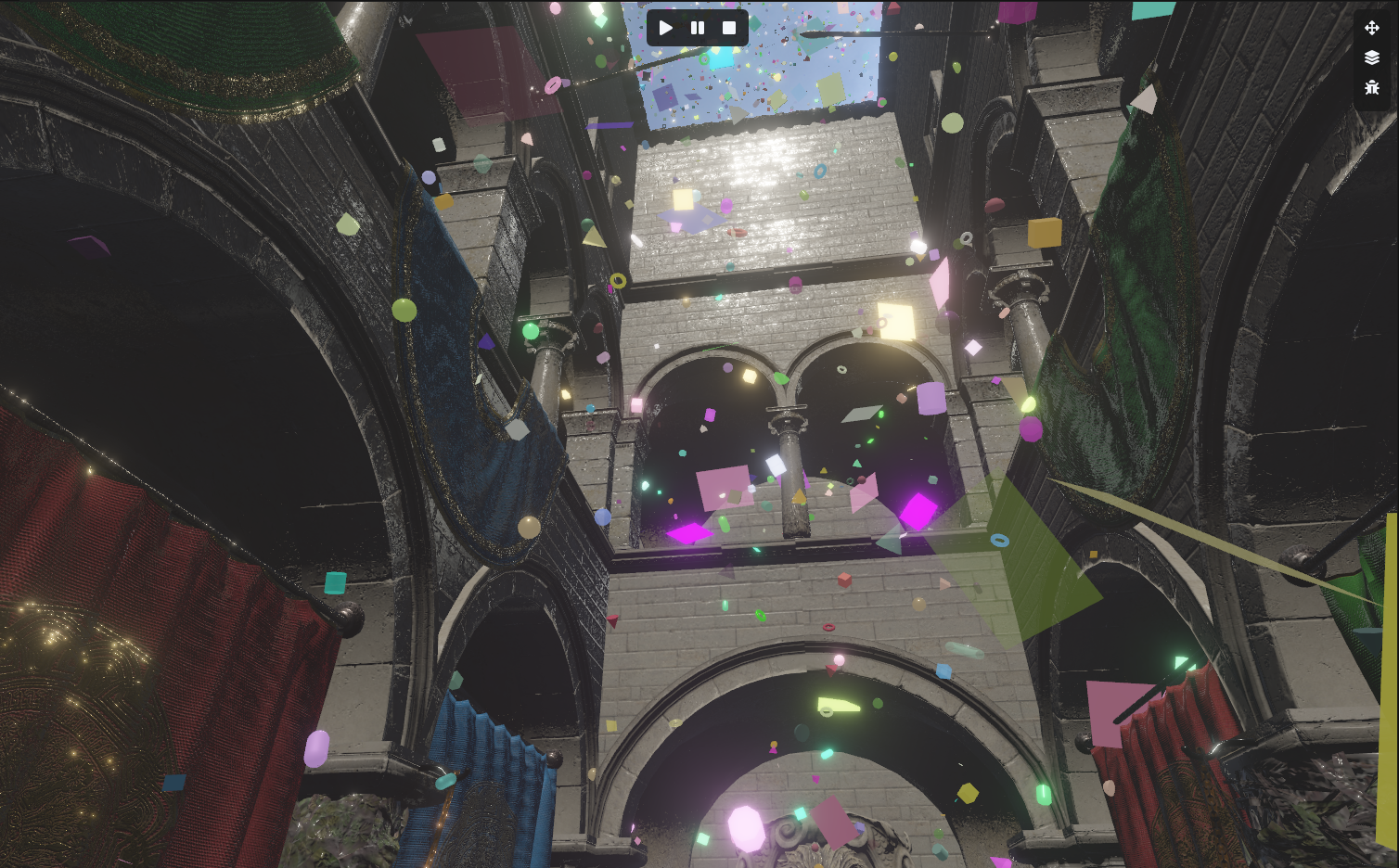
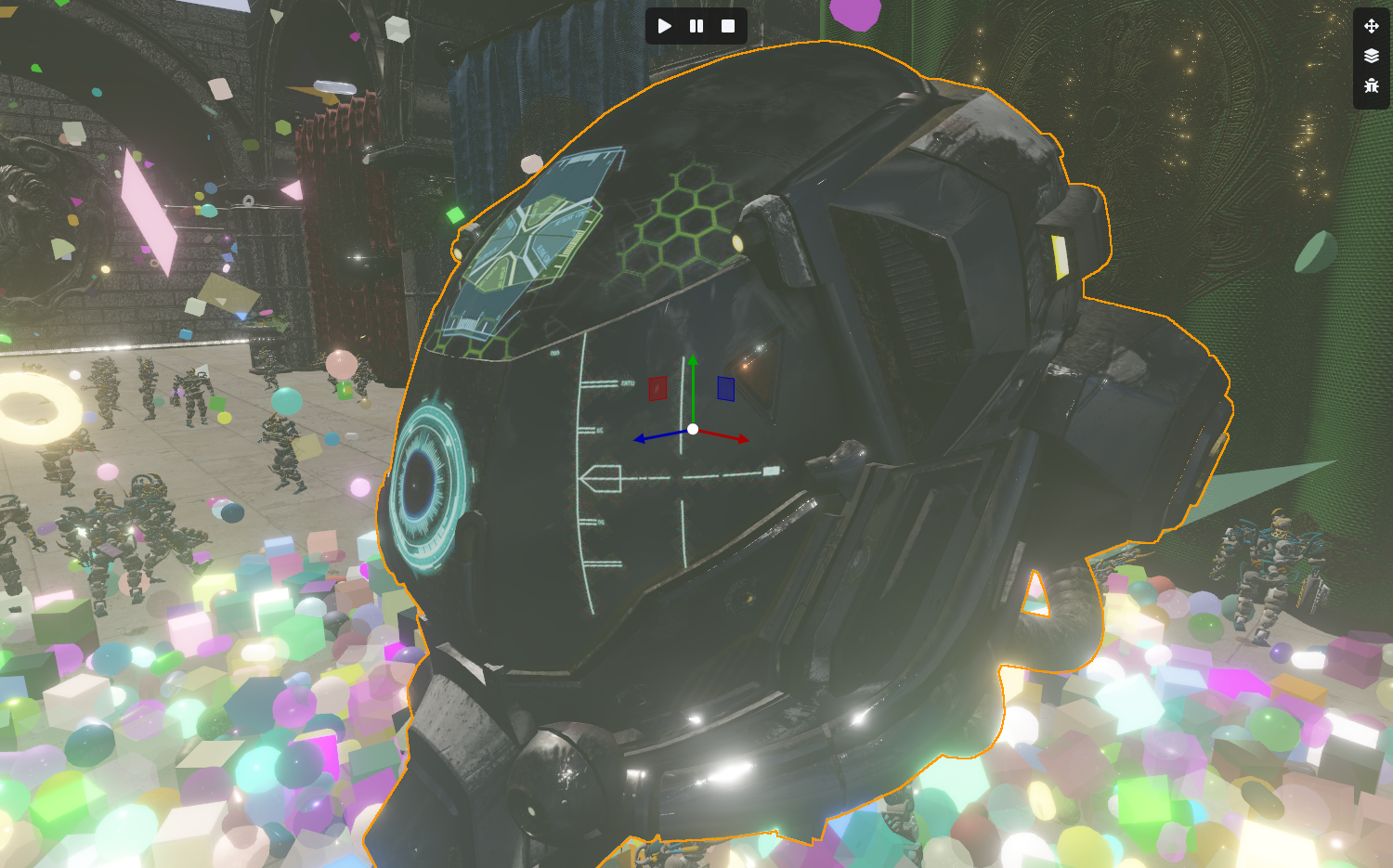
By the way, I also implemented Image Based Lighting. This was a PBR feature that I had wanted to do for a long time, but it seemed too complex, and I could always make progress with other things. But now the SkyBox acts as a light source too. I generate the irradiance cubemaps needed for the diffuse/specular simulation using compute shaders, completely with async compute shaders.
(You can see on the helmet that the skybox is reflected)
(You can see on the helmet that the skybox is reflected)
Tamás Péter • Aug 19, 2026 - 14:10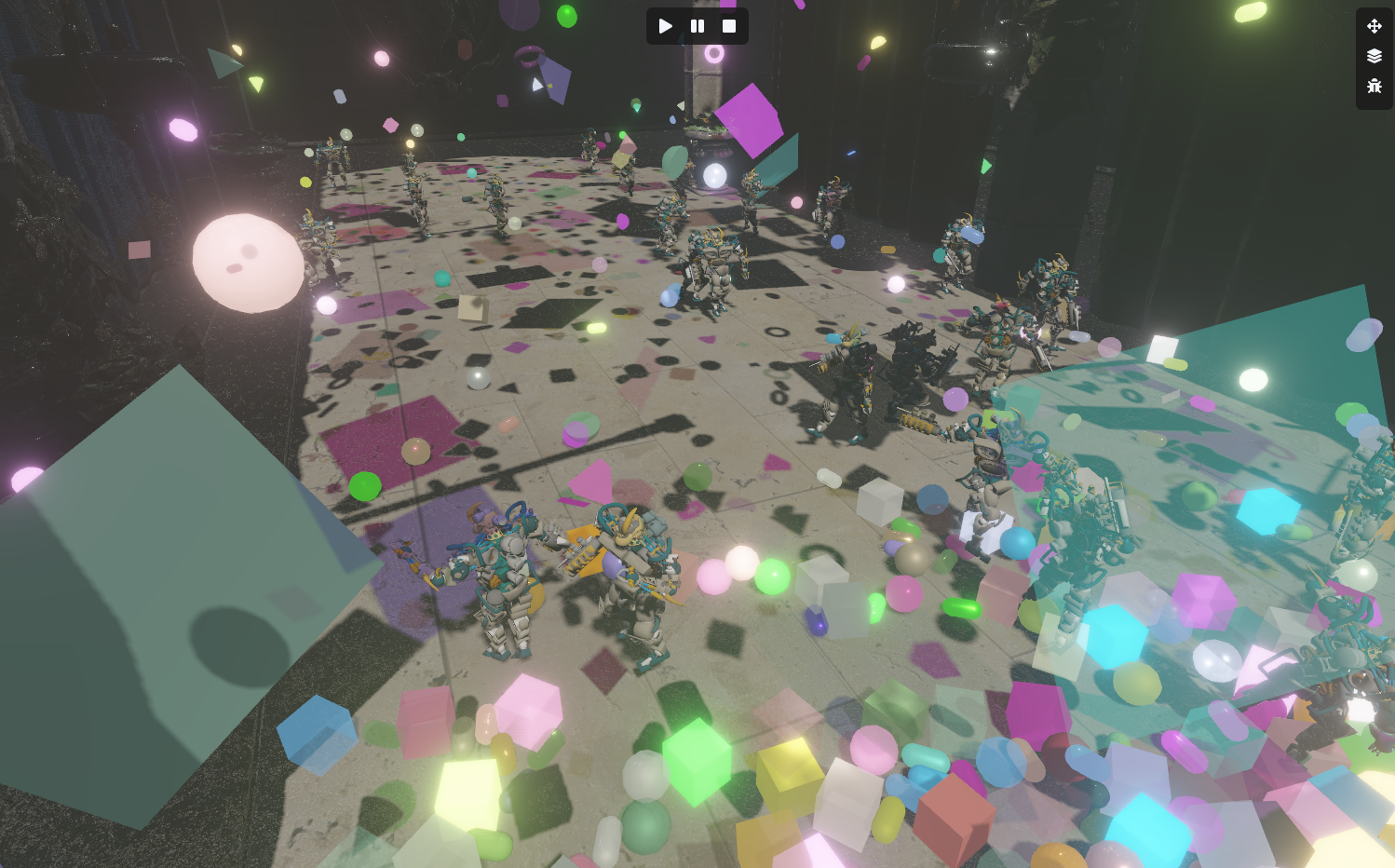
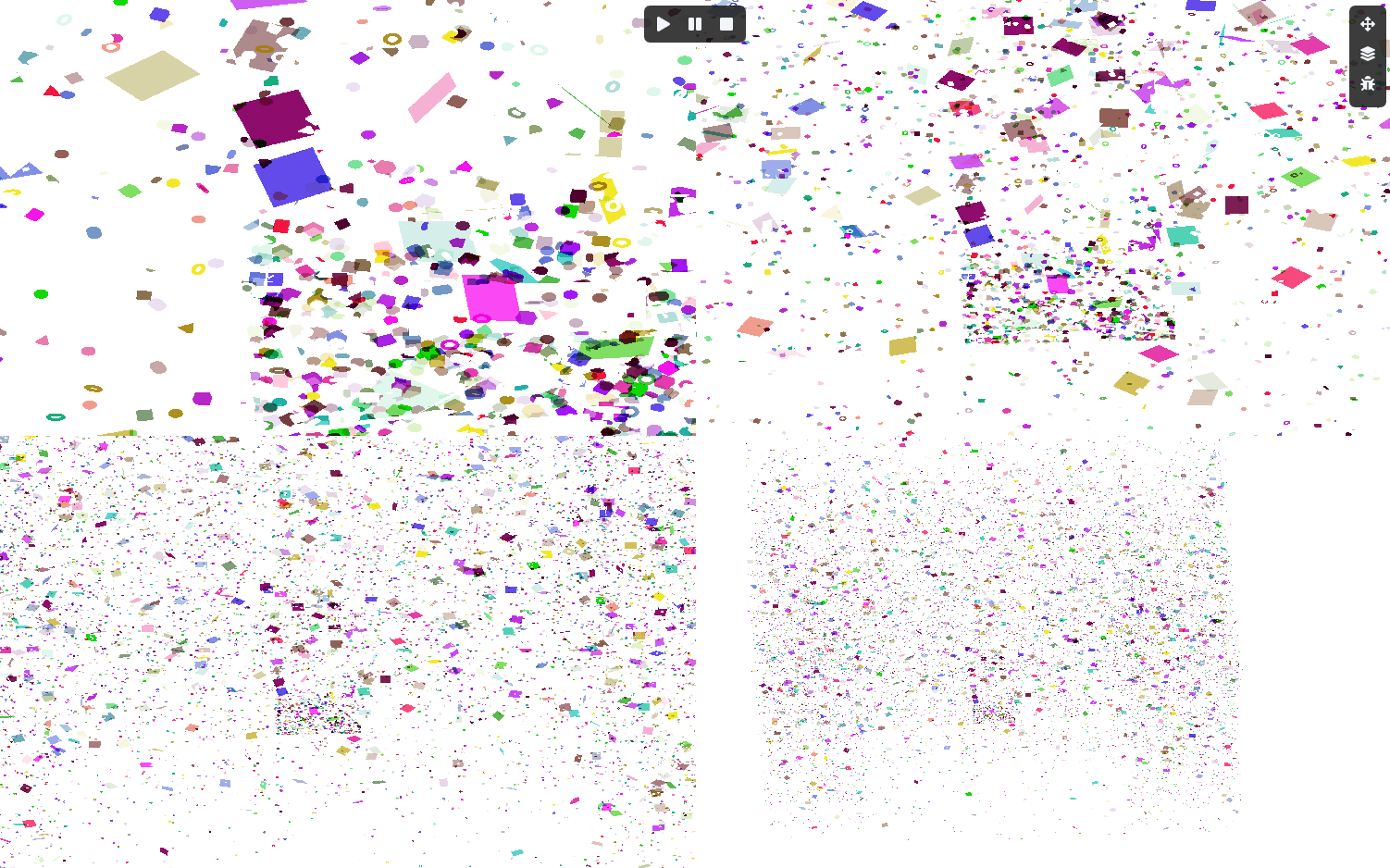
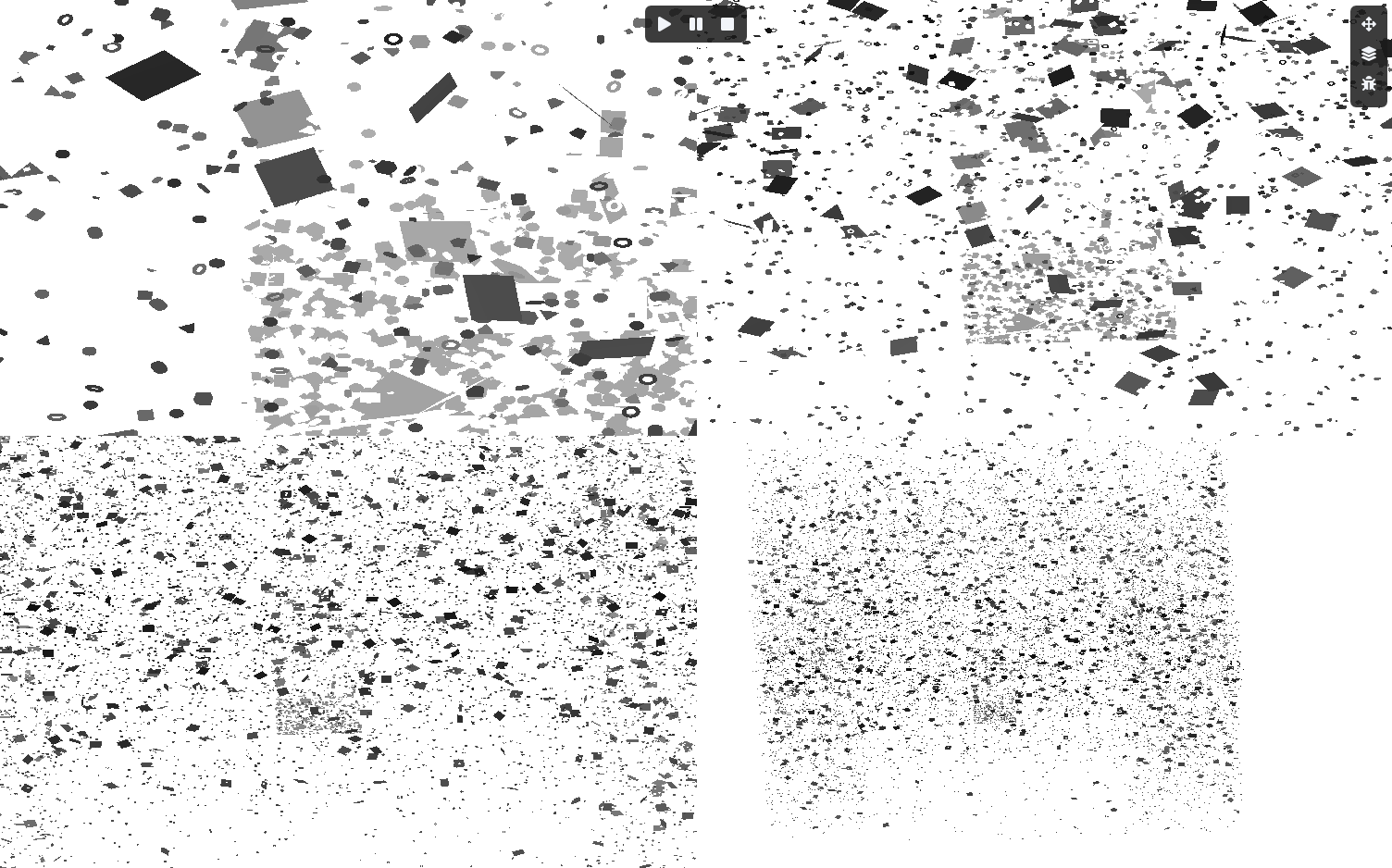
And before I started the shadow presentation, I wanted to implement colored transparent shadow handling. In the end, I save the color values into an R16G16B16A16 texture. Compared to a D32 depth, this is really just +32 bits, so it doesn't eat up that much memory. Oh, and what was interesting about it is that I had never come across this before, maybe you haven't either, but the depth is saved in the A16 channel because this is needed to discard the self-shadow at the 1st transparent object, so during rendering, the depth goes into A16.
And how you do that is that for the blend state, you can provide separate RGB and Alpha states, and then the Alpha channel gets a MIN operation, which naturally stores the closest depth. I just thought I'd write this down too, because I've only just really understood the usefulness of being able to set blend states separately.
And how you do that is that for the blend state, you can provide separate RGB and Alpha states, and then the Alpha channel gets a MIN operation, which naturally stores the closest depth. I just thought I'd write this down too, because I've only just really understood the usefulness of being able to set blend states separately.
            .blendStates = {
                {
                    .enable = VK_TRUE,
                    .srcColorFactor = VK_BLEND_FACTOR_ZERO,
                    .dstColorFactor = VK_BLEND_FACTOR_SRC_COLOR,
                    .colorBlendOp = VK_BLEND_OP_ADD,
                    .srcAlphaFactor = VK_BLEND_FACTOR_ONE,
                    .dstAlphaFactor = VK_BLEND_FACTOR_ONE,
                    .alphaBlendOp = VK_BLEND_OP_MIN
                }
            },
Fridvalszky András • Aug 21, 2026 - 13:48
Awesome!
I actually haven't had to program colored shadows yet, so I didn't immediately know that it's worth using this here :D
I actually haven't had to program colored shadows yet, so I didn't immediately know that it's worth using this here :D
Tamás Péter • Aug 25, 2026 - 21:19
I'm 99% done with the presentation, every technical part I wanted to cover is in it. There are still a few pages left about the future of the engine, what developments are still expected, but that's really just a few pages. It ended up being 233 pages of technical content.
I haven't reread it yet, I'll go through the whole thing again tomorrow and make some more fixes.
https://synapseengine.dev/
I also made a website for the engine (it's github.io in the background by the way). I thought I'd modernize this too because the previous one wasn't put together that well, but I really like this one now. I plan to have a devblog here in the future (learnopengl-like stuff), but I won't deal with that for now, because everything is in the presentation.
Oh yeah, I was also thinking about having a Journey section in the devblog. Actually, the messages I've been sending you here from the very beginning follow exactly how the engine evolved, because I documented it for you from the complete rewrite.
Maybe it would be super exciting to see how it took shape step-by-step. I just wanted to ask if it would bother you if I put our conversations from here (specifically the ones related to the engine and techniques from the rewrite onwards) on the website? Translated into English, of course.
I haven't reread it yet, I'll go through the whole thing again tomorrow and make some more fixes.
https://synapseengine.dev/
I also made a website for the engine (it's github.io in the background by the way). I thought I'd modernize this too because the previous one wasn't put together that well, but I really like this one now. I plan to have a devblog here in the future (learnopengl-like stuff), but I won't deal with that for now, because everything is in the presentation.
Oh yeah, I was also thinking about having a Journey section in the devblog. Actually, the messages I've been sending you here from the very beginning follow exactly how the engine evolved, because I documented it for you from the complete rewrite.
Maybe it would be super exciting to see how it took shape step-by-step. I just wanted to ask if it would bother you if I put our conversations from here (specifically the ones related to the engine and techniques from the rewrite onwards) on the website? Translated into English, of course.
Tamás Péter • Aug 27, 2026 - 18:00
Here is the actually final one xd
I also expanded it with future directions, like what I'm interested in and what else I want to do in the future.
247 pages is actually the end.
I also expanded it with future directions, like what I'm interested in and what else I want to do in the future.
247 pages is actually the end.